Focalapp



What is Focalapp?
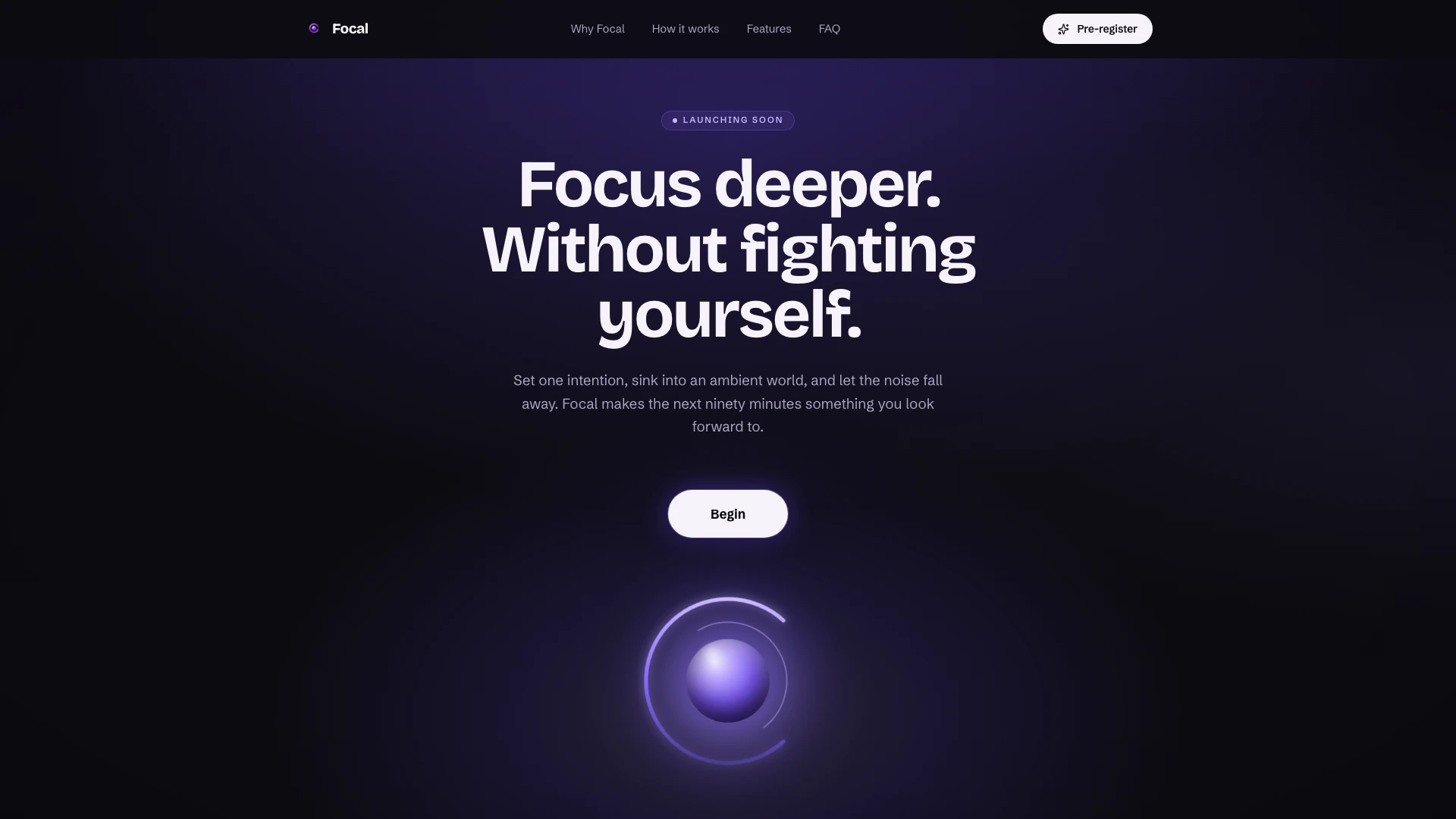
Focalapp is an innovative focus application designed to transform the way individuals approach productivity and deep work. Unlike traditional focus apps that often impose pressure through timers and streaks, Focalapp fosters a supportive environment where users can concentrate on one intention at a time. By offering a selection of ambient worlds and customizable work rhythms, it helps users immerse themselves in their tasks without the distractions of a busy interface or competitive elements. The app tracks progress through intuitive analytics, encouraging users to build a rewarding relationship with their productivity.
How to use Focalapp?
- Download and Install: Pre-register for Focalapp on your iPhone through the website to receive a launch discount.
- Select Your Focus: Open the app and begin by naming the single task you wish to focus on, avoiding distractions from a lengthy to-do list.
- Choose Your Environment: Pick from one of the eight ambient worlds that create a conducive atmosphere for your work.
- Set Your Rhythm: Decide on a working rhythm, such as Pomodoro, Deep Work, or Flexible, and Focalapp will remember your choice for future sessions.
- Start the Session: Press start to begin your focused work session, with a countdown timer displayed prominently on the screen.
- Track Your Progress: After each session, review your progress, including total focus hours and milestones achieved, all while enjoying a calm environment.
What are the main features of Focalapp?
- Single Task Focus: Initiate each session by focusing on one task at a time, eliminating the overwhelm of multiple tasks.
- Ambient Worlds: Choose from eight unique ambient environments that enhance your focus and create an inviting workspace.
- Customizable Timers: Utilize various work rhythms like Pomodoro and Deep Work, with the app remembering your preferences for seamless usage.
- App Blocking: Keep distractions at bay by blocking apps until your focus session ends, ensuring you remain concentrated.
- Analytics and Progress Tracking: View detailed analytics that showcase your focus hours, streaks, and milestones, rewarding consistency without pressure.
- Shared Study Rooms: Collaborate with friends by entering shared study rooms, maintaining accountability during your focus sessions.
Who is Focalapp for?
Focalapp is tailored for anyone seeking to enhance their focus and productivity, making it particularly beneficial for students, professionals, and creatives. Students preparing for exams or working on projects can leverage the app's shared study rooms and ambient environments to maintain concentration. Professionals, including designers and writers, will find the app's ability to block distractions and track progress invaluable for managing work tasks efficiently. Additionally, individuals who prefer a personalized, pressure-free approach to productivity will appreciate Focalapp's unique design and features.
What are the use cases of Focalapp?
- Studying for Exams: Use Focalapp to create focused study sessions in shared study rooms with peers, enhancing motivation and accountability.
- Project Work: Ideal for professionals needing uninterrupted focus on projects, Focalapp's app blocking feature ensures no distractions during critical work hours.
- Creative Work: Artists and writers can benefit from the ambient worlds and customizable timers to cultivate an inspiring environment for creativity.
Focalapp Video

Focalapp Pros and Cons
Pros
- Single Task Focus: Focal allows users to focus on one task at a time, eliminating distractions from endless to-do lists.
- Ambient Work Environments: The app offers eight unique ambient environments that enhance the user's focus and make working more enjoyable.
- Focus Analytics: Focal provides analytics and insights on user focus patterns, helping to identify what works best for productivity.
Cons
- Limited Platform Support: The app currently only supports iPhone, limiting accessibility for users on other platforms.
- Feature Limitations on Free Accounts: Free accounts have limited features, and users may need to upgrade to access full analytics and history.