Flotoai





What is Flotoai?
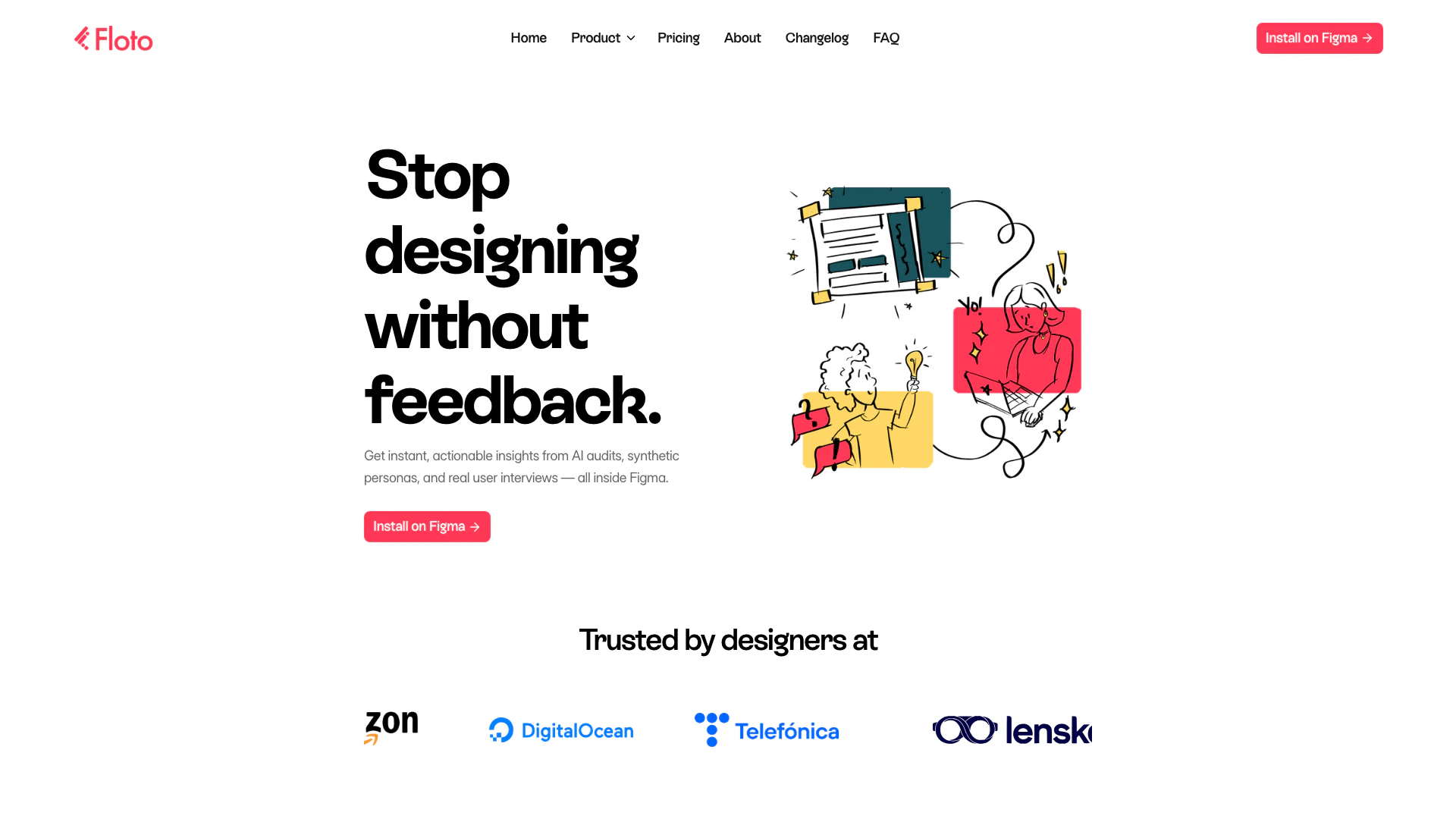
Flotoai is an innovative AI tool designed to enhance the design process by integrating user feedback directly within Figma. It provides features such as AI audits, synthetic persona testing, and user interviews, enabling designers to receive actionable insights quickly. With Flotoai, designers can validate their concepts and improve their designs based on real user feedback, ensuring that the final product resonates with its intended audience.
How to use Flotoai?
- Install the Flotoai plugin from the Figma Community.
- Open your design in Figma and launch the Flotoai plugin.
- Choose the specific feature you want to utilize, such as Design Audit, Persona Testing, or User Interviews.
- Follow the prompts to submit your design or prototype for feedback.
- Review the insights and recommendations provided by Flotoai to refine your design.
What are the main features of Flotoai?
- AI Audits: Get instant critiques of your designs, highlighting issues and offering solutions.
- Synthetic Personas: Test your designs against simulated user feedback to understand user perspectives.
- User Interviews: Automate user interviews with AI, eliminating the need for scheduling and transcription.
- Flow Testing: Validate user journeys in prototypes to identify and resolve friction points.
- Design Diff: Ensure that the final product matches the original design specifications.
Who is Flotoai for?
Flotoai is primarily aimed at designers, UX/UI professionals, product managers, and teams involved in product development. It is particularly beneficial for those who want to streamline their design process and make data-driven decisions quickly. Whether you are a freelancer or part of a larger organization, Flotoai helps you create user-centered designs efficiently.
What are the use cases of Flotoai?
- Rapid Design Validation: Use Flotoai to quickly validate design concepts with real user feedback before finalizing them.
- User-Centric Design: Implement synthetic personas to ensure your designs cater to the needs and preferences of target users.
- Efficient User Research: Automate user interviews to gather insights without the hassle of traditional research methods.
Flotoai Pros and Cons
Pros
- Quick Design Audits: Flotoai provides rapid design audits, offering critiques in seconds to help identify issues quickly and efficiently.
- User-Centric Testing: The tool allows for persona testing, enabling designers to view their work through the eyes of synthetic personas, enhancing user-centered design.
- Integrated User Interviews: Flotoai automates user interviews, providing insights without the hassle of scheduling and transcription, streamlining the feedback process.
Cons
No cons data detected for this tool
Flotoai Pricing
Free
Forever 200 credits / week Design Audit Persona Testing Flow Testing Design Diff
Pro
1,500 credits / month No rate limits Everything in Free Buy credit top-up packs
For the latest pricing, please visit this link: https://floto.ai/
Prices are subject to change. Please visit the official website for the most up-to-date pricing information.