

Dewatermarkai





What is DewatermarkAI?
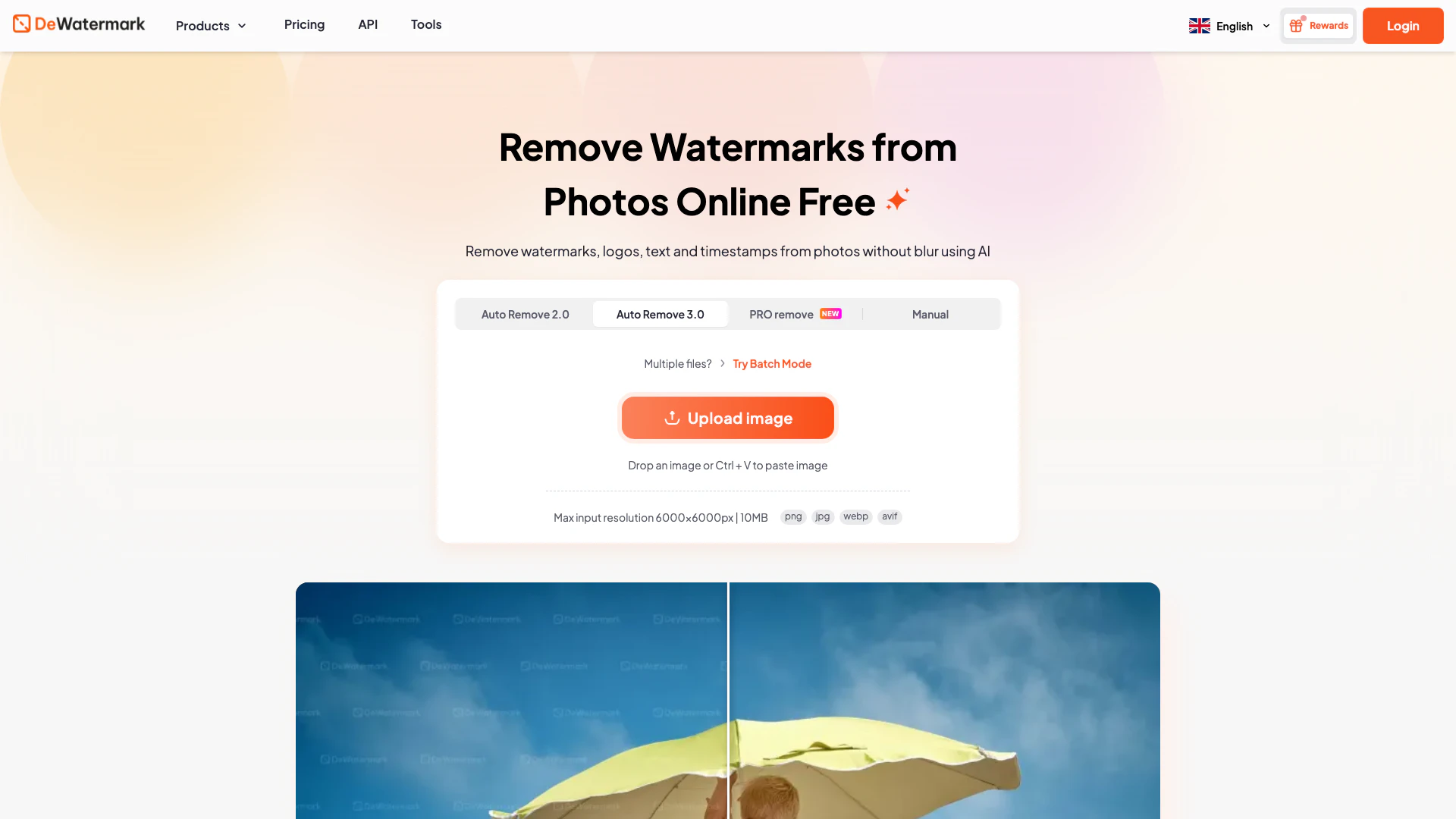
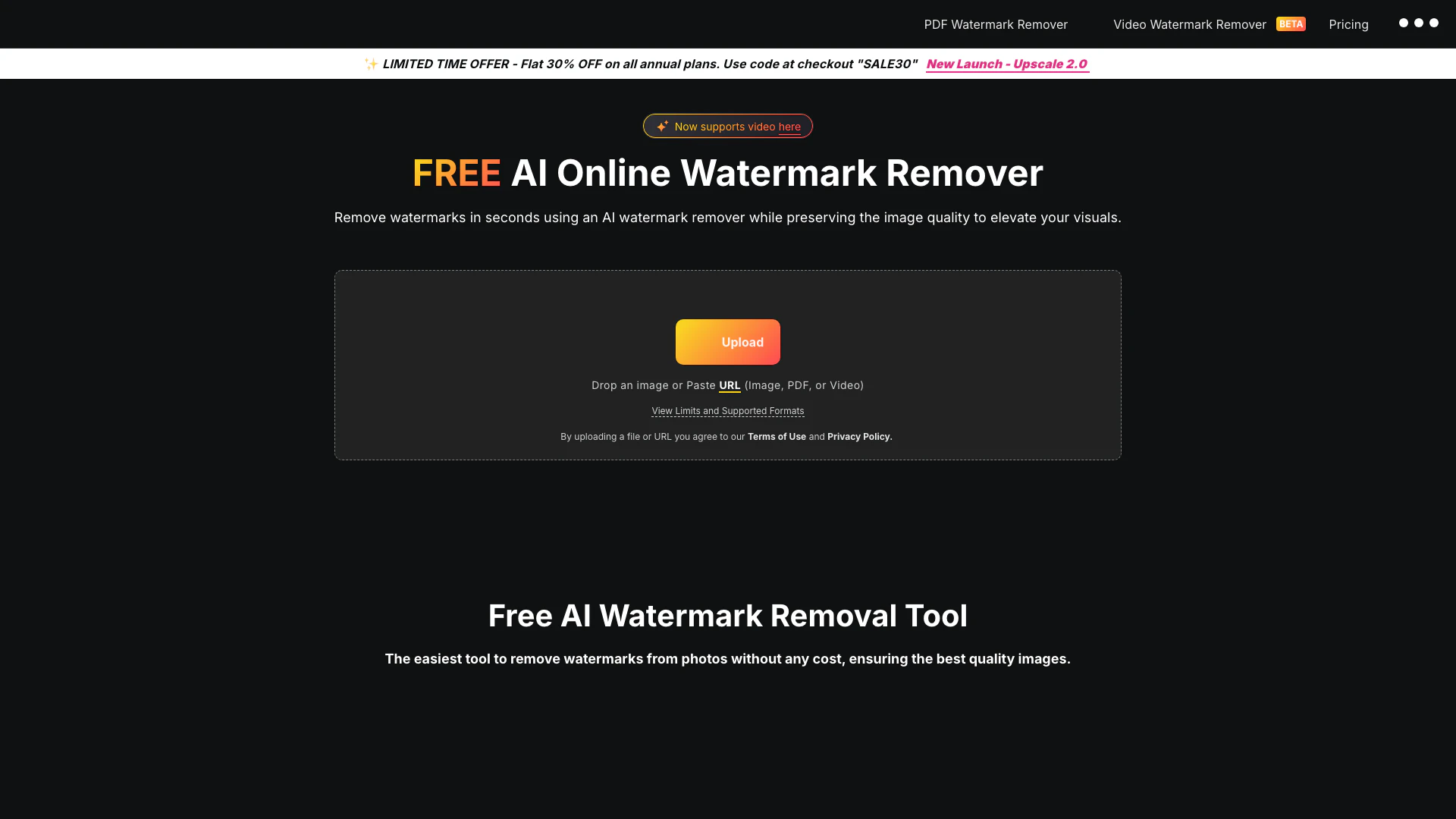
DewatermarkAI is an advanced AI-powered[2] tool designed to remove watermarks, logos, timestamps, and signatures from photos, videos, and PDF files. It provides users with high-definition[3] quality results without leaving any blur, making it ideal for anyone needing to clean up their visual content. With its user-friendly interface, DewatermarkAI caters to both casual users and professionals looking to enhance their images by eliminating unwanted markings.
How to use DewatermarkAI?
To use DewatermarkAI, follow these steps: 1. Upload your photo: Drag and drop the image with watermarks into the designated area on the DewatermarkAI website or select a file from your device. 2. Remove watermarks: The AI algorithm will scan your image and automatically detect and remove the watermarks in seconds. 3. Manual touch-up: For complex watermarks, utilize the manual brush tool to refine the areas that still show artifacts from the watermark removal[1]. 4. Download your image: Once satisfied with the results, download your photo in high-definition quality.
What are the main features of DewatermarkAI?
DewatermarkAI offers a variety of powerful features, including: - AI-Powered Watermark Removal: Automatically detects and removes watermarks from images without leaving blur. - Manual Editing Tool[4]: Provides a manual brush option for precise adjustments on stubborn watermark areas. - Batch Processing[5]: Allows users to remove watermarks from multiple images simultaneously, saving time. - Support for Various File Types: Compatible with JPG, PNG, WEBP, and AVIF formats. - High-Quality Output: Ensures that images retain their original quality after watermark removal.
Who is DewatermarkAI for?
DewatermarkAI is ideal for a wide range of users, including: - Content Creators: Those who need to repurpose images and videos for different platforms without watermarks. - Photographers: Professionals who want to present their work without distractions from watermarks. - E-commerce Sellers: Store owners needing to clean product images for a polished presentation on their websites. - Researchers and Academics: Individuals who require clean images for publications and presentations.
What are the use cases of DewatermarkAI?
DewatermarkAI can be utilized in various scenarios, such as: 1. Removing Watermarks from Product Images: E-commerce sellers can enhance their product photos by eliminating distracting watermarks. 2. Cleaning Up Visual Content for Social Media: Content creators can remove platform watermarks from videos and images for a seamless look across different channels. 3. Preparing Research Materials: Academics can use DewatermarkAI to clean up images for publications, ensuring clarity and professionalism in their work.
Product Images







Dewatermarkai Pros and Cons
Pros
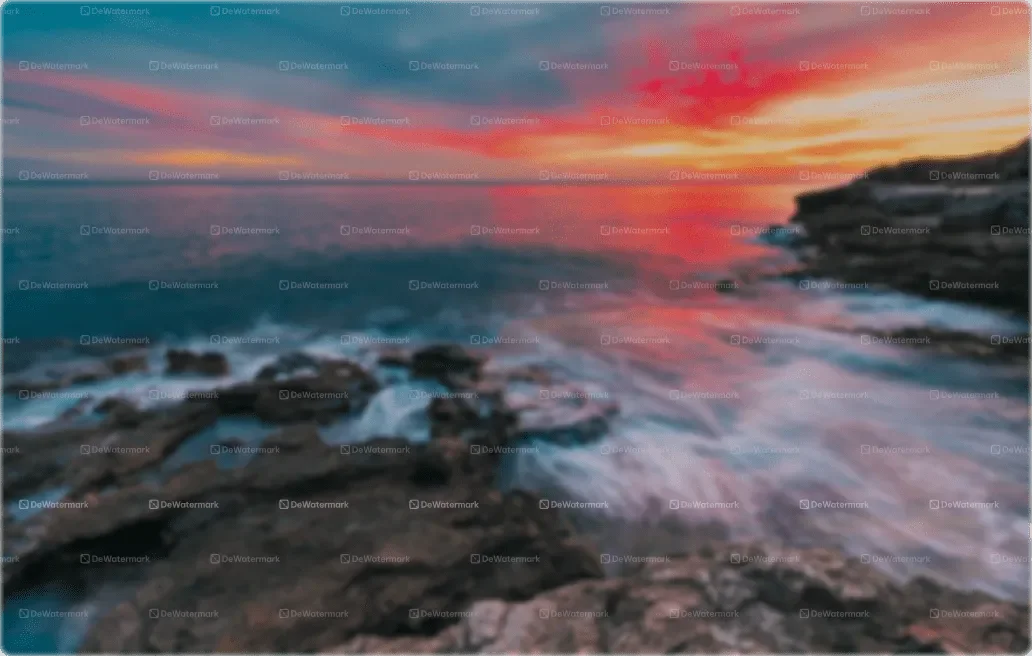
- Effective Watermark Removal: DewatermarkAI effectively removes various types of watermarks, including complex and multi-layered ones, without leaving any blur.
- AI-Powered Detection: Utilizes advanced AI algorithms for quick and accurate detection and removal of watermarks from images.
- Batch Processing Capability: Allows users to remove watermarks from multiple images simultaneously, enhancing efficiency for bulk tasks.
- User-Friendly Manual Brush: Offers a manual brush tool for precise editing, allowing users to refine areas where watermarks were removed.
- Free Basic Usage: Provides free access to remove watermarks from the first three images daily, making it accessible for casual users.
Cons
No cons data detected for this tool
Dewatermarkai Pricing
Enterprise
Let's talk for custom pricing and support. Best price for your business. Get quotes tailored to your requirements.
For the latest pricing, please visit this link: https://dewatermark.ai/pricing
Prices are subject to change. Please visit the official website for the most up-to-date pricing information.
Analytics of Dewatermarkai
Dewatermarkai Website Traffic Analysis
Visits Over Time
Traffic Sources
Oct 2025 - Dec 2025 Worldwide Desktop Only
- Search: 62.39%
- Direct: 34.43%
- Referrals: 2.11%
- Social: 0.77%
- Paid Referrals: 0.26%
- Mail: 0.04%
Top Keywords
| Keyword | Volume | CPC | Estimated Value |
|---|---|---|---|
| убрать водяные знаки с фото онлайн | 0 | $0.00 | $10180.00 |
| watermark remover | 689.60K | $0.23 | $132790.00 |
| remove watermark | 356.34K | $0.24 | $72360.00 |
| quitar marca de agua | 84.18K | $0.19 | $25870.00 |
| 去水印 | 31.89K | $0.00 | $16240.00 |
Dewatermarkai Reviews
I usually have to use a lot of photos in study and research publications. This AI watermark remover has been unbelievably helpful at removing complex, hard watermarks that usually take me hours to remove manually with Photoshop. Esther Howard - AI Engineer 20 Aug, 2025
I am content creator and platform watermarks (i.e Tiktok...) can be a nuisance when I want to repurpose my contents for other social channels. This tool can erase these watermarks quickly without damaging photo quality. Fast and surprisingly accurate watermark removal tool. Cameron Williamson - Content Creator 10 Nov, 2025
I have been using Dewatermark to remove watermarks from my product photos. Previously, I had to use Photoshop script but using Dewatermark watermark remover, especially their batch photo watermark remover has saved me countless hours of manual editing. Now, I can prepare product photos for my Shopify store in minutes instead of hours. Jerry Chambers - E-commerce Store Owner 24 Aug, 2025
For more reviews, visit this link: https://dewatermark.ai#reviews


Dewatermarkai Social Listening
Remove video watermarks in sec...
Remove watermarks from photos ...
Easy Way to Remove Watermark i...
Unlock to view 73 social media results.