Proremover




What is Proremover?
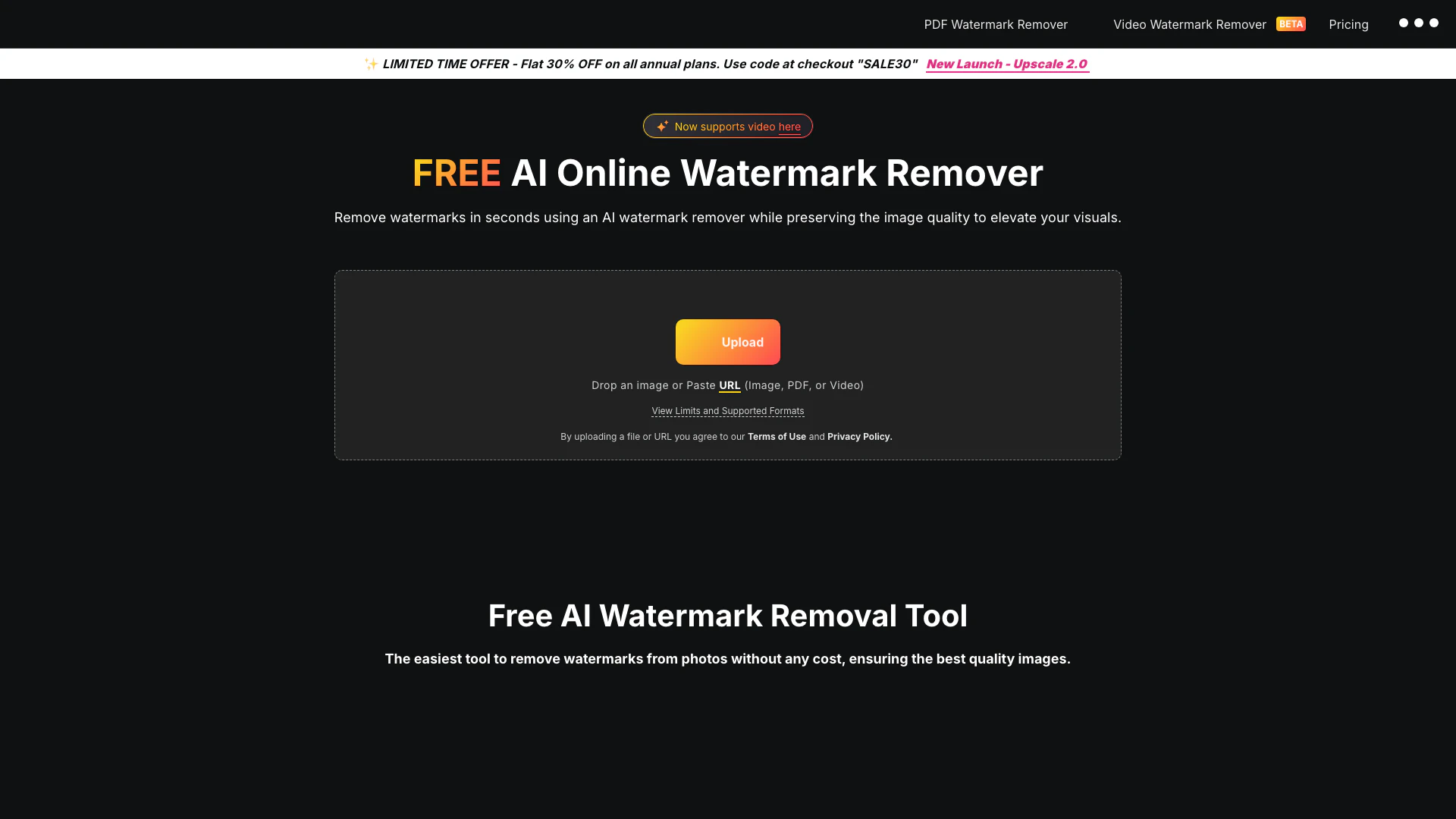
Proremover is an innovative online tool designed to remove unwanted objects, people, text, and distractions from photos using advanced AI technology. This free and fast service allows users to upload images in various formats, including JPG, PNG, and WEBP, making it an ideal solution for cleaning up travel photos, product images, memes, and social media content. Proremover streamlines the photo editing process, enabling users to achieve clean and professional results without the need for complex software.
How to use Proremover?
- Upload your photo: Choose a JPG, PNG, or WEBP image that contains unwanted objects, people, logos, or background distractions.
- Clean the unwanted area: Utilize the online editor to select the area you want to remove and let AI generate a cleaner version of the photo.
- Download the cleaned result: Save the final image for use in e-commerce, travel posts, social content, or marketing assets.
What are the main features of Proremover?
- AI-powered object removal for quick and efficient cleanup.
- Supports multiple image formats including JPG, PNG, and WEBP.
- Removes people, text, logos, and background distractions seamlessly.
- User-friendly online interface for easy editing without complex software.
- Ideal for various use cases such as travel photos, product images, and social media content.
Who is Proremover for?
Proremover is designed for a diverse range of users including photographers, e-commerce sellers, content creators, and social media managers. It is particularly beneficial for those who require quick and effective image editing solutions to enhance their visuals without investing in expensive software. Whether you are a traveler looking to clean up scenic photos, a marketer preparing professional-looking graphics, or a blogger needing to refine images for online publication, Proremover serves as a valuable tool for anyone needing to improve their photo quality.
What are the use cases of Proremover?
- Travel cleanup: Effortlessly remove crowds, signs, or clutter from travel photos to highlight the natural beauty of the location.
- Product photo cleanup: Eliminate unwanted items and background distractions from product images to ensure a polished presentation for e-commerce listings.
- Social media content preparation: Create cleaner and more engaging posts, thumbnails, and stories by removing distracting elements from images.
Proremover Pros and Cons
Pros
- Easy Online Access: ProRemover is a web-based tool that allows users to remove unwanted objects from photos without needing to install any software, making it accessible from any device with internet.
- AI-Powered Cleanup: The tool utilizes AI technology to seamlessly fill in removed areas, ensuring that the final image looks natural and professional.
- Multiple Use Cases: ProRemover can handle various scenarios, from travel and product photos to social media content, making it versatile for different user needs.
Cons
No cons data detected for this tool
Proremover Pricing
Starter
For light editing, quick fixes, and casual weekly use. A simple way to stay productive without overpaying.
Pro
The best plan for creators, ecommerce sellers, and daily AI editing. If you edit every week, Pro will usually pay for itself fast.
Max
Built for power users, agencies, and teams handling large creative volumes. The right plan when Pro starts feeling too small.
For the latest pricing, please visit this link: https://proremover.io/#pricing
Prices are subject to change. Please visit the official website for the most up-to-date pricing information.