

Cleanup Pictures
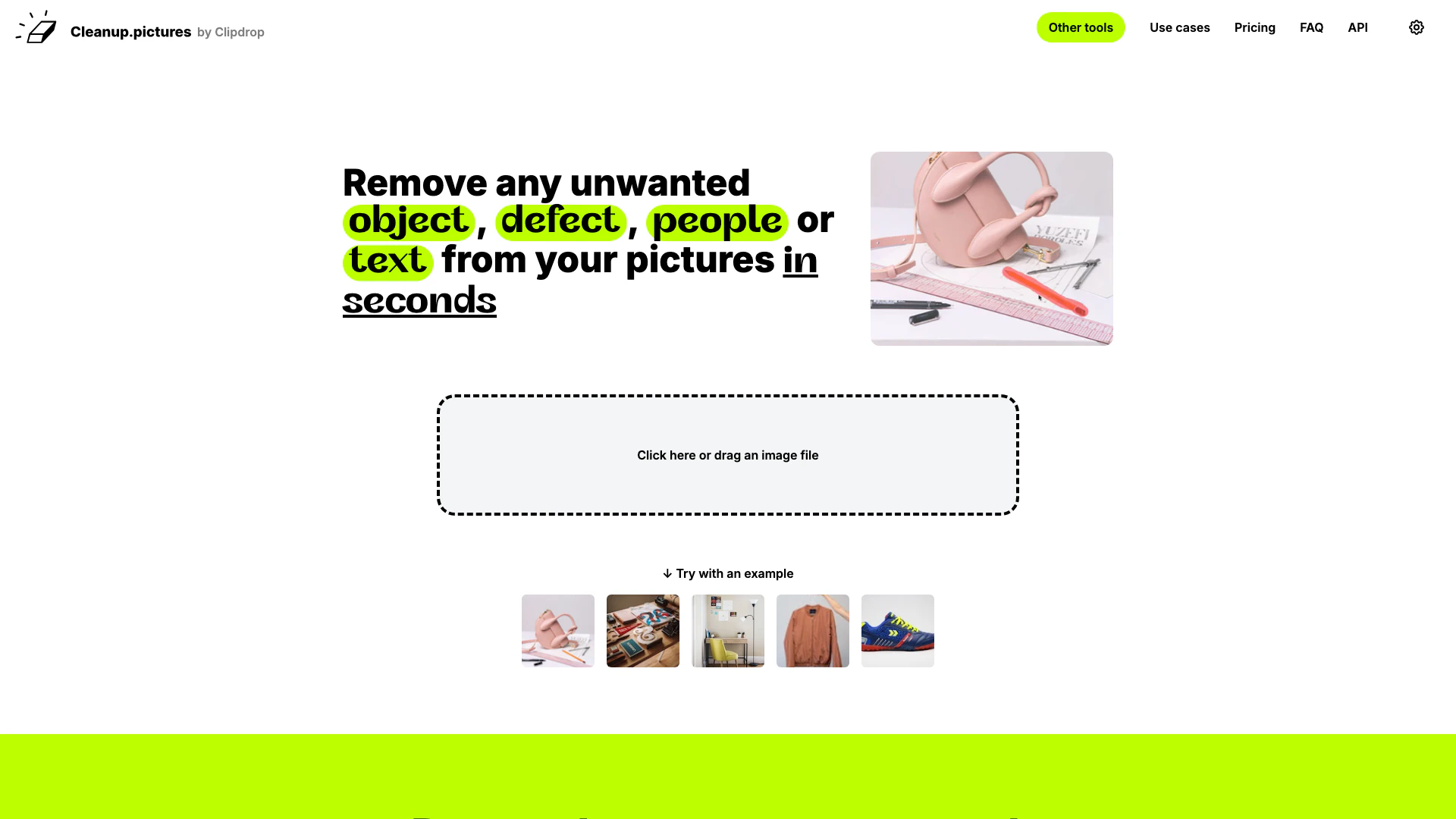





What is Cleanup Pictures?
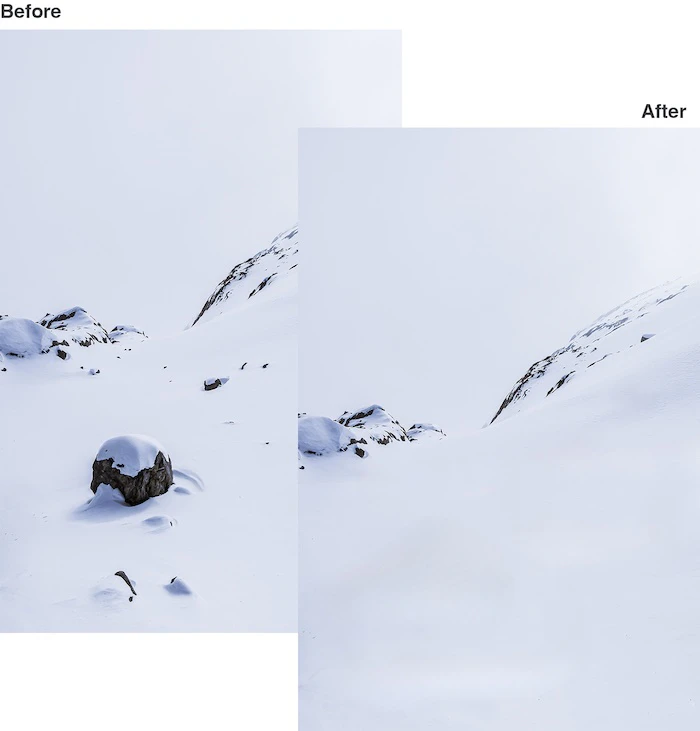
Cleanup Pictures is a powerful web-based photo editing tool that allows users to effortlessly remove unwanted objects, people, text, and defects from their images. With its intuitive interface and advanced AI technology, Cleanup Pictures offers a quick and effective way to enhance photos, making it ideal for both casual users and professionals. The core value of Cleanup Pictures lies in its ability to deliver high-quality results in just a few clicks, enabling users to achieve a polished look for their images without the need for complex software.
How to use Cleanup Pictures?
- Visit the Cleanup Pictures website.
- Click or drag an image file to upload your picture.
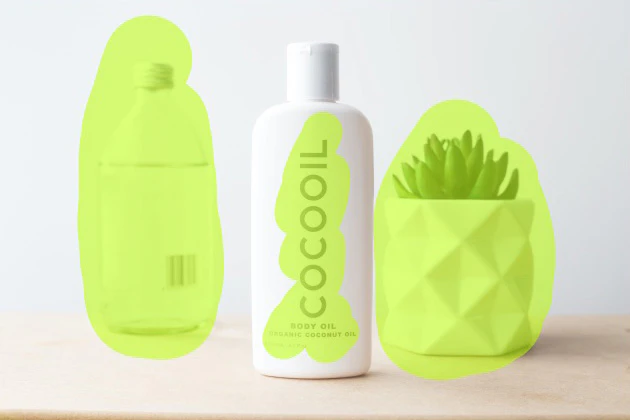
- Use the brush tool to select the unwanted objects or areas you wish to remove.
- Click the 'Remove' button to process the image.
- Download the edited image once the process is complete.
What are the main features of Cleanup Pictures?
- Object Removal: Effortlessly remove unwanted objects, people, or text from images.
- AI-Powered Editing: Utilizes advanced artificial intelligence to reconstruct backgrounds seamlessly.
- User-Friendly Interface: Simple drag-and-drop functionality for easy image uploads.
- High-Quality Output: Produces high-resolution images with impressive clarity.
- Free and Pro Versions: Offers a free version with limited resolution and a Pro version for unlimited high-resolution exports.
Who is Cleanup Pictures for?
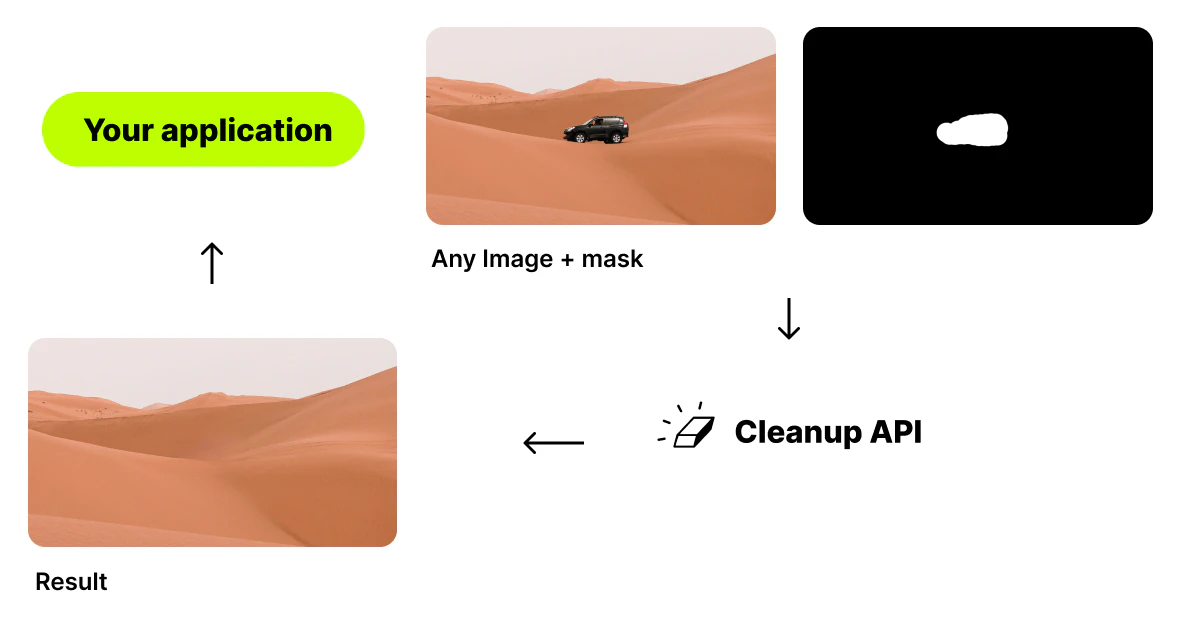
Cleanup Pictures is designed for a wide range of users, including photographers looking to enhance their images by removing distractions, creative agencies that require quick edits for stunning visuals, real estate agents needing to depersonalize property photos, and e-commerce businesses aiming to create appealing product images. Additionally, developers can leverage the Cleanup Pictures API for integrating high-quality inpainting capabilities into their applications.
What are the use cases of Cleanup Pictures?
- Photographers: Remove tourists or time stamps from holiday photos to deliver perfect prints.
- Creative Agencies: Edit and remix existing images to create unique marketing materials.
- Real Estate: Clean up images of properties by removing personal items or unwanted objects.
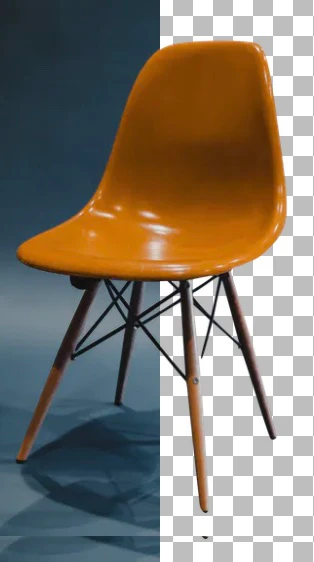
- E-commerce: Enhance product images by removing backgrounds or imperfections for online listings.
- Developers: Integrate Cleanup's API for advanced image editing functionalities in applications.
Product Images

Cleanup Pictures Pros and Cons
Pros
- Easy Object Removal: Cleanup Pictures allows users to effortlessly remove unwanted objects, people, and text from photos in just a few clicks, making it user-friendly for everyone.
- High-Quality Results: The tool utilizes advanced AI technology to ensure high-quality image retouching, producing clean and professional-looking results.
- Versatile Use Cases: Ideal for photographers, creative agencies, real estate, and e-commerce, Cleanup Pictures caters to various industries needing quick image editing.
Cons
No cons data detected for this tool
Cleanup Pictures Pricing
Free
Unlimited images with resolution limited to 720p.
Pro
Unlimited images with unlimited resolution and high quality refiner.
Pro Annual
Unlimited images with unlimited resolution and high quality refiner.
For the latest pricing, please visit this link: https://cleanup.pictures/#pricing
Prices are subject to change. Please visit the official website for the most up-to-date pricing information.
Analytics of Cleanup Pictures
Cleanup Pictures Website Traffic Analysis
Visits Over Time
Traffic Sources
Dec 2025 - Feb 2026 Worldwide Desktop Only
- Direct: 48.54%
- Search: 43.26%
- Referrals: 6.73%
- Social: 0.92%
- Paid Referrals: 0.47%
- Mail: 0.06%
Top Keywords
| Keyword | Volume | CPC | Estimated Value |
|---|---|---|---|
| object remover | 31.36K | $0.19 | $28960.00 |
| cleanup pictures | 21.70K | $0.26 | $32830.00 |
| remove object | 13.22K | $0.19 | $9800.00 |
| remove object from photo | 10.34K | $0.30 | $11700.00 |
| cleanup.picture | 5.32K | $0.00 | $10140.00 |
Cleanup Pictures Reviews
I spent a significant amount of time last week trying to clean up a picture with similar programs and I kept getting weird smears and lines. I just edited the same photo with Cleanup.pictures and I was done in 30 secs without the smears and lines!
For more reviews, visit this link: https://cleanup.pictures#reviews





Cleanup Pictures Social Listening
iOS 18.1 “Clean Up” Photos Fea...
Remove Objects in Images with ...
Discover how to effortlessly r...
2025【ios 18 照片清除】全新的照片清除(Clean...
如何將 iPhone 更新到 iOS 18? 現在就點擊這裏...
Unlock to view 42 social media results.