
Pixfluxai






What is Pixfluxai?
Pixfluxai is an advanced online photo editing tool that leverages artificial intelligence to enhance and modify images quickly and efficiently. It allows users to perform various tasks such as removing backgrounds, erasing watermarks, enhancing photo quality, and removing unwanted objects with ease. The platform is designed for both casual users and professionals, offering a free-to-start experience without the need for sign-up, making it accessible for anyone looking to improve their images.
How to use Pixfluxai?
- Visit the Pixfluxai website at https://pixflux.ai/
- Choose the specific tool you want to use, such as Background Remover or Watermark Remover.
- Upload your image by clicking on the upload button.
- Follow the on-screen instructions to apply the desired edits, such as removing backgrounds or enhancing quality.
- Download your edited image once the process is complete.
What are the main features of Pixfluxai?
- Background Remover: Effortlessly remove backgrounds from images for clean cutouts.
- Watermark Remover: Quickly erase watermarks, logos, and text without leaving artifacts.
- Photo Enhancer: Improve image clarity, reduce noise, and upscale photos to high resolution.
- Object Remover: Remove unwanted elements from images seamlessly.
- Batch Processing: Process multiple images at once, enhancing efficiency for bulk tasks.
Who is Pixfluxai for?
Pixfluxai is designed for a wide range of users including e-commerce sellers, marketers, graphic designers, and casual users who need quick and efficient photo editing solutions. It is particularly beneficial for those who require high-quality images for online stores, social media, and promotional materials. The platform's user-friendly interface and powerful AI capabilities make it suitable for both beginners and experienced professionals.
What are the use cases of Pixfluxai?
- E-commerce Product Images: Enhance product images by removing backgrounds and watermarks to create professional listings.
- Social Media Marketing: Quickly edit images for social media posts, ensuring high engagement with visually appealing content.
- Graphic Design Projects: Use the object removal and enhancement features to create stunning graphics for various design needs.
Product Images

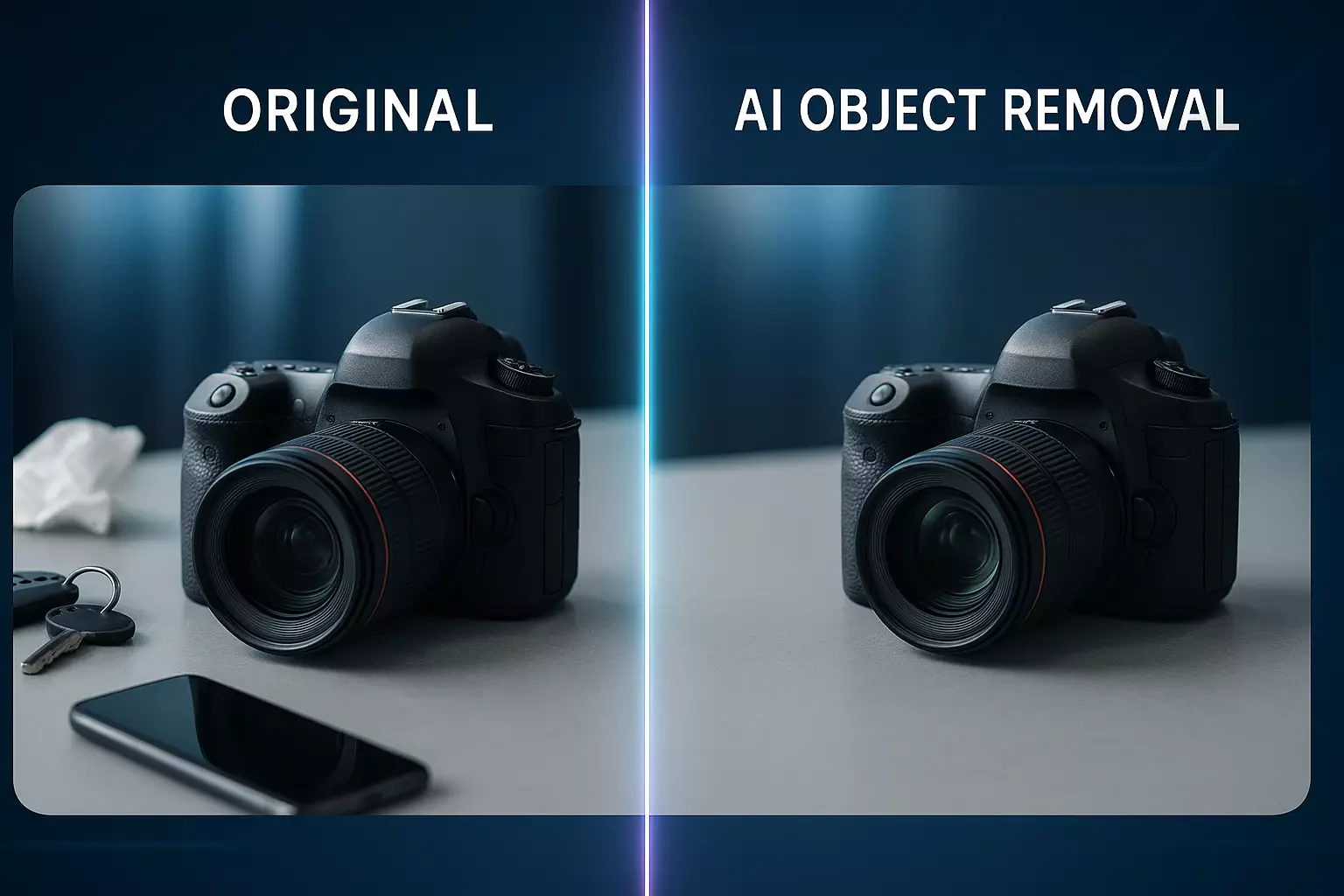




Pixfluxai Pros and Cons
Pros
- AI-Powered Image Editing: Utilizes advanced AI technology for quick and efficient photo editing, including background removal and object erasure.
- User-Friendly Interface: No sign-up required and easy to navigate, allowing users to start editing immediately.
- Versatile Editing Tools: Offers a range of features such as watermark removal, photo enhancement, and batch processing for diverse editing needs.
Cons
No cons data detected for this tool
Analytics of Pixfluxai
Pixfluxai Website Traffic Analysis
Visits Over Time
Traffic Sources
Nov 2025 - Jan 2026 Worldwide Desktop Only
- Search: 53.64%
- Direct: 28.99%
- Referrals: 9.58%
- Social: 5.94%
- Paid Referrals: 1.12%
- Mail: 0.15%
Top Keywords
| Keyword | Volume | CPC | Estimated Value |
|---|---|---|---|
| ia gratis retoque y mejora de imagenesy quitar marcas de agua | 0 | $0.00 | $70.00 |
| flux ai remover | 70 | $0.00 | $60.00 |
| ai 読み込んだ画像 文字を消す | 70 | $0.00 | $30.00 |
| jpg pesado a webp | 70 | $0.00 | $10.00 |
| pixflux.ai | 50 | $0.00 | $50.00 |
Pixfluxai Reviews
AI watermark removal effect is stunning, batch processing doubles work efficiency.
Background removal tool has high accuracy, edge processing is very natural.
Image enhancement feature is powerful, product display effect significantly improved.
For more reviews, visit this link: https://pixflux.ai/#testimonials