Devassistant Ai
What is Devassistant Ai?
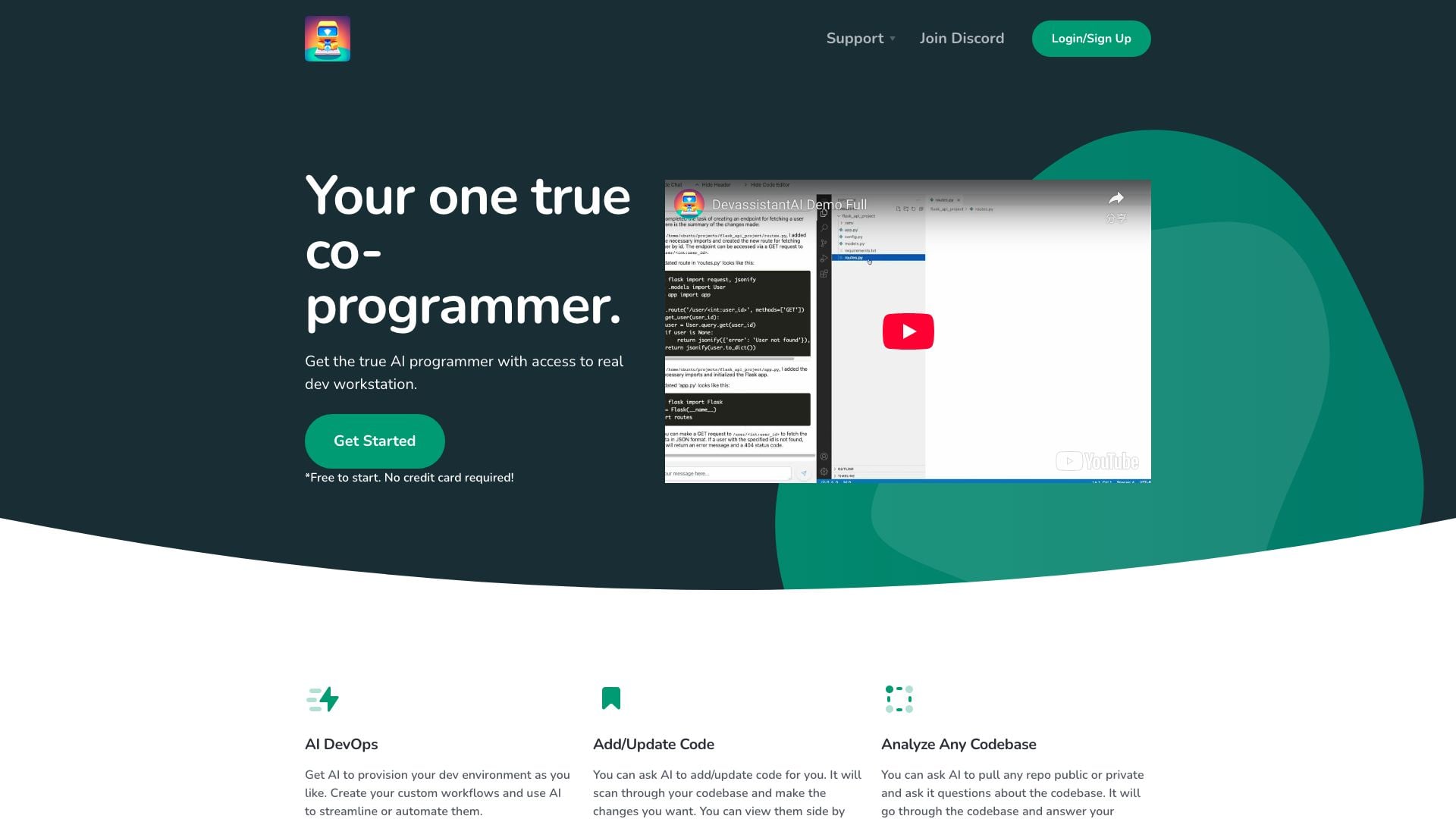
Devassistant Ai is an innovative AI-powered co-programmer designed to enhance the software development process. By providing a seamless integration with your development environment, it allows developers to automate and streamline various coding tasks. With features like AI-driven code addition, updates, and analysis of any codebase, Devassistant Ai acts as a true collaborator, enabling developers to focus on creativity and efficiency. This tool is accessible through a cloud-based VS Code IDE, allowing for immediate setup and use without the need for extensive configuration.
How to use Devassistant Ai?
- Sign Up: Visit the Devassistant Ai website and create an account. The signup process is straightforward and free, requiring no credit card information.
- Set Up Your Environment: After signing up, your development workstation will be instantly configured with AI integration and a cloud-based VS Code IDE.
- Utilize AI Features: Begin utilizing the AI capabilities by asking it to add or update code within your existing codebase. You can view changes side by side in the cloud IDE.
- Analyze Codebases: Use the AI to analyze any public or private repository by querying it with specific questions regarding the codebase, allowing for deeper insights and understanding.
What are the main features of Devassistant Ai?
- AI DevOps: Provision your development environment and create custom workflows using AI to streamline processes.
- Add/Update Code: Request the AI to make changes to your codebase, with the ability to review modifications side by side in the cloud IDE.
- Analyze Any Codebase: Pull any public or private repository and ask the AI questions to receive detailed insights about the code.
Who is Devassistant Ai for?
Devassistant Ai is tailored for software developers, teams, and organizations looking to enhance their coding efficiency and workflow. It is particularly beneficial for developers who work with complex codebases and require assistance in automating tasks, analyzing code, and making updates without manual intervention. This tool is ideal for both individual developers and teams seeking to leverage AI technology to improve productivity and reduce development time.
What are the use cases of Devassistant Ai?
- Automating Development Workflows: Developers can use Devassistant Ai to automate repetitive coding tasks, allowing them to focus on more complex issues.
- Codebase Analysis: Teams can leverage the AI to analyze and understand large codebases, facilitating better decision-making and faster onboarding for new developers.
- Real-time Code Updates: With the ability to request code changes in real-time, developers can quickly adapt their codebase to new requirements or features, enhancing agility in development.
Product Images

Devassistant Ai Pros and Cons
Pros
- AI DevOps Integration: The tool provides AI capabilities to provision development environments and create custom workflows, streamlining and automating tasks.
- Code Modification Assistance: Users can request the AI to add or update code, with the ability to view changes side by side in the cloud-based VS Code.
- Codebase Analysis: The AI can analyze any public or private repository, answering questions about the codebase effectively.
- Affordable Pricing: The basic plan is priced at $20 per user per month, which includes access to GPT-4 credits and cloud IDE capabilities.
Cons
- Limited Upgrade Options: Currently, users cannot upgrade their plans, although new configurations are expected in the future.
- No VM Porting Feature: At present, users cannot port their own virtual machines, with the feature under assessment.
Devassistant Ai Pricing
Basic
$20 GPT-4 credit, 2 vCPUs, 2GB Memory, 30GB Storage, VS Code Cloud IDE
For the latest pricing, please visit this link: https://devassistant.ai/
Prices are subject to change. Please visit the official website for the most up-to-date pricing information.