Designcritiq


What is Framer?
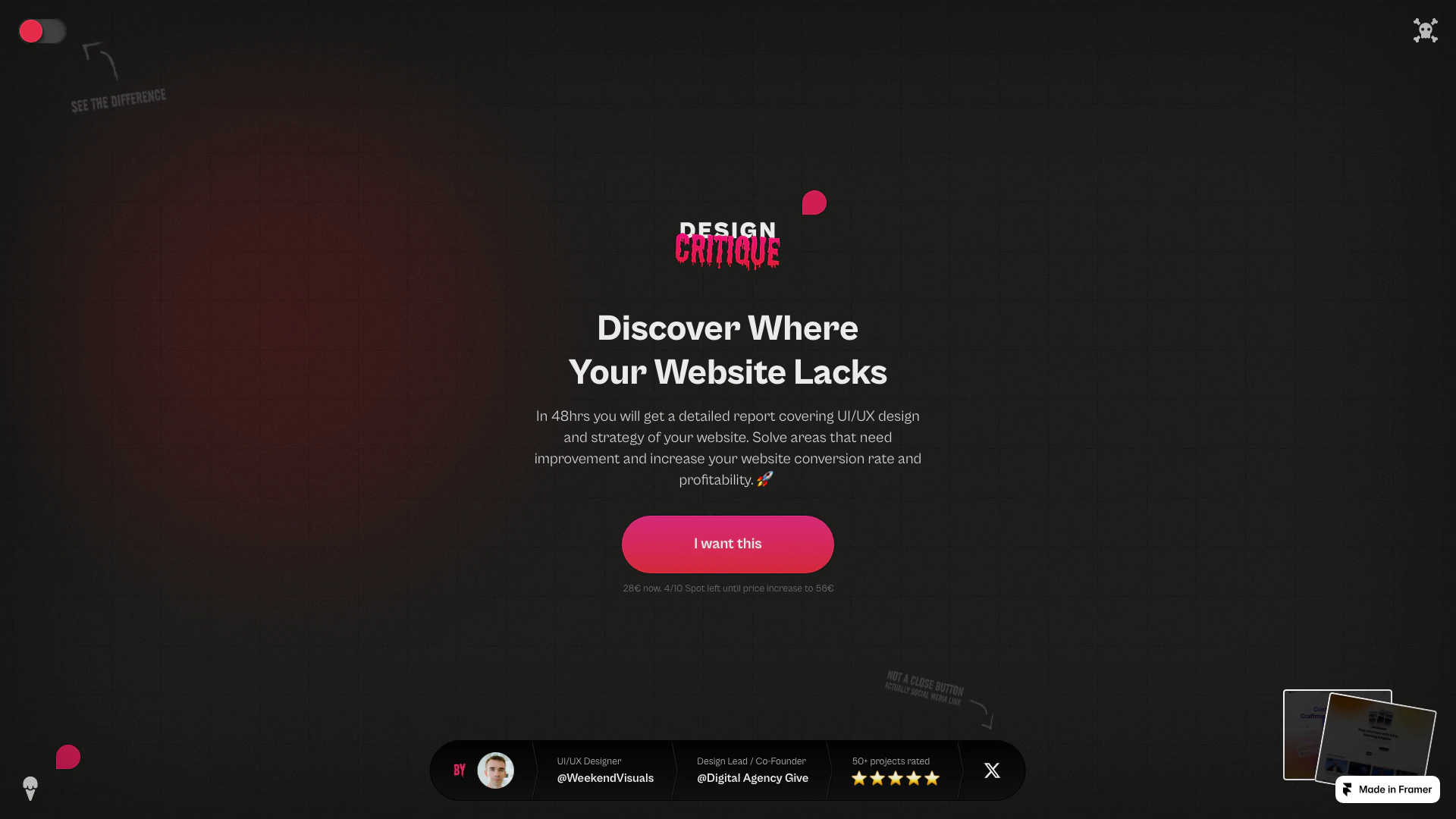
Framer is an innovative online tool designed to provide professional critiques of your website or application by experienced UI/UX designers. With a focus on enhancing the user interface and user experience, Framer offers a comprehensive review service that delivers actionable insights within 48 hours. This tool is ideal for individuals and businesses looking to improve their web presence, increase conversion rates, and ultimately boost profitability through expert feedback on design strategies.
How to use Framer?
- Visit the Framer website and select the critique service you need.
- Submit your website or application URL along with any specific areas you want feedback on.
- Make the payment to initiate the review process.
- Within 48 hours, receive a detailed report from a professional UI/UX designer highlighting areas for improvement and strategic recommendations.
What are the main features of Framer?
- Professional critiques by experienced UI/UX designers.
- Detailed reports covering design strategies and usability improvements.
- Quick turnaround time of 48 hours for feedback.
- Focus on enhancing conversion rates and overall website profitability.
- Affordable pricing structure, currently starting at 28€.
Who is Framer for?
Framer is designed for web developers, entrepreneurs, startups, and businesses of all sizes who seek to enhance their online presence through expert design feedback. It is particularly beneficial for those who may not have in-house design expertise but want to ensure their website or application meets high standards of usability and aesthetic appeal.
What are the use cases of Framer?
- Improving the design of a new startup website to attract more visitors and increase engagement.
- Enhancing an existing e-commerce platform to boost conversion rates and customer satisfaction.
- Conducting a usability review of a mobile application to identify user experience issues and improve functionality.
Product Images




Designcritiq Pros and Cons
Pros
- Professional UI/UX Review: Receive a detailed critique from a professional UI/UX designer within 48 hours, helping you identify areas for improvement.
- Actionable Insights: The report provides specific recommendations to enhance your website's design and strategy, potentially increasing conversion rates.
- Affordable Pricing: Currently offered at a promotional price of 28€, making professional design feedback accessible.
Cons
No cons data detected for this tool
Designcritiq Pricing
Design Critique
Design Critique for your website or app. Feedback is given as Figma comments based on link or image you send us. Critique is delivered in 48h during working days. In most cases faster.
For the latest pricing, please visit this link: https://designcritiq.framer.website/bad-design
Prices are subject to change. Please visit the official website for the most up-to-date pricing information.