

Design





What is Design?
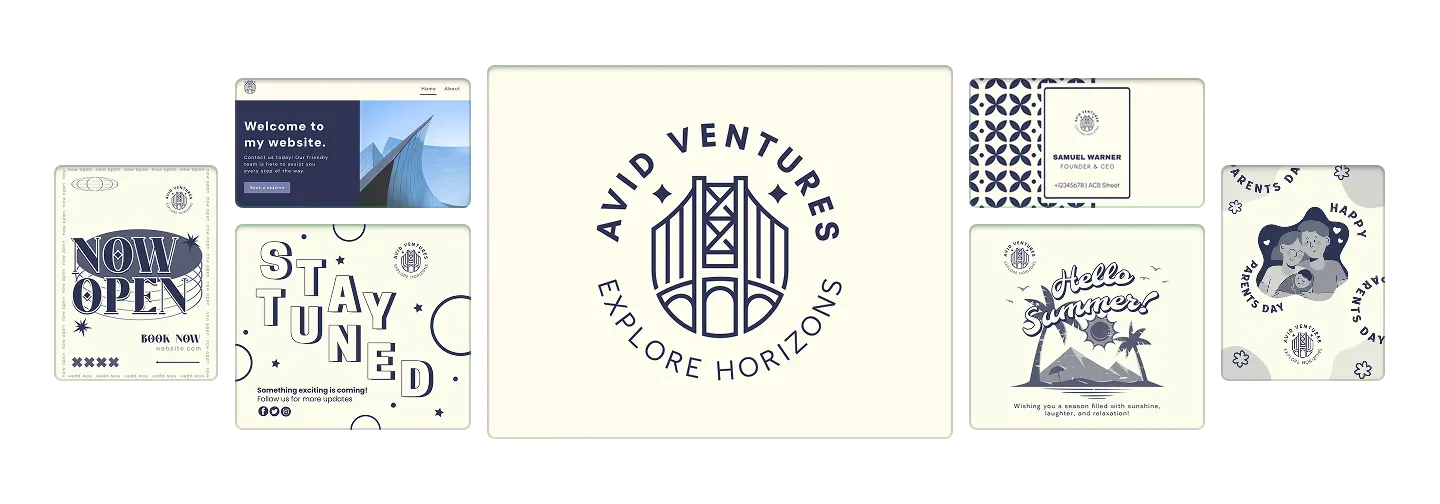
Design is an AI-driven[1] platform that simplifies the process of creating branding materials such as logos, business cards, websites, and social media design[5]s. With its user-friendly interface, users can generate professional-quality designs in seconds, making branding accessible to everyone. The core value of Design lies in its ability to streamline the design process, allowing users to focus on their business while the AI handles the creative aspects.
How to use Design?
- Visit the Design website at https://www.design.com/.
- Choose the type of design you want to create (e.g., logo, business card, website).
- Enter your business name and any specific preferences you have for the design.
- Use the AI tools to generate designs automatically.
- Customize the generated designs as needed.
- Download your final designs for use.
What are the main features of Design?
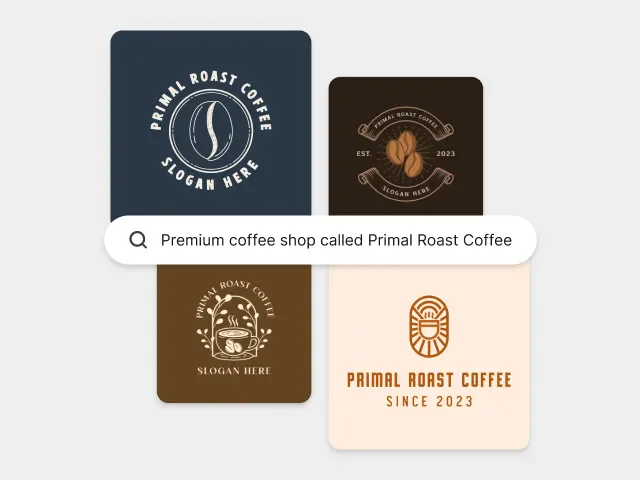
- AI Logo Generation[2]: Create unique logos tailored to your brand.
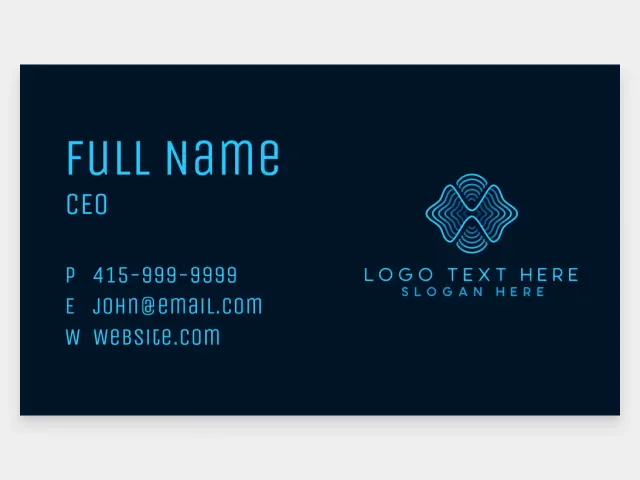
- Business Card Maker[3]: Design professional business cards quickly.
- Website Builder[4]: Build and customize your website with ease.
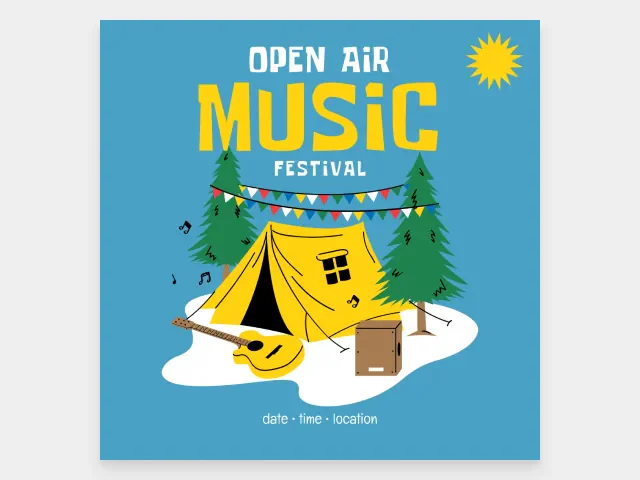
- Social Media Design: Generate graphics for various social media platforms.
- Branding Tools: Access a suite of tools for cohesive branding across all materials.
Who is Design for?
Design is ideal for entrepreneurs, small business owners, freelancers, and anyone in need of branding materials. It caters to individuals who may not have design experience but want to create professional-quality visuals quickly and affordably. Additionally, marketing teams and social media managers can benefit from its tools to enhance their branding efforts.
What are the use cases of Design?
- Creating a unique logo for a new startup.
- Designing business cards for networking events.
- Building a professional website for an online business.
- Generating social media graphics for marketing campaigns.
- Developing promotional materials like flyers and posters for events.
Product Images
Design Pros and Cons
Pros
- AI-Powered Design Tools: Utilizes AI technology to generate logos, business cards, websites, and social media designs quickly and efficiently.
- Wide Range of Design Options: Offers various design templates for logos, business cards, social media posts, and more, catering to diverse industries.
- User-Friendly Interface: Designed for ease of use, allowing users to create professional designs without prior design experience.
Cons
No cons data detected for this tool
Design Pricing
Free Plan
Try it for free!
For the latest pricing, please visit this link: https://www.design.com/
Prices are subject to change. Please visit the official website for the most up-to-date pricing information.
Analytics of Design
Design Website Traffic Analysis
Visits Over Time
Traffic Sources
Oct 2025 - Dec 2025 Worldwide Desktop Only
- Search: 67.06%
- Direct: 28.98%
- Referrals: 2.35%
- Social: 1.02%
- Paid Referrals: 0.55%
- Mail: 0.05%
Top Keywords
| Keyword | Volume | CPC | Estimated Value |
|---|---|---|---|
| logo | 511.30K | $0.63 | $34020.00 |
| logo maker | 322.52K | $0.42 | $89450.00 |
| logo generator | 175.23K | $0.79 | $48930.00 |
| ai logo generator | 138.94K | $0.98 | $40300.00 |
| logo maker ai | 69.56K | $0.30 | $22860.00 |






Design Social Listening
Adobe illustrator tutorial for...
Adobe illustrator, graphic des...
Graphic Design Basics | FREE C...
So you want to be a graphic de...
UI / UX Design Tutorial – Wire...
Learn the process of UI / UX d...
Unlock to view 90 social media results.