Chargezoom





What is Chargezoom?
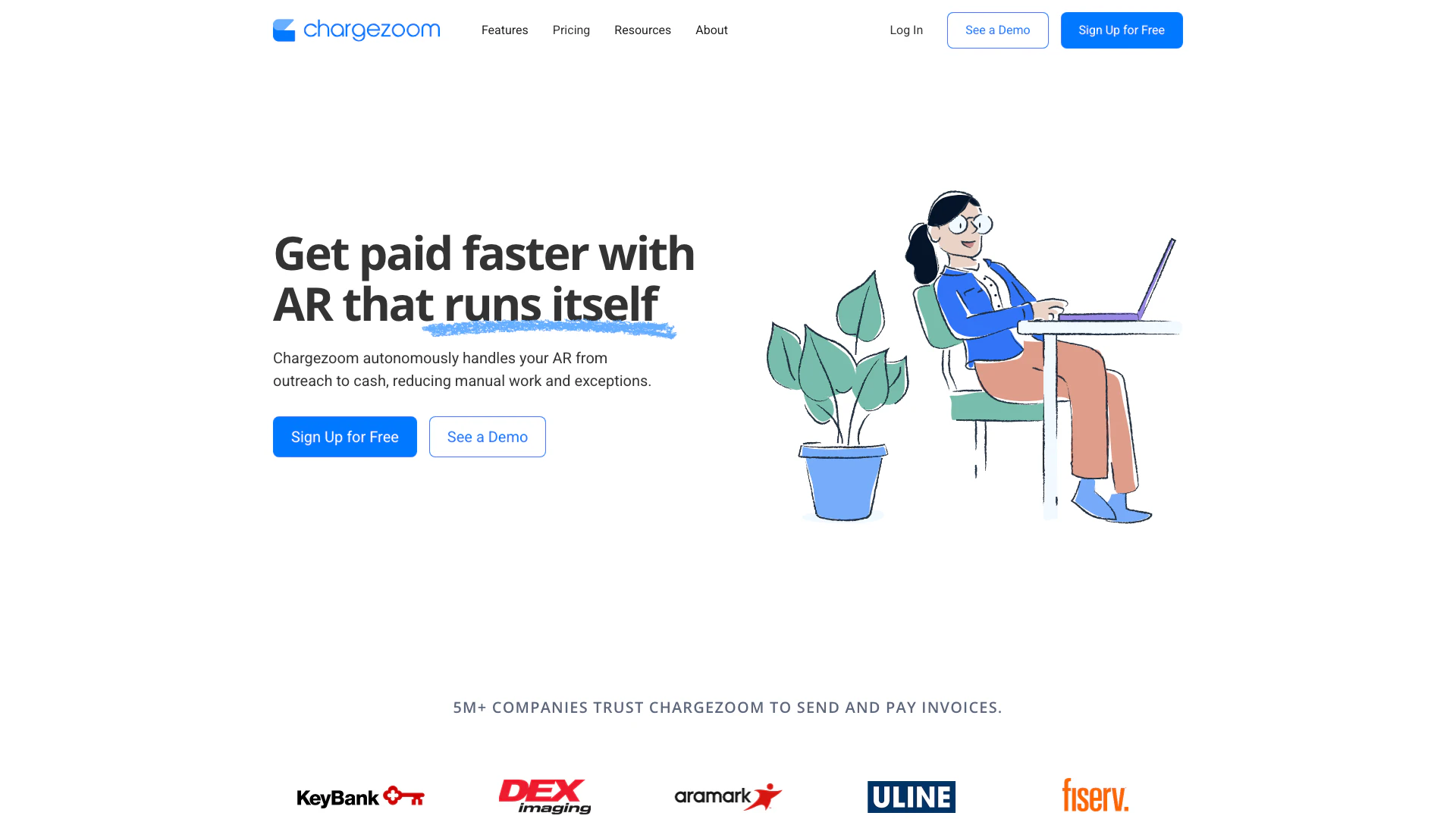
Chargezoom is an AI-native accounts receivable (AR) platform that seamlessly integrates with leading accounting and ERP systems. It automates accounting workflows and provides real-time cash flow intelligence, enabling businesses to manage their invoicing, collections, and reconciliation processes autonomously. Chargezoom is designed to enhance operational efficiency by reducing manual tasks and improving cash flow, allowing companies to focus on growth rather than administrative burdens.
How to use Chargezoom?
- Sign Up for Free: Create your Chargezoom account within minutes without requiring a credit card.
- Connect with Your Accounting Software: Sync Chargezoom with popular tools like QuickBooks or NetSuite for seamless integration.
- Create Your First Invoice: Use the platform to generate and send invoices with integrated payment options.
- Get Paid Automatically: Enjoy automatic payments that sync directly with your accounting system, streamlining your cash flow.
What are the main features of Chargezoom?
- Invoicing: Quickly create and send professional invoices while automating follow-ups to ensure timely payments.
- Recurring Billing: Manage subscriptions and regular payments effortlessly, eliminating repetitive tasks.
- Payments: Accept payments faster through various options including credit cards, ACH, and e-checks.
- Integrations: Seamlessly sync with major accounting software like QuickBooks and NetSuite, reducing reconciliation time.
- Customer Portal: Provide clients with a self-service portal to view invoices and manage payments conveniently.
- Credit Card Vault: Securely store customer payment details for hassle-free transactions, fully compliant with PCI standards.
Who is Chargezoom for?
Chargezoom is ideal for businesses of all sizes looking to streamline their accounts receivable processes. It is particularly beneficial for finance teams, accountants, and business owners who want to reduce manual accounting work, enhance cash flow management, and improve payment collection efficiency. Companies in industries such as retail, services, and SaaS can leverage Chargezoom to automate invoicing and payment processing.
What are the use cases of Chargezoom?
- Automated Invoicing: Businesses can use Chargezoom to automate the creation and sending of invoices, ensuring they get paid faster.
- Subscription Management: Companies offering subscription services can manage recurring billing with minimal effort, reducing administrative overhead.
- Payment Processing: Chargezoom allows businesses to accept various payment methods, streamlining the payment process and improving cash flow.
Product Images


Chargezoom Pros and Cons
Pros
- Autonomous Accounting Workflows: Chargezoom automates accounting processes, reducing manual work and errors, which enhances efficiency in managing accounts receivable.
- Real-Time Cash Flow Intelligence: The platform provides real-time insights into cash flow, allowing businesses to make informed financial decisions quickly.
- Seamless Integrations: Chargezoom easily integrates with leading accounting systems like QuickBooks and NetSuite, streamlining the reconciliation process.
- Faster Payments: With integrated invoicing and automated reminders, invoices can be paid up to 4 times faster, improving cash flow.
Cons
No cons data detected for this tool
Chargezoom Pricing
Free
Always free. Invoice for free. No setup fees or monthly fees—only pay when you take a payment.
Plus
Starting at $95/month. Access a complete invoicing and payments suite built to get you paid 4x faster and save you up to 40% in payment processing costs.
Enterprise
Starting at $995/month. Get more with enterprise-level features, ERP integrations, and dedicated support.
For the latest pricing, please visit this link: https://www.chargezoom.com/pricing
Prices are subject to change. Please visit the official website for the most up-to-date pricing information.
Analytics of Chargezoom
Chargezoom Website Traffic Analysis
Visits Over Time
Traffic Sources
Oct 2025 - Dec 2025 Worldwide Desktop Only
- Direct: 51.98%
- Search: 31.04%
- Social: 8.43%
- Referrals: 7.18%
- Paid Referrals: 1.31%
- Mail: 0.06%
Top Keywords
| Keyword | Volume | CPC | Estimated Value |
|---|---|---|---|
| definition of installment plans | 580 | $0.00 | $10.00 |
| 뱅크카드 서비스 program compliance fee가 정당한가요 | 260 | $0.00 | $10.00 |
| chargezoom | 210 | $2.06 | $140.00 |
| fintech types of payment services | 110 | $0.00 | $110.00 |
| charezoom | 20 | $0.00 | $20.00 |
Chargezoom Reviews
Everything in one single platform! Setup was quick and easy!
Simple but powerful interface! Helps us to save hundreds of dollars each month in processing fees and administration costs.
Chargezoom is an amazing product. We use it to handle all of our online payments, across various platforms and products.
For more reviews, visit this link: https://chargezoom.com#reviews