
Twitter-color Created with Sketch. Amazon-color Created with Sketch. Facebook-color Created with Sketch. github [#142] Created with Sketch. meta_fill Pinterest-color Created with Sketch. ProductHunt-color Created with Sketch. Spotify-color Created with Sketch. Threads Logo Streamline Icon: https://streamlinehq.com Yelp-color Created with Sketch. Youtube-color Created with Sketch.
TopAIToolsTopAITools
  • Free Tools
  • Category
  • Leaderboard
  • Deals
  • Submit
EN
TopAIToolsTopAITools
TopAI

TopAITools

TopAITools, The Best Top AI Tools

AI Glossary|English简体中文繁體中文한국어日本語PortuguêsEspañolDeutschFrançaisTiếng Việt|Map

© 2026 TopAITools. All rights reserved.

About

  • Privacy Policy
  • Terms of use

Contact Us

business@topaitoolsreview.com
Home
AI Art Generator
Cartomindai
Last updated: June 1, 2026
Cartomindai logo

Cartomindai

Get deal
5.0|0 Comments|0 Saved
Introduction:
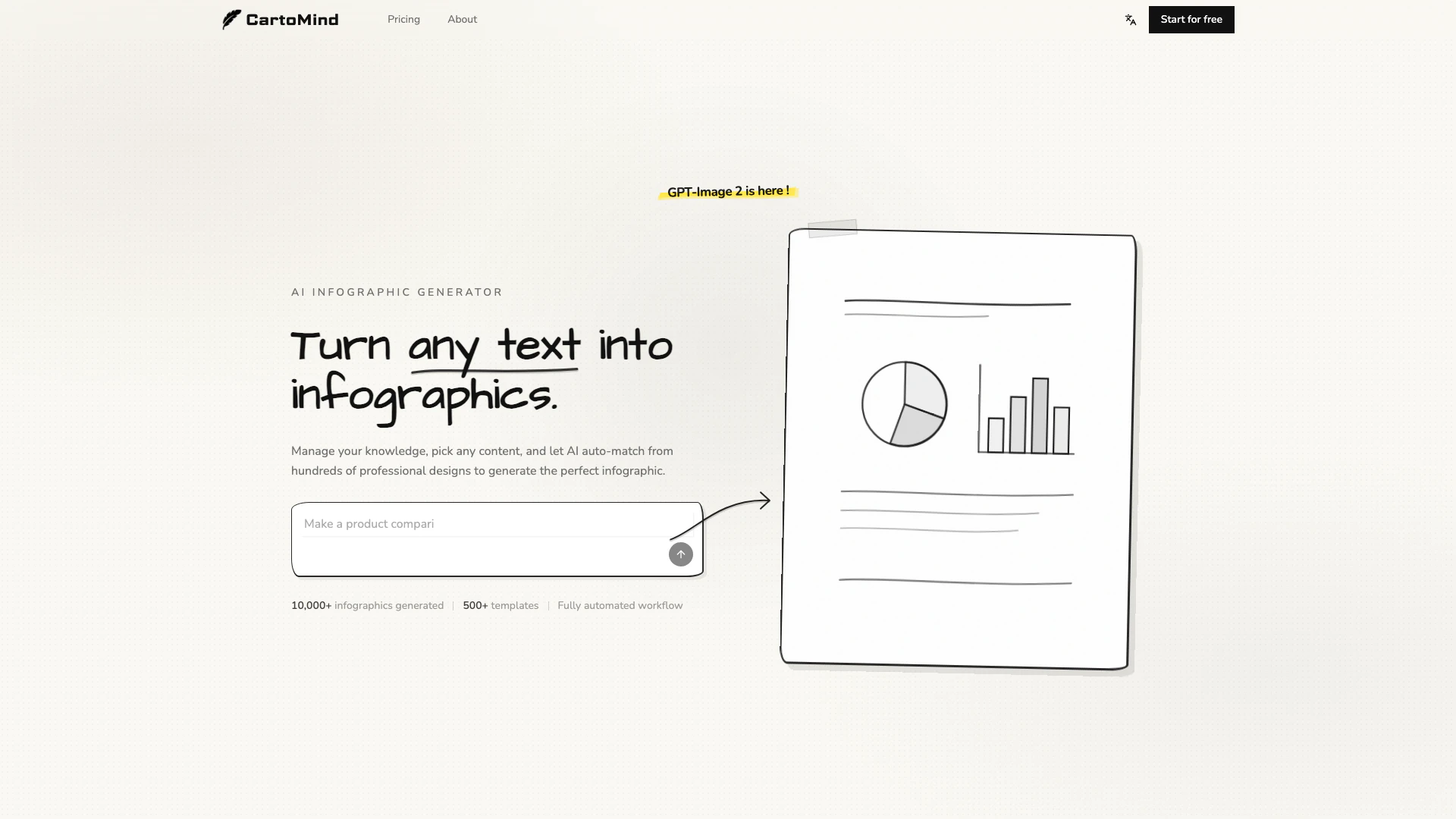
Turn your ideas into professional infographics in seconds with CartoMind's AI-powered generator.
Launch Date:
April 4, 2026
Social links:
Monthly Visits:
--
Inputs:
TextAPI
Outputs:
ImageText
Website
💼Work
AI Art Generator144AI Graphic Design Tools224AI Infographic Generator7
Cartomindai website screenshot showing Turn your ideas into professional infogr... interface and features
Use tool
Update this tool
Google logo

Google

AI Time Manager offers AI-driven tools for better time management.

Deepseek logo

Deepseek

DeepSeek focuses on pioneering general AI technologies and models.

Deepseek V4 logo

Deepseek V4

Explore cutting-edge AI models with Deepseek.

Workgpt logo

Workgpt

WorkGPT: ChatGPT Gemini AI GPT in Sheets Doc Slide - Google Workspace Marketplace

Box logo

Box

Box AI enhances enterprise productivity with intelligent content management and automation.

Cartomindai Overview

What is CartoMind?

CartoMind is an innovative AI infographic generator designed to transform any idea or text into professional-grade infographics in mere seconds. This tool automates the design process, handling layout, typography, and overall aesthetics, allowing users to create visually appealing graphics without needing extensive design skills. With CartoMind, users can easily manage their knowledge and generate infographics that effectively communicate complex ideas through visual representation.


How to use CartoMind?

  1. Add Your Content: Paste an article, upload a document, or type your ideas directly into the platform. Any form of text is accepted.
  2. AI Organizes & Analyzes: The AI reads your content, extracts key points, and recommends the best infographic style for your topic, managing the heavy lifting of design.
  3. Generate & Edit: In just seconds, generate your infographic and make any necessary adjustments to layout, style, or content details until it meets your expectations.
  4. Share or Download: Export your infographic as a high-resolution image, ready for use on social media, presentations, blogs, or any other platform.

What are the main features of CartoMind?

  • Fully automated infographic generation process, saving time and effort.
  • Over 500 professional templates available for various infographic styles.
  • AI-driven content analysis that auto-matches designs to the text structure.
  • Multi-format upload capability, allowing PDFs, documents, and direct text input.
  • Infinite canvas for creative control over the infographic layout.
  • Multi-language support for global accessibility.

Who is CartoMind for?

CartoMind is ideal for a diverse range of users, including marketers, educators, industry experts, independent consultants, and knowledge creators. Anyone looking to convert complex information into clear, shareable visual content will find CartoMind beneficial. It serves those who want to enhance their presentations, create educational materials, or share insights on social media, enabling them to visually communicate their expertise effectively.


What are the use cases of CartoMind?

  1. Transform industry insights and complex data into visually engaging infographics that can be shared across social media platforms.
  2. Create educational materials by converting abstract concepts into intuitive visual explanations, enhancing learning experiences for students.
  3. Generate visual content that highlights unique insights and expertise, making it more likely to be saved and shared by audiences.

Cartomindai Pros and Cons

Pros

  • Fast Infographic Generation: CartoMind allows users to create professional infographics in seconds, significantly speeding up the design process compared to traditional methods.
  • User-Friendly Interface: The platform is designed for users without design skills, making it accessible for anyone to create infographics easily.
  • Automated Design Matching: With over 500 professional templates, CartoMind's AI automatically matches the best design to your content, ensuring a polished look without manual effort.

Cons

No cons data detected for this tool

Cartomindai Pricing

Free Plan

Contact Us

Try the AI Infographic Generator for free. Turn any text into infographics with no design skills needed.

For the latest pricing, please visit this link: https://cartomind.ai/pricing

Prices are subject to change. Please visit the official website for the most up-to-date pricing information.

Cartomindai Compare

Tool NameIntroductionPricing
Type
RatingLaunch DateLearn more
Tutorai logo
Tutorai
Tutor AI - Your personal AI tutor to learn anything
Free
🙋‍♂️Personal💼Work
September 23, 2007
Get deal
Ai Lawyer logo
Ai Lawyer
Explore AI Lawyer for easy, quick, and budget-friendly legal help. Empowering consumers and lawyers with AI-driven solutions for all your legal needs.
Free
💼Work
February 11, 2023
Get deal
Lunit logo
Lunit
Lunit develops AI solutions that detect early-stage cancer and optimize cancer treatment for saving lives through technology.
Free
💼Work
August 10, 2015
Get deal

Info current as of post date. Offers and availability may vary by location and are subject to change.

Cartomindai Q&A

CartoMind is an AI infographic generator that allows users to turn any text into professional infographics quickly. Users can paste articles, upload documents, or type their ideas directly, and the AI organizes and analyzes the content to generate an infographic.

Cartomindai Launch embeds

Use website badges to drive support from your community for your TopAITools Review. They're easy to embed on your homepage or footer.

FEATURED ONTopaitoolsreview.com

Cartomindai Alternatives

Adobe screenshot

Adobe

Adobe empowers users to create and optimize digital content.

Website
Free
💼Work🎨Creativity
Art & DesignAI Graphic Design ToolsAI UX/UI DesignAI Creative Suite
  • Art & Design
  • AI Graphic Design Tools
  • AI UX/UI Design
  • AI Creative Suite
Use tool
331.2M
Direct58.42%
Search33.67%
Referrals6.19%
Figma screenshot

Figma

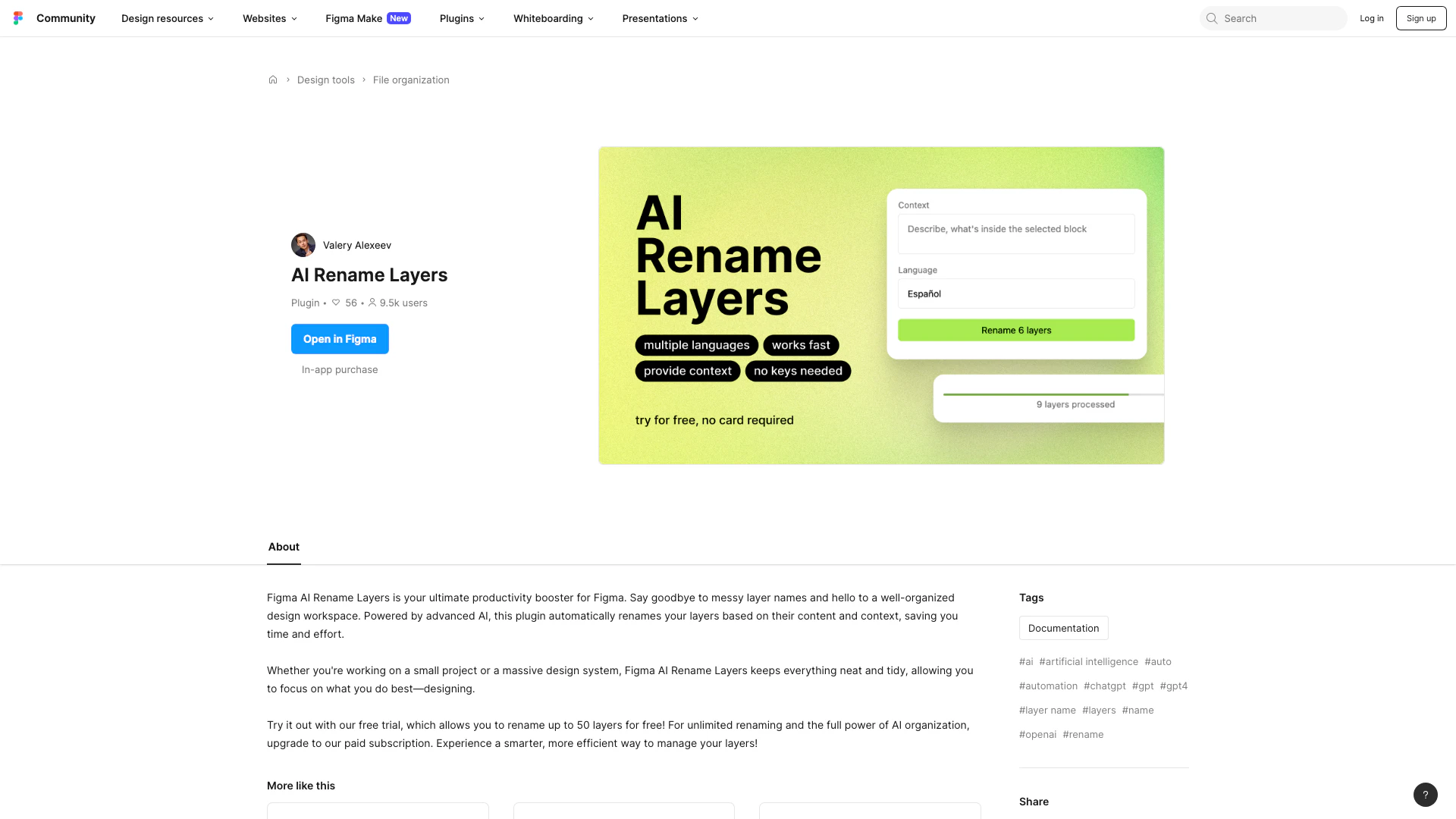
Automate layer renaming in Figma for better organization.

Website
Free
💼Work🎨Creativity
Art & DesignAI Design AssistantAI Graphic Design ToolsAI UX/UI Design
  • Art & Design
  • AI Design Assistant
  • AI Graphic Design Tools
  • AI UX/UI Design
Use tool
84.7M
Direct74.83%
Search18.36%
Referrals5.84%
Framer Ai screenshot

Framer Ai

Framer: Create a professional website, free. No code website builder loved by designers.

Website
Free
💼Work🎨Creativity
Art & DesignAI Graphic Design ToolsAi Website BuilderNo Code Low Code
  • Art & Design
  • AI Graphic Design Tools
  • Ai Website Builder
  • No Code Low Code
Use tool
4.8M
Direct59.78%
Search32.10%
Referrals6.05%

Also used for

AI Art Generator144AI Graphic Design Tools224AI Infographic Generator7AI Scheduling Tools5AI Creative Suite27AI Wireframe Generator5Ai Multi Design Creator2Indie Hacker Roadmap Creator2Visual Roadmap Tools1Note to Sketch Converter1Icon Library Tools1AI 3D Model Generator11AI Album Cover Generator2AI Anime Art3AI Anime Generator3
Cartomindai logo
CartomindaiFree
Get deal

Cartomindai Comments (0)

Your rating

?
0/2000

No comments yet

Be the first to share your thoughts!

🚀0
🚀0

Cartomindai Prompts (0)

Prompts And Results

Add your own prompts and outputs to help others understand how to use this AI.