

Builder




What is Builder?
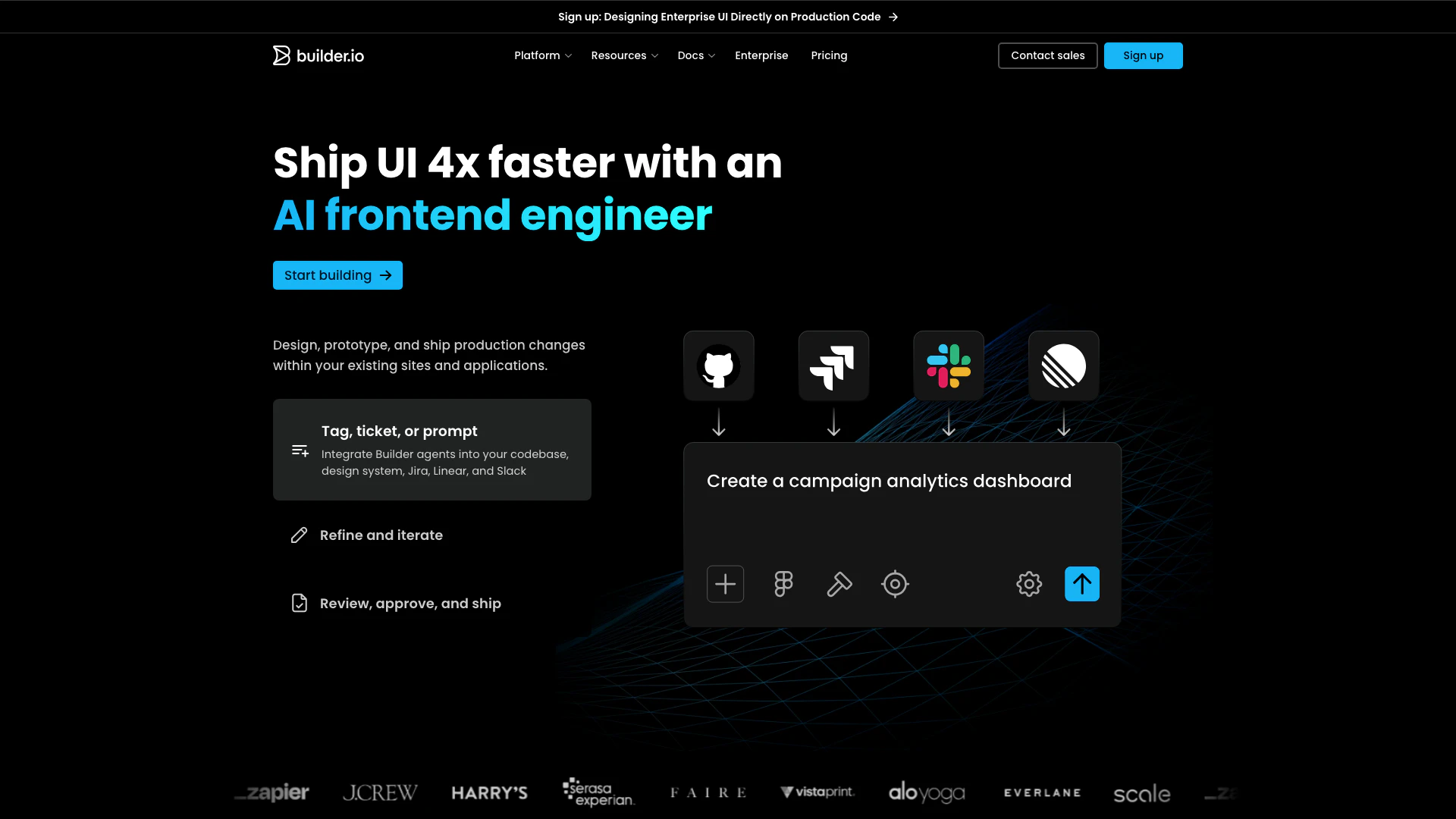
Builder is an innovative AI Frontend Engineer designed to help teams generate, iterate, and optimize web and mobile experiences rapidly. It transforms the traditional development process, allowing teams to create high-quality applications and websites in seconds rather than weeks or months. By leveraging AI technology, Builder streamlines the development workflow, enabling users to focus on creativity and strategy rather than tedious coding tasks. This tool is particularly beneficial for engineering, design, product, and content teams looking to enhance their productivity and efficiency.
How to use Builder?
- Sign Up: Visit the Builder website and create an account to access the platform.
- Connect Your Repository: Integrate Builder with your existing code repositories or design systems to streamline the development process.
- Start Building: Use Builder's intuitive interface to create web and mobile applications. You can import designs from Figma or start from scratch.
- Iterate and Optimize: Utilize Builder's AI capabilities to refine your designs and optimize performance based on user feedback and analytics.
- Publish Your Work: Once satisfied with your creation, publish your application or website directly through Builder's platform.
What are the main features of Builder?
- AI-Driven Development: Automates coding tasks to speed up the development process.
- Integration with Design Tools: Seamlessly connects with Figma for easy design imports.
- Real-Time Collaboration: Enables teams to work together efficiently in real-time.
- Headless CMS Capabilities: Manage content without being tied to a specific front-end technology.
- Customizable Templates: Offers a variety of templates that can be customized to fit specific needs.
Who is Builder for?
Builder is designed for a diverse range of users including engineering teams looking to enhance coding efficiency, design teams aiming for seamless handoffs from design to development, product teams wanting to accelerate their software development lifecycle, and content teams seeking to publish experiences without needing developer support. It is ideal for organizations of all sizes that prioritize speed and quality in their web and mobile application development.
What are the use cases of Builder?
- Web Applications: Rapidly develop and deploy responsive web applications.
- Prototypes: Create interactive prototypes to visualize ideas and gather feedback quickly.
- Landing Pages: Build high-converting landing pages for marketing campaigns without extensive coding.
Product Images




Builder Pros and Cons
Pros
- Rapid Development Speed: Builder enables teams to generate, iterate, and optimize web and mobile experiences in seconds, significantly reducing development time.
- Integration with Existing Tools: The tool integrates seamlessly with existing codebases, design systems, and platforms like Jira and Slack, enhancing workflow efficiency.
- User-Friendly Visual Editing: Builder offers a visual editor that allows users to modify generated experiences easily, providing drag-and-drop functionality and precise styling control.
Cons
No cons data detected for this tool
Builder Pricing
Enterprise
For organizations needing more scale, control, and support. Custom user seats, Custom Agent Credits, Everything in Pro, plus Connect with GitHub Enterprise, GitLab Enterprise, Azure DevOps, Custom spaces, Faster machines, Custom roles & permissions, Remote workspaces, Custom MCP servers, Component mapping, Privacy mode, SSO, Uptime and Premium Support SLAs, Assigned Customer Success Manager.
Pro
For teams building and iterating on projects. Up to 20 users, 500 monthly Agent Credits, each additional user includes 500 monthly Agent Credits, $25/mo per 500 additional credits, Everything in Free, plus Built-in MCP Servers, Pay-as-you-go for more usage, 30-day Activity History, Password-protected previews, Standard Support.
For the latest pricing, please visit this link: https://www.builder.io/pricing
Prices are subject to change. Please visit the official website for the most up-to-date pricing information.
Analytics of Builder
Builder Website Traffic Analysis
Visits Over Time
Traffic Sources
Oct 2025 - Dec 2025 Worldwide Desktop Only
- Direct: 46.64%
- Search: 40.45%
- Referrals: 10.27%
- Social: 1.81%
- Paid Referrals: 0.75%
- Mail: 0.08%
Top Keywords
| Keyword | Volume | CPC | Estimated Value |
|---|---|---|---|
| claude code | 1.54M | $1.42 | $10700.00 |
| figma ai | 132.37K | $1.38 | $2400.00 |
| builder | 26.90K | $1.59 | $4090.00 |
| codex vs claude code | 15.35K | $3.89 | $2600.00 |
| builder io | 12.42K | $4.30 | $7790.00 |
Builder Reviews
Thanks to Builder, we diverted 20% of our development budget from content management maintenance to strategic growth initiatives like optimizing conversions and increasing member loyalty.
With Builder, we have launched more than 250 new pages, which attract an average of around one million monthly visitors. Also, we can now run website experiments that helped to improve homepage conversion rate.
With Builder, we’re able to see the same quality results that were only previously possible through reliance on our engineering team, who now have capacity to tackle higher-value projects.
For more reviews, visit this link: https://www.builder.io/#customer-stories





Builder Social Listening
Dragon Quest Builders Review
Dragon Quest Builders reviewed...
Microsoft 3D Builder Tutorial:...
In this tutorial you will lear...
SKANDAL TERBESAR PERUSAHAAN AI...
Yuk Gabung Jadi Anak Tiri Berb...
Unlock to view 48 social media results.