

Breadcrumbs Copilot
What is Breadcrumbs Copilot?
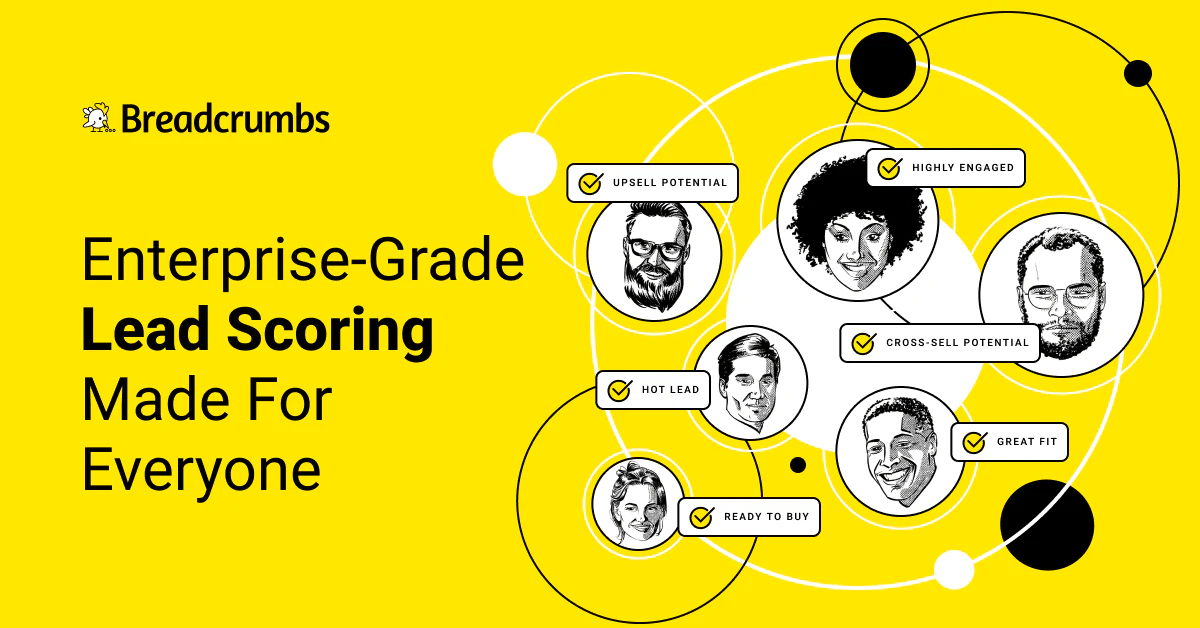
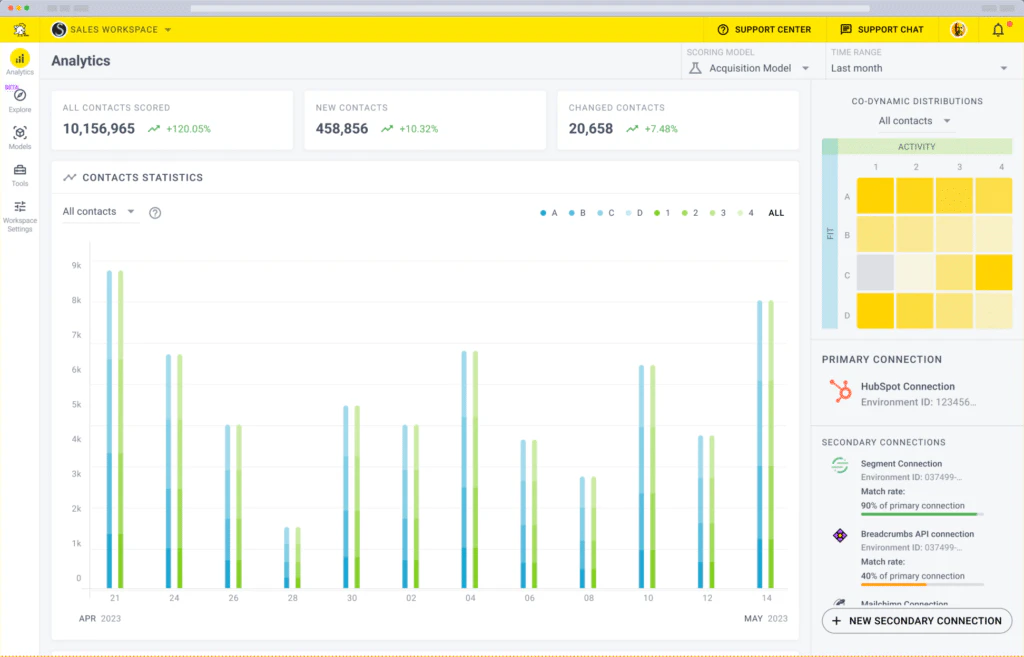
Breadcrumbs Copilot is an innovative lead scoring tool designed to help businesses optimize their sales and marketing efforts. It provides enterprise-grade lead scoring capabilities that are accessible to all types of organizations, enabling them to analyze and prioritize leads effectively. With its user-friendly interface, Breadcrumbs Copilot allows users to create customized lead scoring models quickly, making it an essential tool for enhancing revenue generation strategies.
How to use Breadcrumbs Copilot?
- Sign up for a Breadcrumbs account and log in to the platform.
- Navigate to the Copilot section to start creating your lead scoring model.
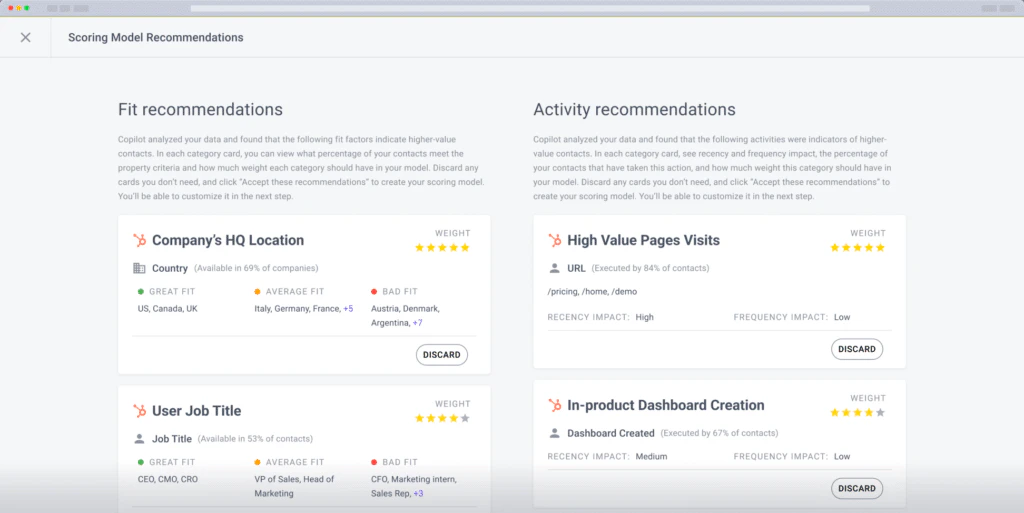
- Follow the prompts to analyze your data and generate a suggested lead scoring model with just a few clicks.
- Review the suggested model and customize it as necessary to fit your specific needs.
- Save and implement your lead scoring model to start optimizing your lead management process.
What are the main features of Breadcrumbs Copilot?
- 3-Click Lead Scoring Model Creation: Quickly create lead scoring models with minimal effort.
- Completely Transparent and Customizable: Users have full control over the lead scoring parameters and can make adjustments as needed.
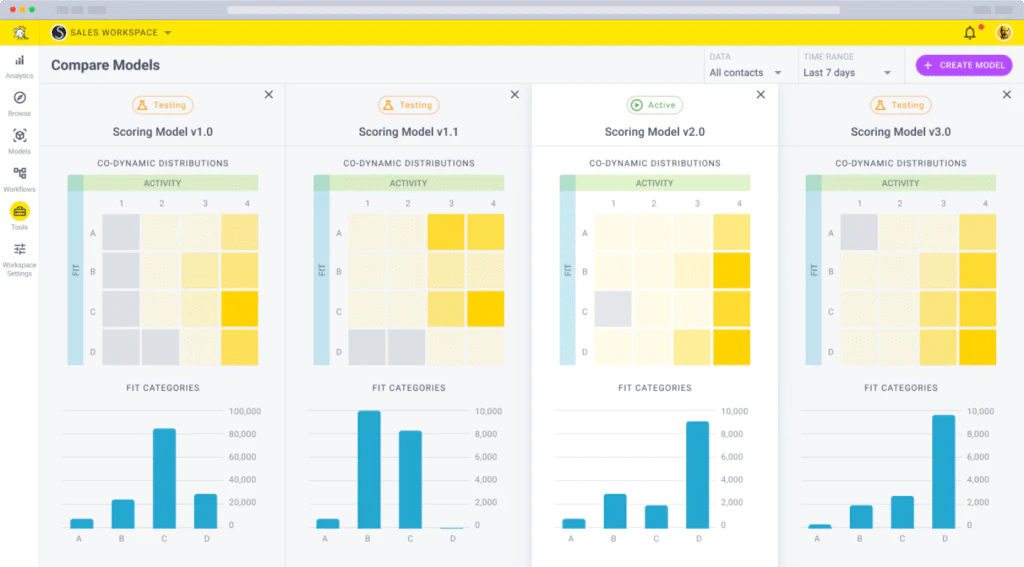
- Unlimited Workspaces and Models: Create multiple models for various purposes, such as acquisition and retention, without limitations.
- Machine Learning Integration: Utilizes machine learning to identify predictive attributes and improve scoring accuracy over time.
- No-Code Connectors: Easily integrate data from existing tech stacks without needing developer resources.
Who is Breadcrumbs Copilot for?
Breadcrumbs Copilot is designed for sales and marketing teams across various industries looking to enhance their lead management processes. It is particularly beneficial for organizations that prioritize data-driven decision-making and seek to optimize their sales funnels. Whether you are a startup or an established enterprise, Breadcrumbs Copilot offers the tools necessary to streamline lead scoring and improve overall revenue performance.
What are the use cases of Breadcrumbs Copilot?
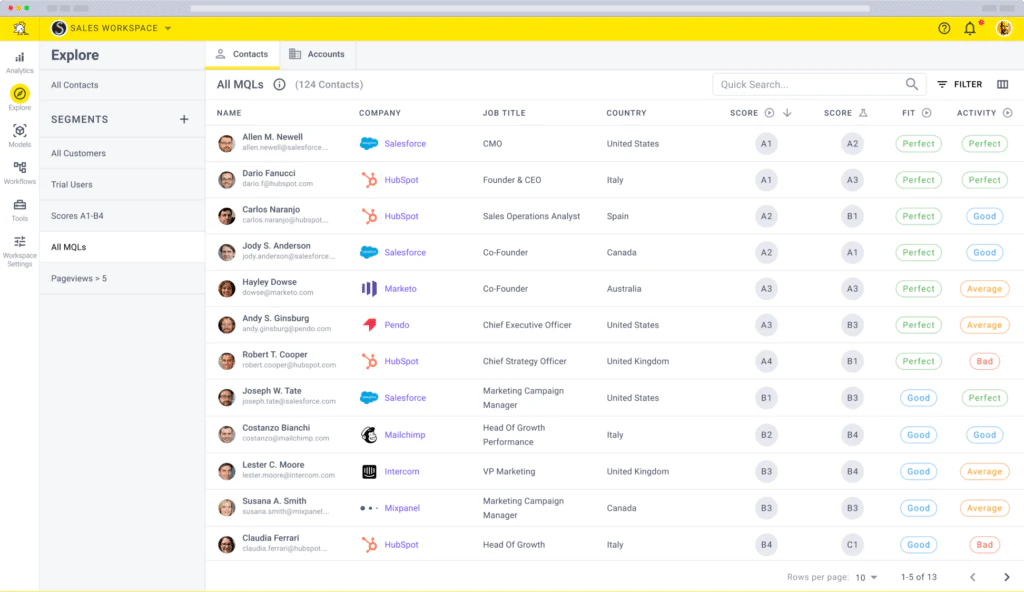
- Lead Prioritization: Use Breadcrumbs Copilot to score leads based on their likelihood to convert, allowing sales teams to focus on high-potential prospects.
- Model Testing and Iteration: Build and test multiple lead scoring models to determine which performs best in driving conversions.
- Revenue Optimization: Analyze lead data to identify opportunities for revenue growth through improved targeting and retention strategies.
Product Images
Breadcrumbs Copilot Pros and Cons
Pros
- Easy Lead Scoring Model Creation: Users can create lead scoring models in just three clicks, making the process quick and efficient.
- Data-Driven Automation: The tool automates lead scoring using data-driven models, which enhances accuracy and efficiency.
- Full Transparency and Customization: The platform provides complete transparency and customization options for users to tailor their lead scoring models.
- Integration with Existing Tech Stack: Breadcrumbs Copilot integrates seamlessly with various marketing, sales, and product data systems, providing flexibility.
Cons
No cons data detected for this tool
Analytics of Breadcrumbs Copilot
Breadcrumbs Copilot Website Traffic Analysis
Visits Over Time
Traffic Sources
Oct 2025 - Dec 2025 Worldwide Desktop Only
- Search: 44.60%
- Direct: 38.64%
- Referrals: 10.66%
- Social: 4.57%
- Paid Referrals: 1.09%
- Mail: 0.13%
Top Keywords
| Keyword | Volume | CPC | Estimated Value |
|---|---|---|---|
| breadcrumbs | 24.37K | $0.42 | $100.00 |
| case study examples | 5.69K | $0.76 | $90.00 |
| competitor swot analysis | 400 | $3.42 | $90.00 |
| upsell template page | 140 | $0.00 | $130.00 |
| breadcrumbs.io "brand name" | 60 | $0.00 | $120.00 |




Breadcrumbs Copilot Social Listening
如何正確使用 GitHub Copilot Chat 以大幅...
在 GitHub Copilot 搭配 VS Code v1...
🚀保姆级教程!GitHub Copilot CLI横空出世...
🚀🚀🚀视频简介: ✅ 开发者福音!GitHub官方免费...
GitHub Copilot教程 | 第一章: 前期准备 |...
欢迎来到GitHub Copilot教程的第一章,本章将带领...
Unlock to view 16 social media results.