Bakatako





What is Bakatako?
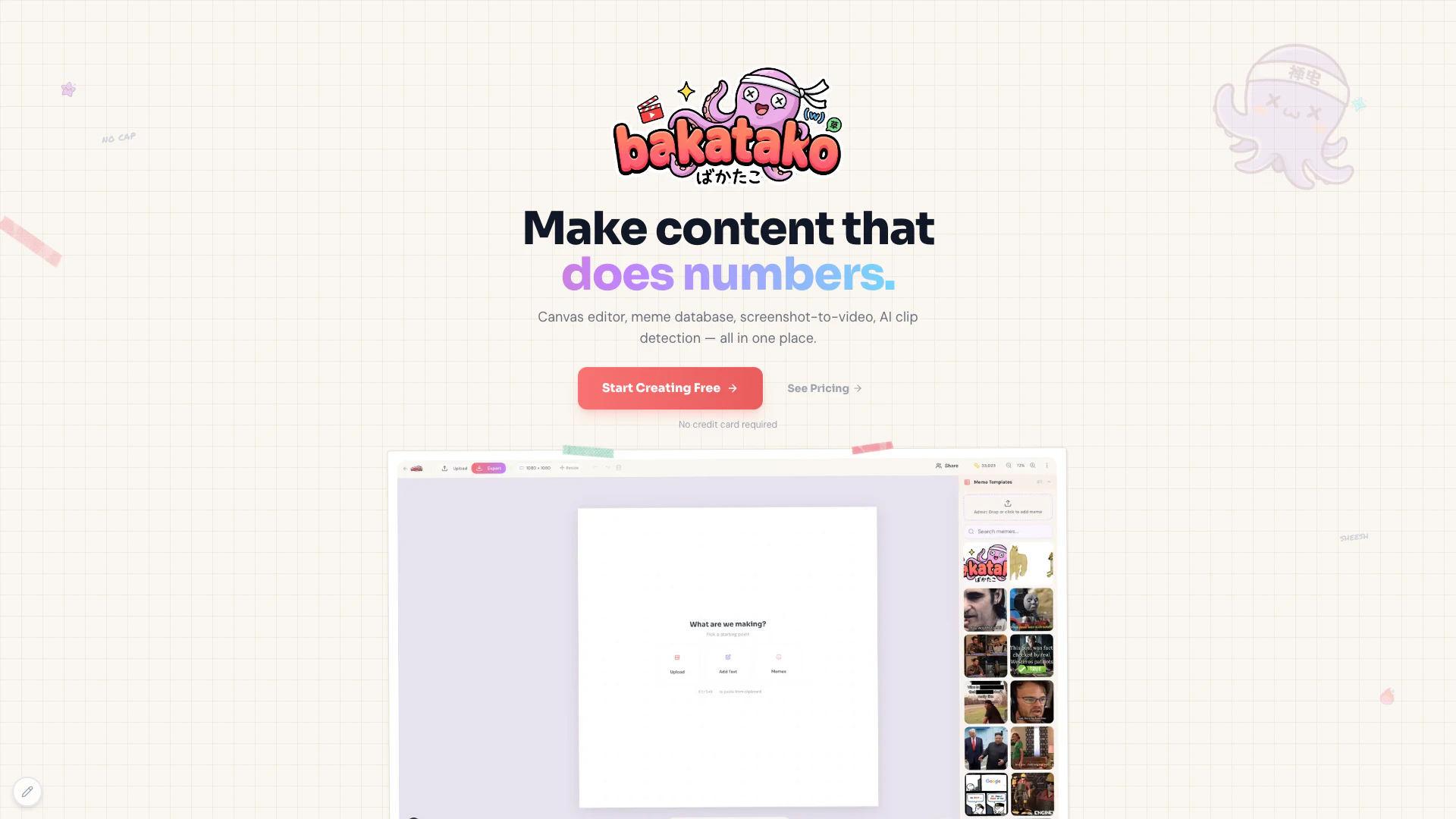
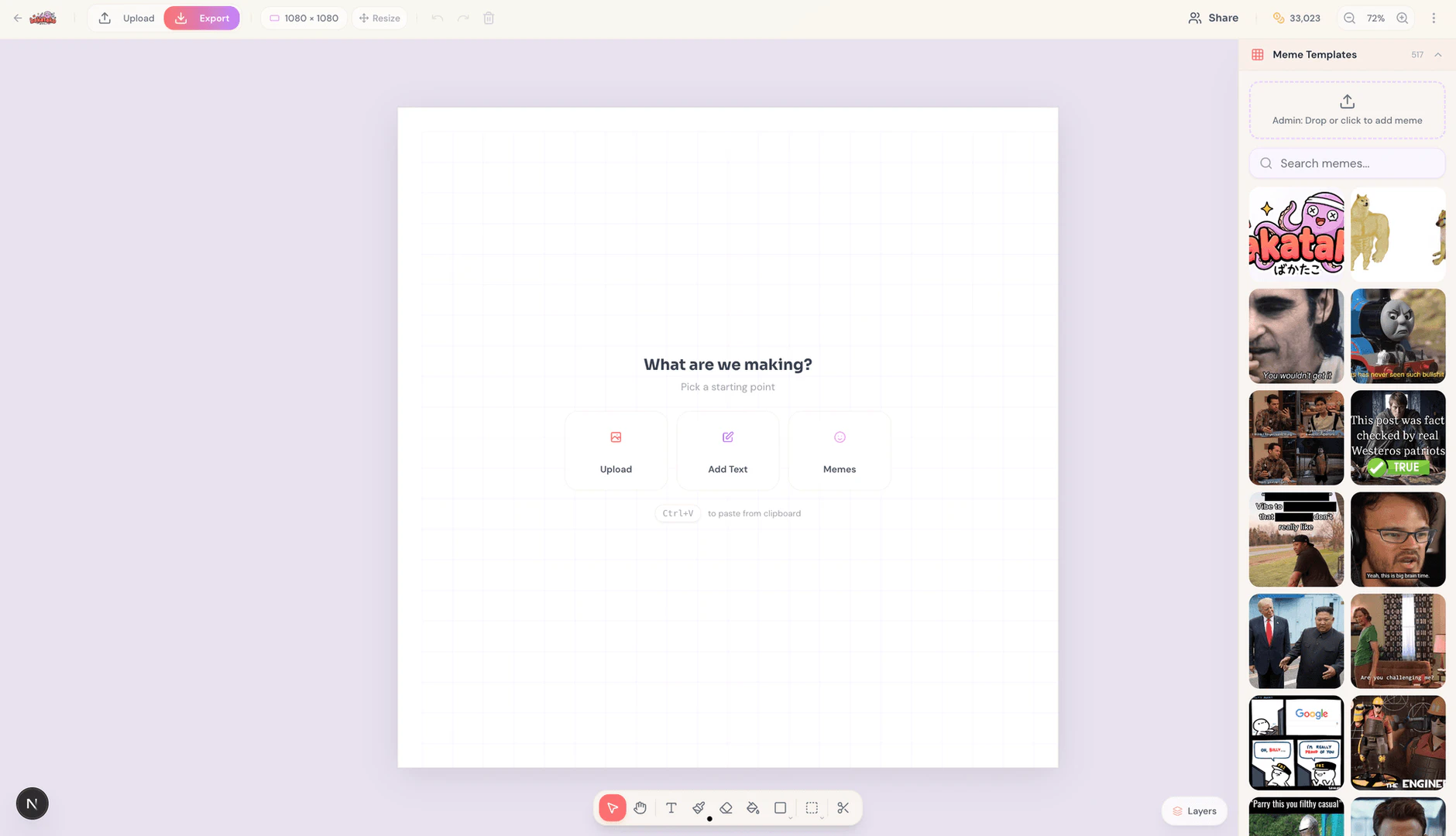
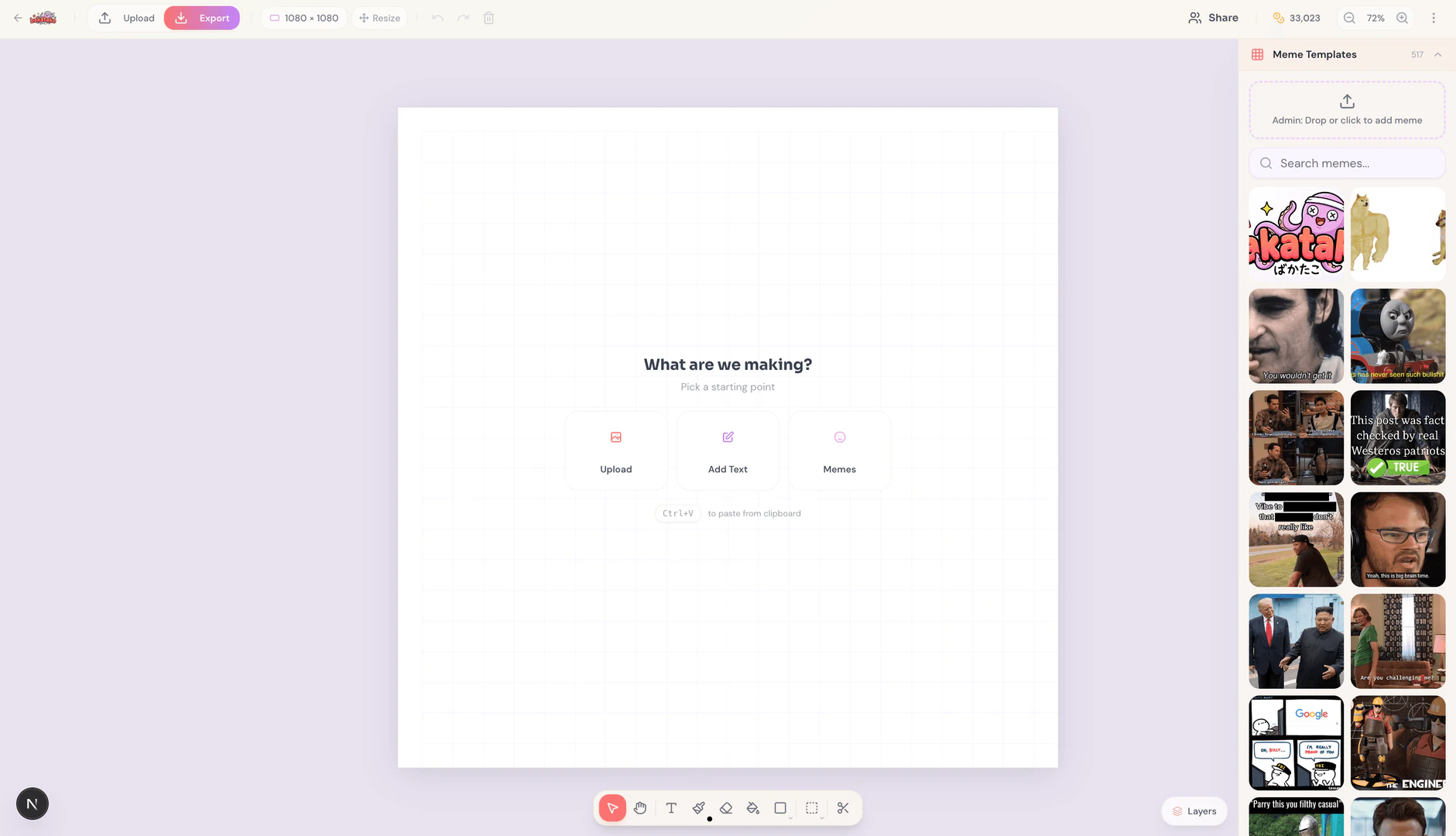
Bakatako is the ultimate meme-making[1] platform designed for creators looking to produce viral content effortlessly. It combines a canvas editor[2] for memes, tools to animate tweets and screenshots into engaging videos, and features for auto-clipping or manually clipping content. Users can easily export their creations to popular platforms like TikTok, Instagram Reels, and YouTube Shorts, making Bakatako an all-in-one solution for meme generation and content creation.
How to use Bakatako?
- Sign up for a free account on the Bakatako website.
- Access the canvas editor to start creating your memes using a variety of templates and tools.
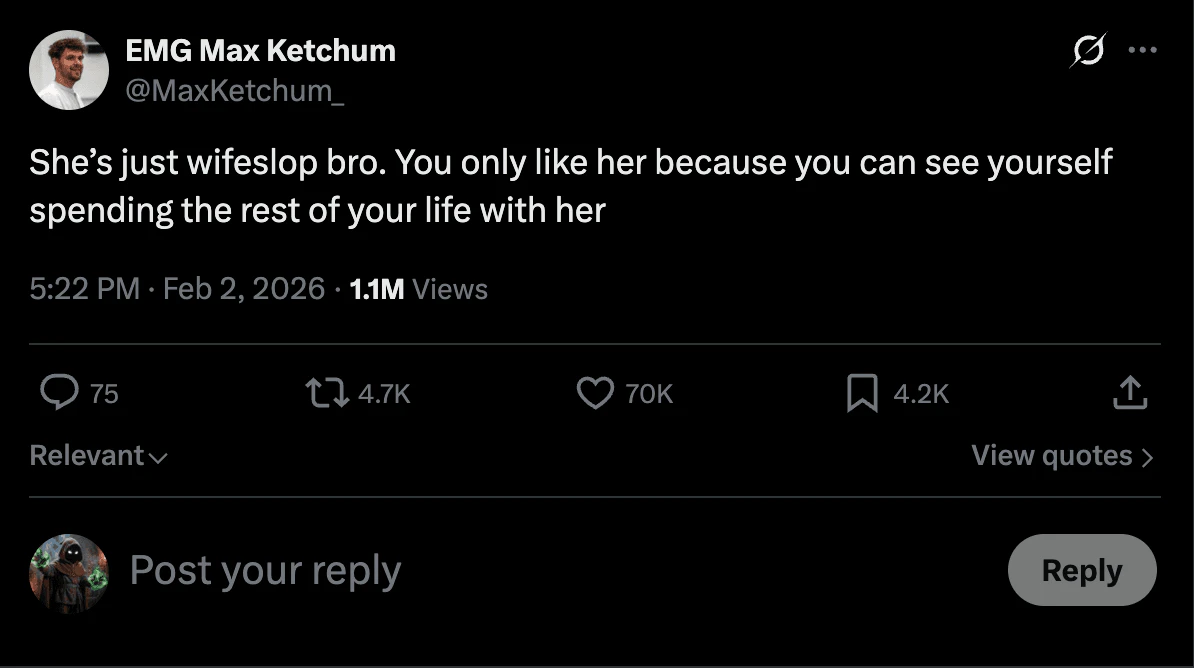
- Use the screenshot-to-video feature to animate tweets or screenshots by uploading your content.
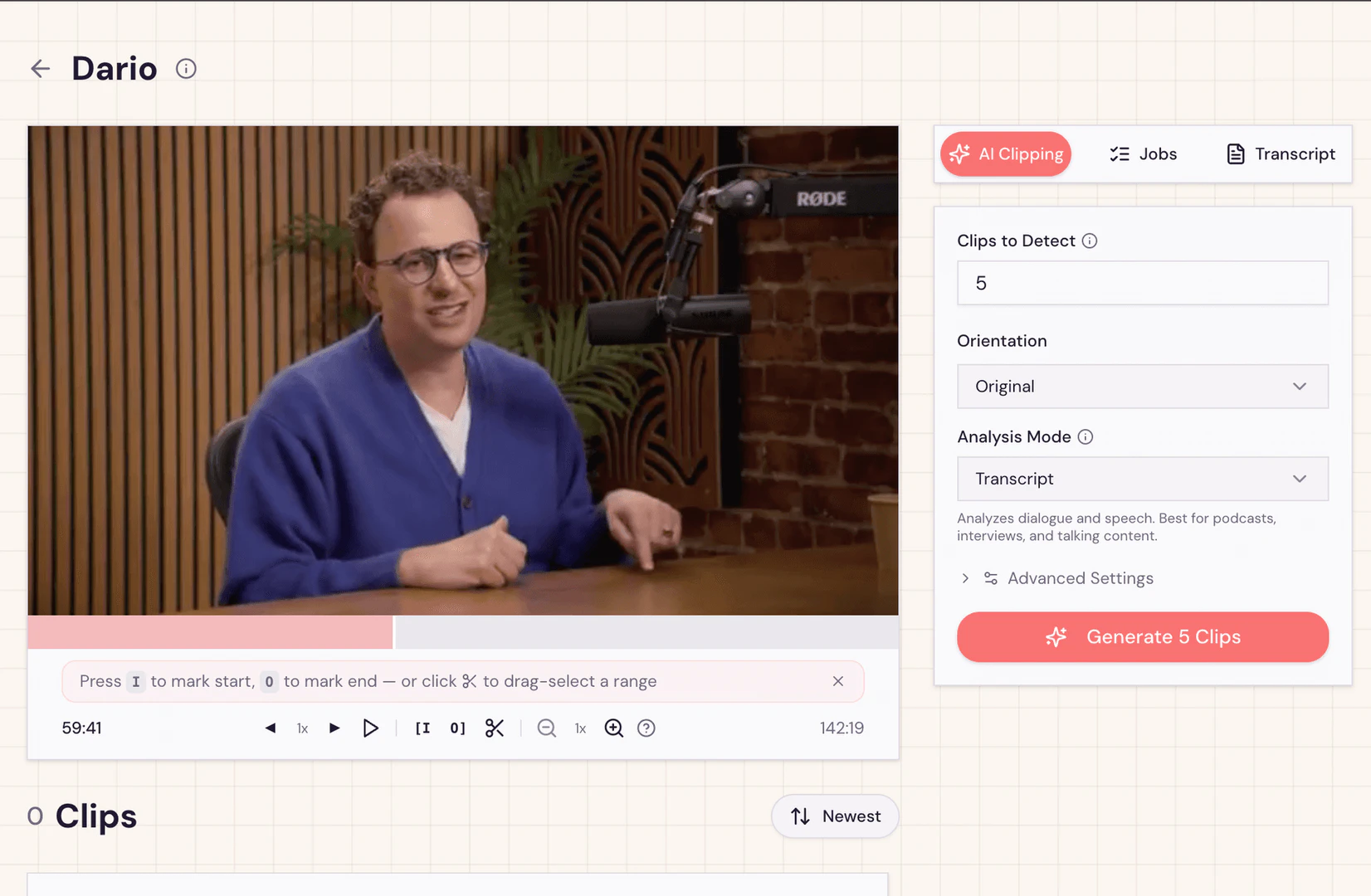
- Explore the auto-clip feature to automatically select key moments from your videos or manually clip content as needed.
- Export your finished content directly to TikTok, Instagram Reels, or YouTube Shorts.
What are the main features of Bakatako?
- Canvas Editor: A user-friendly interface for creating and editing memes with various templates.
- Screenshot to Video[3]: Convert tweets and screenshots into animated videos effortlessly.
- Auto Clip[4] Feature: Automatically detect and clip important moments from your videos.
- Manual Clipping: Allows for precise control over which parts of the video to keep.
- Export Options: Directly export your creations to TikTok, Instagram Reels, and YouTube Shorts.
Who is Bakatako for?
Bakatako is ideal for content creators, social media managers, marketers, and anyone looking to create engaging and shareable memes and videos. Whether you are an individual looking to make fun content for personal use or a business aiming to enhance your online presence, Bakatako provides the tools necessary to produce high-quality, viral content.
What are the use cases of Bakatako?
- Social Media Marketing: Create eye-catching memes and videos to promote products or services on platforms like Instagram and TikTok.
- Personal Projects: Make fun memes for personal use, sharing with friends or on social media.
- Content Creation for Blogs: Use memes and videos to enhance blog posts and engage readers more effectively.
- Educational Content: Create humorous and informative videos to make learning more engaging.
Product Images
Bakatako Pros and Cons
Pros
- Comprehensive Meme-Making Tools: Bakatako offers a canvas editor, meme database, and screenshot-to-video functionality, all in one platform, making it easy to create and share memes.
- User-Friendly Interface: The platform is designed for ease of use, allowing users to quickly create content without a steep learning curve.
- Multiple Export Options: Users can export their creations to popular social media platforms like TikTok, Instagram Reels, and YouTube Shorts, enhancing content visibility.
Cons
No cons data detected for this tool
Bakatako Pricing
Free
Just vibing. 100 credits/month.
Creator
For creators who mean business. 500 credits/month.
Pro
For the legends. 3,000 credits/month.
Agency
For content teams. 10,000 credits/month.
For the latest pricing, please visit this link: https://bakatako.com/pricing
Prices are subject to change. Please visit the official website for the most up-to-date pricing information.