



Twitter-color Created with Sketch. Amazon-color Created with Sketch. Facebook-color Created with Sketch. github [#142] Created with Sketch. meta_fill Pinterest-color Created with Sketch. ProductHunt-color Created with Sketch. Spotify-color Created with Sketch. Threads Logo Streamline Icon: https://streamlinehq.com Yelp-color Created with Sketch. Youtube-color Created with Sketch.
TopAIToolsTopAITools
  • Free Tools
  • Category
  • Leaderboard
  • Deals
  • Submit
EN
TopAIToolsTopAITools
TopAI

TopAITools

TopAITools, The Best Top AI Tools

AI Glossary|English简体中文繁體中文한국어日本語PortuguêsEspañolDeutschFrançaisTiếng Việt|Map

© 2026 TopAITools. All rights reserved.

About

  • Privacy Policy
  • Terms of use

Contact Us

business@topaitoolsreview.com
Home
AI Reels Generator
Cursorshorts
Last updated: May 26, 2026
Cursorshorts logo

Cursorshorts

Get deal
5.0|0 Comments|0 Saved
Introduction:
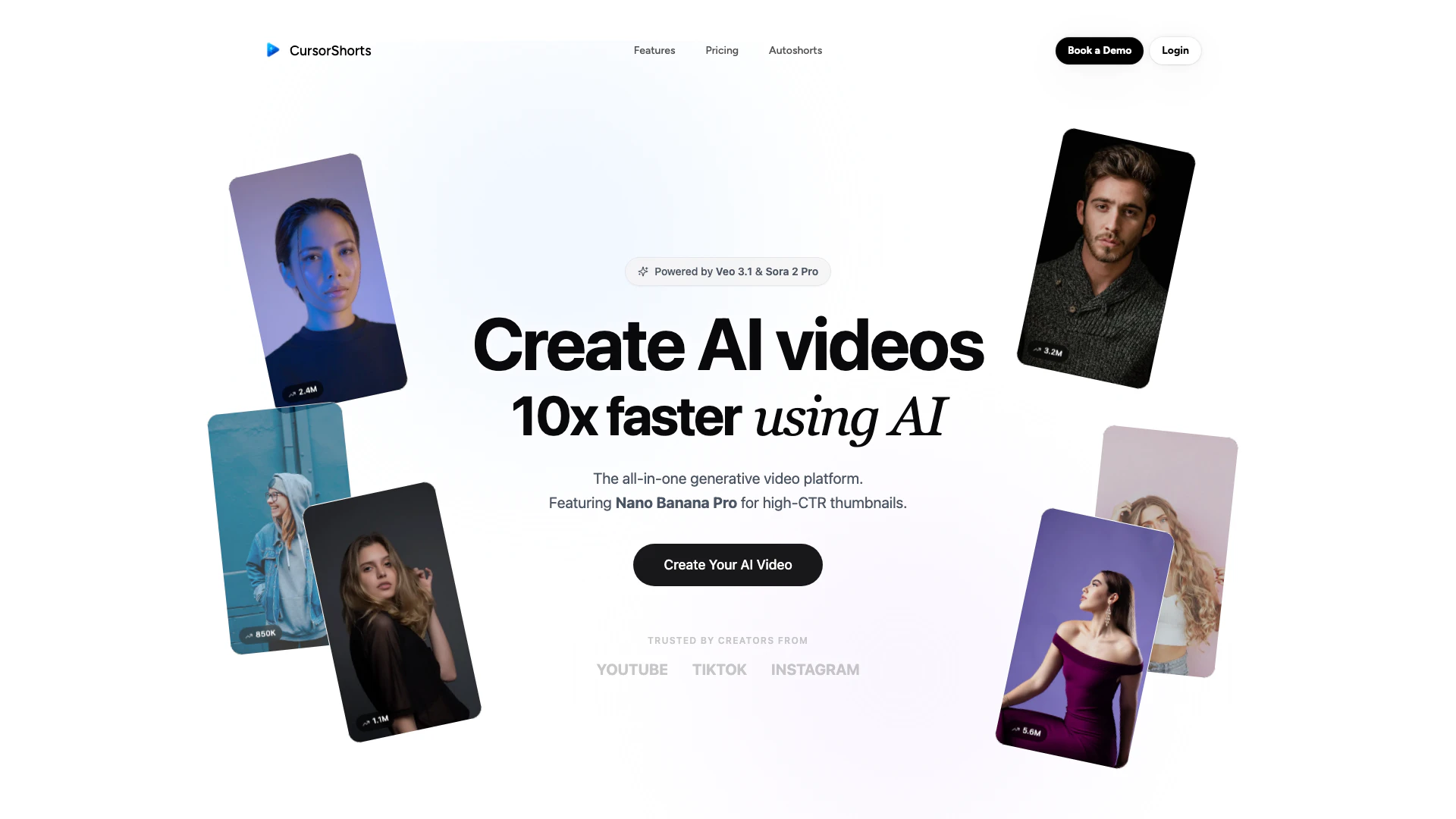
Easily create viral AI videos with Cursorshorts.
Launch Date:
August 19, 2025
Monthly Visits:
183
Inputs:
Text
Outputs:
Video
Supported Languages:
ENFRDEESIT
AI Models:
Sora 2 ProVeo 3.1Nano Banana Pro
Website
Free Trial
💼Work🎨Creativity
AI Reels Generator40AI Short Video Generator57AI TikTok Video Generator46
Cursorshorts website screenshot showing Easily create viral AI videos with Curso... interface and features
Use tool
Update this tool
Suno logo

Suno

Suno allows users to create original music effortlessly using AI technology.

Buzz Mail logo

Buzz Mail

Buzz Mail - Google Workspace Marketplace

Apple logo

Apple

Apple Creator Studio offers a suite of creative tools for video, music, and design.

Character Ai logo

Character Ai

Chat with millions of AI Characters on the #1 AI chat app. Where will your next adventure take you?

Openai Codex logo

Openai Codex

OpenAI Codex enhances coding efficiency with AI-driven task support.

Cursorshorts Overview

What is Cursorshorts?

Cursorshorts is an innovative platform designed for creators to easily produce viral AI shorts. Leveraging cutting-edge AI technology, it enables users to create engaging video content for platforms like TikTok and YouTube quickly and efficiently. With a user-friendly interface, Cursorshorts offers a variety of tools and features to enhance video creation, allowing users to generate high-quality content that captures audience attention. The platform is particularly beneficial for marketers, content creators, and social media influencers looking to streamline their video production process.


How to use Cursorshorts?

  1. Sign up for an account on the Cursorshorts website and choose a subscription plan that suits your needs.
  2. Once logged in, navigate to the video creation interface where you can select from various templates or start from scratch.
  3. Utilize the AI tools to generate scripts, select AI actors, and customize your video by adding B-rolls, music, and captions.
  4. Review your video and make any necessary adjustments before finalizing.
  5. Export your video and share it on your preferred social media platforms.

What are the main features of Cursorshorts?

  • AI Video Creation: Quickly create engaging videos tailored for social media platforms.
  • Viral Content Optimization: Tools designed to enhance the likelihood of your videos going viral.
  • AI Actors Library: Access to over 1,000 AI actors for realistic video presentations.
  • Emotion Control: Customize the emotional tone of your videos by simply writing the desired emotions.
  • Multi-language Support: Create videos in over 30 languages to reach a global audience.
  • Easy Editing Tools: Add B-rolls, music, and captions with just a click.

Who is Cursorshorts for?

Cursorshorts is designed for a diverse range of users including content creators, social media influencers, marketers, and businesses looking to enhance their online presence through engaging video content. Whether you are an individual looking to grow your personal brand or a company aiming to reach a wider audience, Cursorshorts provides the tools necessary for effective video creation. Its user-friendly interface makes it accessible for both beginners and experienced video creators.


What are the use cases of Cursorshorts?

  1. Social Media Marketing: Create engaging short videos for platforms like TikTok and Instagram to promote products or services.
  2. Content Creation: Streamline the video production process for YouTube creators, allowing for quick turnaround times on new content.
  3. Product Demonstrations: Utilize AI actors to showcase products in a realistic manner, enhancing viewer engagement.

Product Images

Cursorshorts video creation step by step
Cursorshorts user interface for video editing
Cursorshorts AI features demonstration
Cursorshorts AI video editing features
Cursorshorts use case example
Cursorshorts application scenario
Cursorshorts video creation platform overview
Cursorshorts AI video creation interface
Cursorshorts target audience
Cursorshorts users creating videos
1 / 10

Cursorshorts Pros and Cons

Pros

  • Fast Video Creation: Create AI videos 10x faster using advanced AI technology, streamlining the content creation process.
  • Diverse AI Actor Library: Access a library of over 1,000 realistic AI actors, enhancing the quality and engagement of your videos.
  • Emotion Control: Full control over the emotions of AI actors, allowing for tailored video presentations that resonate with audiences.

Cons

No cons data detected for this tool

Cursorshorts Pricing

Starter

$39/month

Perfect for getting started 2,000 credits per month HD quality Standard voice library Basic image models Email support

Growth

$69/month

Most popular for creators 5,000 credits per month FHD quality Premium voice library Advanced image models Priority support

Ultra

$199/month

For power users 15,000 credits per month 4K quality All image models Dedicated support Discord community access

Team

Contact Us

For teams and enterprises Custom Unlimited credits 4K quality All image models Dedicated account manager Priority support Team collaboration features Custom integrations

For the latest pricing, please visit this link: https://www.cursorshorts.com/#pricing

Prices are subject to change. Please visit the official website for the most up-to-date pricing information.


Analytics of Cursorshorts

Cursorshorts Website Traffic Analysis

Visits Over Time

Nov 2025 - Nov 2025 All Traffic
--
AI Tools Rank
0
Monthly Visits
0.00%
Bounce Rate
0.00
Pages Per Visit
0:00
Visit Duration
--
Global Rank
--
Country Rank

Cursorshorts Compare

Tool NameIntroductionPricing
Type
RatingLaunch DateLearn more
Quillbot Paraphraser logo
Quillbot Paraph...
Paraphrasing Tool (Ad-Free and No Sign-up Required) - QuillBot AI
Free
💼Work🎨Creativity
December 31, 1984
Get deal
Autodraw logo
Autodraw
AutoDraw
Free
🎨Creativity
January 2, 1998
Get deal
Education Copilot logo
Education Copil...
Generate AI lesson plans, PowerPoints, and more with Copilot! Use Copilot to breeze through your unit planning and material creation!
Free
💼Work
November 13, 2022
Get deal

Info current as of post date. Offers and availability may vary by location and are subject to change.

Cursorshorts Q&A

Yes, we offer a free trial for new users to explore our features and capabilities.

Cursorshorts Launch embeds

Use website badges to drive support from your community for your TopAITools Review. They're easy to embed on your homepage or footer.

FEATURED ONTopaitoolsreview.com

Cursorshorts Alternatives

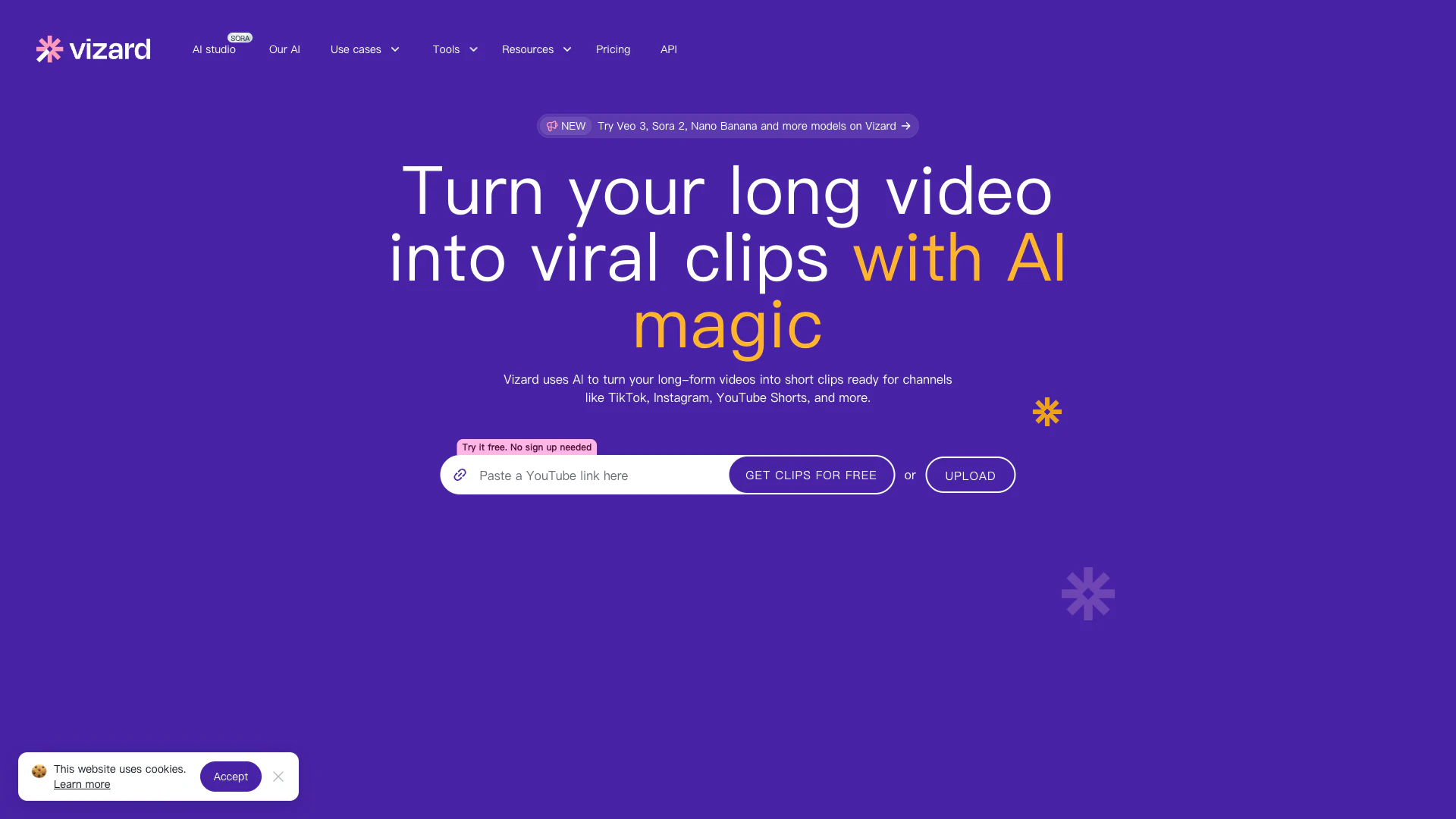
Vizard screenshot

Vizard

Transform long videos into viral clips effortlessly.

Website
Free Trial
💼Work🎨Creativity
Video & AnimationAI Reels GeneratorAI Short Video GeneratorAI Video Editor
  • Video & Animation
  • AI Reels Generator
  • AI Short Video Generator
  • AI Video Editor
Use tool
1.4M
Search52.69%
Direct40.99%
Referrals4.30%
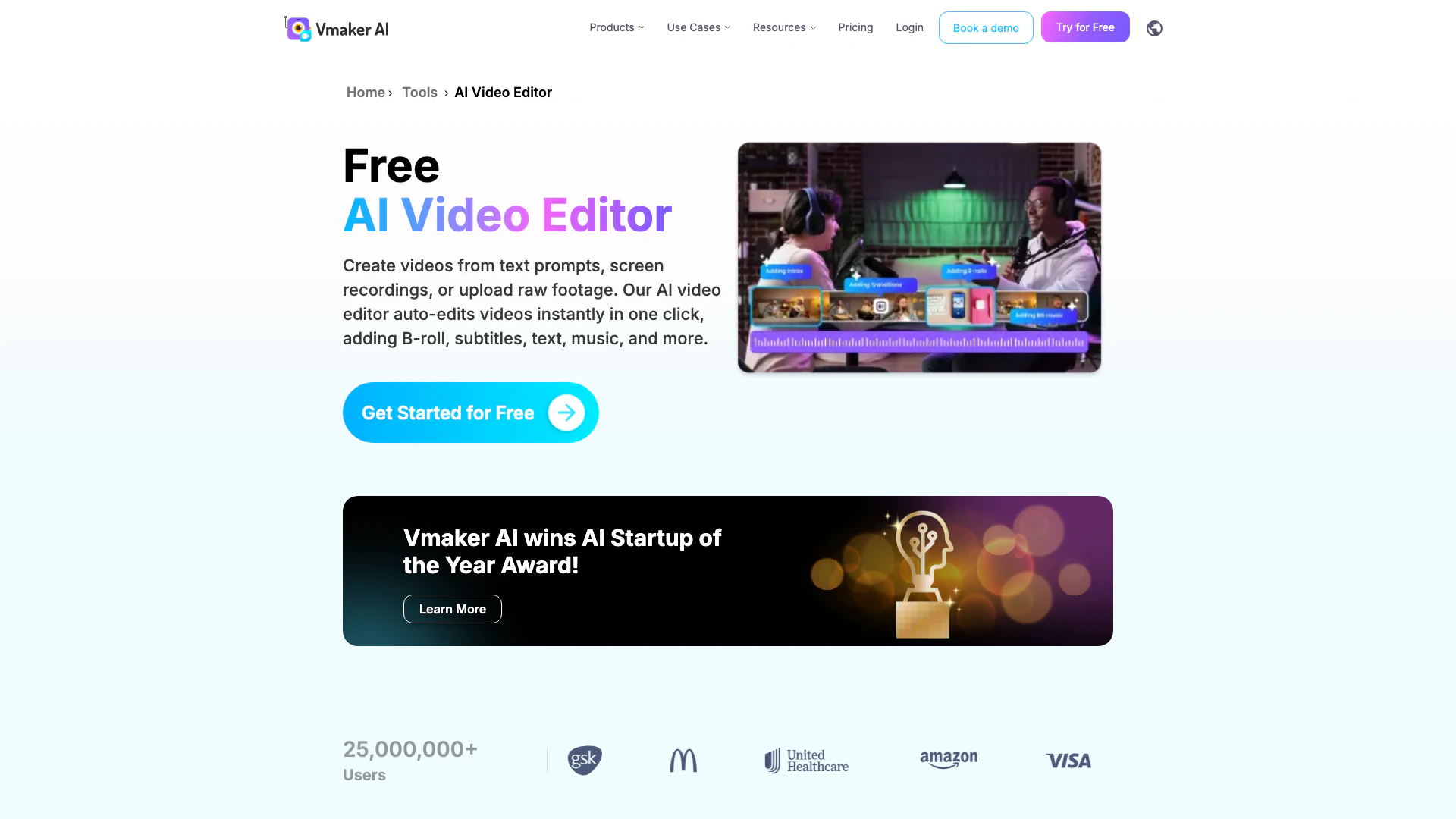
Vmaker screenshot

Vmaker

Vmaker simplifies video creation and editing with AI-driven tools.

Website
Free
🎨Creativity
Video & AnimationAI Short Video GeneratorAI Video EditorAI Creative Video Content Generator
  • Video & Animation
  • AI Short Video Generator
  • AI Video Editor
  • AI Creative Video Content Generator
Use tool
608.6K
Search57.84%
Direct32.18%
Referrals7.09%
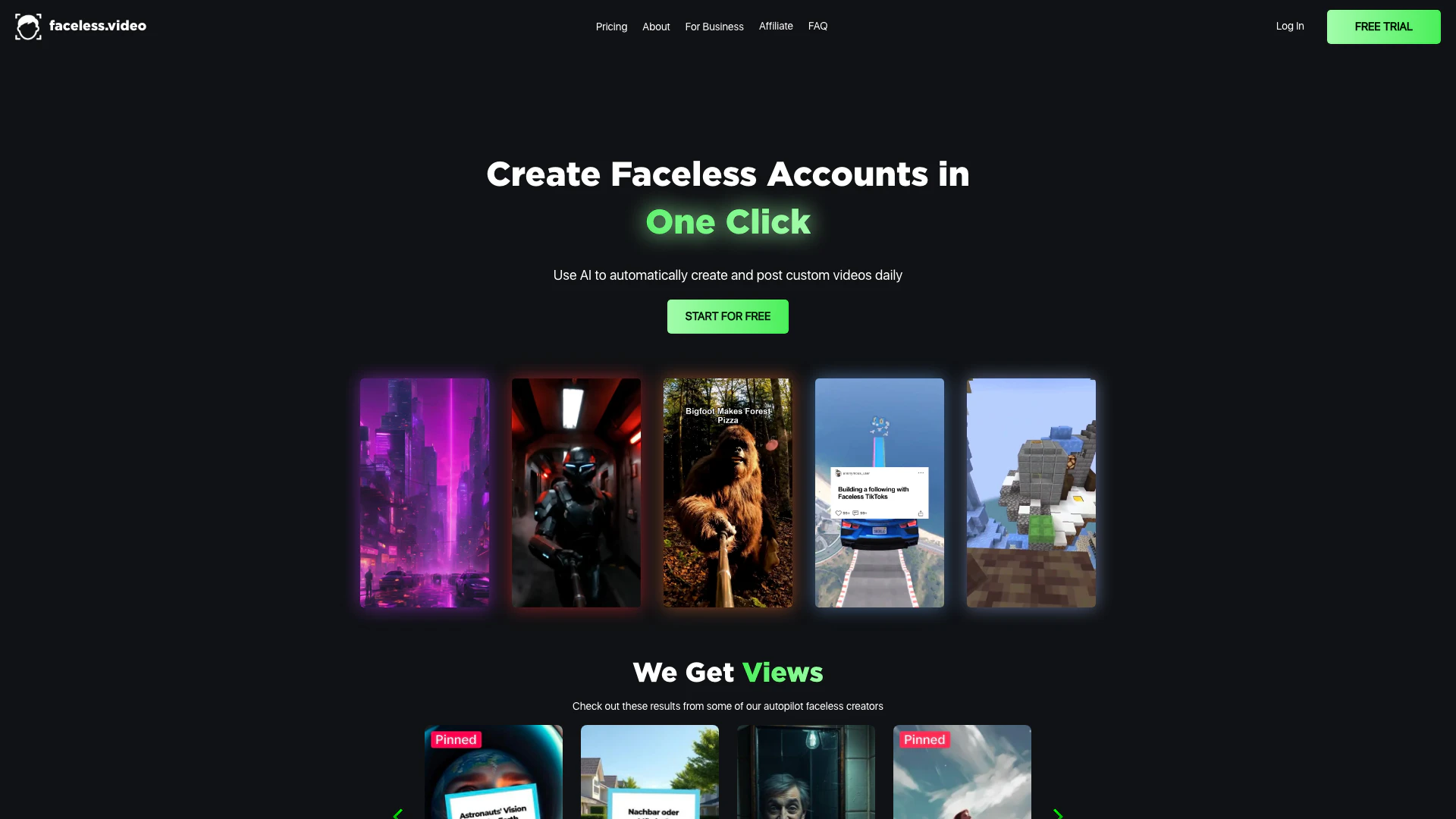
Faceless screenshot

Faceless

Faceless.video automates video content creation for TikTok.

Website
Free
💼Work🎨Creativity
Video & AnimationAI TikTok Video GeneratorAI Text to VideoAI Video Creation Suite
  • Video & Animation
  • AI TikTok Video Generator
  • AI Text to Video
  • AI Video Creation Suite
Use tool
523.1K
Direct47.13%
Search43.32%
Referrals6.05%

Cursorshorts Tags

AI Video Creationviral contentAI ActorsVideo EditingEmotion Controllocalization

Also used for

AI Reels Generator40AI Short Video Generator57AI TikTok Video Generator46AI Video Creation Suite125AI Creative Video Production33AI Image and Video Synthesis64AI Video and Image Creator47AI Creative Video Production31AI Video and Image CreatorAI Creative Video and Image Generation25AI Creative Video Content Generator97AI Professional Video Production34AI Creative Multimedia Generator1Ai Character Consistent Video Generator21AI Watermark Removal Tool10
Cursorshorts logo
CursorshortsFree
Get deal

Cursorshorts Comments (0)

Your rating

?
0/2000

No comments yet

Be the first to share your thoughts!

Cursorshorts Prompts (0)

Prompts And Results

Add your own prompts and outputs to help others understand how to use this AI.

🚀0
🚀0