

Vmaker





What is Vmaker?
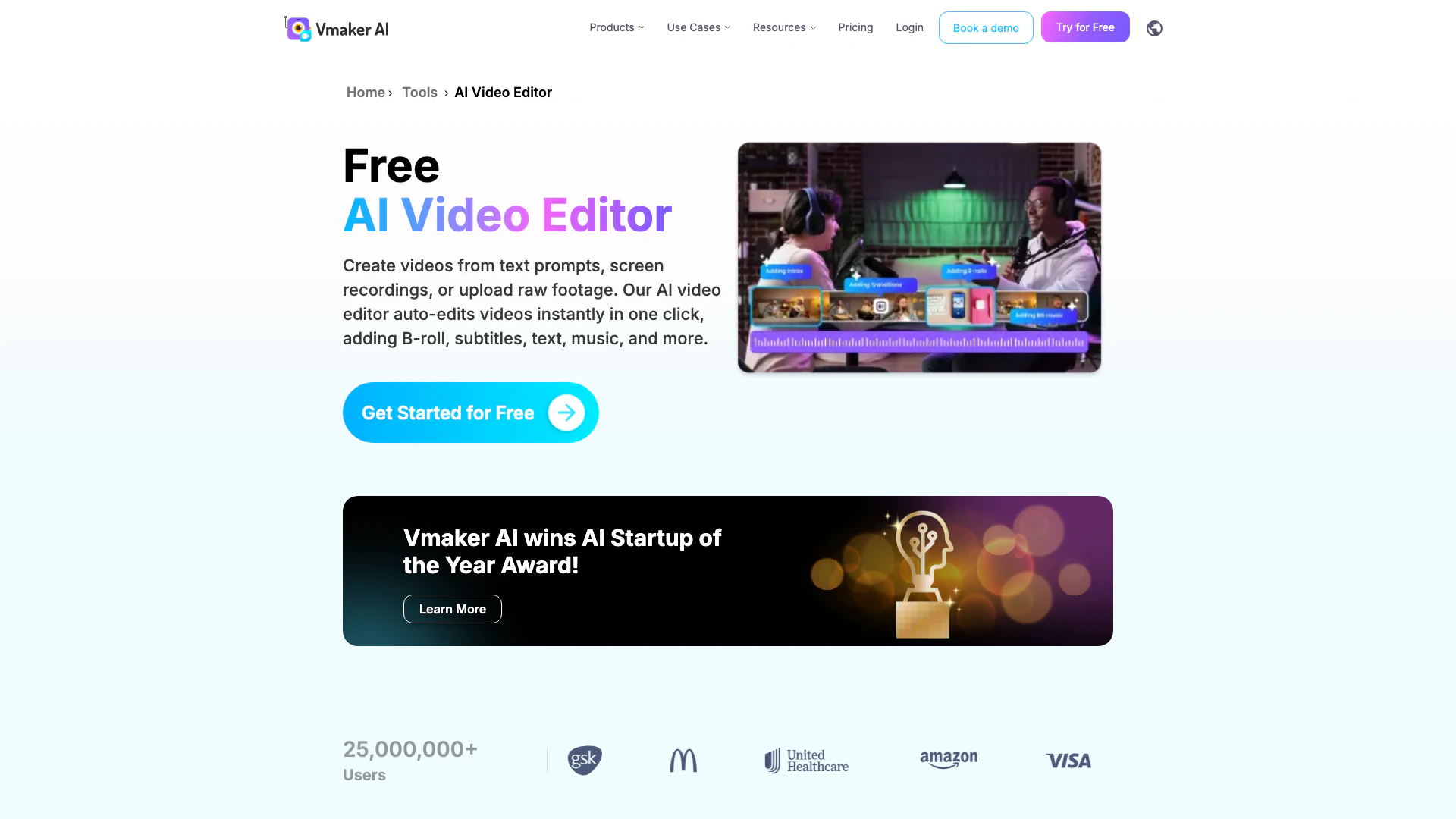
Vmaker is an innovative AI Video Editor[1] designed to transform raw video footage into polished, publish-ready content with ease. Leveraging 24 advanced AI editing features, Vmaker automates various editing tasks, allowing users to create engaging videos, generate shorts, add subtitles, and highlight key moments effortlessly. This tool is ideal for content creators, marketers, and anyone looking to streamline their video production[5] process.
How to use Vmaker?
- Upload Video: Start by uploading your raw video footage or recording directly within Vmaker.
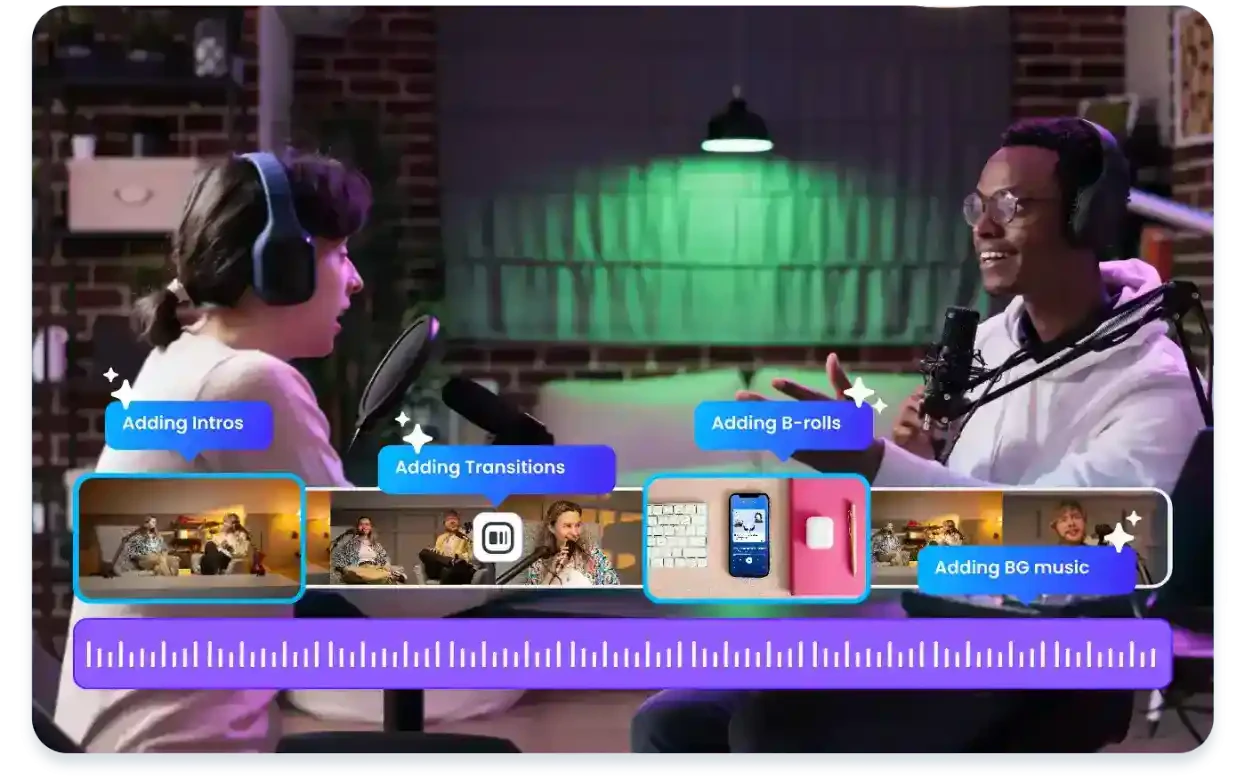
- Auto-edit: Let Vmaker's AI automatically edit and enhance your video, adding elements like B-rolls, subtitles, and transitions.
- Customize and Export: Utilize the manual editing suite to make any desired adjustments, then export your final video in 4K quality with a single click.
What are the main features of Vmaker?
- AI Auto-Editing[2]: Instantly transform raw footage into polished videos with minimal effort.
- Subtitles Generation[3]: Automatically generate subtitles in over 35 languages with customizable styles.
- B-Roll Integration[4]: Automatically add relevant B-rolls, images, and GIFs to enhance video storytelling.
- Background Music[6]: AI selects appropriate background music based on the video's mood.
- Highlight and Clip Maker: Quickly create short clips and highlights from longer videos for social media sharing.
Who is Vmaker for?
Vmaker is tailored for a diverse audience including content creators, marketers, educators, and businesses looking to enhance their video production capabilities. It is particularly beneficial for those who need to produce engaging video content quickly, such as social media managers, video marketers, and trainers who create instructional videos.
What are the use cases of Vmaker?
- Social Media Content Creation: Easily generate short videos and highlights for platforms like TikTok and Instagram.
- Marketing Videos: Create promotional videos, product demos, and advertisements to boost brand visibility.
- Educational Videos: Develop training and tutorial videos that are engaging and informative for learners.
Product Images

Vmaker Pros and Cons
Pros
- 24 AI Editing Features: Vmaker offers 24 AI editing features that enhance raw footage into publish-ready videos, making the editing process efficient and user-friendly.
- Auto-Generation of Subtitles: The tool automatically generates subtitles in over 35 languages with 100+ styles, ensuring accessibility and engagement for a global audience.
- Seamless Integration: Vmaker integrates seamlessly with various platforms, allowing users to publish videos directly on social media and other channels.
Cons
No cons data detected for this tool
Vmaker Pricing
Free
Get Started for Free. 3 Social Publish/ mo, 720p export quality, 5 mins export length, 5 GB or 120 mins max upload length, 20 mins auto subtitle/ mo, 4 AI Avatars, 60 sec generative credits, 1 min screen recording.
Starter
Try Starter Plan. 10 video downloads/ mo, 10 Social Publish/ mo, 1080p export quality, 30 mins export length, 10 GB or 120 mins max upload length, 29 premium assets/ mo, $15 per additional download, 60 mins auto subtitle/ mo, 40 min subtitle translation/ mo, 80 AI Avatars, 3 mins generative credits/ mo, 36 mins generative credits/ year, 30 mins screen recording.
Teams
Try Teams Plan. 30 video downloads/ mo, 30 Social Publish/ mo, 2k export quality, 45 mins export length, 10 GB or 120 mins max upload length (multi-project included), 60 premium assets/ mo, $10 per additional download, 15 mins video BG removal, Green screen removal, 120 mins auto subtitle/ mo, 60 min subtitle translation/ mo, 99 AI Avatars, 12 mins generative credits/ mo, 144 mins generative credits/ year, 200+ Premium voices, 4 hours screen recording, Branded video player page.
Enterprise
Tailor Your Vmaker Enterprise Plan. Enhanced Security & Compliance, Dedicated Account Support, Comprehensive Training & Onboarding.
For the latest pricing, please visit this link: https://www.vmaker.com/pricing
Prices are subject to change. Please visit the official website for the most up-to-date pricing information.
Analytics of Vmaker
Vmaker Website Traffic Analysis
Visits Over Time
Traffic Sources
Nov 2025 - Jan 2026 Worldwide Desktop Only
- Search: 57.84%
- Direct: 32.18%
- Referrals: 7.09%
- Social: 2.05%
- Paid Referrals: 0.72%
- Mail: 0.13%
Top Keywords
| Keyword | Volume | CPC | Estimated Value |
|---|---|---|---|
| ai video editor | 89.78K | $0.76 | $8140.00 |
| vmaker ai | 12.42K | $0.51 | $14900.00 |
| vmaker | 10.21K | $1.01 | $9090.00 |
| long video to short video | 3.01K | $0.12 | $3360.00 |
| long video to short video ai free | 1.97K | $0.13 | $2510.00 |
Vmaker Reviews
Vmaker AI allows upload and edit of 4k quality videos.
I use it to record a video, edit the video, and resize then upload it to YouTube.
Vmaker AI helps me create, edit, and share my videos on the go.
For more reviews, visit this link: https://www.vmaker.com#customer-love





Vmaker Social Listening
【2025 版】免費影片剪輯軟體!新手也能輕鬆學會用電腦剪片...
三年前曾經有拍攝過,但這三年變化太多了,所以今年重新拍攝一次...
How to Edit Talking Videos FAS...
🔥 (Discount Link) Try Vmake N...
Vmake AI Tutorial - 2026 | How...
🔥 (Discount Link) Try Vmake A...
Unlock to view 40 social media results.