Xaml
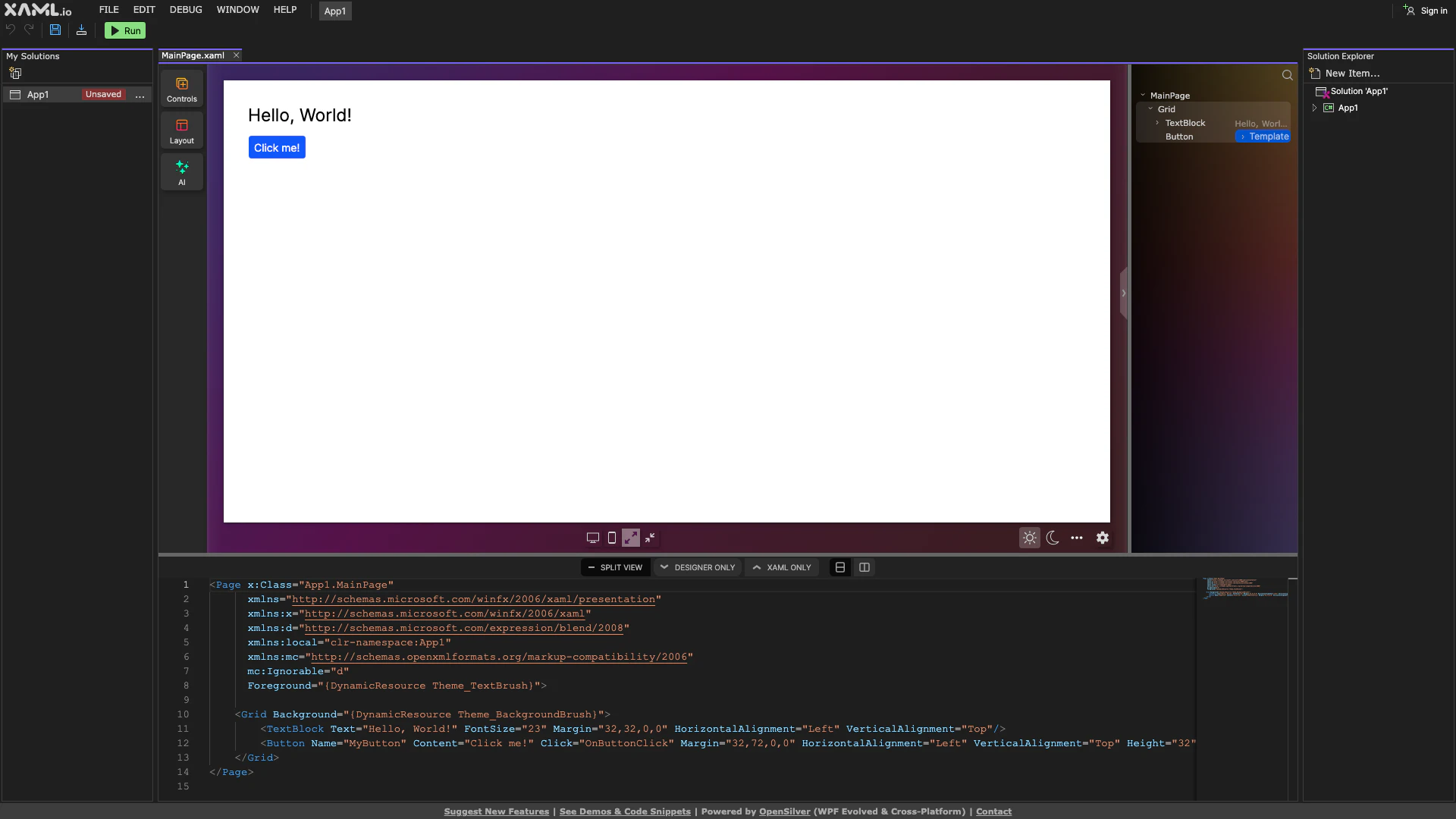
What is Xaml?
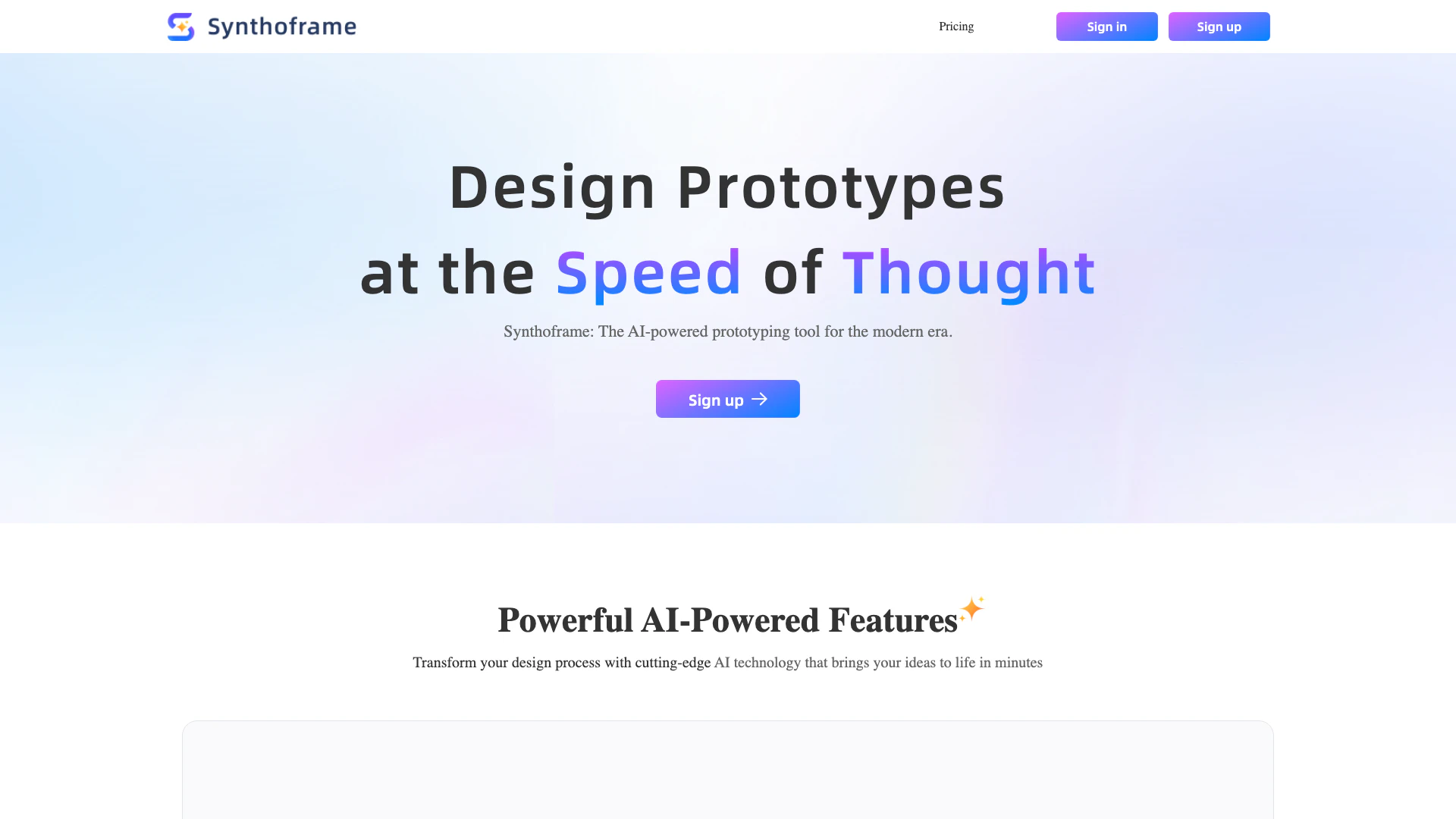
Xaml is a powerful tool designed for visual .NET development, enabling developers to create stunning applications with ease. This platform streamlines the development process by providing a visual interface that simplifies the design of .NET applications[1]. With Xaml, developers can leverage a rich set of features to enhance their productivity, allowing for rapid prototyping and efficient coding. Its intuitive design tools and capabilities make it an essential resource for .NET developers looking to elevate their projects.
How to use Xaml?
- Visit the Xaml website at https://xaml.io/
- Sign up for an account or log in if you already have one.
- Choose a project type that you want to create.
- Use the visual editor to design your application interface, dragging and dropping components as needed.
- Customize properties and behaviors of the components using the provided tools.
- Preview your application in real-time to see changes instantly.
- Once satisfied, export your project or integrate it into your existing .NET environment.
What are the main features of Xaml?
- Visual interface for designing .NET applications
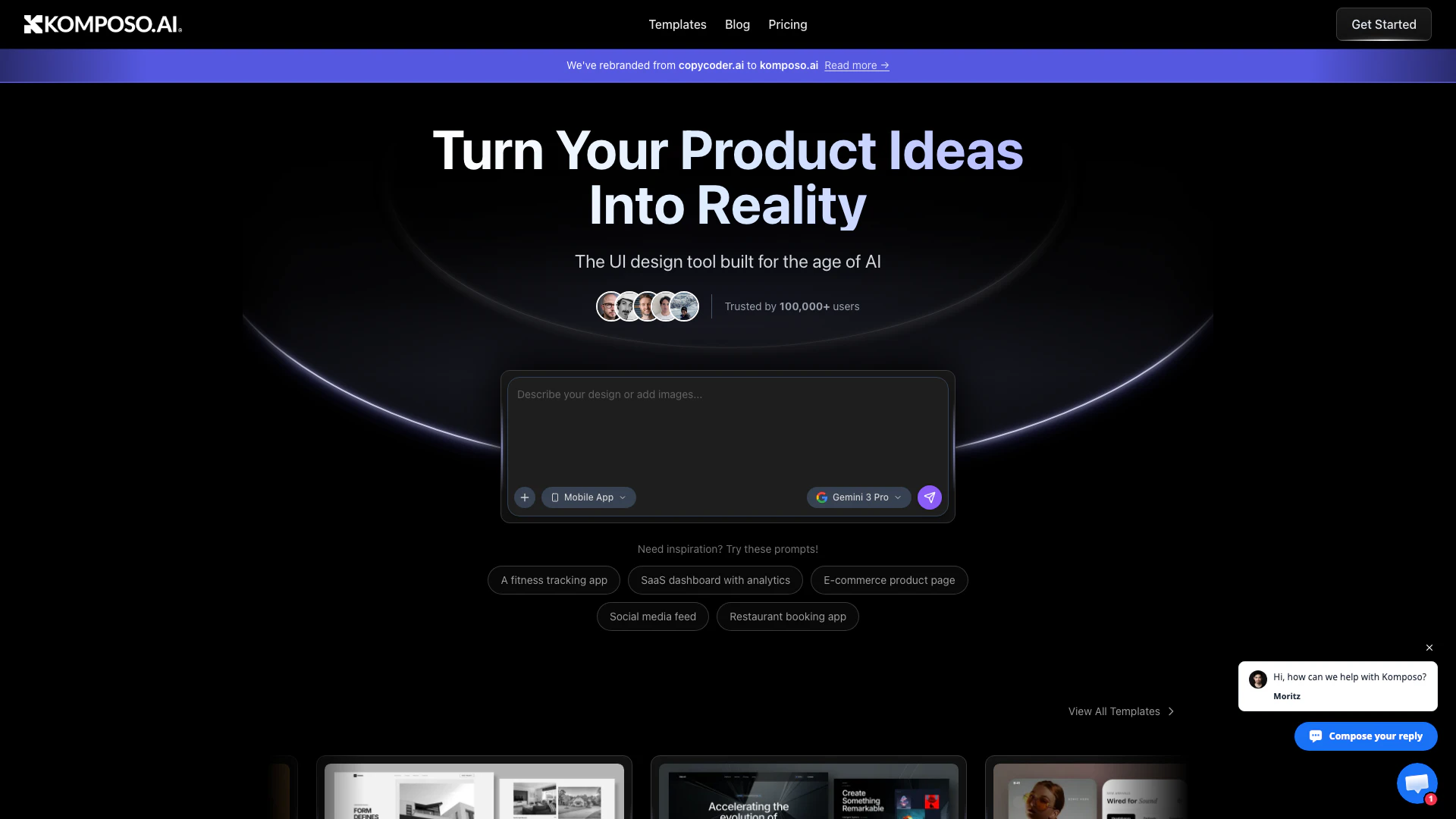
- Real-time preview[3] of application changes
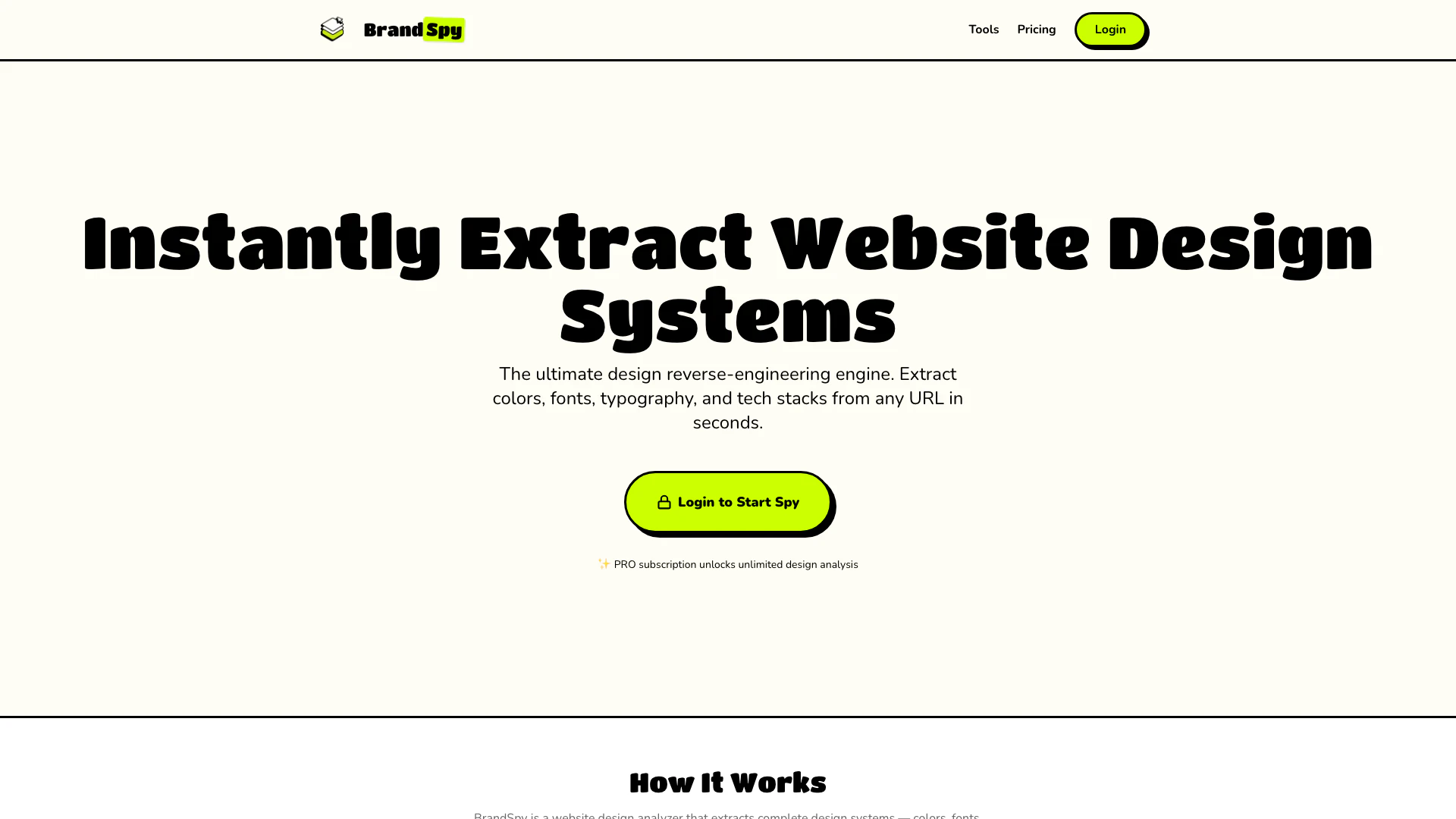
- Drag-and-drop[2] functionality for easy component placement
- Comprehensive library of customizable components[4]
- Integration capabilities with existing .NET projects
- Efficient prototyping tools[5] to speed up development
- User-friendly design tools for developers of all skill levels.
Who is Xaml for?
Xaml is tailored for .NET developers who seek to enhance their application development process through visual design. It is suitable for both beginners and experienced developers looking to streamline their workflow and improve productivity. This tool is ideal for individuals or teams working on various types of .NET applications, including web, mobile, and desktop applications, who want to utilize a visual approach to design and development.
What are the use cases of Xaml?
- Rapid application prototyping for client presentations.
- Designing user interfaces for mobile applications using .NET.
- Creating desktop applications with visually appealing layouts.
- Integrating with existing .NET projects to enhance UI/UX.
- Facilitating collaboration among development teams by providing a visual design tool.
Product Images

Xaml Pros and Cons
Pros
- Visual Development Interface: Xaml offers a visual interface for .NET development, making it easier for developers to design and build applications without extensive coding.
- Integration with .NET: The tool is specifically designed for .NET, ensuring seamless integration with existing .NET libraries and frameworks.
- User-Friendly Experience: Xaml provides a user-friendly experience that simplifies the development process, allowing developers to focus on functionality rather than complex code.
Cons
No cons data detected for this tool
Analytics of Xaml
Xaml Website Traffic Analysis
Visits Over Time
Traffic Sources
Oct 2025 - Dec 2025 Worldwide Desktop Only
- Search: 49.36%
- Direct: 30.71%
- Social: 11.28%
- Referrals: 7.11%
- Paid Referrals: 1.07%
- Mail: 0.12%
Top Keywords
| Keyword | Volume | CPC | Estimated Value |
|---|---|---|---|
| отображение xaml кода онлайн | 0 | $0.00 | $80.00 |
| xaml viewer | 260 | $0.00 | $120.00 |
| wpf online | 130 | $0.00 | $100.00 |
| xaml editor visual | 110 | $0.00 | $100.00 |
| xaml editor online | 70 | $0.00 | $70.00 |