

Copycoderai
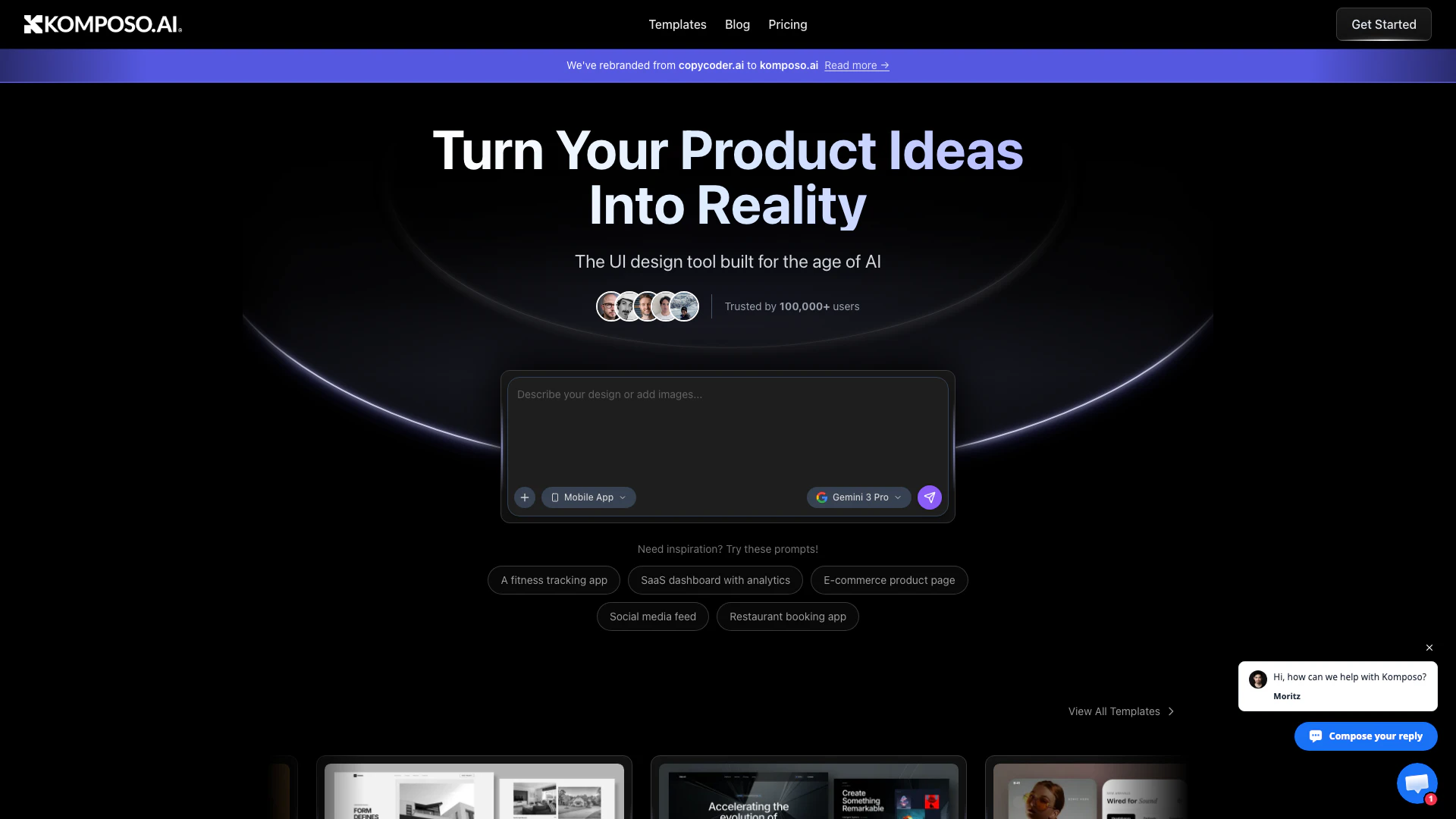





What is Komposo?
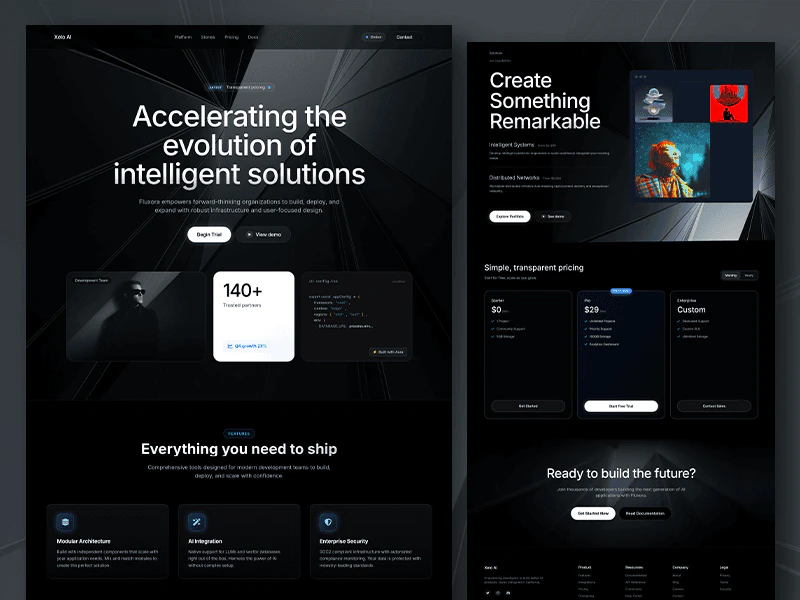
Komposo, formerly known as CopyCoder, is an innovative AI-powered UI design tool that enables founders and teams to generate user interface designs effortlessly. With its advanced AI capabilities, users can create, customize, and export designs into code instantly, making it an ideal solution for building landing pages, mobile apps, and SaaS applications. Trusted by industry leaders such as Google, Microsoft, Amazon, and Meta, Komposo streamlines the design process, turning product ideas into reality faster than ever.
How to use Komposo?
- Sign up for an account on the Komposo website to get started.
- Choose a template or start with a blank canvas to create your design.
- Use AI prompts to customize your design by adding sections, changing colors, and modifying layouts using simple language.
- Once your design is ready, export it as responsive HTML/CSS or optimized prompts for AI coding assistants.
- Integrate the exported code directly into your development stack.
What are the main features of Komposo?
- AI-Powered Design Generation: Quickly create UI designs using AI prompts without needing extensive design skills.
- Customizable Templates: Choose from a variety of pre-built templates and modify them to suit your needs.
- Instant Code Export: Seamlessly export your designs as HTML/CSS or optimized code for integration with coding assistants.
- Real-time Collaboration: Work with your team in real-time to enhance the design process.
- Design from Existing Websites: Clone and customize existing designs from the web to build your projects.
Who is Komposo for?
Komposo is designed for entrepreneurs, product managers, designers, and development teams who want to streamline the UI design process. Whether you're a startup founder looking to create landing pages or an established team needing to design mobile apps and SaaS products, Komposo provides the tools necessary to accelerate your workflow and enhance collaboration. It's particularly useful for those who may not have extensive design experience but still want to create professional-quality interfaces.
What are the use cases of Komposo?
- Landing Page Creation: Quickly design and launch landing pages for marketing campaigns or product launches.
- Mobile App Design: Generate user-friendly mobile app interfaces tailored to specific user needs and preferences.
- SaaS Application Development: Build and prototype SaaS applications with responsive designs ready for deployment.
- Client Mockups for Agencies: Create stunning mockups for client presentations, speeding up the feedback and approval process.
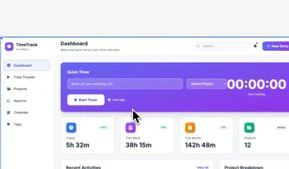
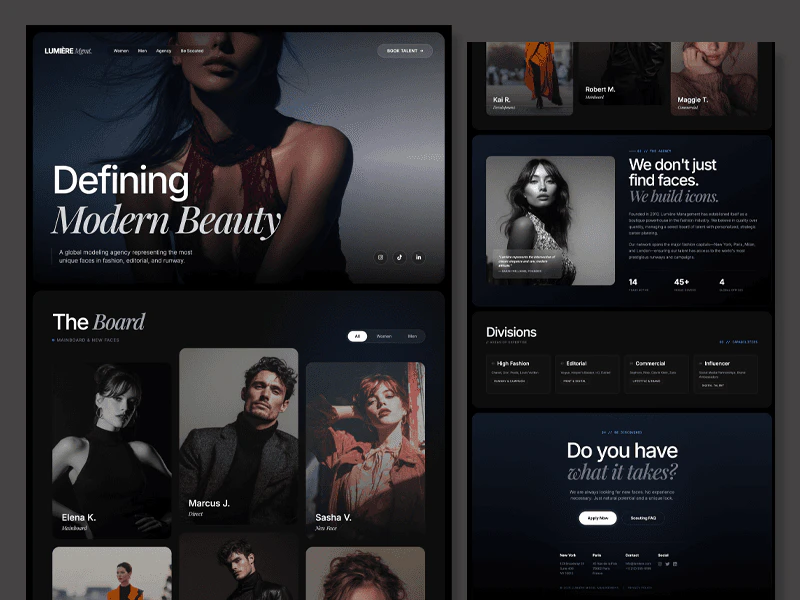
Product Images
Copycoderai Pros and Cons
Pros
- AI-Powered Design Generation: Komposo leverages AI to generate UI designs quickly, allowing users to create landing pages, mobile apps, and SaaS applications effortlessly.
- Customizable with AI Prompts: Users can customize designs using simple AI prompts, making it accessible even for non-designers.
- Instant Code Export: Designs can be exported instantly to responsive HTML/CSS or optimized prompts for AI coding assistants, streamlining the development process.
Cons
No cons data detected for this tool
Copycoderai Pricing
Free
For trying out 10 credits one-time to get started Includes 1 Project and Standard Customer Support.
Starter
For getting started 75 credits/mo (~75 screens) Includes Purchase additional credits, 1 Project, Export to Figma & Code, and Standard Customer Support.
Pro
For professional builders & designers 300 credits/mo (~300 screens) Includes Purchase additional credits, Unlimited Projects, Custom Themes, Share Projects, Export to Figma & Code, and Priority Customer Support.
Team
For agencies & product teams 375 credits/mo per seat (~375 screens/seat) Includes everything in Pro, Shared Projects, Custom Branding, Centralized Billing, Commercial Use, and 1o1 Onboarding & Support.
For the latest pricing, please visit this link: https://www.komposo.ai/pricing
Prices are subject to change. Please visit the official website for the most up-to-date pricing information.
Analytics of Copycoderai
Copycoderai Website Traffic Analysis
Visits Over Time
Traffic Sources
Oct 2025 - Dec 2025 Worldwide Desktop Only
- Search: 43.37%
- Direct: 36.24%
- Referrals: 10.61%
- Social: 7.61%
- Paid Referrals: 1.20%
- Mail: 0.15%
Top Keywords
| Keyword | Volume | CPC | Estimated Value |
|---|---|---|---|
| cursor ai | 619.73K | $1.58 | $0.00 |
| copycoder | 2.29K | $1.65 | $140.00 |
| copycoder ai | 1.36K | $4.22 | $20.00 |
| copycoder.ai | 710 | $0.00 | $40.00 |
| copycode | 270 | $0.00 | $30.00 |
Copycoderai Reviews
This was the most impressive demo of from image to code that I've ever seen 😮
Tried out Komposo after watching a demo yesterday. Wow. Great work on that.
Very useful tool! I tried it yesterday in combination with @cursor_ai and already built my own workaround. 🤘
For more reviews, visit this link: https://copycoder.ai#what-builders-are-saying





