

Synthoframe





What is Synthoframe?
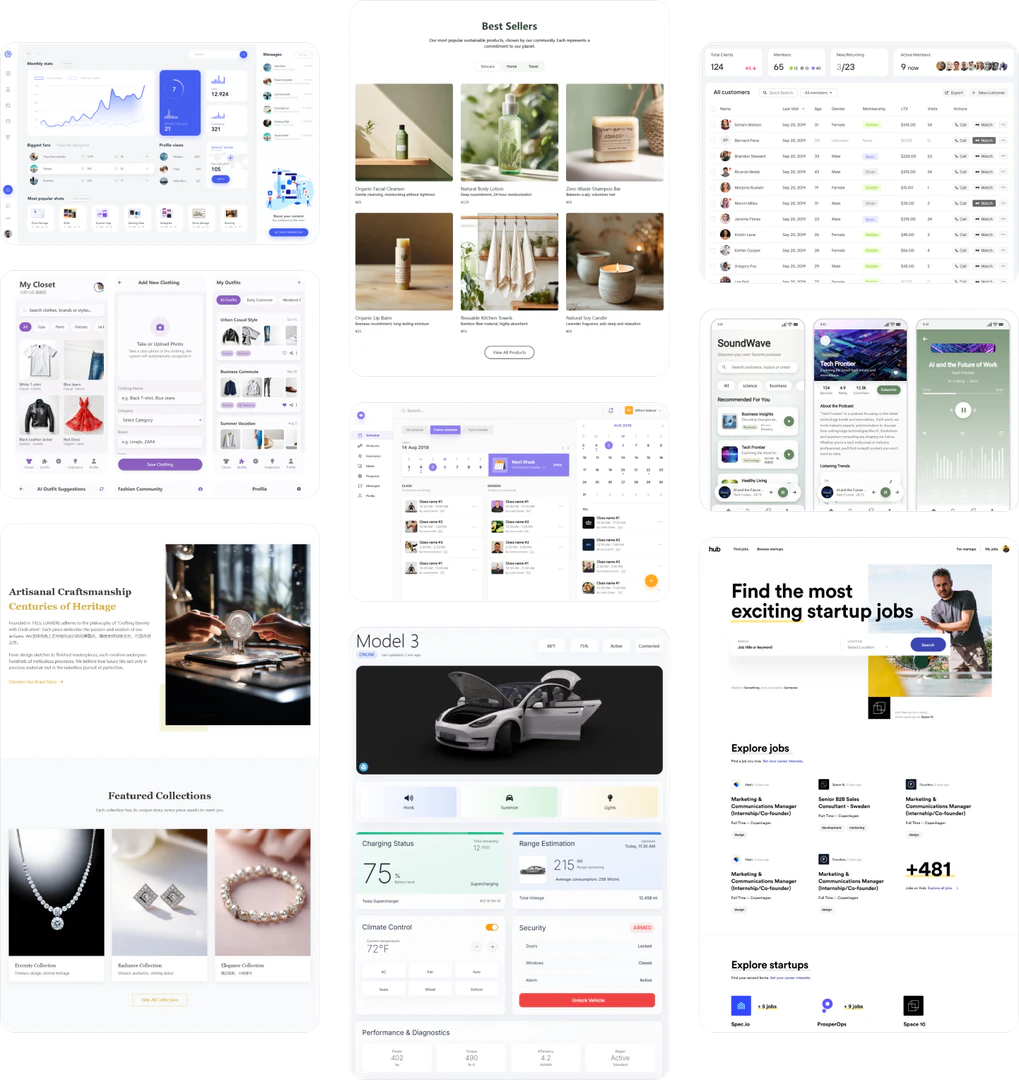
Synthoframe is a high-fidelity[1] prototyping[2] tool designed specifically for the AI era. It enables product managers, project managers, and independent developers to swiftly transform natural language or image requirements into interactive prototypes[4]. By leveraging advanced AI capabilities[3], Synthoframe allows users to create professional-grade design drafts and generates executable front-end code, streamlining the design process and enhancing productivity.
How to use Synthoframe?
- Sign up for an account on the Synthoframe website.
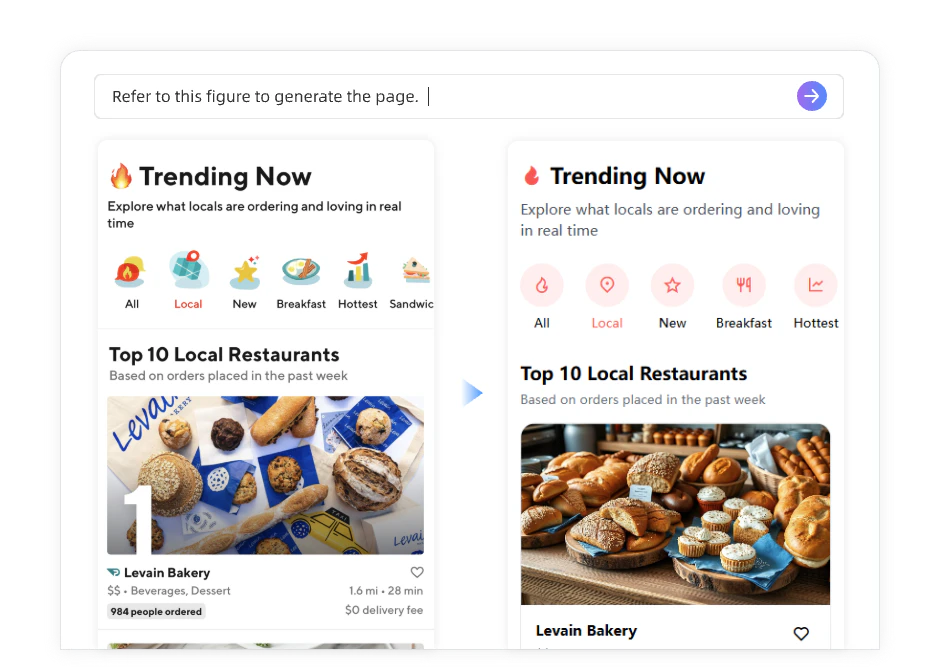
- Choose to generate a UI by either describing your design idea in natural language or uploading a reference image.
- Use the editing tools to refine the prototype as needed, adjusting styles and layouts to match your vision.
- Export your design drafts or generate executable front-end code for implementation.
What are the main features of Synthoframe?
- Generate UIs from Text: Quickly create professional user interfaces by simply describing your ideas.
- Generate UIs from Images: Upload sketches or reference images to have them converted into polished UIs.
- Interactive Prototypes: Instantly transform static designs into interactive, high-fidelity prototypes with a single command.
- Flexible Editing: Modify and optimize designs either automatically or through manual adjustments.
- Consistent Style: Maintain a unified design language by reusing content blocks and duplicating pages.
Who is Synthoframe for?
Synthoframe is tailored for product managers, project managers, and independent developers who seek to streamline their design processes. It is ideal for individuals and teams looking to quickly create high-fidelity prototypes without needing extensive design experience or knowledge of complex software. The tool is perfect for those who want to leverage AI technology to enhance their productivity and creativity in interface design.
What are the use cases of Synthoframe?
- Rapid prototyping for new product features, allowing teams to visualize concepts quickly.
- Transforming client ideas into interactive prototypes for presentations and feedback.
- Creating design drafts for web and mobile applications that require fast iteration and testing.
Product Images




Synthoframe Pros and Cons
Pros
- AI-Powered Prototyping: Synthoframe utilizes advanced AI technology to transform natural language or images into high-fidelity prototypes quickly, enhancing the design process.
- User-Friendly Interface: The tool allows users to generate UIs from text or images without needing extensive design skills, making it accessible for product managers and developers.
- Flexible Editing Options: Users can easily edit and optimize designs, ensuring that every detail can be fine-tuned to meet specific requirements.
Cons
No cons data detected for this tool
Synthoframe Pricing
Free
Includes 200 Credits, Unlimited Projects, Unlimited Pages, Export Code, Export Images, Export as Axure Demo File, Generate Requirements Document.
Pro-20
Includes 2500 Credits, Everything in Free, Remove Synthoframe Logo, Export to Figma.
For the latest pricing, please visit this link: https://www.synthoframe.com/
Prices are subject to change. Please visit the official website for the most up-to-date pricing information.





