

X-pilot





What is X-Pilot?
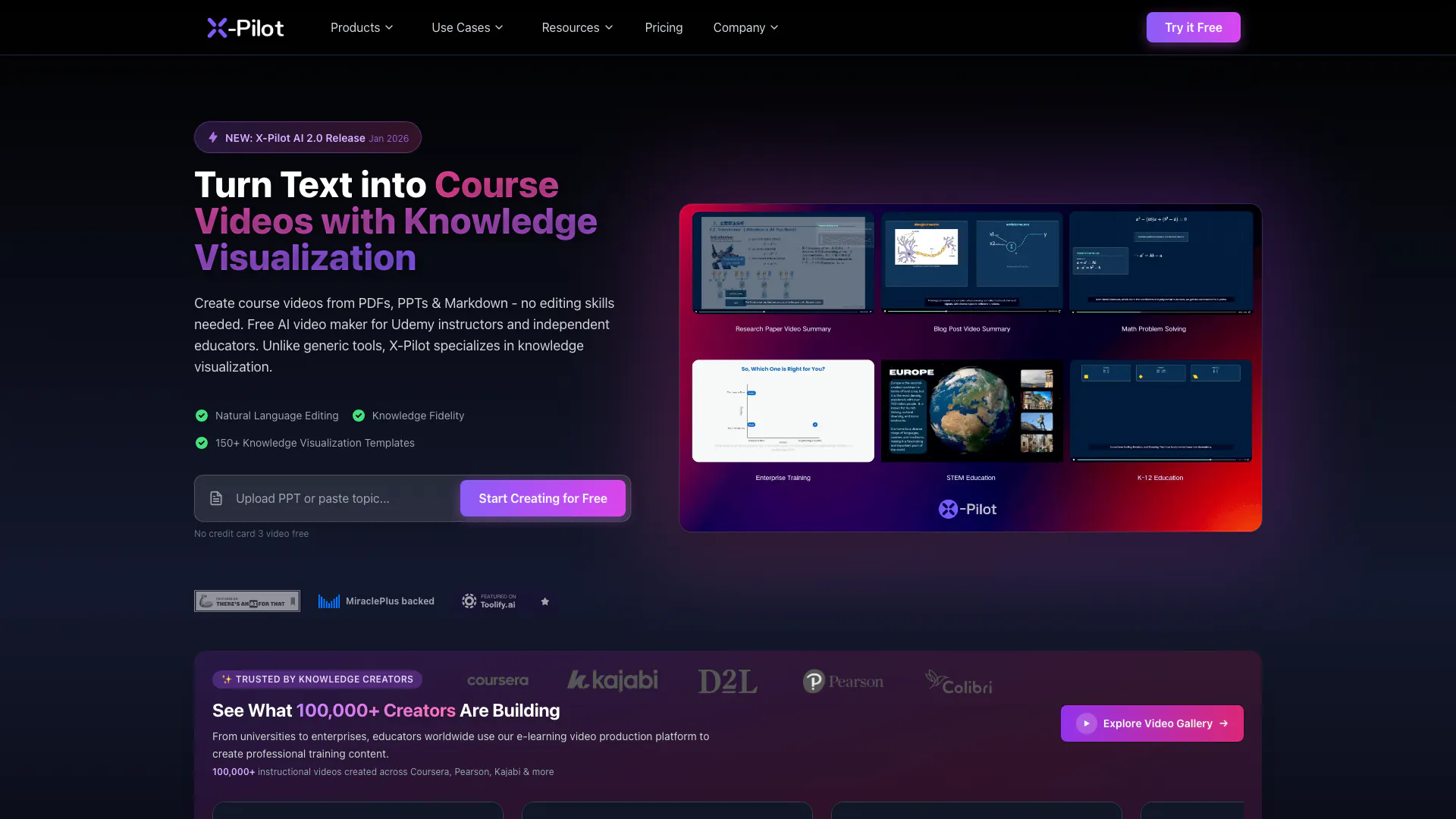
X-Pilot is an innovative AI-powered[1] video creation[2] platform designed specifically for educators and content creators. It allows users to transform traditional documents such as PDFs, PowerPoint presentations, and Markdown files into engaging course videos with advanced knowledge visualization[3]. Unlike generic video-making tools, X-Pilot emphasizes accuracy and educational fidelity, ensuring that the content remains true to the source material. This tool significantly reduces the time needed for video production, enabling users to create professional-quality educational videos in a fraction of the time it would typically take.
How to use X-Pilot?
- Upload Your Document: Drag and drop your PDF, PPT, DOCX, or Markdown file into X-Pilot. The AI analyzes the structure and extracts key knowledge points.
- Enter Topic & AI Prompt: Specify your video topic and provide an AI prompt. You can use structured outlines or natural language to guide the AI in generating content.
- AI Plans Your Outline: The AI designs a pedagogical outline, structures chapters, selects Visual Motion Boxes, and creates script drafts automatically.
- Configure Brand & Settings: Customize your video with brand colors, logos, language options, and AI voiceovers.
- AI Generates Your Video: Click "Generate Video" and let the AI render animations, sync voiceovers, and apply visual elements.
- Edit & Export: Use the Natural Language Editor to refine your video. You can make changes by typing commands, and then export your video in high definition.
What are the main features of X-Pilot?
- Knowledge Visualization: X-Pilot utilizes a library of over 10,000 visual motion boxes to enhance the understanding of complex concepts through dynamic visuals[4].
- Natural Language Video Editor: Users can edit videos by typing simple commands, making the editing process intuitive and efficient.
- Accurate Knowledge Transformation: The platform guarantees zero hallucinations, ensuring that the content produced is 100% accurate and true to the original material.
Who is X-Pilot for?
X-Pilot is tailored for a diverse audience including educators, course instructors, academic faculty, K-12 teachers, instructional designers, and corporate training teams. It is particularly beneficial for those looking to create engaging educational content quickly and efficiently without the need for extensive video editing skills. Additionally, it serves SaaS marketers and professionals in various industries such as healthcare, finance, and IT, where accurate knowledge visualization is crucial.
What are the use cases of X-Pilot?
- Course Creation: Transform lecture notes and textbooks into structured video curriculums with chapters and quizzes.
- Technical Tutorials: Create clear visual tutorials from complex code walkthroughs and technical documentation.
- Explainer Videos: Visualize abstract concepts using motion graphics and animations to enhance understanding.
X-pilot Video

Analytics of X-pilot
X-pilot Website Traffic Analysis
Visits Over Time
Traffic Sources
Oct 2025 - Dec 2025 Worldwide Desktop Only
- Social: 99.55%
- Direct: 0.14%
- Search: 0.14%
- Referrals: 0.14%
- Paid Referrals: 0.03%
- Mail: 0.00%
Top Keywords
| Keyword | Volume | CPC | Estimated Value |
|---|---|---|---|
| x explained in mintues video maker | 0 | $0.00 | $130.00 |
| x-pilot.ai | 210 | $0.00 | $210.00 |
| x pilot ai | 70 | $0.00 | $70.00 |
| x-pilot.ai course video | 50 | $0.00 | $30.00 |
| x-pilot ai | 30 | $0.00 | $30.00 |





