

Voyagerx


What is Voyagerx?
Voyagerx is an all-in-one AI video editing[1] tool designed to simplify the video creation process. It allows users to edit videos as easily as editing a document, making it accessible for both beginners and experienced creators. With Voyagerx, you can produce high-quality videos quickly and efficiently, leveraging advanced features like text-based editing[2], speech editing, and generative AI tools. This platform is perfect for anyone looking to create engaging video content without the hassle of traditional editing software.
How to use Voyagerx?
- Sign up for a free account on the Voyagerx website to access the platform.
- Upload your video footage or start a new project.
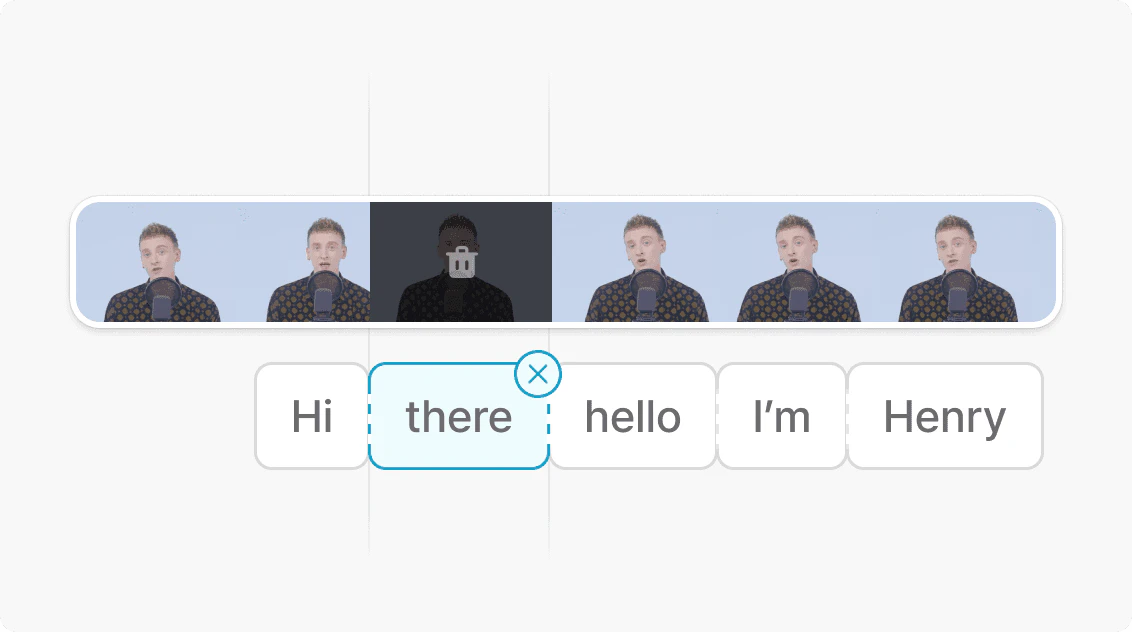
- Use the text-based editing feature to edit your video by cutting, copying, and rearranging transcribed text.
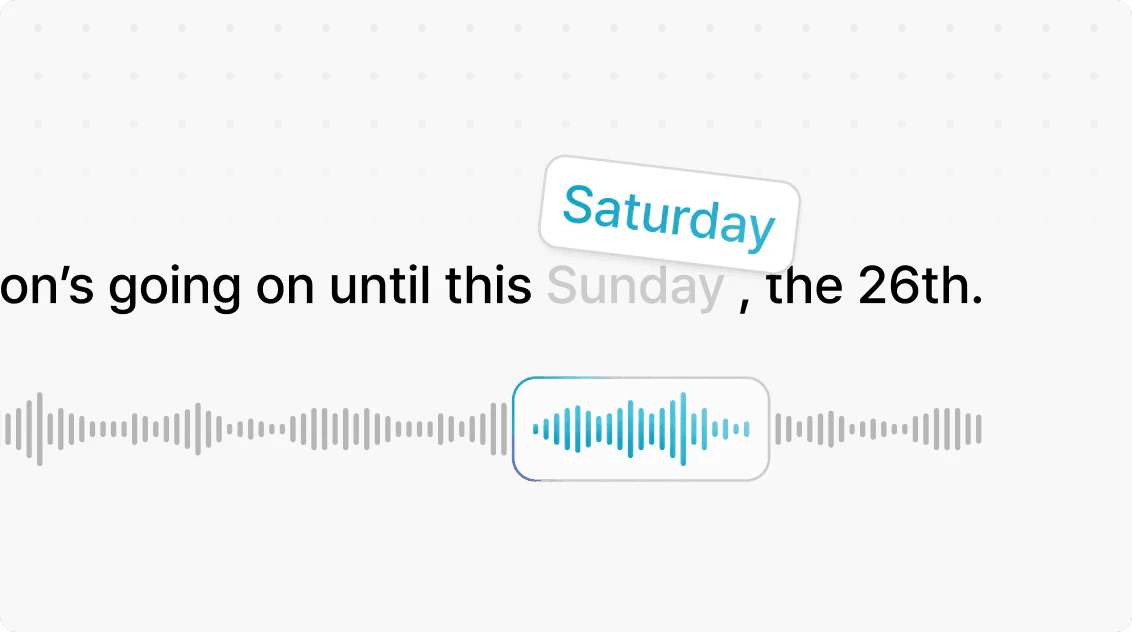
- Utilize the speech editor[3] to fix mistakes by editing the text; Voyagerx will regenerate the audio in the original voice.
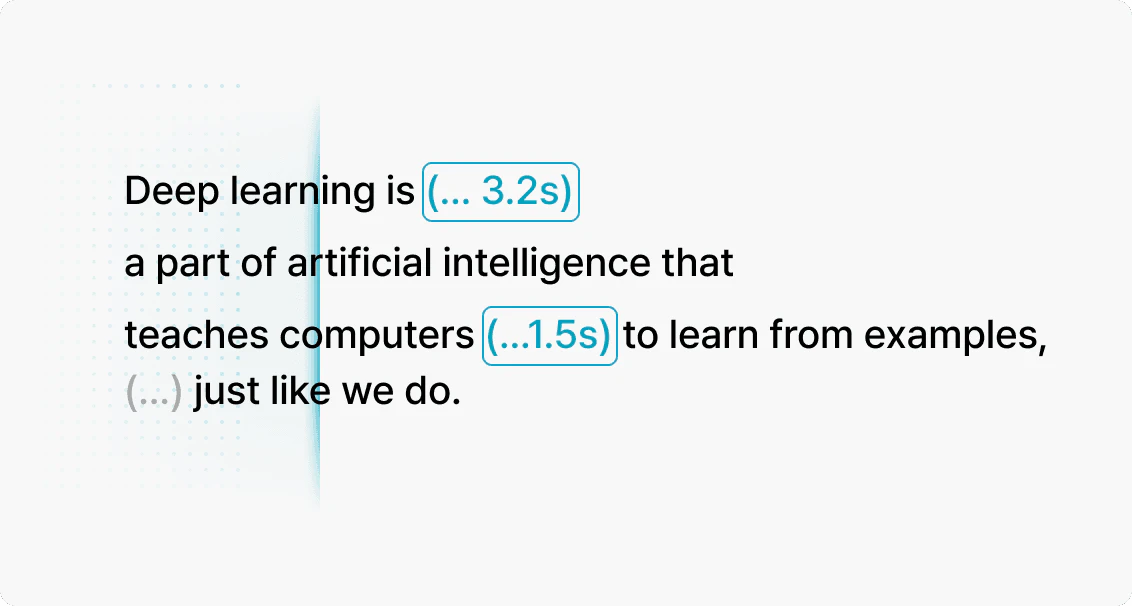
- Remove unnecessary pauses with the silence remover[4] feature with just one click.
- Enhance your video with generative AI tools to create voiceovers, images, and scripts directly within the platform.
- Export your final video and share it on your desired platforms.
What are the main features of Voyagerx?
- Text-Based Editing: Edit your video like a document by manipulating transcribed text.
- Speech Editor: Correct mistakes without re-recording; simply edit the text and regenerate the audio.
- Silence Remover: Automatically detect and remove unnecessary pauses with a single click.
- Generative AI Tools: Create voiceovers, images, and scripts all within the platform, enhancing your video creation process.
- User-Friendly Interface: Designed for ease of use, making video editing accessible to everyone.
Who is Voyagerx for?
Voyagerx is tailored for a wide range of users, including content creators, marketers, educators, and anyone interested in producing high-quality video content. Whether you are a beginner looking to create your first video or a professional needing to streamline your editing process, Voyagerx provides the tools necessary to bring your ideas to life. It is particularly beneficial for vloggers, businesses creating promotional materials, and educators developing engaging learning materials.
What are the use cases of Voyagerx?
- Content Creation: Quickly produce eye-catching videos for social media platforms like YouTube, Instagram, and TikTok.
- Marketing: Create polished promotional videos from presentation slides or screen recordings for effective communication.
- Education: Develop engaging lessons or training videos, utilizing auto-captions to enhance viewer comprehension.
Product Images


Voyagerx Pros and Cons
Pros
- AI-Powered Editing Tools: Vrew offers advanced AI features like text-based editing, speech editing, and silence removal, allowing users to edit videos efficiently and intuitively.
- All-in-One Solution: Vrew combines multiple video editing functionalities into a single platform, eliminating the need for multiple applications and streamlining the editing process.
- User-Friendly Interface: Designed for both beginners and experienced editors, Vrew's interface simplifies video creation, making it accessible for everyone.
Cons
No cons data detected for this tool
Voyagerx Pricing
Free
Usage / Month: Transcription: 120 mins, AI Voice: 10K characters, Translation: 30K characters, AI Image: 100 credits. Special Features: Create Videos from Text (Up to 3K chars per video), Auto-Insert AI images (Up to 10 images per video).
Light
Usage / Month: Transcription: 1,200 mins, AI Voice: 100K characters, Translation: 300K characters, AI Image: 1,000 credits. Special Features: Everything in Free, plus: Create Videos from Text (Up to 10K chars per video), Auto-Insert AI images (Up to 100 images per video), Cloud Storage Up to 10 GB, Watermark-Free Videos, Download AI images & Videos, Plus & Pro Image Generators, High-Resolution AI Images.
Standard
Usage / Month: Transcription: 6,000 mins, AI Voice: 500K characters, Translation: 1.5M characters, AI Image: 5,000 credits. Special Features: Everything in Light, plus: Cloud Storage Up to 50 GB, Generate AI Videos, AI Image Prompt, Copy & Paste Between Projects, Create Templates, AI Edit Speech, AI Scriptwriter Pro, Animate Your Own Character's Mouth, Purchase of Usage History Eraser.
Business
Usage / Month: Transcription: 7,200 mins, AI Voice: 600K characters, Translation: 1.8M characters, AI Image: 6,000 credits. Special Features: Everything in Standard, plus: Cloud Storage Up to 60 GB.
For the latest pricing, please visit this link: https://vrew.ai/en/payment/pricepolicy
Prices are subject to change. Please visit the official website for the most up-to-date pricing information.
Analytics of Voyagerx
Voyagerx Website Traffic Analysis
Visits Over Time
Traffic Sources
Nov 2025 - Jan 2026 Worldwide Desktop Only
- Direct: 38.73%
- Search: 30.88%
- Referrals: 22.47%
- Social: 6.79%
- Paid Referrals: 1.07%
- Mail: 0.05%
Top Keywords
| Keyword | Volume | CPC | Estimated Value |
|---|---|---|---|
| 영상자동편집 | 0 | $0.00 | $100.00 |
| vrew | 128.88K | $0.76 | $1170.00 |
| 브루 | 33.50K | $0.93 | $2360.00 |
| free text to animation ai | 190 | $0.00 | $180.00 |
| 브루 해지 | 170 | $0.00 | $160.00 |



Voyagerx Social Listening
Meepo Voyager X Electric Skate...
Our Affiliate Link: https://w...
DO NOT buy a Meepo Voyager X u...
After about 140 miles on the M...
Meepo Voyager X Limited Review...
If you like powerful electric ...
Unlock to view 10 social media results.