

Vmaker
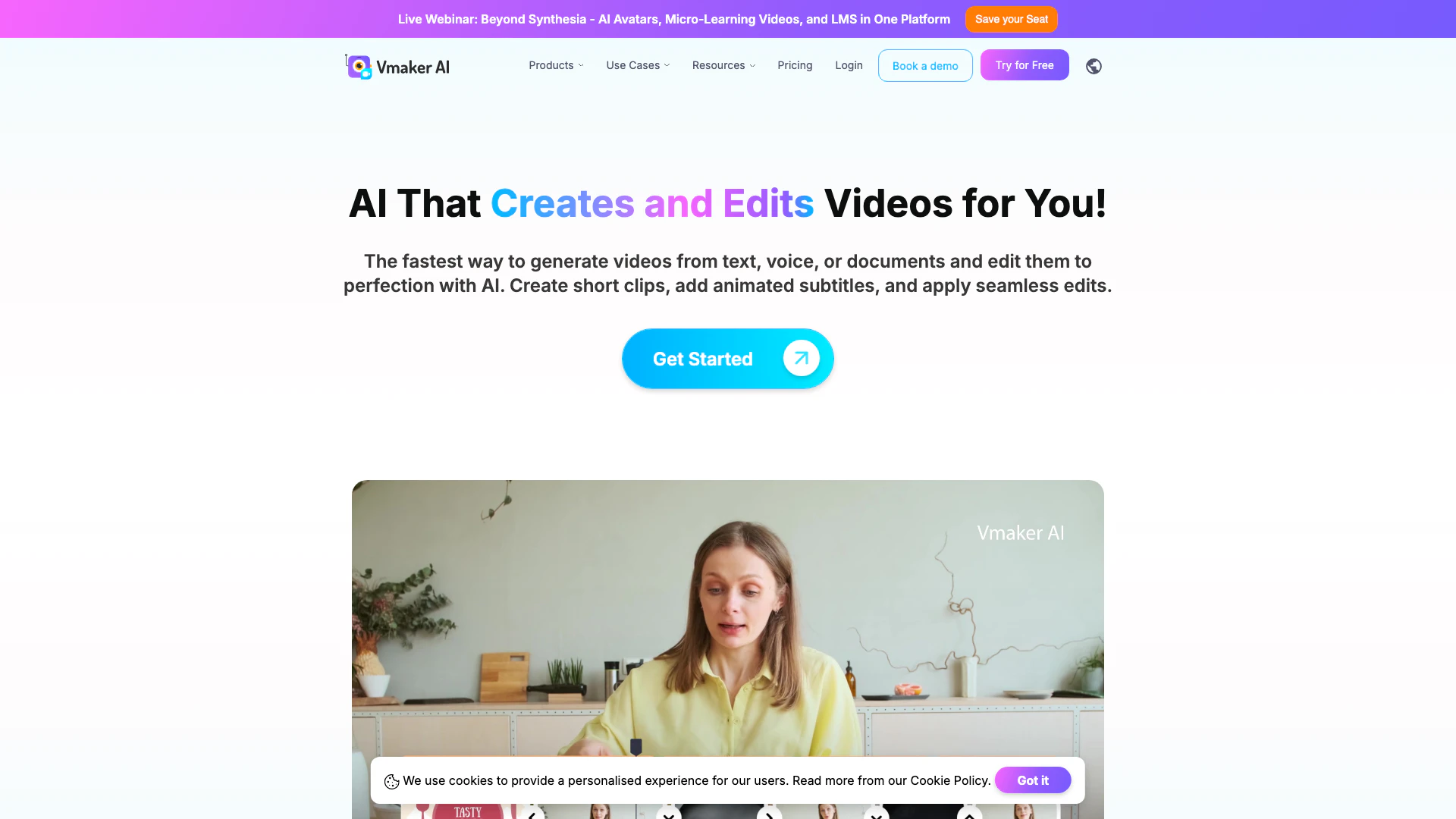



What is Vmaker?
Vmaker is an innovative DIY video-making platform that simplifies the process of creating stunning videos. With its AI-powered features, Vmaker allows users to record, edit, and produce professional-quality videos in just minutes. This tool caters to a wide range of users, from content creators to marketers, enabling them to transform their ideas into engaging visual content effortlessly.
How to use Vmaker?
- Sign up for a Vmaker account on their website.
- Choose the type of video you want to create (e.g., screen recording, text to video).
- Use the intuitive interface to record your screen, upload media, or input text.
- Edit your video using Vmaker's AI editing suite, which includes features like subtitles, transitions, and animations.
- Export your finished video in the desired format and share it on your preferred platforms.
What are the main features of Vmaker?
- DIY video creation platform with easy-to-use tools
- AI-powered video editing suite for enhanced storytelling
- Ability to convert long videos into short clips using AI
- Screen recording and webcam recording capabilities in 4K resolution
- Automatic subtitle generation in over 35 languages with various animation styles
- Options to create videos from text, audio, documents, or existing videos
- Extensive library of viral styles for content enhancement
- Background removal and highlight generation features
Who is Vmaker for?
Vmaker is designed for a diverse audience, including YouTubers looking to enhance their channels quickly, marketers aiming to boost brand visibility through engaging video content, and Learning & Development teams who need efficient video creation for training purposes. Additionally, it serves anyone who wishes to transform raw footage into impressive videos with minimal effort.
What are the use cases of Vmaker?
- Creating engaging YouTube videos and promotional content for social media platforms.
- Producing educational videos and training materials for corporate learning initiatives.
- Transforming webinars and podcasts into shareable short clips for increased audience engagement.
- Generating dynamic videos from text or audio for marketing campaigns.
- Enhancing existing video content with subtitles, transitions, and other effects.
Vmaker Pros and Cons
Pros
- User-Friendly Video Creation: Vmaker provides an intuitive DIY platform that simplifies the video creation process, allowing users to easily record, edit, and produce videos in minutes.
- AI-Powered Features: The platform includes advanced AI tools such as automatic subtitle generation in over 35 languages and the ability to convert long videos into short clips, enhancing productivity.
- Versatile Video Formats: Vmaker supports various video formats, enabling users to create videos from text, audio, documents, and existing videos, catering to diverse content needs.
Cons
No cons data detected for this tool
Vmaker Pricing
Free Plan
Access to basic features for creating and editing videos.
Enterprise Plan
Custom pricing based on the number of licenses and features required for large organizations.
For the latest pricing, please visit this link: https://www.vmaker.com/pricing
Prices are subject to change. Please visit the official website for the most up-to-date pricing information.




