

Photolapseai




What is Photolapseai?
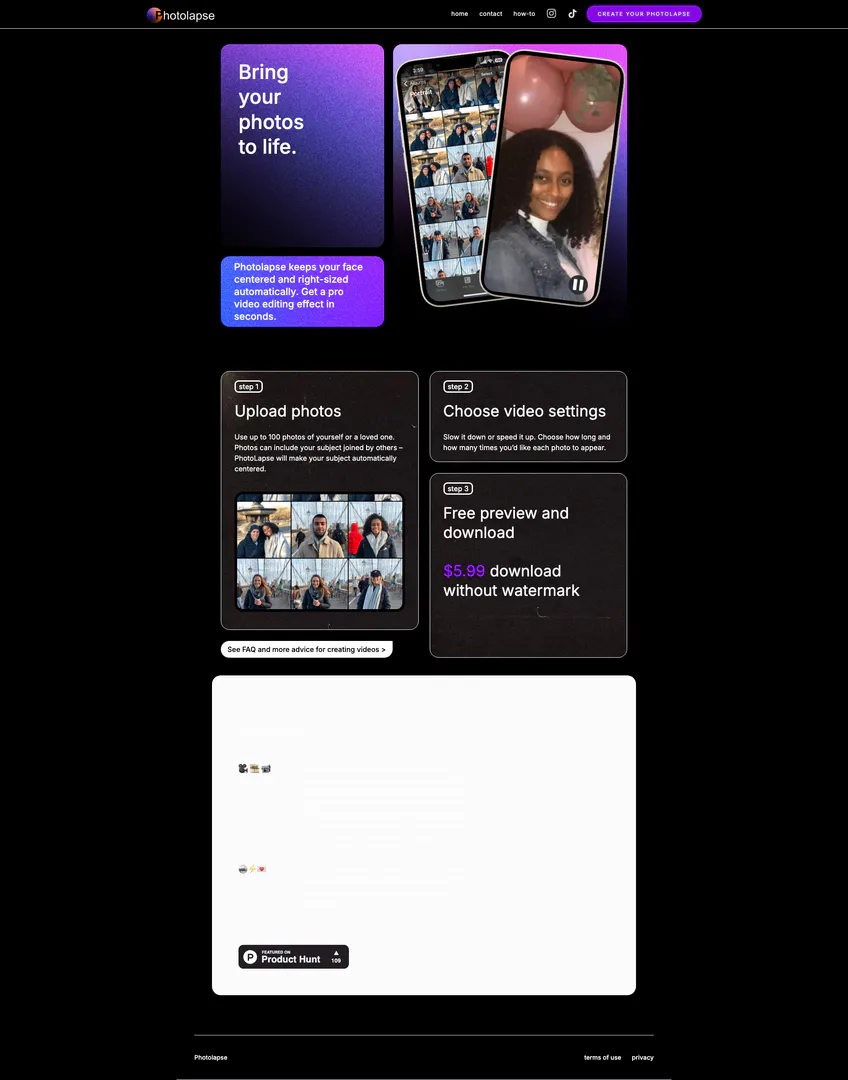
Photolapseai is an innovative video editing tool designed to create face aging timelapse videos using advanced face-detection AI technology. This user-friendly platform allows users to upload photos from their camera roll, customize video settings, and download their creations for sharing on social media platforms like TikTok and Instagram. Photolapseai simplifies the video editing process, enabling anyone to produce professional-quality timelapse videos without needing extensive editing skills or software.
How to use Photolapseai?
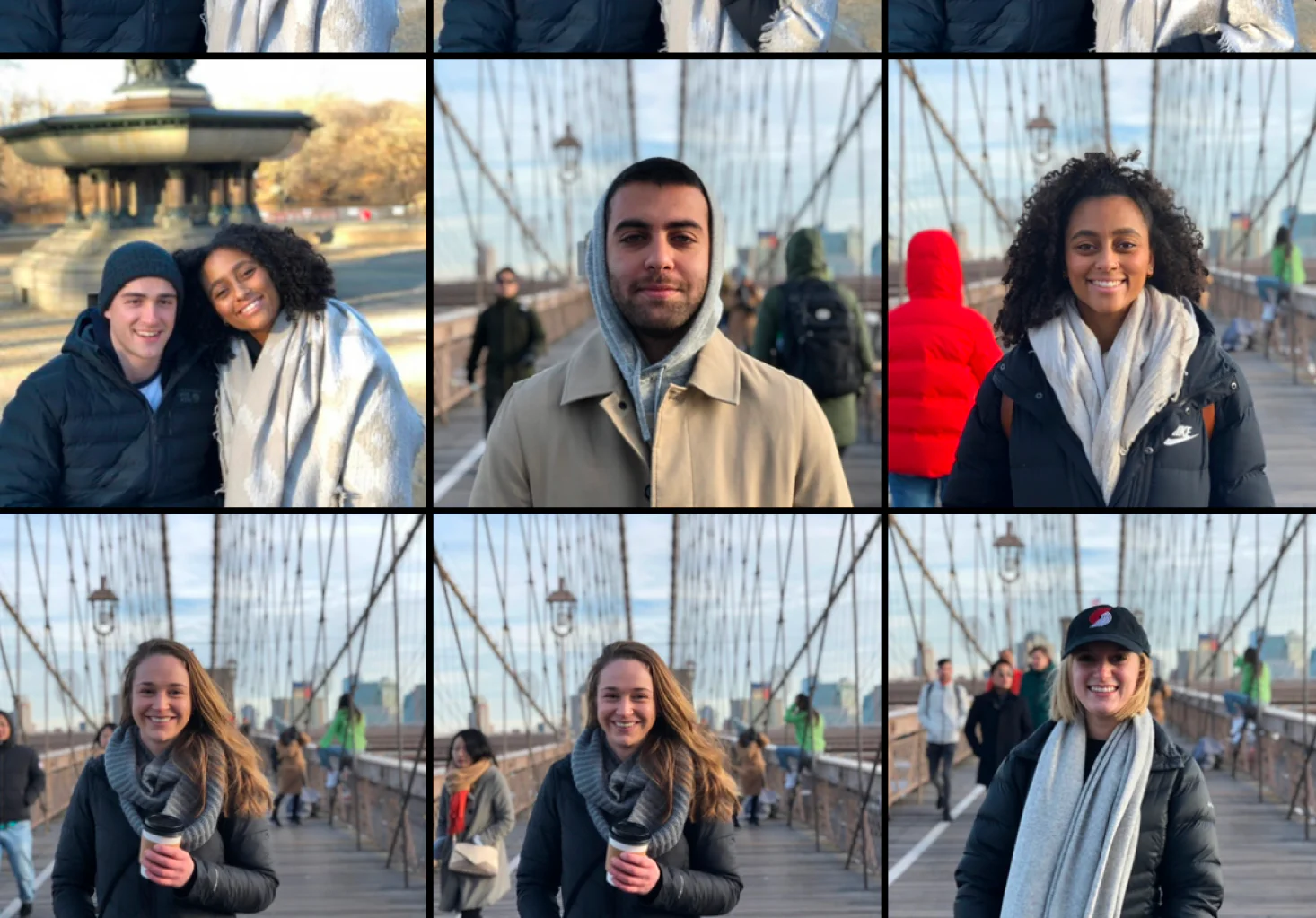
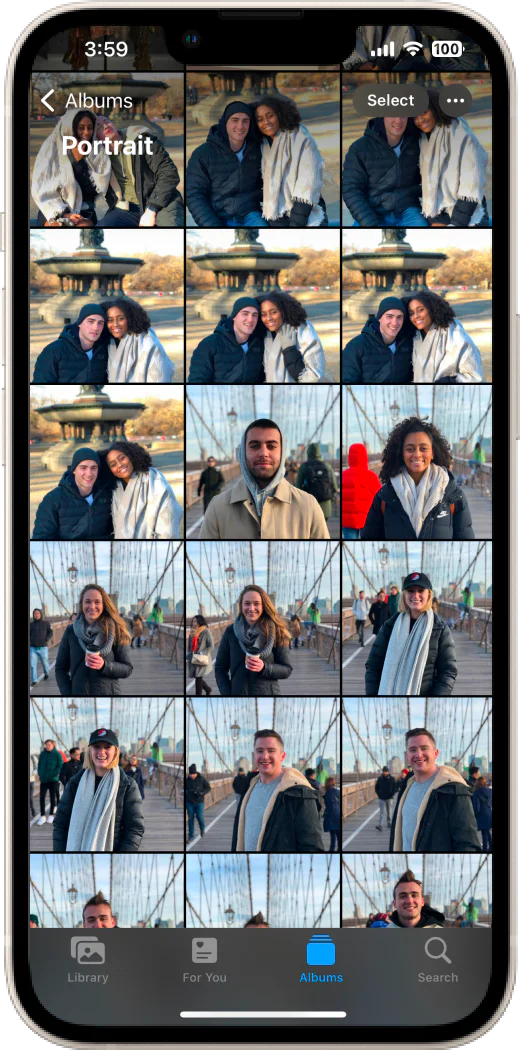
- Upload Photos: Start by uploading up to 100 photos of yourself or your loved ones. Photolapseai will automatically center the subject in the images.
- Choose Video Settings: Customize your video by selecting the speed (slow or fast) and determining how long each photo will appear in the final video.
- Preview and Download: Once you're satisfied with your settings, preview your video. You can then download the video for $5.99 without a watermark.
What are the main features of Photolapseai?
- Face Detection AI: Automatically centers and adjusts the subject's face in the video.
- Customizable Video Settings: Allows users to control the speed and duration of each photo's appearance.
- User-Friendly Interface: Designed for ease of use, requiring no prior video editing experience.
- Social Media Sharing: Easily download videos for sharing on platforms like TikTok and Instagram.
- Unique Gift Idea: Create personalized timelapse videos to share as memorable gifts.
Who is Photolapseai for?
Photolapseai is ideal for anyone looking to create engaging and unique video content without the need for advanced editing skills. This includes social media enthusiasts, families wanting to document personal transformations, and individuals seeking a creative gift idea. It's also beneficial for marketers looking to produce eye-catching video material quickly and easily.
What are the use cases of Photolapseai?
- Personal Transformation Videos: Create timelapse videos showcasing personal growth or changes over time.
- Unique Gift Creation: Produce customized videos for special occasions, such as birthdays or anniversaries.
- Marketing Material: Generate dynamic video content to promote products or services effectively.
Product Images


Photolapseai Pros and Cons
Pros
- Easy to Use Video Editing Tool: Photolapseai simplifies video editing with a user-friendly interface, allowing users to create face aging timelapse videos in just three steps.
- Face Detection AI Technology: The tool utilizes advanced face-detection AI to automatically center and size the subject's face, enhancing the quality of the final video.
- Versatile Sharing Options: Users can easily share their videos on platforms like TikTok and Instagram, making it a great choice for social media content.
Cons
No cons data detected for this tool
Photolapseai Pricing
Download without watermark
Free preview and download of the video. Option to download the video without a watermark.
For the latest pricing, please visit this link: https://photolapseai.com/
Prices are subject to change. Please visit the official website for the most up-to-date pricing information.
Analytics of Photolapseai
Photolapseai Website Traffic Analysis
Visits Over Time
Top Keywords
| Keyword | Volume | CPC | Estimated Value |
|---|---|---|---|
| timelapse maker | 770 | $1.93 | $0.00 |
| timelapse video online | 450 | $0.31 | $0.00 |
| ai make timelapse video | 260 | $0.00 | $0.00 |
| ki person timelapse | 250 | $0.00 | $0.00 |
| how to create video of face evolution | 70 | $0.00 | $40.00 |



