Videolingo





What is Videolingo?
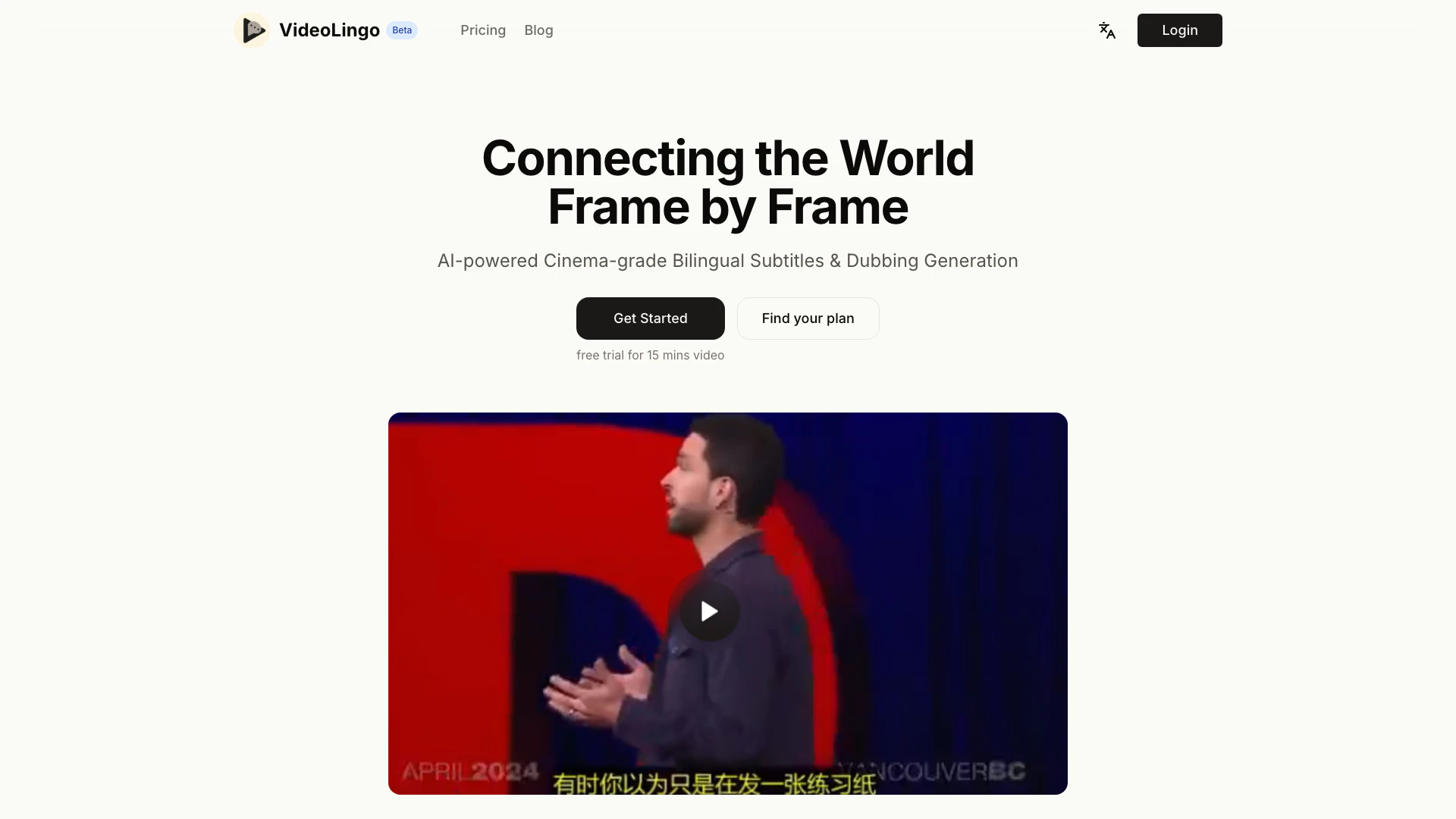
Videolingo is an innovative platform designed to simplify the process of creating SaaS[1] services in production. It specializes in generating cinema-grade bilingual subtitles[2] and dubbing[3], leveraging AI technology to enhance video content. With Videolingo, users can deliver precise translations that capture cultural nuances and domain-specific terminology, making videos more personal and accessible to a global audience.
How to use Videolingo?
- Sign up for an account on the Videolingo website.
- Upload your video file that you want to add subtitles or dubbing to.
- Choose the languages for translation and dubbing.
- Review and customize the generated subtitles for accuracy and timing.
- Download the final video with integrated bilingual subtitles or dubbing.
What are the main features of Videolingo?
- Cultural Localization[4]: Ensures translations reflect authentic expressions and cultural nuances.
- Domain Expertise[5]: Accurately translates field-specific terminology to maintain professionalism.
- Enhanced Readability: Provides single-line subtitles with precise timing and proper segmentation.
- Natural Voice Synthesis[6]: Delivers intelligent dubbing that maintains the original's emotional tone and speaking style.
- Streamlined Processing: Features a fast and efficient pipeline for content transformation with minimal clicks.
- Global Accessibility[7]: Supports over 8 languages to facilitate global knowledge exchange.
Who is Videolingo for?
Videolingo is tailored for content creators, educators, and businesses seeking to enhance their video content with professional bilingual subtitles and dubbing. It's particularly beneficial for technical content creators, educators, and marketing professionals who require precise translations and culturally relevant dubbing to reach a wider audience. With its user-friendly interface, Videolingo is suitable for both novice and experienced users.
What are the use cases of Videolingo?
- Educational Videos: Enhance learning materials by providing bilingual subtitles for diverse student populations.
- Technical Tutorials: Create programming or technical content that accurately translates terminology and concepts for international audiences.
- Marketing Campaigns: Localize promotional videos to effectively engage global markets and enhance brand visibility.
Product Images




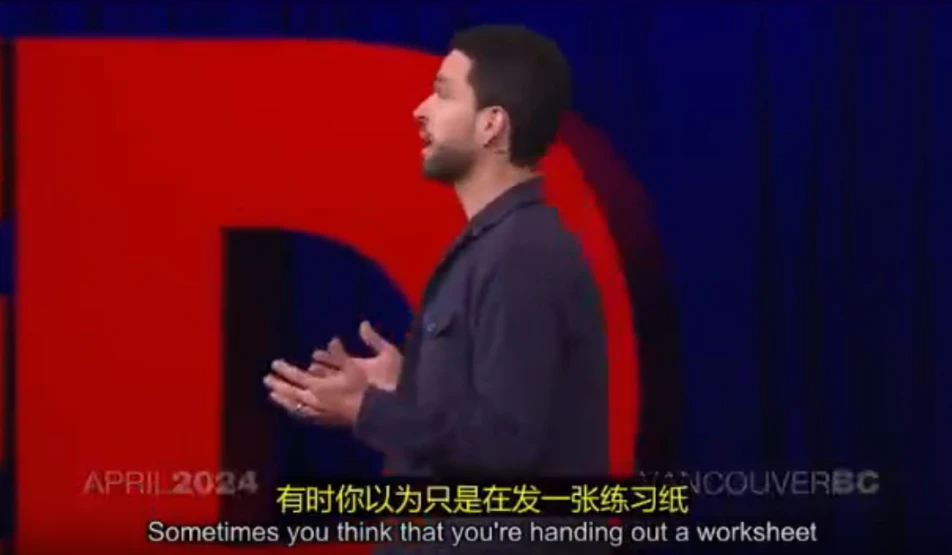

Videolingo Pros and Cons
Pros
- AI-Powered Subtitles and Dubbing: Utilizes AI technology to generate high-quality bilingual subtitles and dubbing, enhancing video accessibility.
- Cultural Localization: Delivers translations that capture cultural nuances and authentic expressions, making content relatable to diverse audiences.
- Natural Voice Synthesis: Offers intelligent dubbing that maintains the emotional tone and speaking style of the original content.
Cons
No cons data detected for this tool
Videolingo Pricing
Free
15 minutes of video translation. Only supports English and Chinese videos. Bilingual subtitles. 480p video output. Dubbing mode. Watermark.
Starter
1 hour of video processing. Support input in 8 languages. Professional bilingual subtitles. 1080p video output. Basic dubbing mode.
Pro
6 hours of video processing. Everything in Starter plan. Clone dubbing mode (F5tts, Chinese and English only). Voice separation enhancement. Open API access (coming soon).
For the latest pricing, please visit this link: https://videolingo.io/en/pricing
Prices are subject to change. Please visit the official website for the most up-to-date pricing information.
Analytics of Videolingo
Videolingo Website Traffic Analysis
Visits Over Time
Traffic Sources
Oct 2025 - Dec 2025 Worldwide Desktop Only
- Direct: 48.21%
- Search: 36.04%
- Social: 7.94%
- Referrals: 6.83%
- Paid Referrals: 0.92%
- Mail: 0.06%
Top Keywords
| Keyword | Volume | CPC | Estimated Value |
|---|---|---|---|
| videolingo | 2.18K | $2.36 | $1280.00 |
| videolingo ai | 90 | $0.00 | $80.00 |
| video lingo customer service | 30 | $0.00 | $10.00 |
| 字幕分割 | 20 | $0.00 | $10.00 |
| video lingo | 10 | $0.00 | $10.00 |
Videolingo Reviews
Amazing bilingual subtitles quality, perfectly capturing technical details in my programming tutorials.
Professional and authentic translations that finally express technical content naturally.
Precise subtitle translations with excellent technical terminology. Feels like native Chinese content.
For more reviews, visit this link: https://videolingo.io/#reviews