

Uiforsaas




What is UIforSaaS?
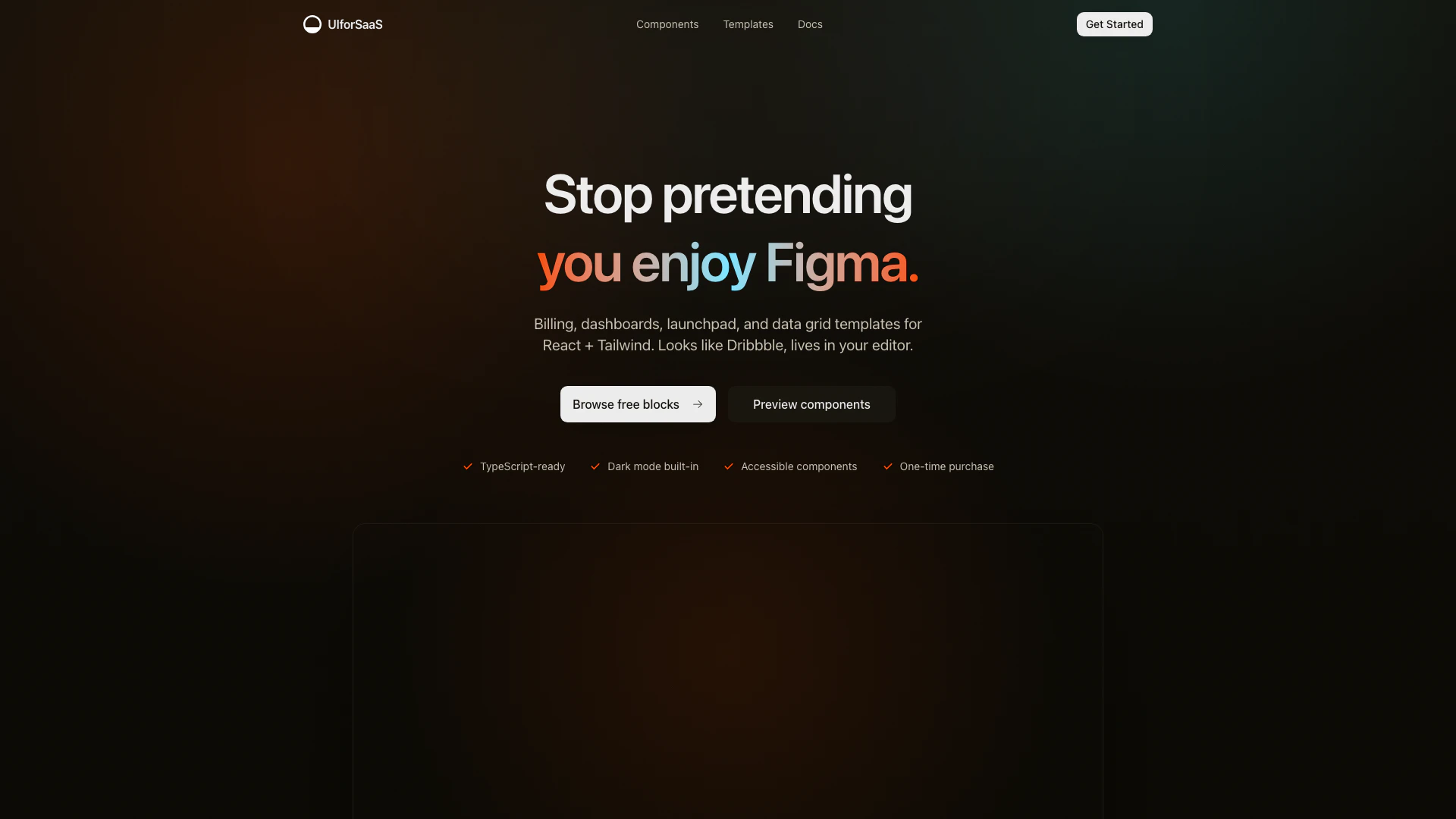
UIforSaaS is a specialized UI component library[1] designed for SaaS applications[2] built with React[3] and Tailwind[4]. It provides a collection of essential components, such as billing pages, dashboards, and onboarding flows, that are tailored for developers looking to create professional and polished user interfaces without the need for extensive design resources. The library is built with TypeScript[5], ensuring compatibility with modern codebases, and includes features like dark mode and accessibility options, making it an ideal choice for SaaS founders and indie developers.
How to use UIforSaaS?
- Add the components to your Next.js project: Install shadcn/ui if you haven’t already, and drop the UIforSaaS component files into your project.
- Update the text and styling: Customize the components by replacing the default copy and adjusting the colors to match your brand using simple JSX and Tailwind styles.
- Ship a polished SaaS UI fast: Use the components to quickly launch billing pages, onboarding flows, and dashboards, significantly reducing development time.
What are the main features of UIforSaaS?
- Pre-built Components: Includes essential components for billing, user management, onboarding, data analytics, and AI assistance.
- TypeScript Ready: Designed with TypeScript for seamless integration into existing codebases.
- Dark Mode Support: Built-in dark mode for a modern user experience.
- Accessibility: Components are designed with accessibility in mind to ensure usability for all users.
- Responsive Layouts: Optimized for both desktop and mobile devices, ensuring a consistent experience across platforms.
Who is UIforSaaS for?
UIforSaaS is tailored for SaaS founders, indie developers, and teams using Next.js who need to implement clean and functional UI components without hiring designers. It's particularly useful for those who want to save time and resources by utilizing pre-built templates and components that are easy to integrate and customize.
What are the use cases of UIforSaaS?
- Creating Billing Pages: Quickly set up pricing tables and checkout flows that are user-friendly and visually appealing.
- User Management Interfaces: Implement features like team invitations and role management efficiently.
- Onboarding Flows: Develop setup wizards and product tours that enhance user experience and reduce confusion during onboarding.
Uiforsaas Pros and Cons
Pros
- Comprehensive Component Library: UIforSaaS offers a wide range of essential components like billing tables, user management, and onboarding flows, specifically designed for SaaS applications.
- Ease of Integration: The components are designed to be easily integrated into existing Next.js projects, requiring minimal setup and no new tools.
- TypeScript Ready: Built with TypeScript in mind, the components fit seamlessly into modern SaaS codebases, enhancing type safety and developer experience.
- Dark Mode Support: Dark mode is built into the components, providing a modern aesthetic and improving user experience for applications used in low-light environments.
Cons
No cons data detected for this tool
Uiforsaas Pricing
Free
Demo-only pricing block • no checkout. All 31 components, ready to drop into your app. 4 full templates (dashboard, billing, launchpad, data grid). Free updates as the library grows. Dark mode built in. Unlimited use for personal and client projects.
For the latest pricing, please visit this link: https://uiforsaas.dev/
Prices are subject to change. Please visit the official website for the most up-to-date pricing information.
Analytics of Uiforsaas
Uiforsaas Website Traffic Analysis
Visits Over Time
Traffic Sources
Dec 2025 - Jan 2026 Worldwide Desktop Only
- Direct: 50.22%
- Social: 45.56%
- Search: 1.96%
- Referrals: 1.96%
- Paid Referrals: 0.28%
- Mail: 0.01%
Top Keywords
| Keyword | Volume | CPC | Estimated Value |
|---|---|---|---|
| uiforsaas | 0 | $0.00 | $0.00 |




