
Vela





What is Vela?
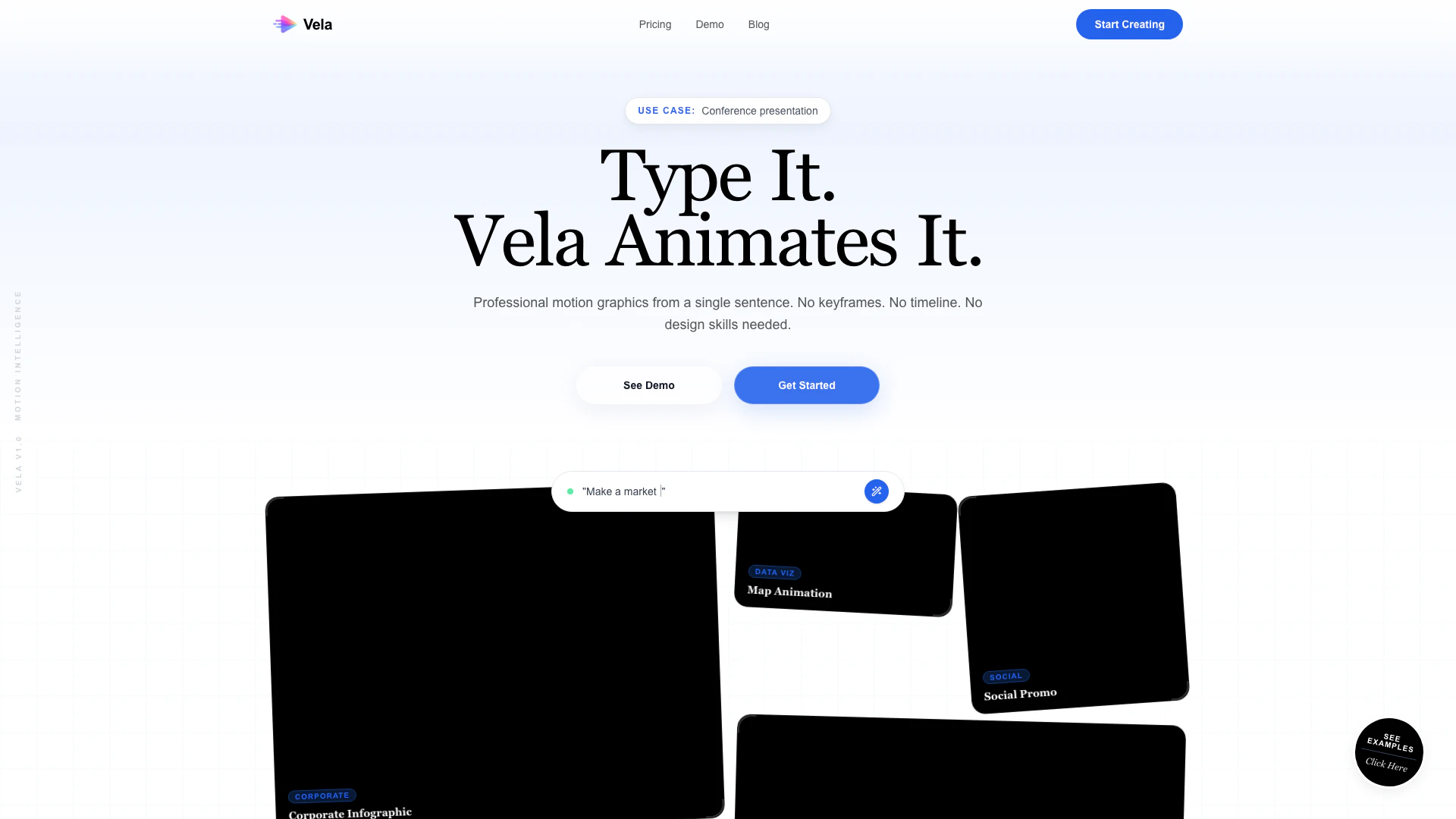
Vela is an innovative AI-powered tool designed to create professional motion graphics in under two minutes. By simply typing a description of what you want, Vela handles the design and animation process for you, eliminating the need for complex software like After Effects. This user-friendly platform allows anyone, regardless of their design skills, to produce high-quality animations quickly and efficiently.
How to use Vela?
- Visit the Vela website and sign up for an account.
- Once logged in, choose the format for your video (landscape, portrait, or square).
- Type a clear description of the motion graphic you want to create in plain English.
- Vela will generate the animation based on your input.
- Refine your video by chatting with Vela to adjust elements like colors, backgrounds, and timing.
- Export your final motion graphic in your desired resolution.
What are the main features of Vela?
- AI-powered text-to-video generation that creates animations from simple text descriptions.
- Supports multiple video formats, including landscape, portrait, and square.
- Chat-based editing allows for easy refinement of videos without technical skills.
- Upload your own images and assets to be incorporated into the motion graphics.
- Fast generation times, averaging under 3 minutes per video.
- No subscriptions or hidden fees; one-time payment options available.
Who is Vela for?
Vela is designed for a wide range of users including solo creators looking to produce engaging content without hiring a motion designer, agencies aiming to deliver client projects more efficiently, marketers wanting to launch campaigns quickly, educators wishing to create animated lessons, SaaS founders needing promotional videos, and event organizers promoting upcoming events. Essentially, Vela is perfect for anyone needing high-quality motion graphics without the steep learning curve of traditional animation software.
What are the use cases of Vela?
- Create SaaS launch videos to showcase new products and features.
- Develop explainer videos that simplify complex concepts for audiences.
- Produce promotional videos for events, including conferences and webinars.
- Generate educational content that enhances learning through visual storytelling.
- Design corporate training materials that engage employees with dynamic visuals.
- Craft social media ads that attract attention and drive conversions.
Vela Pros and Cons
Pros
- Quick Video Creation: Vela allows users to create professional motion graphics in under 2 minutes, significantly reducing production time compared to traditional methods.
- User-Friendly Interface: The tool requires no design or animation skills, enabling anyone to generate videos simply by typing descriptions in plain English.
- Chat-Based Refinement: Vela's unique chat-based editing feature allows users to refine their videos interactively, making adjustments instantly without needing to navigate complex software.
Cons
No cons data detected for this tool
Vela Pricing
Starter Plan
Perfect to try it out. 100 credits ≈ 14 videos. Text-to-Video Generation, All aspect ratios, Image & asset uploads, Chat-based AI editing, 720p & 1080p exports.
Most Popular Plan
Best value for creators. 300 credits ≈ 42 videos. Everything in Starter, plus: Full Commercial License, Zero watermarks, Priority fast-lane rendering, Advanced AI prompt tuning, Priority email support.
Pro Plan
Built for teams & agencies. 800 credits ≈ 114 videos. Everything in Pro, plus: Bulk video generation & export, Custom brand assets, Agency-level volume, Dedicated account manager, Early access to new features.
For the latest pricing, please visit this link: https://www.vela.video/pricing
Prices are subject to change. Please visit the official website for the most up-to-date pricing information.