Vectify





What is Vectify?
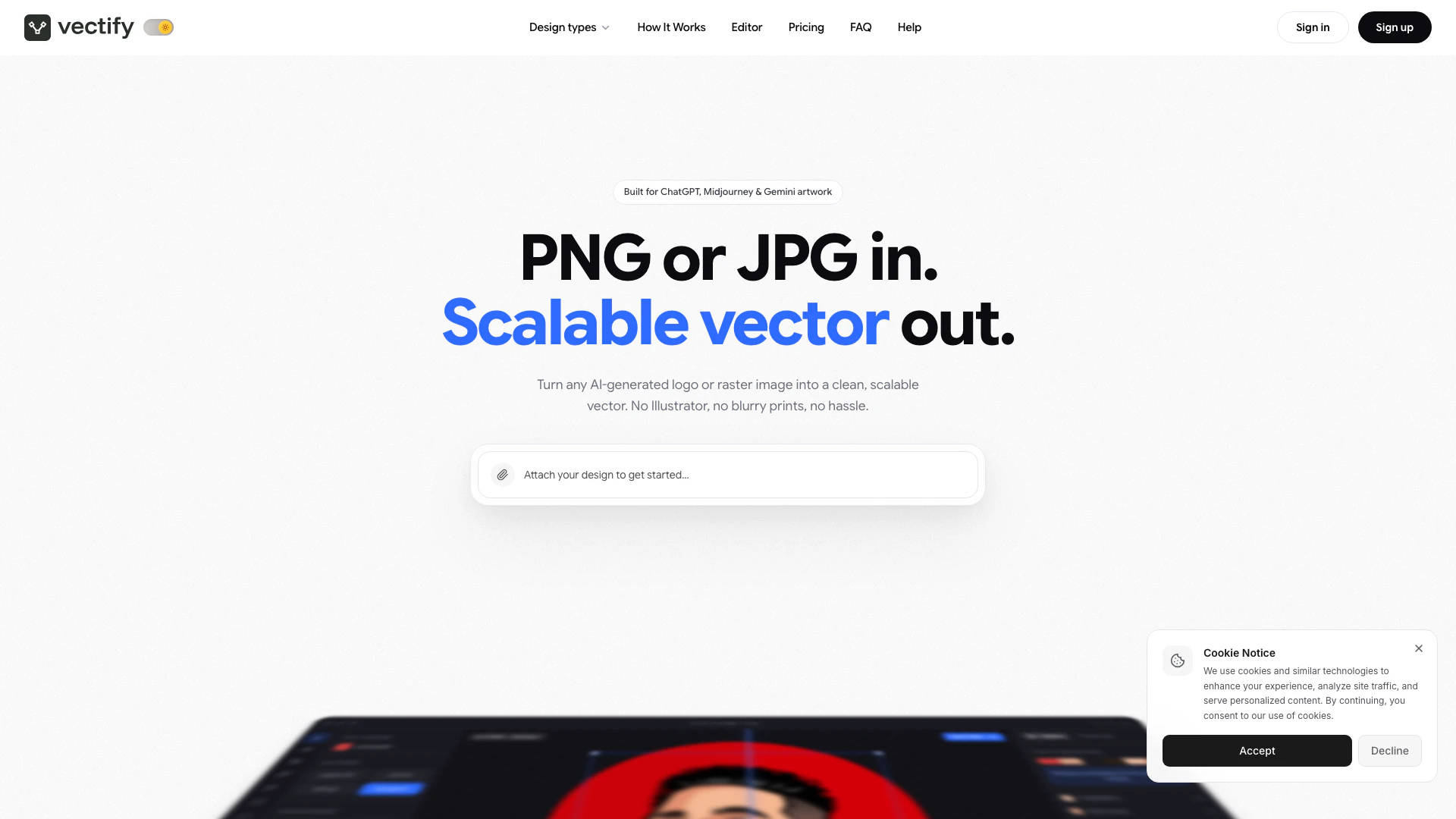
Vectify is an innovative online tool designed to transform blurry AI-generated logos into clean, print-ready vector files, including SVG, EPS, and DXF formats. This tool addresses the common issue of pixelation in prints, ensuring that logos maintain their quality across various mediums, from business cards to large vehicle wraps. Vectify stands out by providing an easy-to-use editor that allows users to make adjustments and enhancements to their designs before finalizing them for print, making it an essential resource for anyone needing high-quality vector graphics quickly and efficiently.
How to use Vectify?
- Visit the Vectify website and sign up for an account if you haven't already.
- Upload your blurry AI logo in a supported format (SVG, EPS, or DXF).
- Use the Vectify editor to adjust any settings or enhancements needed, such as merging shapes into a gradient.
- Choose the output format you desire (SVG, EPS, or DXF) and click on the conversion button.
- Download your clean, print-ready vector file and use it for your printing needs.
What are the main features of Vectify?
- Quick Conversion: Turn blurry AI logos into clean vector files in seconds.
- Multiple Output Formats: Supports SVG, EPS, and DXF file formats for versatile use.
- User-Friendly Editor: Edit and enhance your designs directly in the browser with an intuitive interface.
- High-Quality Tracing: Provides fewer anchor points for smoother curves, ensuring print quality.
- Commercial Rights: Full commercial rights are included with all plans, allowing for professional use.
Who is Vectify for?
Vectify is tailored for a diverse range of users, including print shops, t-shirt printers, sign makers, design agencies, and businesses requiring high-quality vector files. It is ideal for professionals who need to convert AI-generated logos into print-ready formats without compromising on quality. Whether you're working on small projects like business cards or larger applications such as vehicle wraps, Vectify provides the tools necessary to ensure your designs look their best, making it suitable for anyone in the graphic design and printing industries.
What are the use cases of Vectify?
- Print Shops: Use Vectify to convert logos for business cards, ensuring high-quality prints at pocket size.
- T-Shirt Printers: Create clean separations for screen printing or direct-to-film printing from AI-generated logos.
- Sign Makers: Generate cut files that plotters can easily read for yard signs and other signage.
- Design Agencies: Provide consistent and high-quality vector files to clients without the hassle of manual adjustments.
- Vehicle Wraps: Prepare large-scale logos for vehicle wraps, maintaining clarity and quality across various sizes.
Vectify Pros and Cons
Pros
- Quick Logo Conversion: Vectify allows users to convert blurry AI-generated logos into clean, print-ready vector files (SVG, EPS, DXF) quickly.
- Unique Gradient Merging: The tool provides a unique gradient merging feature that allows users to create smooth gradients from banded shapes with just one click.
- Effective Color Separation: Vectify separates colors effectively, enabling users to edit individual color paths for precise control over their designs.
- User-Friendly for Non-Designers: The tool requires no advanced design skills, making it accessible for users without a background in graphic design.
- Web-Based Accessibility: Vectify is a web-based tool, which means it can be accessed from any device with an internet connection.
Cons
- Learning Curve for New Users: Users may need to familiarize themselves with the Vectify editor interface, which could have a learning curve for some.
- Limitations with Complex Logos: The tool may not handle extremely complex logos well, leading to potential issues with conversion quality.
- Subscription-Based Pricing: Some features may require a subscription, which could be a barrier for users looking for free solutions.
Vectify Pricing
Starter
For the occasional logo or badge. 4 conversions a month, $1.25 per file, down from $2.99. Save 58% per file. Your conversions arrive every month, and you can cancel any time. Includes SVG, EPS & DXF, AI precision tracing, instant delivery, and full commercial rights. Unused conversions roll over.
Pro
For steady client work. 14 conversions a month, $1.07 per file, down from $2.99. Save 64% per file. Your conversions arrive every month, and you can cancel any time. Includes SVG, EPS & DXF, AI precision tracing, instant delivery, and full commercial rights. Unused conversions roll over.
Studio
For teams shipping vectors every week. 40 conversions a month, $1.00 per file, down from $2.99. Save 67% per file. Your conversions arrive every month, and you can cancel any time. Includes SVG, EPS & DXF, AI precision tracing, instant delivery, and full commercial rights. Unused conversions roll over.
For the latest pricing, please visit this link: https://www.vectify.com/pricing
Prices are subject to change. Please visit the official website for the most up-to-date pricing information.