

Clip





What is Clip?
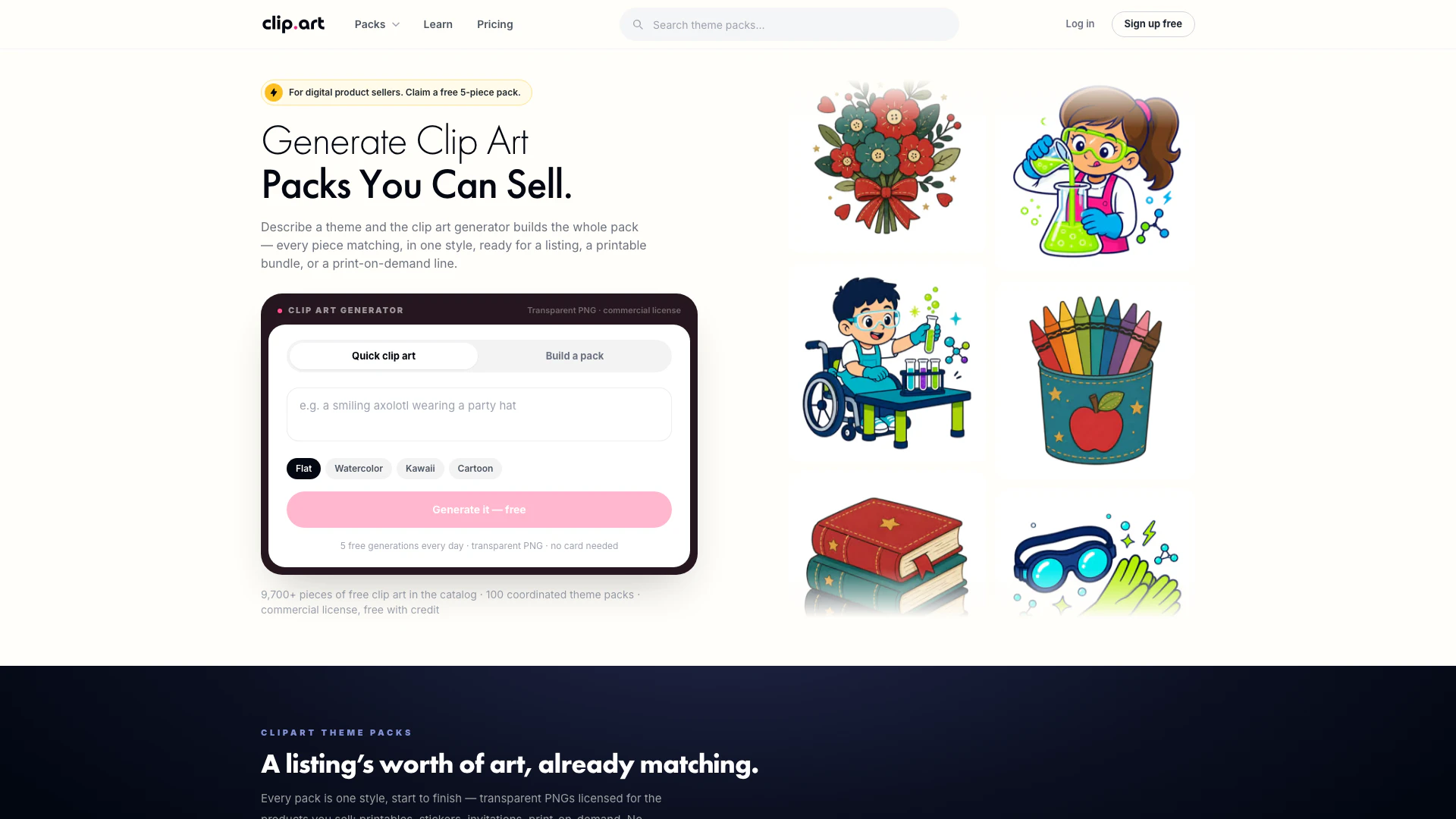
Clip is an innovative online tool designed to generate reusable transparent clip art in seconds. Users can describe their desired artwork, select a style, and download high-quality assets suitable for various applications such as classrooms, shops, crafts, and design projects. With its extensive library of themed packs and a user-friendly interface, Clip simplifies the process of finding and using clip art for both personal and commercial purposes.
How to use Clip?
- Visit the Clip website at [Clip.art](https://clip.art/).
- Use the search bar or browse categories to find the clip art packs that suit your needs.
- Select a clip art pack and click on it to view the details.
- Choose the style you prefer (flat, cartoon, watercolor, etc.) and describe your project requirements if you want a custom pack.
- Add the desired packs to your cart and proceed to checkout. You can purchase single packs or subscribe for access to all packs.
- Download the transparent PNG files for immediate use in your projects, whether for personal or commercial use.
What are the main features of Clip?
- Reusable Transparent Clip Art: Quickly generate transparent PNG clip art that can be used across various projects.
- Custom Pack Builder: Describe your needs and get a coordinated set of clip art tailored to your project.
- Variety of Styles: Choose from multiple styles including flat, cartoon, vintage, kawaii, and more to match your design requirements.
- Commercial License: All paid packs come with a commercial license, allowing for use in products without attribution.
- Diverse Themes: Access a wide range of clip art packs organized by themes such as nature, holidays, animals, and education.
Who is Clip for?
Clip is ideal for a diverse range of users including teachers, designers, small business owners, and hobbyists. Educators can utilize the clip art for creating engaging teaching materials, while crafters can enhance their projects with unique designs. Small business owners can benefit from the commercial license for their products, and graphic designers can find inspiration and assets for their creative work. Whether for personal use or professional projects, Clip caters to anyone in need of high-quality clip art.
What are the use cases of Clip?
- Classroom Resources: Teachers can create engaging worksheets, bulletin boards, and educational materials using themed clip art.
- Event Planning: Use clip art for designing invitations, decorations, and promotional materials for events like birthdays and holidays.
- E-commerce: Sellers can enhance product listings, stickers, and packaging designs with unique clip art to attract customers.
Clip Pros and Cons
Pros
- Wide Variety of Clip Art Packs: Clip offers a diverse selection of clip art packs across various themes such as nature, holidays, and animals, catering to different project needs.
- Commercial License Included: All purchased clip art packs come with a commercial license, allowing users to use the assets for commercial purposes without attribution.
- User-Friendly Art Generation: The tool allows users to generate clip art quickly by simply describing their needs and selecting a style, making it accessible for non-designers.
Cons
- Paid Packs Required for Full Access: While there are free samples available, most clip art packs require payment, which may limit access for users on a tight budget.
- Limited Customization Options: Users may find the customization options for generated clip art limited compared to other design tools that offer more extensive editing features.
- Subscription Model for Premium Features: To access all premium features and packs, users need to subscribe, which may not be ideal for those who prefer one-time purchases.
Clip Pricing
Catalog Plan
Every pack in the catalog, new ones weekly. No attribution — full commercial licence on catalog downloads. Instant ZIP downloads, transparent PNGs. Cancel anytime.
Studio Plan
Get Studio: Everything in Catalog, 3 custom packs every month — 20 pieces each, your theme, 100 credits a month for one-off pieces, Merchandise licence — art on products, to 10,000 units, Print-ready 300 DPI exports.
For the latest pricing, please visit this link: https://clip.art/pricing
Prices are subject to change. Please visit the official website for the most up-to-date pricing information.





