

Vectorizer




What is Vectorizer?
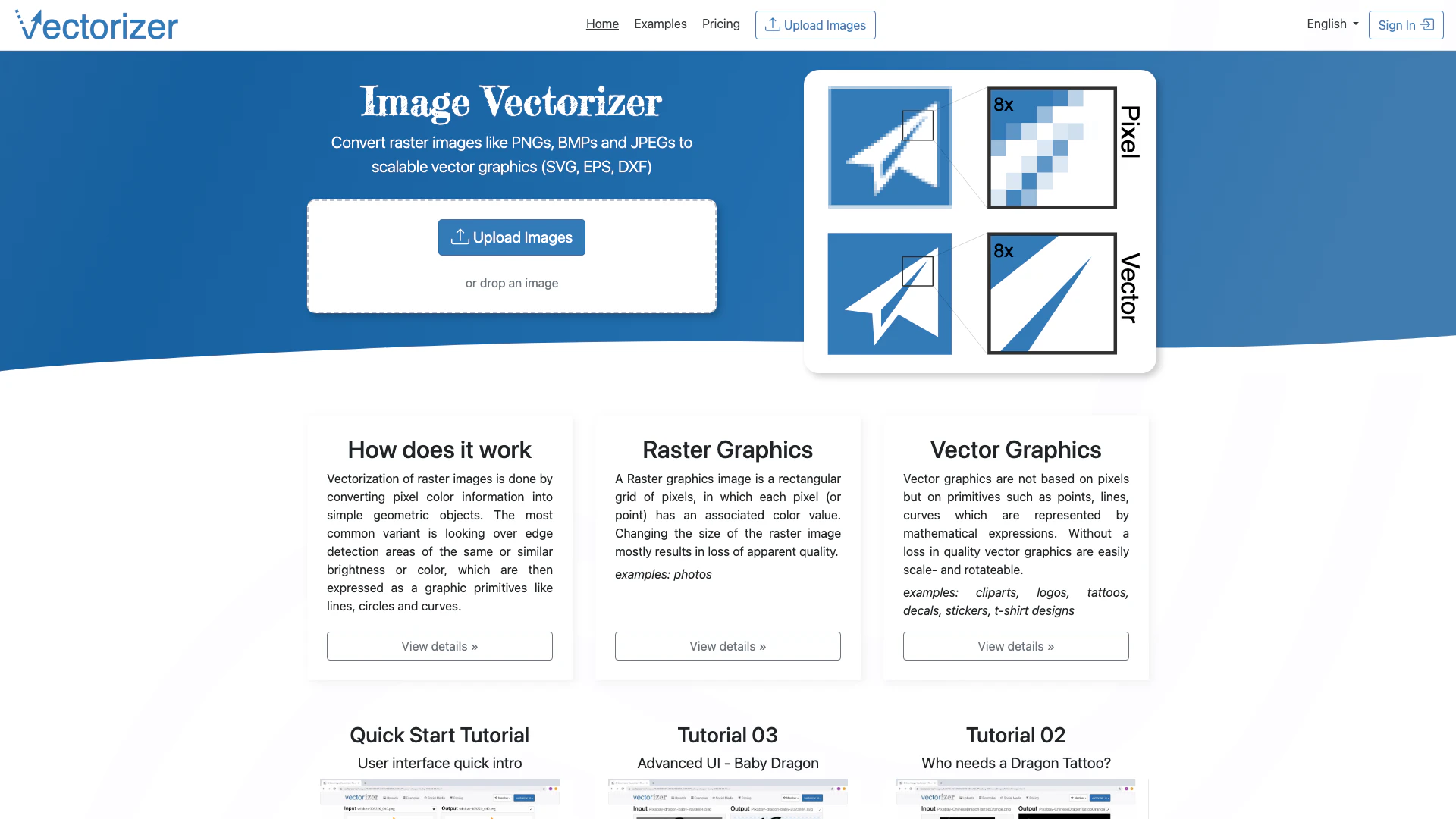
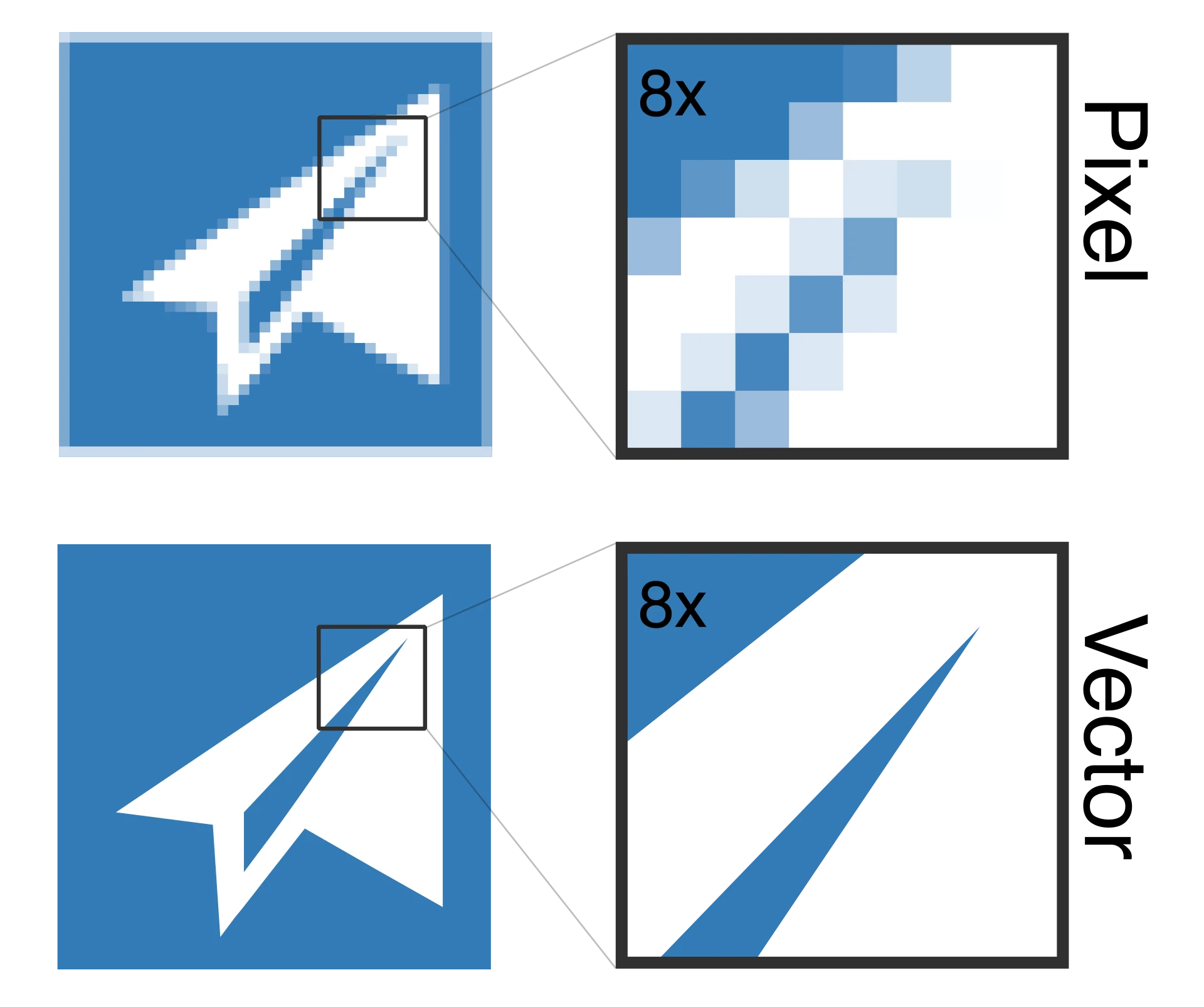
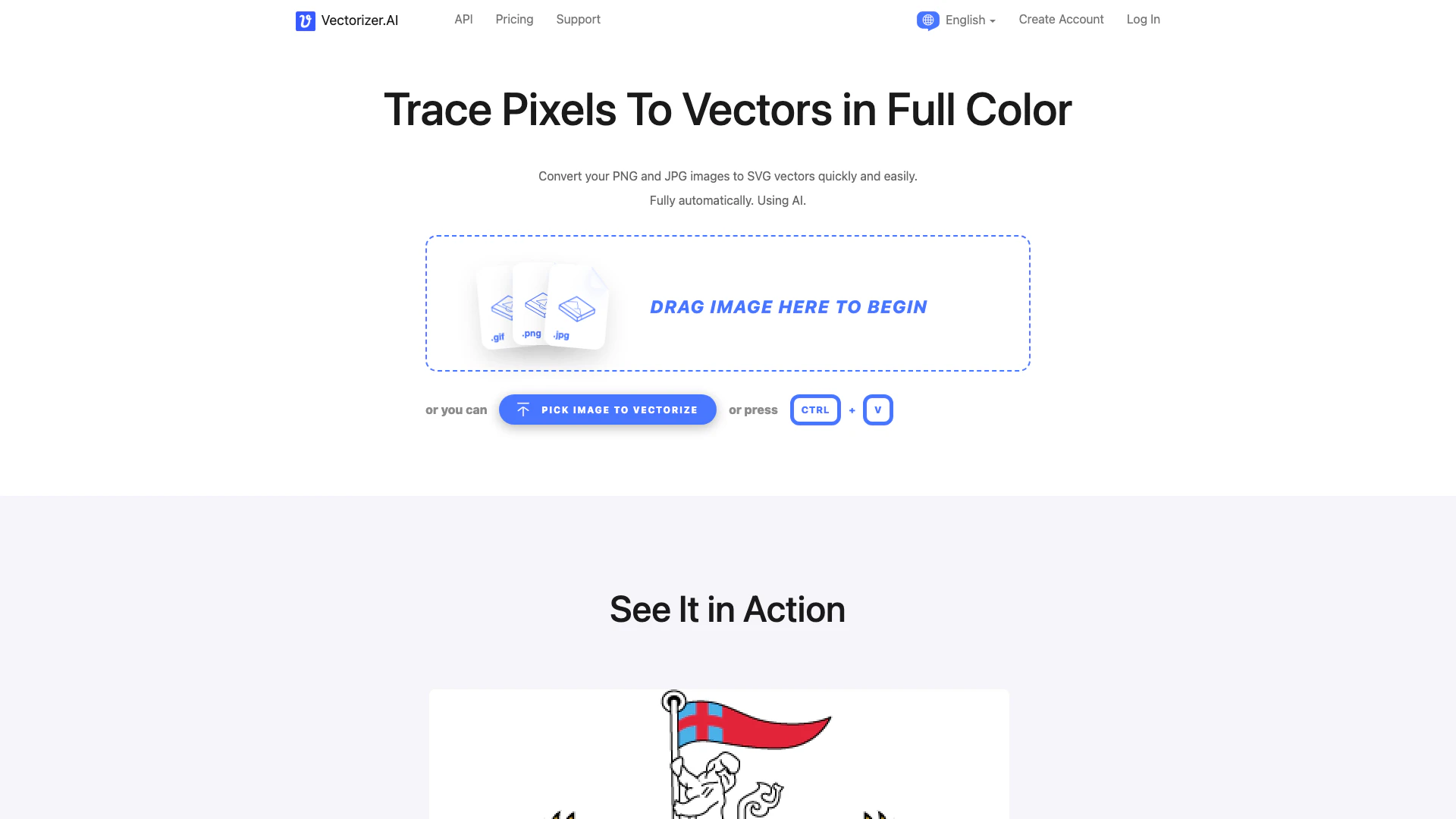
Vectorizer is an online tool designed to convert raster images, such as JPEG, JPG, or PNG formats, into scalable vector graphics[1] like SVG[2], EPS[3], and DXF[4]. This powerful online vectorizer transforms pixel-based images into clear and scalable vector art by utilizing sophisticated algorithms that analyze the color information of pixels and convert them into geometric shapes. The main value proposition of Vectorizer lies in its ability to produce high-quality vector graphics without loss of clarity, making it an essential tool for designers, artists, and anyone in need of vectorized images.
How to use Vectorizer?
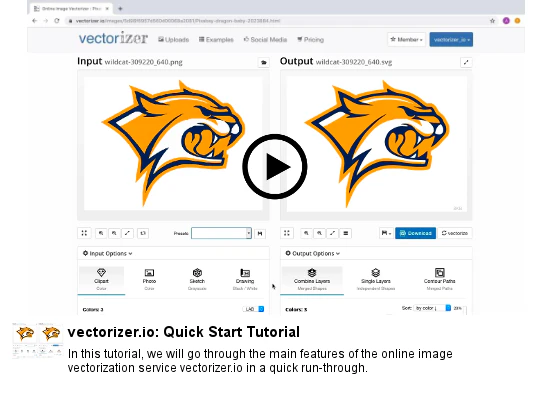
To use Vectorizer, follow these simple steps: 1. Visit the Vectorizer website at www.vectorizer.io. 2. Click on the 'Upload Images' button or drag and drop your raster image (JPEG, JPG, or PNG) into the designated area. 3. Wait for the tool to process your image, which will convert it into vector format. 4. Once processed, download your newly created vector graphic in your desired format (SVG, EPS, or DXF) by clicking the download link.
What are the main features of Vectorizer?
Vectorizer offers several key features that enhance its usability and effectiveness: - Multiple Format Support: Convert images from various raster formats (JPEG, JPG, PNG) to vector formats (SVG, EPS, DXF). - High-Quality Conversion[5]: Produces clear and scalable vector graphics without loss of quality. - User-Friendly Interface: Simple drag-and-drop functionality for easy image uploads. - Edge Detection[6] Technology: Utilizes advanced algorithms for precise vectorization based on color and brightness detection. - Quick Processing: Fast conversion times to enhance user experience.
Who is Vectorizer for?
Vectorizer is designed for a diverse range of users, including graphic designers, artists, and hobbyists who need to convert raster images into vector graphics for various applications. It's particularly useful for those involved in t-shirt design, tattoo art, logo creation, and any other field that requires high-quality vector images. Additionally, educators and students in design-related fields can benefit from this tool for projects and presentations.
What are the use cases of Vectorizer?
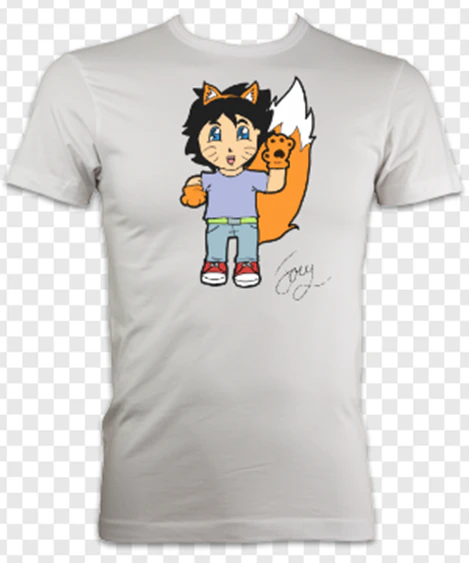
Vectorizer can be utilized in several practical scenarios: 1. T-Shirt Design: Create vector graphics for screen printing on t-shirts, ensuring high-quality and scalable designs. 2. Tattoo Art: Convert images into vector format for tattoo templates, allowing for precise design replication. 3. Logo Creation: Transform raster logos into vector files for use in branding and marketing materials, maintaining quality across various sizes.
Product Images

Vectorizer Pros and Cons
Pros
- Easy Image Conversion: Vectorizer allows users to effortlessly convert raster images like JPEG and PNG into scalable vector formats such as SVG, EPS, and DXF.
- High-Quality Output: The tool ensures that the converted vector graphics maintain high quality without loss of detail, making them suitable for various applications like logos and t-shirt designs.
- User-Friendly Interface: Vectorizer features an intuitive interface that simplifies the image uploading and conversion process, making it accessible for users of all skill levels.
Cons
No cons data detected for this tool
Vectorizer Pricing
One-Week Access Pass
Use our service for 7 days without any recurring charges. After the week, your user account will be automatically deactivated until your next purchase.
Monthly Subscription
Subscribe today and enjoy uninterrupted access to our service with automatic monthly renewals. Your subscription will continue each month until you choose to cancel.
For the latest pricing, please visit this link: https://www.vectorizer.io/pricing/
Prices are subject to change. Please visit the official website for the most up-to-date pricing information.
Analytics of Vectorizer
Vectorizer Website Traffic Analysis
Visits Over Time
Traffic Sources
Oct 2025 - Dec 2025 Worldwide Desktop Only
- Search: 54.71%
- Direct: 34.18%
- Referrals: 8.10%
- Social: 2.07%
- Paid Referrals: 0.80%
- Mail: 0.10%
Top Keywords
| Keyword | Volume | CPC | Estimated Value |
|---|---|---|---|
| vectorizer | 46.32K | $0.51 | $11690.00 |
| vectorizer ai | 44.07K | $0.43 | $1950.00 |
| image to vector | 29.53K | $0.56 | $3320.00 |
| vectorize image | 17.28K | $1.09 | $5500.00 |
| vectorize | 12.16K | $0.90 | $2410.00 |


Vectorizer Social Listening
The BEST FREE Vectorizer Ai Al...
🚀Weekly Prompts, Ai Courses &...
Vectorizer AI Options! The BES...
Vectorizer.AI is now a paid ap...
BEST FREE AI VECTORIZER
🤖https://svgconverter.app/ ⭐I...
Unlock to view 21 social media results.