

Unakinai





What is Unakinai?
Unakinai is the developer of Sawyer[1], a powerful AI agent[2] designed specifically for game development studios. Sawyer integrates seamlessly within the Unity environment, providing developers with enhanced capabilities to manage a variety of tasks throughout the game development lifecycle. By having complete context of the code, scene, and overall project, Sawyer enables teams to work more efficiently and effectively, ultimately aiming to supercharge productivity and streamline workflows.
How to use Unakinai?
- Integrate Sawyer into Unity: Begin by integrating the Sawyer AI agent into your Unity project, ensuring it has access to your code and assets.
- Define Tasks: Specify the tasks you want Sawyer to handle, such as bug fixing, performance optimization, or analyzing player feedback.
- Monitor Progress: Use the built-in tools within Unity to monitor Sawyer’s progress on the assigned tasks, allowing for real-time adjustments and feedback.
What are the main features of Unakinai?
- Contextual Understanding[3]: Sawyer has a deep understanding of your entire game project, including code, assets, and scene data.
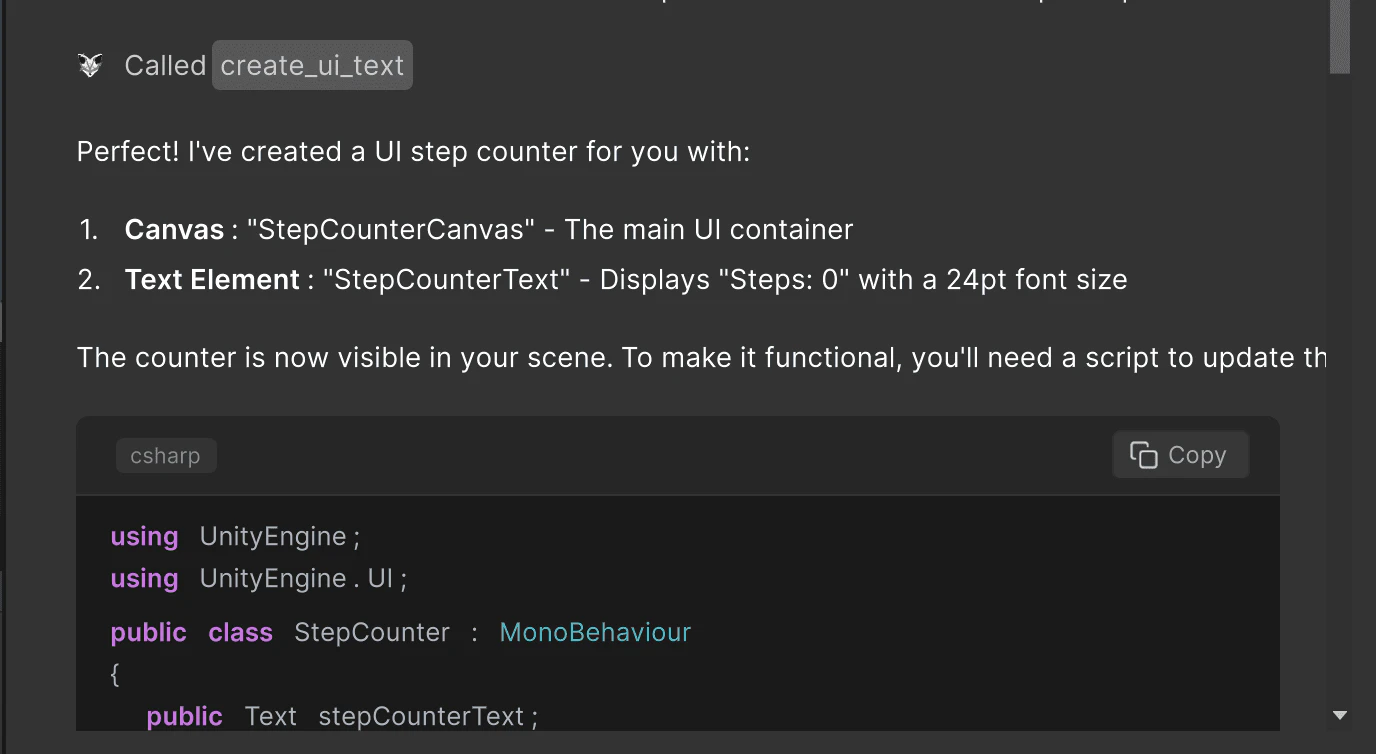
- Actionable AI: Unlike traditional chat-based AI, Sawyer can perform actions directly in Unity, such as editing scenes and generating objects.
- Integration Capabilities: Sawyer connects easily with other tools like Jira and Git, streamlining your workflow.
- Playbook Functionality: Automate complex processes with Sawyer’s Playbook feature, which allows you to codify and execute workflows efficiently.
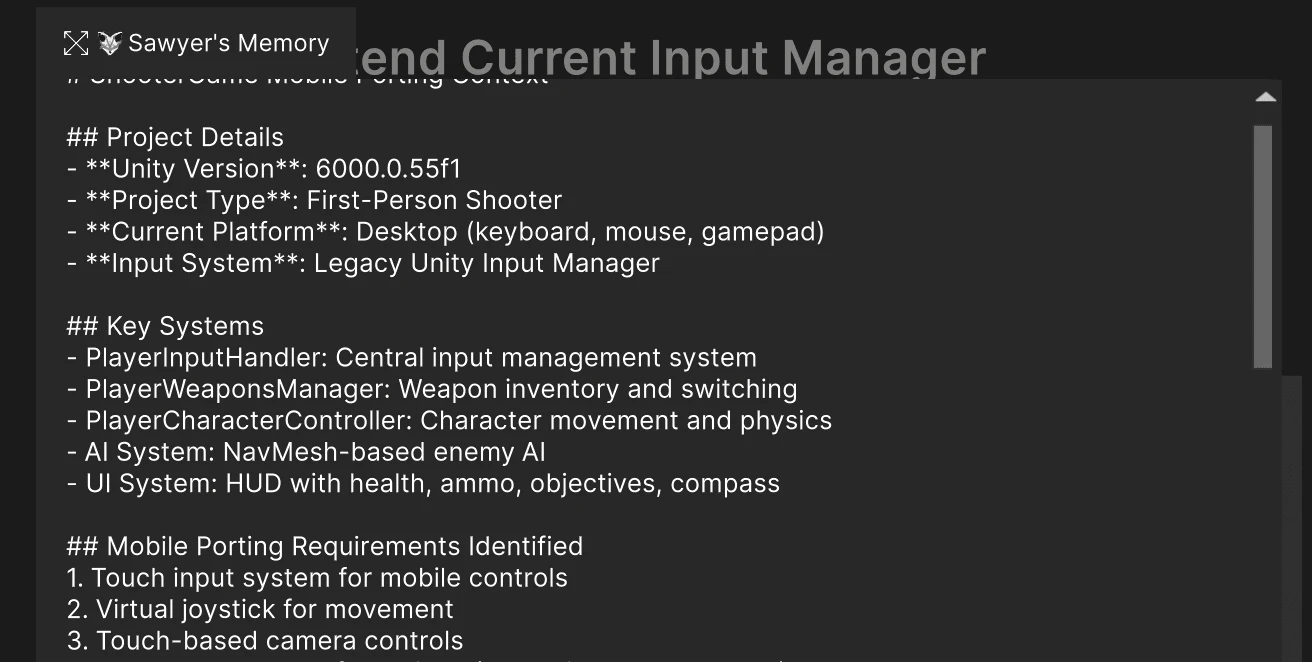
- Memory System: Sawyer's in-built memory system enables it to handle long-horizon tasks autonomously.
Who is Unakinai for?
Unakinai is designed for game development studios and teams looking to enhance their productivity and efficiency. Whether you're a programmer, designer, or part of a quality assurance team, Sawyer provides tailored support to tackle both coding and non-coding tasks. It is particularly beneficial for teams working within the Unity engine, as it integrates seamlessly to assist in various aspects of game development.
What are the use cases of Unakinai?
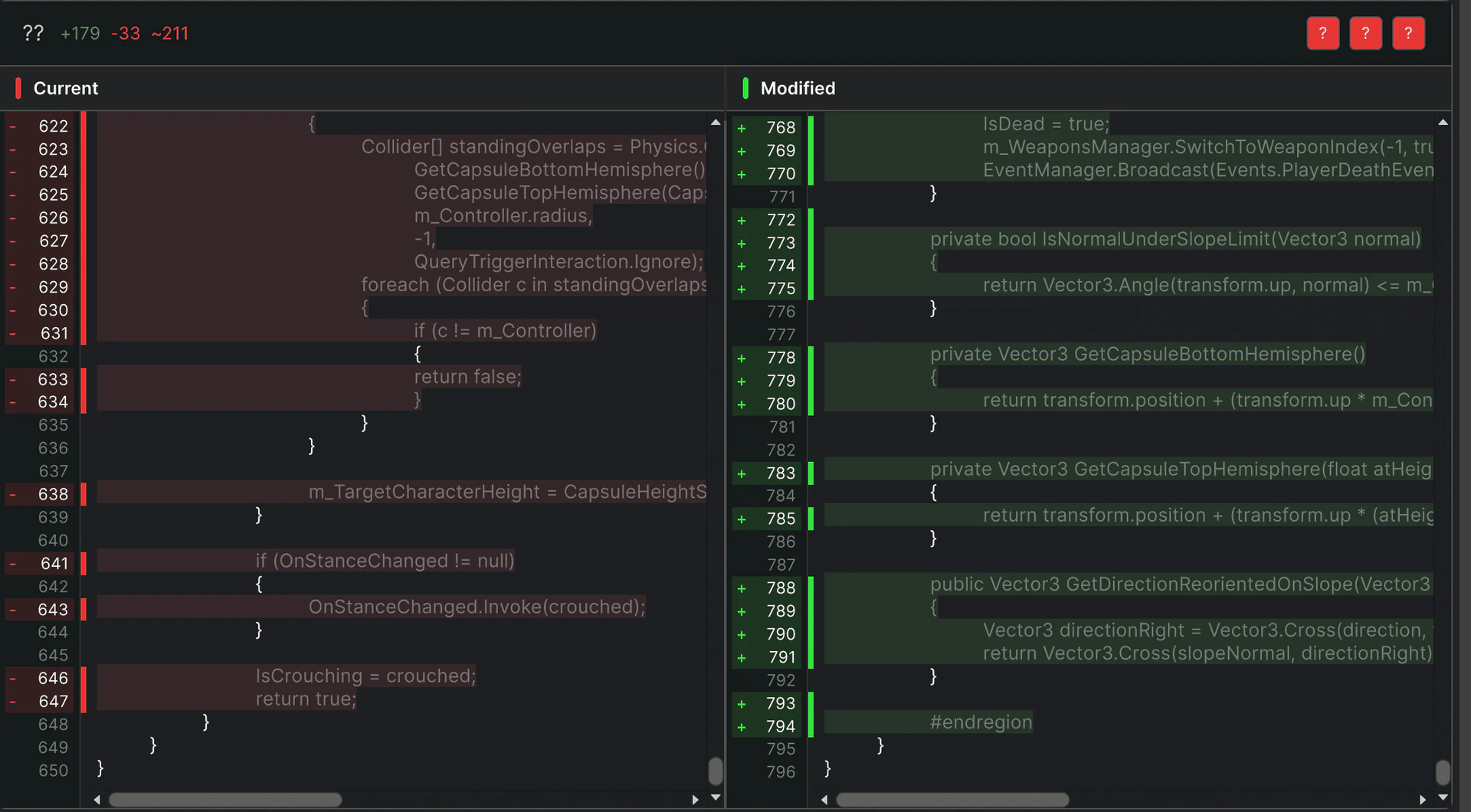
- Bug Fixing: Automatically identify and resolve bugs in your game, saving developers time and effort.
- Performance Optimization: Analyze and optimize game performance metrics to enhance player experience.
- Player Feedback Analysis: Review and analyze player feedback to inform future game updates and improvements.
Product Images


Unakinai Pros and Cons
Pros
- Enhanced Productivity Gains: Sawyer offers up to 3.1x productivity gains, allowing teams to complete tasks faster and with higher quality.
- Autonomous Bug Fixing: Sawyer can autonomously solve 71% of bugs, significantly reducing the time developers spend on troubleshooting.
- Seamless Integration with Tools: Sawyer connects effortlessly with tools like Jira and Git, streamlining workflows and enhancing collaboration.
- Contextual Understanding: Sawyer has a comprehensive understanding of the entire game project, allowing it to deliver relevant and effective solutions.
Cons
No cons data detected for this tool
Analytics of Unakinai
Unakinai Website Traffic Analysis
Visits Over Time
Traffic Sources
Jan 2026 - Jan 2026 Worldwide Desktop Only
- Social: 44.58%
- Search: 31.85%
- Direct: 18.14%
- Referrals: 4.68%
- Paid Referrals: 0.71%
- Mail: 0.03%
Top Keywords
| Keyword | Volume | CPC | Estimated Value |
|---|---|---|---|
| sawyer ai | 80 | $0.00 | $0.00 |
Unakinai Reviews
Sawyer instantly solved a bug I'd been struggling with for two weeks. Highly recommend using Sawyer.
Sawyer is an exceptional AI companion that deeply understands our codebase, assisting with things like feature development & bug fixes. It’s a game-changer for our workflow.
For more reviews, visit this link: https://www.unakin.ai/#reviews




