Trytako
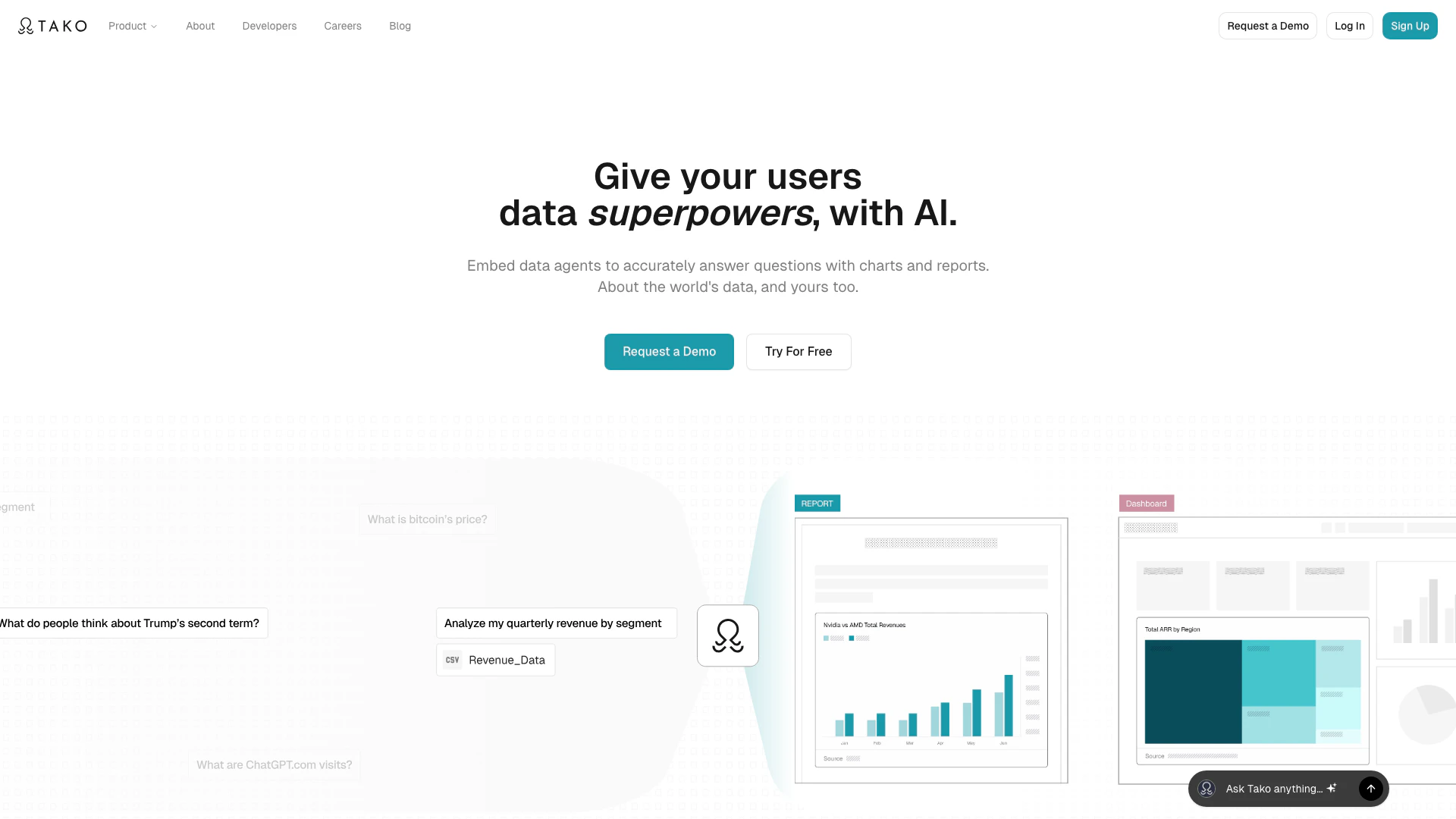




What is Tako?
Tako is an AI data analyst[1] embedded into your application that transforms natural-language questions into reliable visual analytics[2], insights, and reports from governed data. It empowers users to conduct accurate analyses and generate engaging visualizations and reports, all while connecting to real-time, trusted sources. With Tako, you eliminate the complexities of maintaining ontologies and search indexes, making data exploration[3] seamless and intuitive.
How to use Tako?
- Sign up for Tako or request a demo to get started.
- Integrate Tako into your application using the provided SDKs or APIs for seamless access.
- Upload your datasets or connect to existing data sources.
- Ask questions in natural language to generate visual insights and reports.
- Edit and share the visualizations as needed, utilizing the code-free features for easy customization.
What are the main features of Tako?
- AI-driven data analysis that generates visual insights from natural language queries.
- Tako Connect[5] allows users to upload private datasets for customized analysis.
- Knowledge Search for real-time answers from licensed sources, presented as visual knowledge cards.
- Editable and shareable visualizations that can be embedded into any application.
- Transparent methodology with clear sources and timestamps for data credibility.
Who is Tako for?
Tako is designed for AI product builders, data and analytics teams, and research and strategy teams. AI product builders can enhance AI answer quality with authoritative data and interactive outputs. Data and analytics teams benefit from an embedded data analyst that eliminates the need for SQL and dashboards. Research and strategy teams can streamline their workflows, generating accurate analyses and reports without bottlenecks.
What are the use cases of Tako?
- Data exploration: Users can ask natural language questions to uncover insights from their datasets quickly.
- Report generation[4]: Tako automates the creation of reports and presentations, saving time for teams.
- Real-time analytics: Integrate Tako to provide users with up-to-date visual analytics directly from trusted data sources.
Trytako Pros and Cons
Pros
- Natural Language Processing Capabilities: Tako allows users to ask questions in natural language, making data analysis accessible without needing SQL or technical skills.
- Real-Time Data Integration: Tako connects to real-time, trusted data sources, ensuring that insights and visualizations are based on the most current information.
- Interactive Visualizations: The tool generates engaging, editable visualizations and reports, allowing users to create shareable insights easily.
Cons
No cons data detected for this tool
Analytics of Trytako
Trytako Website Traffic Analysis
Visits Over Time
Traffic Sources
Nov 2025 - Jan 2026 Worldwide Desktop Only
- Direct: 48.00%
- Search: 33.35%
- Social: 10.28%
- Referrals: 7.00%
- Paid Referrals: 1.04%
- Mail: 0.08%
Top Keywords
| Keyword | Volume | CPC | Estimated Value |
|---|---|---|---|
| tako | 21.24K | $1.52 | $0.00 |
| perplexity sports | 220 | $0.00 | $0.00 |
| tako ai | 110 | $0.00 | $0.00 |