

Tryanim8





What is Tryanim8?
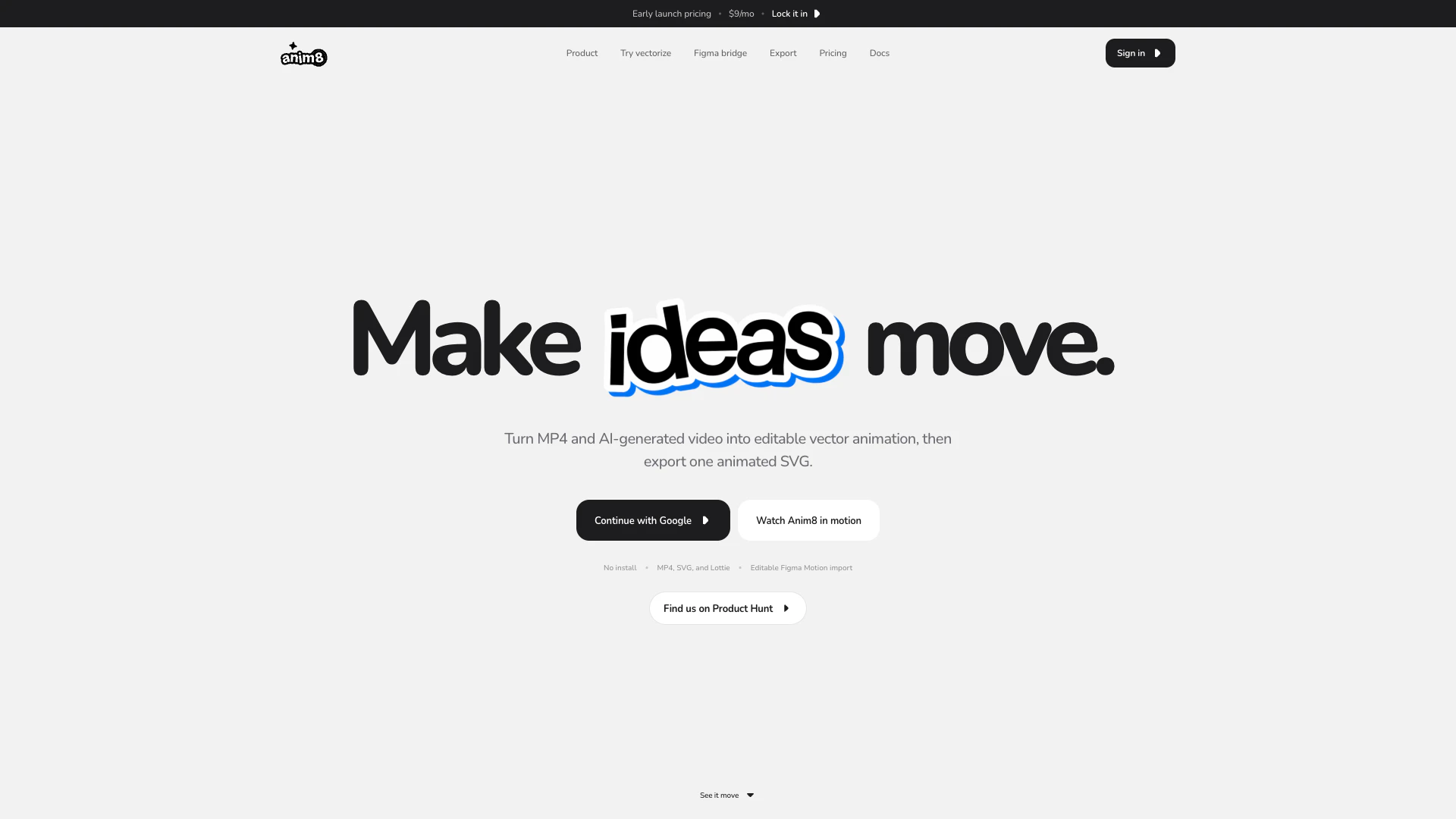
Tryanim8 is an innovative tool designed for converting MP4 and AI-generated videos into editable animated SVGs. This powerful application allows users to vectorize motion, refine every frame, and export the results in various formats, including animated SVG, Lottie, or MP4. With Tryanim8, designers can create dynamic and customizable animations, making it an essential tool for motion graphics and animation projects.
How to use Tryanim8?
- Import Your MP4: Begin by uploading an MP4 file from Seedance 2.0 or any other video generator into Tryanim8. This can be an AI animation, motion graphic, logo loop, or a short video clip.
- Edit the Vectors: Once imported, refine individual frames, paths, colors, timing, and playback states using the Anim8 timeline to customize your animation as needed.
- Export Your Animation: After editing, export the project as a self-contained animated SVG, or choose to export in Lottie JSON or MP4 formats to suit your workflow.
What are the main features of Tryanim8?
- Video to Vector Conversion: Transform MP4 and AI-generated videos into editable animated SVGs, preserving the motion in a vector format.
- Editable Keyframes: Utilize editable keyframes, easing controls, and transforms to animate every detail of your design.
- Figma Integration: Import layers and authored keyframes from Figma to continue editing within Tryanim8.
- Character Rigging: Draw a skeleton over artwork, bind parts, and keyframe poses for complex animations.
- Multiple Export Options: Export your animations as animated SVGs, Lottie JSON, or MP4, making it easy to share or use in various applications.
Who is Tryanim8 for?
Tryanim8 is ideal for graphic designers, motion graphic artists, and animators who want to enhance their projects with vector animations. It is particularly beneficial for those who work with AI-generated videos and seek to convert them into editable formats. Additionally, professionals using Figma for design will find Tryanim8's integration features valuable for maintaining design fidelity while animating.
What are the use cases of Tryanim8?
- Creating Animated Logos: Turn static logos into engaging animated versions that can be used in marketing materials or websites.
- Developing Motion Graphics: Utilize Tryanim8 to create motion graphics for video projects, enhancing visual storytelling.
- Interactive Web Animations: Design lightweight animated SVGs for web applications, improving user engagement through interactive elements.
Tryanim8 Pros and Cons
Pros
- Video to Editable SVG Conversion: Anim8 allows users to convert MP4 and AI-generated videos into editable animated SVGs, enabling detailed animation editing.
- Figma Motion Import: The tool supports importing real layers and authored keyframes from Figma, allowing for seamless integration and editing of animations.
- Multiple Export Options: Anim8 offers multiple export formats including animated SVG, Lottie JSON, and MP4, providing flexibility for various workflows.
Cons
- Requires Animation Knowledge: The tool requires users to have some familiarity with animation concepts and software, which may pose a barrier for beginners.
- File Size and Duration Limits: Anim8 may have limitations on file size and duration for video uploads, restricting the types of videos that can be processed.
Tryanim8 Pricing
Pro Monthly
All of Pro, one month at a time. Keep your rate while you stay subscribed. Unlimited image + video vectorization, animate with your AI via MCP + CLI, keyframes, spring bounce & text animation, camera motion & character rigging, editable SVG & Figma Motion imports, MP4, SVG & Lottie exports.
Founding Lifetime
One payment. More room to make things move. No subscription renewal. Unlimited image + video vectorization, animate with your AI via MCP + CLI, keyframes, spring bounce & text animation, camera motion & character rigging, editable SVG & Figma Motion imports, MP4, SVG & Lottie exports.
For the latest pricing, please visit this link: https://www.tryanim8.com/#pricing
Prices are subject to change. Please visit the official website for the most up-to-date pricing information.



