

Transcribetotext



What is TranscribeToText?
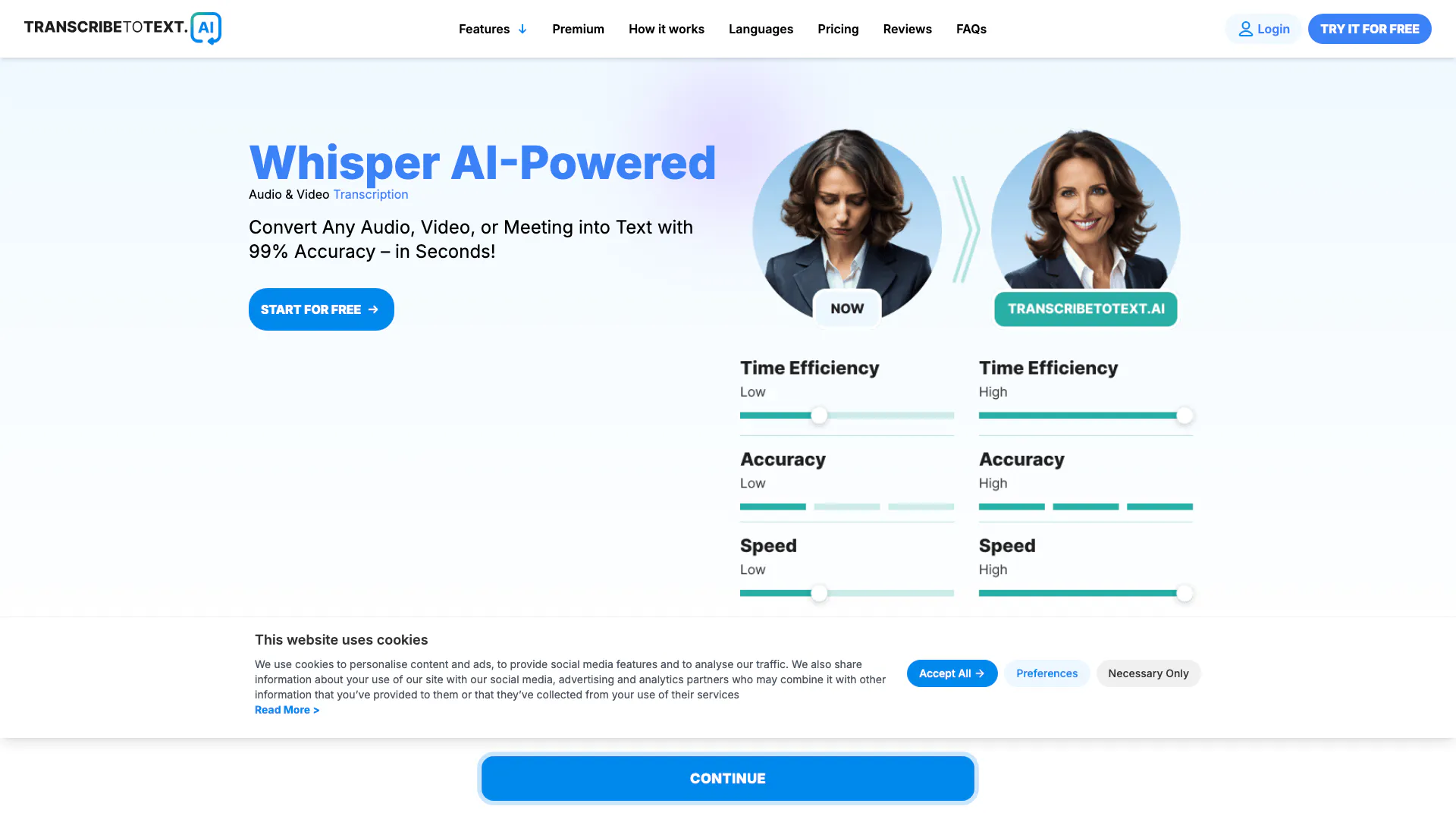
TranscribeToText is an AI-powered transcription tool that enables users to convert audio and video content into text accurately and instantly. This online service is designed for various users including professionals and content creators who need fast and reliable transcription for interviews, lectures, meetings, and more. With its advanced AI technology, TranscribeToText boasts a 99% accuracy[1] rate and supports over 117 languages, making it a versatile solution for diverse transcription needs.
How to use TranscribeToText?
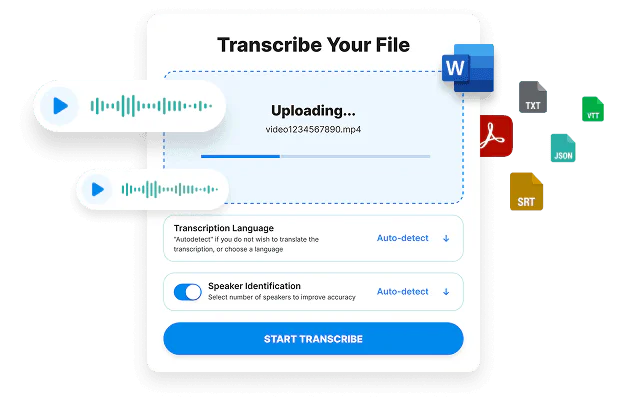
- Upload Your File: Start by uploading your audio or video file through the secure platform. TranscribeToText supports various formats including mp3, mp4, m4a, and more.
- Choose Language: Select the language of the content from a list of over 100 supported languages to ensure accurate transcription.
- Receive Result: Once the file is uploaded and the language is selected, the AI system will transcribe the content. You will receive your transcript in formats like DOCX, PDF, or TXT, and even as subtitles.
What are the main features of TranscribeToText?
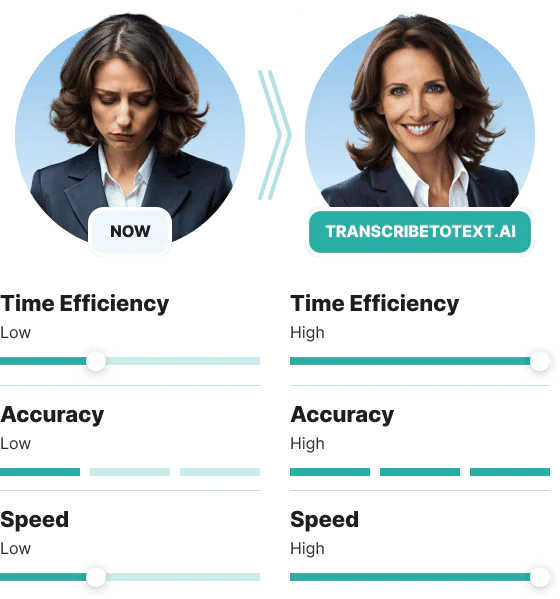
- High Accuracy: Achieve 99% accuracy in transcriptions powered by advanced AI technology.
- Fast Transcription[3]: Convert audio and video files into text in seconds, significantly reducing manual work.
- Support for Multiple Formats: Transcribe files in various formats including MP3, MP4, WAV, and more.
- Multi-language Support[2]: Accommodate over 117 languages and dialects for global usability.
- Flexible Export Options[4]: Download transcripts in multiple formats such as DOCX, PDF, TXT, SRT, and VTT.
Who is TranscribeToText for?
TranscribeToText is ideal for a wide range of users including educators, journalists, content creators, researchers, and businesses. It is particularly beneficial for those who require accurate transcriptions of lectures, interviews, meetings, podcasts, and videos. The tool's versatility and support for multiple languages make it suitable for international users and professionals in various industries.
What are the use cases of TranscribeToText?
- Podcast Transcriptions: Podcasters can convert their audio episodes into text for accessibility and SEO benefits.
- Meeting Notes: Businesses can transcribe meetings from platforms like Zoom and Microsoft Teams for record-keeping and sharing with team members.
- Educational Content: Educators can transcribe lectures and create study materials for students, enhancing learning resources.
Product Images



Transcribetotext Pros and Cons
Pros
- High Accuracy Rate: Achieves 99% accuracy in transcribing audio and video, ensuring reliable results for users.
- Supports Multiple Formats: Compatible with various audio and video formats including MP3, MP4, WAV, and more, allowing flexibility in file uploads.
- Unlimited Transcription: Offers unlimited transcription capabilities with no daily limits, ideal for heavy users and professionals.
Cons
No cons data detected for this tool
Transcribetotext Pricing
Premium Plan
Unlock Full AI Transcription Power. Unlimited Transcriptions, Extended File Uploads (upload files up to 10 hours or 5GB), Advanced AI Features (translate into 117+ languages, bulk exports, speaker recognition & more), Priority Processing (get lightning-fast transcriptions).
Free Plan
1 Free Upload Daily (one file per day, up to 10 minutes max), 100% Free Access (try AI transcription with basic limits), Slower Processing (free users have lower priority, so transcription may take longer).
For the latest pricing, please visit this link: https://transcribetotext.ai/#pricing
Prices are subject to change. Please visit the official website for the most up-to-date pricing information.
Analytics of Transcribetotext
Transcribetotext Website Traffic Analysis
Visits Over Time
Traffic Sources
Oct 2025 - Dec 2025 Worldwide Desktop Only
- Search: 67.74%
- Direct: 24.72%
- Referrals: 4.64%
- Social: 2.28%
- Paid Referrals: 0.57%
- Mail: 0.04%
Top Keywords
| Keyword | Volume | CPC | Estimated Value |
|---|---|---|---|
| descript | 419.16K | $0.79 | $8140.00 |
| turboscribe | 345.51K | $0.15 | $2990.00 |
| otter ai | 257.35K | $1.53 | $18630.00 |
| whisper ai | 96.05K | $1.07 | $2470.00 |
| otterai | 24.18K | $1.67 | $1400.00 |
Transcribetotext Reviews
Finally, the effective and easy-to-use transcription service I needed has finally arrived, and it's fantastic!
This service has nailed it - simple to use with exceptional performance. It's everything I've been looking for in transcription.
A simple, yet robust transcription service that has revolutionized how we handle our audio files.
For more reviews, visit this link: https://transcribetotext.ai#reviews



Transcribetotext Social Listening
How to Install & Use Whisper A...
In this step-by-step tutorial,...
Transcribe Audio to Text for F...
Learn how to transcribe automa...
How to Automatically Transcrib...
*Stay current on emerging tech...
Unlock to view 16 social media results.