

Autocaption




What is Autocaption?
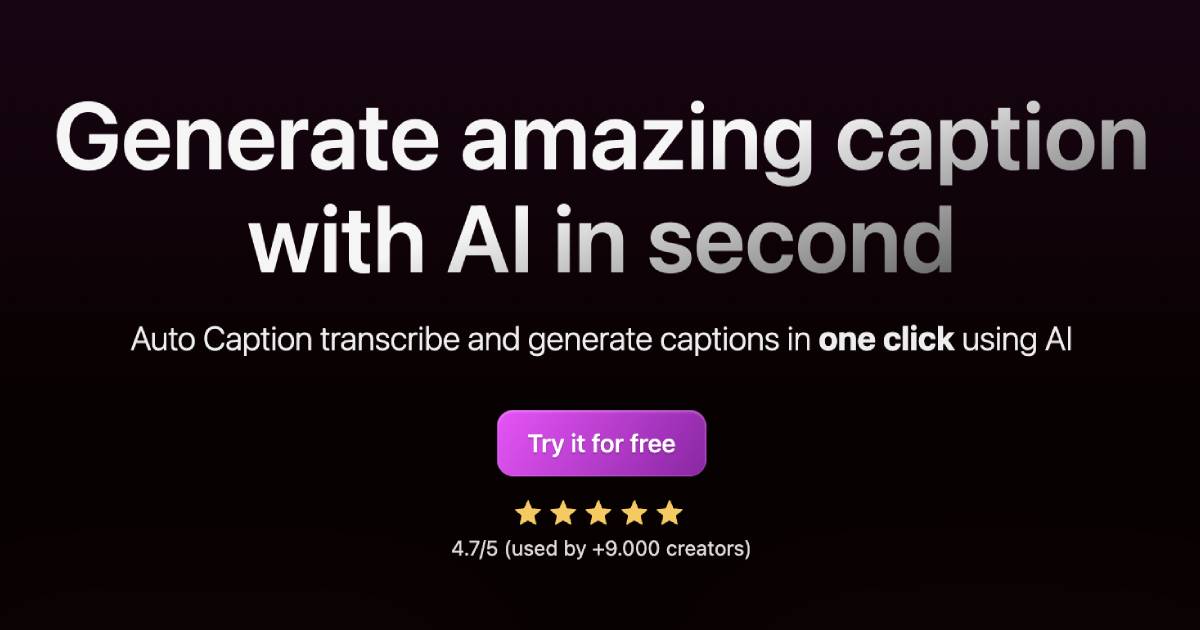
Autocaption is an innovative AI-powered tool designed to generate subtitles effortlessly and quickly. It allows users to create captions in over 99 languages with just a single click, making it a valuable asset for content creators looking to enhance their videos with high-quality subtitles. With its user-friendly interface and advanced technology, Autocaption streamlines the captioning process, saving time and effort while ensuring accuracy and customization.
How to use Autocaption?
- Visit the Autocaption website and sign up for a free account.
- Upload your video file or provide a link to your video content.
- Select the language for the subtitles you want to generate.
- Click on the "Generate Subtitles" button to initiate the AI captioning process.
- Once the captions are generated, review and edit them as needed, customizing fonts, colors, and animations.
- Download your video with the newly created subtitles or share it directly on social media.
What are the main features of Autocaption?
- One-click subtitle generation using AI technology.
- Support for over 99 languages, catering to a global audience.
- Extremely fast rendering for efficient video editing.
- Fully editable subtitles with options for customization in animations, fonts, and colors.
- Ready-to-use templates and the ability to create personalized templates.
- Integration of animated emojis that can be added with one click.
- High-definition output optimized for vertical content at 1080x1920 resolution (FULL HD).
Who is Autocaption for?
Autocaption is ideal for a wide range of users, including content creators, marketers, educators, and social media influencers who need to produce engaging video content with subtitles. Whether you are a YouTuber, a business professional creating promotional videos, or an educator delivering online courses, Autocaption provides the tools necessary to enhance viewer engagement and accessibility through accurate and customizable captions.
What are the use cases of Autocaption?
- Creating engaging YouTube videos with subtitles to reach a broader audience.
- Producing online courses with clear and accessible captions for better learning experiences.
- Enhancing social media content on platforms like Instagram and TikTok with eye-catching subtitles.
- Localizing video content for international audiences by generating subtitles in multiple languages.
- Improving accessibility for hearing-impaired viewers by providing accurate captions in videos.
Autocaption Pros and Cons
Pros
- Support for Multiple Languages: Autocaption supports 100 languages, catering to a wide audience.
- Fast Rendering: Utilizes advanced technologies for extremely fast subtitle rendering.
- Fully Editable Subtitles: Users can fully edit and customize subtitles with various options including animations and colors.
- Ready-to-use Templates: Offers ready-to-use templates and the option to create personal templates.
- High-Quality Output: Delivers subtitles in Full HD and optimized for vertical content at 60 FPS.
Cons
No cons data detected for this tool
Analytics of Autocaption
Autocaption Website Traffic Analysis
Visits Over Time
Traffic Sources
Oct 2025 - Dec 2025 Worldwide Desktop Only
- Search: 53.20%
- Direct: 34.57%
- Referrals: 7.57%
- Social: 3.28%
- Paid Referrals: 1.03%
- Mail: 0.14%
Top Keywords
| Keyword | Volume | CPC | Estimated Value |
|---|---|---|---|
| caption ai | 22.45K | $0.56 | $800.00 |
| auto captions | 7.61K | $0.64 | $610.00 |
| auto caption generator | 4.97K | $0.36 | $590.00 |
| auto caption | 4.08K | $0.52 | $1210.00 |
| autocaption | 1.57K | $0.14 | $1100.00 |


Autocaption Social Listening
Auto Captions For YouTube Vide...
About this video :- Auto Capti...
InShot Auto Caption💬 | Create...
📲 Download InShot latest vers...
STOP paying for Captions | I f...
STOP paying for Captions | I f...
Unlock to view 9 social media results.