


Twitter-color Created with Sketch. Amazon-color Created with Sketch. Facebook-color Created with Sketch. github [#142] Created with Sketch. meta_fill Pinterest-color Created with Sketch. ProductHunt-color Created with Sketch. Spotify-color Created with Sketch. Threads Logo Streamline Icon: https://streamlinehq.com Yelp-color Created with Sketch. Youtube-color Created with Sketch.
TopAIToolsTopAITools
  • Free Tools
  • Category
  • Leaderboard
  • Deals
  • Submit
EN
TopAIToolsTopAITools
TopAI

TopAITools

TopAITools, The Best Top AI Tools

AI Glossary|English简体中文繁體中文한국어日本語PortuguêsEspañolDeutschFrançaisTiếng Việt|Map

© 2026 TopAITools. All rights reserved.

About

  • Privacy Policy
  • Terms of use

Contact Us

business@topaitoolsreview.com
Home
AI Transcription
Otter Ai
Last updated: May 8, 2026
Otter Ai logo

Otter Ai

Get deal
4.0|0 Comments|0 Saved
Introduction:
Need help taking notes and transcribing audio? Get Otter with 1-month FREE Pro Lite by signing up here.
Launch Date:
December 15, 2017
Social links:
Monthly Visits:
6.2M
Inputs:
Audio
Outputs:
TextAudio
Supported Languages:
EN
Website
AI Transcription21
Otter Ai website screenshot showing Need help taking notes and transcribing ... interface and features
Use tool
Update this tool
Google logo

Google

AI Time Manager offers AI-driven tools for better time management.

Gemini logo

Gemini

Discover Gemini, Google's versatile AI assistant for writing and planning.

Linkedin logo

Linkedin

Connect with professionals worldwide on LinkedIn.

Adobe logo

Adobe

Adobe empowers users to create and optimize digital content.

Deepl logo

Deepl

Translate texts & full document files instantly. Accurate translations for individuals and Teams. Millions translate with DeepL every day.

Otter Ai Overview

What is Otter Ai?

Otter Ai is a smart note-taking application designed to help users remember, search, and share their voice conversations. It combines audio recording, transcription, speaker identification, inline photos, and key phrases into smart voice notes. This tool is particularly beneficial for business professionals, journalists, and students, enhancing their focus and collaboration during meetings, interviews, lectures, and other significant discussions.


How to use Otter Ai?

  1. Sign up for an Otter Ai account and choose the Pro Lite trial for one month free.
  2. Download the Otter Ai app on your device or access it through the web.
  3. Start a new recording during your conversation, meeting, or lecture.
  4. Otter Ai will transcribe the audio in real-time, identifying speakers and capturing key phrases.
  5. Review, edit, and organize your notes. You can search, play, and share your voice notes from any device.

What are the main features of Otter Ai?

  • Smart voice notes that combine audio, transcription, and images.
  • Real-time recording and transcription with speaker identification.
  • Searchable notes with key phrases and inline photos.
  • Ability to edit, organize, and share notes across devices.
  • Collaborative features for teams and groups.

Who is Otter Ai for?

Otter Ai is tailored for a diverse range of users including business professionals who need to streamline meeting notes, journalists conducting interviews, and students attending lectures. Its features are designed to enhance productivity, collaboration, and information retention for anyone who engages in important conversations.


What are the use cases of Otter Ai?

  1. Recording and transcribing business meetings for accurate documentation.
  2. Capturing interviews for journalism, ensuring no detail is missed.
  3. Taking notes during lectures to aid in studying and information retention.
  4. Collaborating with teams by sharing notes and insights from conversations.

Otter Ai Pros and Cons

Pros

  • Smart Note-Taking: Otter allows users to create smart voice notes that incorporate audio, transcription, speaker identification, inline photos, and key phrases, enhancing the note-taking experience.
  • Real-Time Collaboration: Users can record and review conversations in real time, making it easier to collaborate during meetings and interviews.

Cons

No cons data detected for this tool

Analytics of Otter Ai

Otter Ai Website Traffic Analysis

Visits Over Time

Oct 2025 - Dec 2025 All Traffic
#91
AI Tools Rank
6.24M
Monthly Visits
31.75%
Bounce Rate
5.15
Pages Per Visit
4:22
Visit Duration
8.12K
Global Rank
2.73K
Country Rank

Traffic Sources

Oct 2025 - Dec 2025 Worldwide Desktop Only

  • Direct: 71.74%
  • Search: 22.86%
  • Referrals: 4.34%
  • Paid Referrals: 0.56%
  • Social: 0.43%
  • Mail: 0.07%

Top Regions

Oct 2025 - Dec 2025 Desktop Only
RegionPercentage
🇺🇸
United States
61.57%
🇬🇧
United Kingdom
7.08%
🇮🇳
India
3.81%
🇨🇦
Canada
3.23%
🇦🇺
Australia
2.42%
  1. United States: 61.57%
  2. United Kingdom: 7.08%
  3. India: 3.81%
  4. Canada: 3.23%
  5. Australia: 2.42%

Top Keywords

KeywordVolumeCPCEstimated Value
otter ai257.35K$1.53$178550.00
otter219.34K$0.70$64880.00
otter.ai36.26K$0.00$19180.00
otterai24.18K$1.67$13710.00
otter ai login6.65K$0.73$5960.00

Otter Ai Compare

Tool NameIntroductionPricing
Type
RatingLaunch DateLearn more
Riffusion logo
Riffusion
Riffusion | AI Music Generator
Free
--
October 9, 2022
Get deal
Descript logo
Descript
Descript: Edit Videos & Podcasts Like a Doc | AI Video Editor
Free
--
December 31, 1984
Get deal
Luminal logo
Luminal
Luminal: Clean, transform and analyze spreadsheets 10x faster with a powerful AI copilot.
Free
--
July 23, 2021
Get deal

Info current as of post date. Offers and availability may vary by location and are subject to change.

Otter Ai Q&A

Otter is a smart note-taking app that empowers you to remember, search, and share your voice conversations.

Otter Ai Launch embeds

Use website badges to drive support from your community for your TopAITools Review. They're easy to embed on your homepage or footer.

FEATURED ONTopaitoolsreview.com

Otter Ai Alternatives

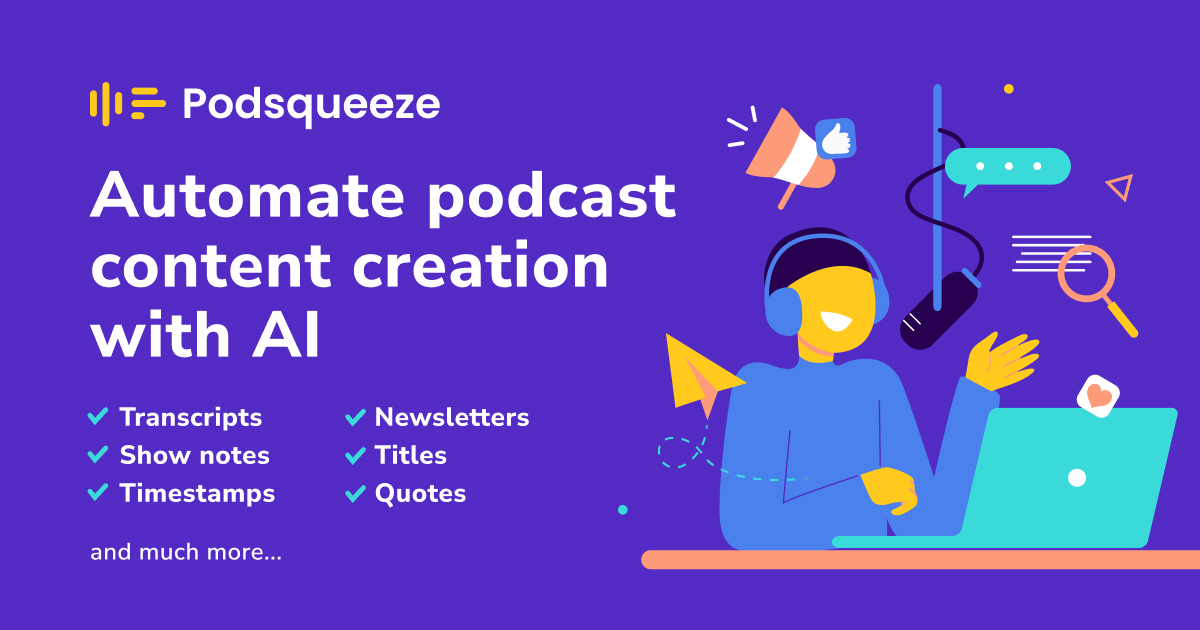
Podsqueeze screenshot

Podsqueeze

Podcast Transcription, Summaries & Clips – Try Free

Website
Free
💼Work🎨Creativity
Speech Synthesis & Voice ConversionAI Podcast EditingAI Transcription
  • Speech Synthesis & Voice Conversion
  • AI Podcast Editing
  • AI Transcription
Use tool
105.2K
Search48.65%
Direct36.27%
Referrals10.72%
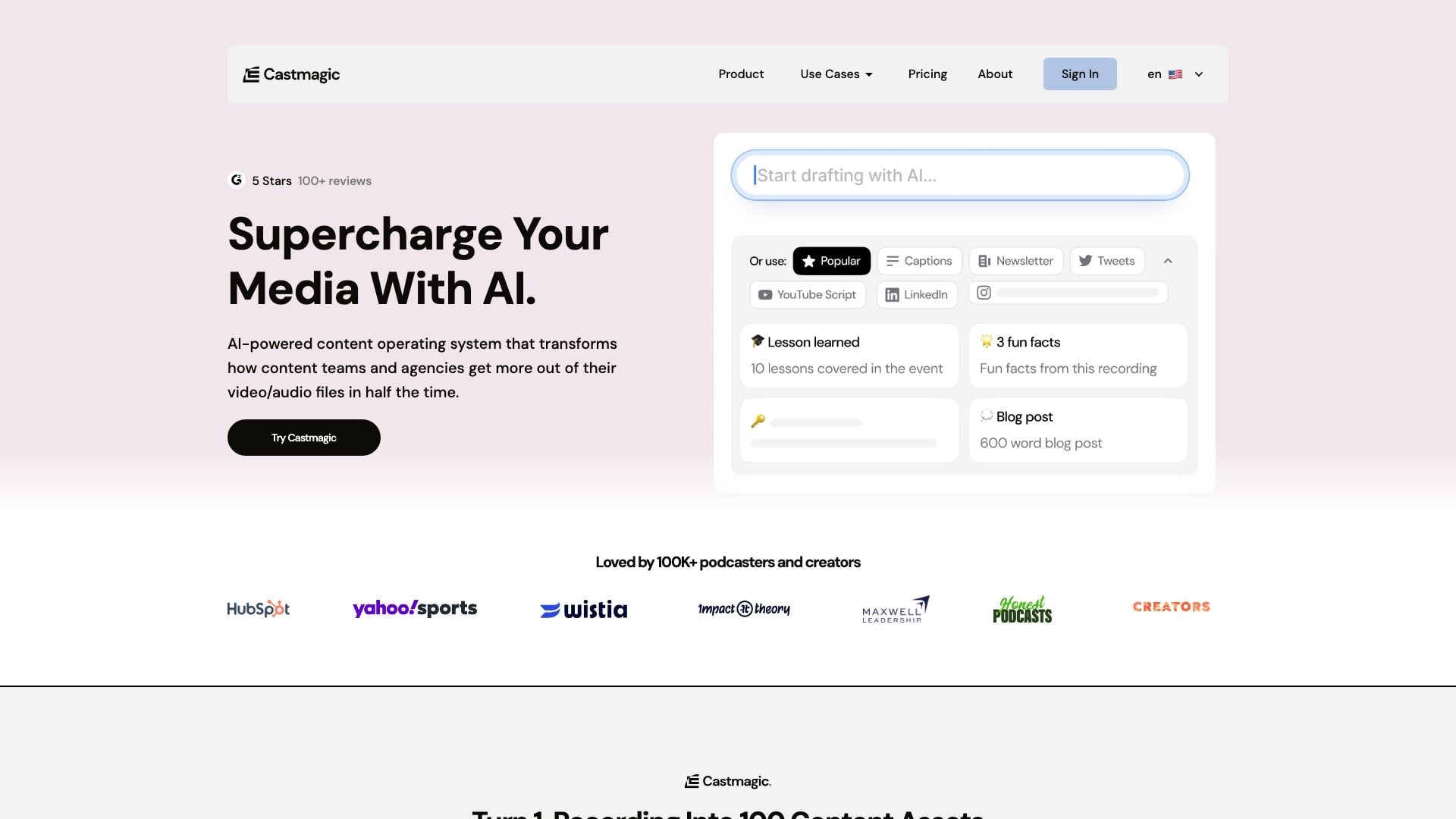
Castmagic screenshot

Castmagic

Turn long form audio into ready to use content assets, instantly. 10x your content. Upload your Mp3, download transcripts, notes, summaries, highlights, quotes, social posts, & more.

Website
FreeWriting & EditingAI Content RepurposingAI SummarizerAI Transcription
  • Writing & Editing
  • AI Content Repurposing
  • AI Summarizer
  • AI Transcription
Use tool
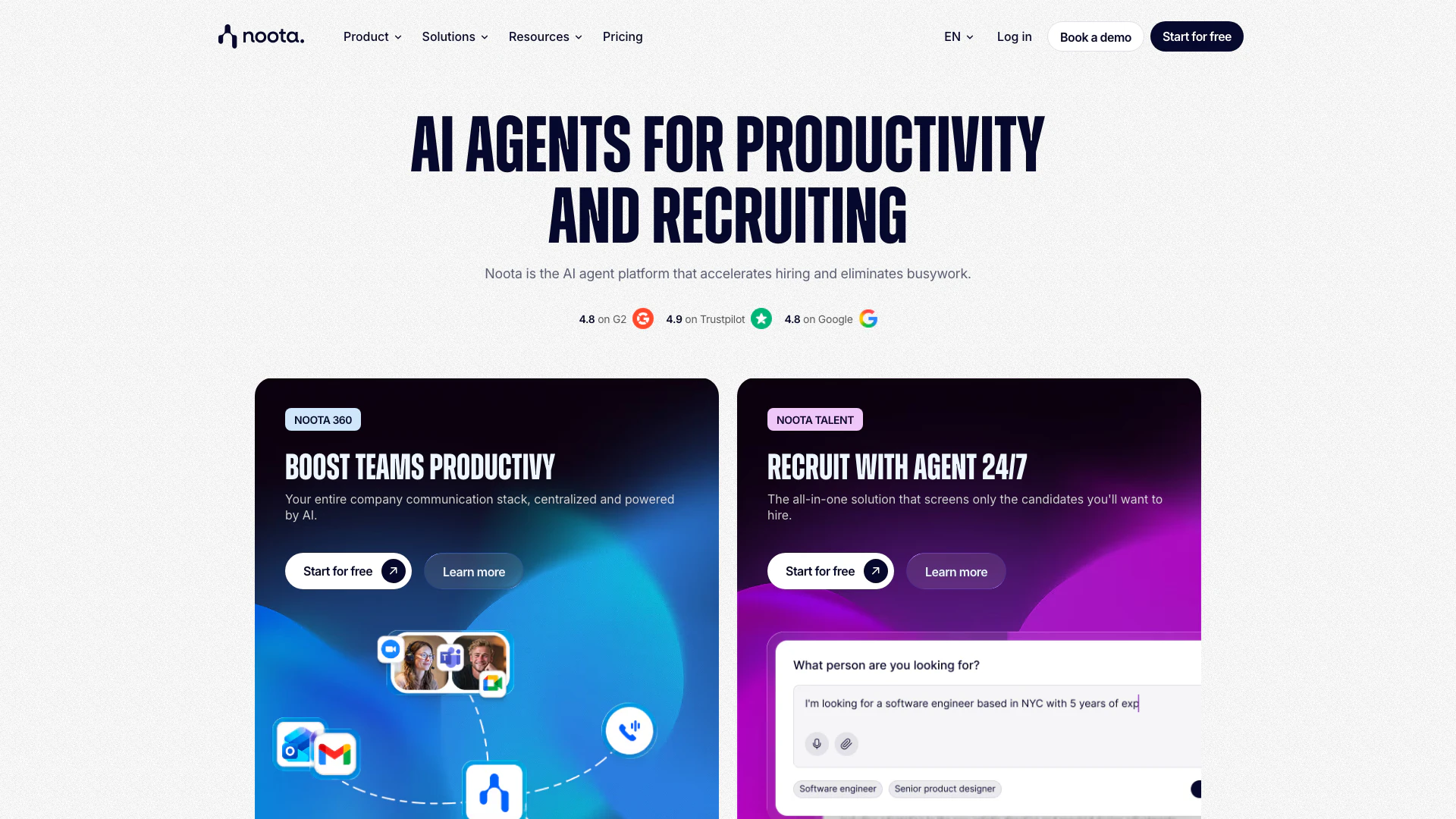
Noota screenshot

Noota

AI Meeting Notes| AI-Powered Notes & Insights

Website
Free
💼Work
Image AnalysisAI Document ScannerAI TranscriptionAI Content Checker
  • Image Analysis
  • AI Document Scanner
  • AI Transcription
  • AI Content Checker
Use tool
295.3K
Direct47.32%
Search44.47%
Referrals5.60%

Otter Ai Tags

Voice TranscriptionNote Takingaudio recordingSpeaker Identificationcollaboration toolsSmart Notes

Also used for

AI Transcription21AI Speech Training1AI Article Narration6AI Celebrity Voice Generator1AI Dubbing3AI Podcast Generator17AI Podcast Clip GeneratorAI Podcast Editing5AI Audio Recording5Ai Speech To Text22Ai Text To Speech83AI Voice Assistants44AI Voice Changer8
Otter Ai logo
Otter AiFree
Get deal

Otter Ai Comments (0)

Your rating

?
0/2000

No comments yet

Be the first to share your thoughts!

Otter Ai Prompts (0)

Prompts And Results

Add your own prompts and outputs to help others understand how to use this AI.

🚀0
🚀0