

Texttovideo
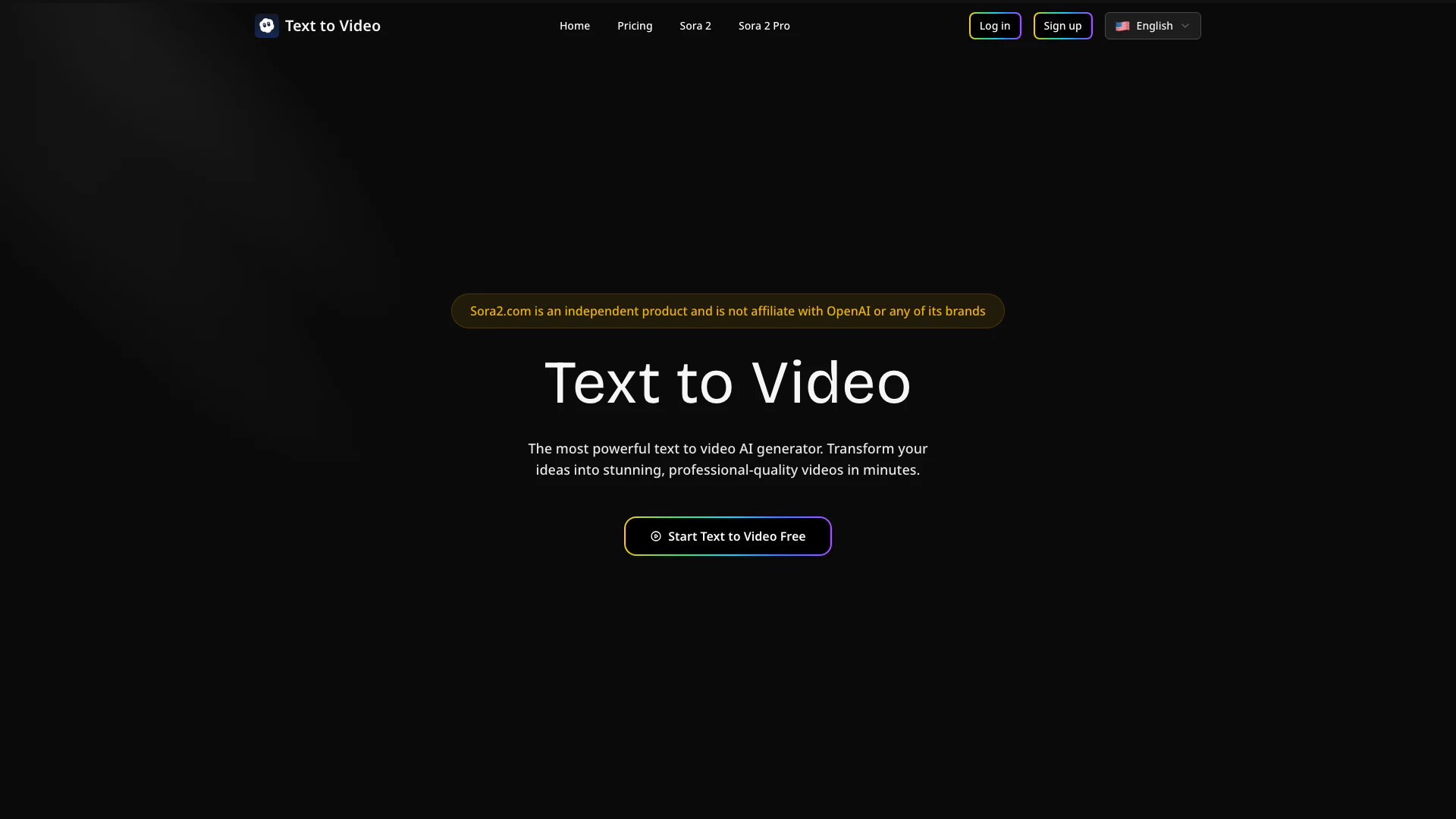





What is Text to Video?
Text to Video is a powerful AI-driven tool that allows users to create stunning videos from text input instantly. This innovative platform transforms your written words into professional-quality videos in just minutes, making it ideal for content creators, marketers, and anyone looking to enhance their visual storytelling. With its user-friendly interface and advanced technology, Text to Video enables users to generate high-definition videos that are suitable for various platforms such as YouTube, TikTok, and Instagram.
How to use Text to Video?
- Create Your Account: Sign up for a free account to access the video generator. The registration process is quick, and you will receive free credits to get started.
- Enter Your Description: Type the text that describes the video you want to create. Be sure to include details that will help the AI generate better results.
- Generate and Download: Click the generate button, and the AI will convert your input into a video within minutes. Once ready, you can download your creation in various formats.
What are the main features of Text to Video?
- AI-Powered Video Creation: Instantly converts scripts into professional videos using advanced AI technology.
- Fast Processing: Generates videos in minutes, perfect for tight deadlines.
- HD Quality Output: Ensures crystal-clear video quality suitable for all devices.
- User-Friendly Interface: Simple text entry and instant video generation without the need for editing skills.
- Multi-Platform Support: Create videos for YouTube, TikTok, Instagram, and more.
- Flexible Export Options: Export videos in MP4, WebM, or MOV formats, supporting resolutions from SD to 4K.
Who is Text to Video for?
Text to Video is designed for a diverse range of users including content creators, marketers, social media managers, and business professionals. It caters to anyone looking to produce high-quality video content quickly and efficiently, regardless of their technical skills. Whether you are a hobbyist wanting to create engaging posts or a professional needing polished videos for marketing campaigns, Text to Video provides the tools necessary to transform your ideas into stunning visual content.
What are the use cases of Text to Video?
- Social Media Marketing: Create engaging video content for platforms like Instagram and TikTok to boost audience interaction.
- YouTube Content Creation: Generate video intros and outros quickly for YouTube channels, enhancing viewer engagement.
- Promotional Videos: Develop professional-quality promotional videos for products or services to improve marketing efforts.
Texttovideo Pros and Cons
Pros
- AI-Powered Video Creation: The tool uses advanced AI technology to instantly convert text into professional-quality videos, ensuring stunning visuals that align with user input.
- Fast Processing Speed: Text to Video generates videos in minutes, making it ideal for users with tight deadlines and high-volume production needs.
- High-Definition Quality: All generated videos are in crystal-clear HD quality, suitable for various platforms like social media and marketing.
- User-Friendly Interface: The platform is designed for ease of use, allowing anyone to create videos without prior editing experience.
Cons
No cons data detected for this tool
Texttovideo Pricing
Plus
Perfect for hobbyists and beginners. 7,500 credits per month, Advanced AI Models, Max 10 second videos, 1080p video resolution, Video with sound effects, Priority processing, Commercial license & Unrestricted usage rights.
Pro
For creators and professionals. 18,000 credits per month, Advanced AI Models, Max 10 second videos, 1080p video resolution, Lip sync support, Video with sound effects, Fastest processing, Commercial license & Unrestricted usage rights.
Enterprise
For teams and businesses. 40,000 credits per month, Advanced AI Models, Max 10 second videos, 1080p video resolution, Lip sync support, Video with sound effects, Fastest processing, Commercial license & Unrestricted usage rights.
For the latest pricing, please visit this link: https://texttovideo.com/
Prices are subject to change. Please visit the official website for the most up-to-date pricing information.
Texttovideo Reviews
This tool revolutionized my workflow. The video quality is incredible and saves me hours every week.
Using this platform for our campaigns has been amazing. It produces professional results every time.
Creating social media content is effortless now. I use this tool daily for engaging posts.
For more reviews, visit this link: https://texttovideo.com/#reviews





