

Shorzai
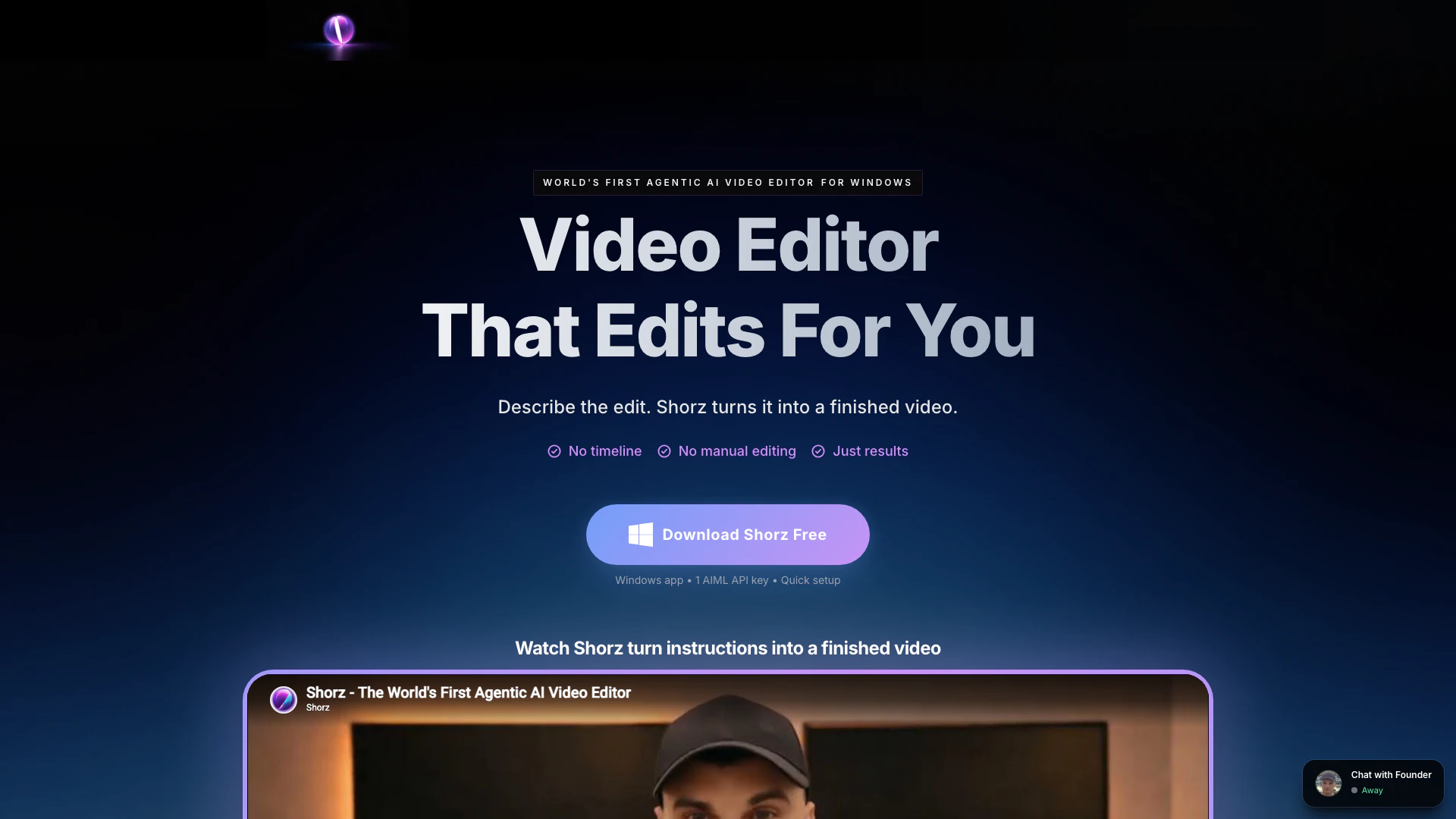




What is Shorzai?
Shorzai is an innovative AI-powered[1] video editing[2] tool designed to streamline the video creation process. Unlike traditional video editors that require manual input and extensive editing skills, Shorzai allows users to simply describe their desired edits. The software utilizes advanced AI models to automatically generate a polished video from raw clips, scripts, images, or dialogue. This revolutionary approach not only saves time but also simplifies the editing process, making it accessible for creators, marketers, and brands.
How to use Shorzai?
- Download and install the Shorzai application on your Windows device. The installation typically takes around 10–20 minutes.
- Obtain your AIML API key, which is required for accessing the AI models used by Shorzai. Enter the API key during the initial setup.
- Start creating videos by inputting your raw clips, scripts, or images into the application. Describe the edits you want to make.
- Review the automatically generated video, which includes features like auto-generated subtitles[5], B-roll, and music.
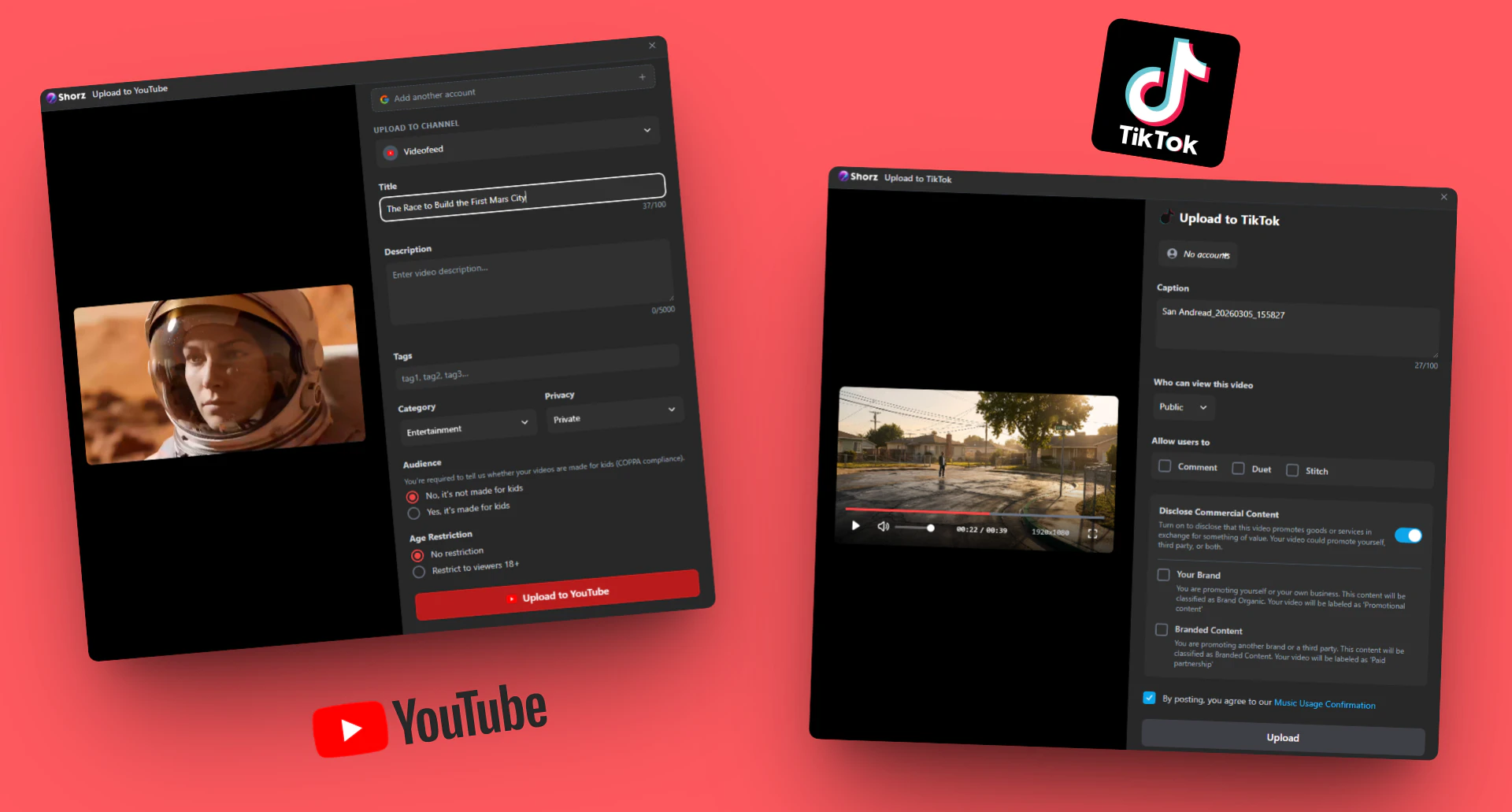
- Once satisfied with the output, use the direct upload feature to publish your video to platforms like YouTube or TikTok.
What are the main features of Shorzai?
- Automatic Video Editing[3]: Shorzai transforms raw clips into finished videos by understanding user descriptions of edits.
- B-roll Integration[4]: Automatically adds relevant visuals, clips, and images to enhance the narrative.
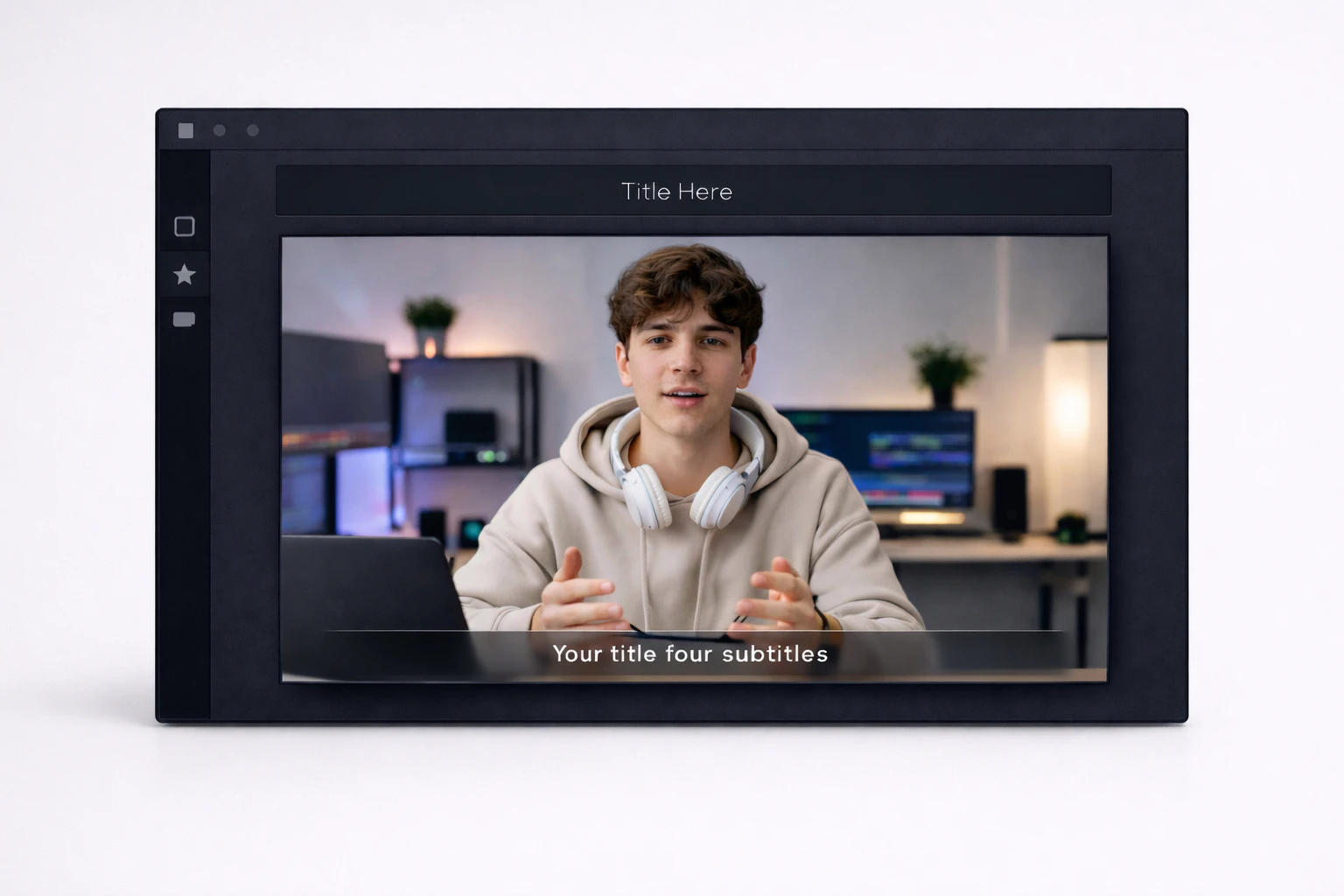
- Subtitles and Titles: Generates on-screen titles and readable subtitles automatically to improve video clarity.
- Auto-Zoom Functionality: Zooms into key moments automatically to emphasize important parts of the video.
- Face Tracking: Keeps faces centered during zooms and crops, making it ideal for vertical video formats.
- Transitions and Motion Effects: Adds smooth transitions and subtle motions to create dynamic video content.
- Direct Uploads: Allows users to publish videos directly to platforms like YouTube and TikTok without leaving the app.
Who is Shorzai for?
Shorzai is designed for a diverse range of users including content creators, marketers, and brands. It is particularly beneficial for YouTube creators looking to produce engaging video content without extensive filming. Short-form creators can also leverage Shorzai to convert ideas or longer videos into captivating Shorts and Reels. Additionally, founders and marketers can utilize the tool to create polished clips from webinars, demos, and recordings, making it an essential asset for anyone involved in video content creation.
What are the use cases of Shorzai?
- YouTube Video Creation: Transform scripts into complete YouTube videos with visuals, narration, and subtitles without needing to film.
- Social Media Content: Convert long-form videos into engaging Shorts, Reels, or TikToks with added captions and B-roll for enhanced viewer retention.
- Marketing and Promotional Videos: Edit webinars, product demos, and presentations into polished promotional clips suitable for social media and advertising campaigns.
Product Images






Shorzai Pros and Cons
Pros
- Automated Video Editing: Shorz automates the video editing process, allowing users to create finished videos simply by describing the edits needed, significantly reducing manual effort.
- Fast Workflow: The tool simplifies video creation, making it 10 times faster than traditional editing methods by eliminating the need for manual timeline adjustments.
- Comprehensive Features: Shorz includes automatic B-roll, subtitles, transitions, and music, enhancing the overall quality of videos without requiring additional input from users.
Cons
No cons data detected for this tool
Shorzai Pricing
Shorz Free
Best for trying Shorz free. Full app access, try all core workflows, watermarked exports, personal use.
Shorz Lifetime
Best for serious creators and client work. No watermark, commercial use unlocked.
For the latest pricing, please visit this link: https://shorz.ai/
Prices are subject to change. Please visit the official website for the most up-to-date pricing information.





