
Techsmith





What is Techsmith?
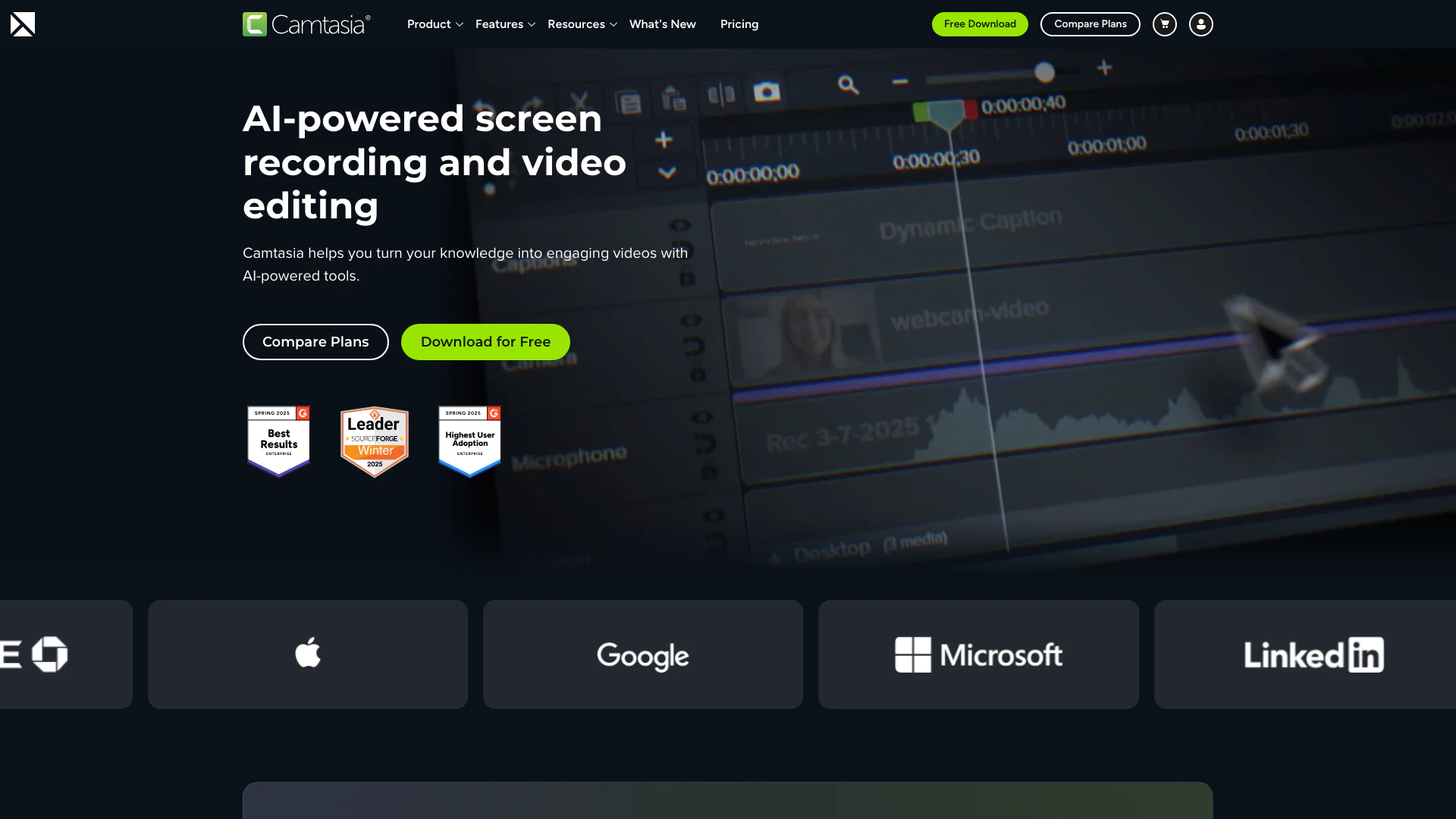
Techsmith is a powerful software tool designed for creating professional tutorials, training videos, and software demonstrations. The flagship product, Camtasia[1], offers a user-friendly platform that integrates screen recording[2] and video editing[3] features, allowing users to produce high-quality video content effortlessly. With its AI-powered capabilities, Camtasia simplifies the video creation process, making it accessible for both beginners and seasoned professionals. Users can start with a free trial, making it easy to explore its extensive features and functionalities.
How to use Techsmith?
- Download and Install: Visit the Techsmith website and download the Camtasia software. Follow the installation instructions to set it up on your device.
- Start a New Project: Open Camtasia and select 'New Project' to begin your video creation process.
- Record Your Screen: Use the screen recording feature to capture your screen activity, webcam, and audio. You can choose to record full screen or a specific area.
- Edit Your Video: After recording, use the built-in video editor to trim, cut, and enhance your footage. You can add effects, transitions, and annotations to improve clarity.
- Export Your Video: Once you are satisfied with your edits, export your video in the desired format and share it on your preferred platforms.
What are the main features of Techsmith?
- Screen Recording: Capture your screen, webcam, and audio simultaneously.
- Video Editing: Powerful editing tools including trimming, cutting, and adding effects.
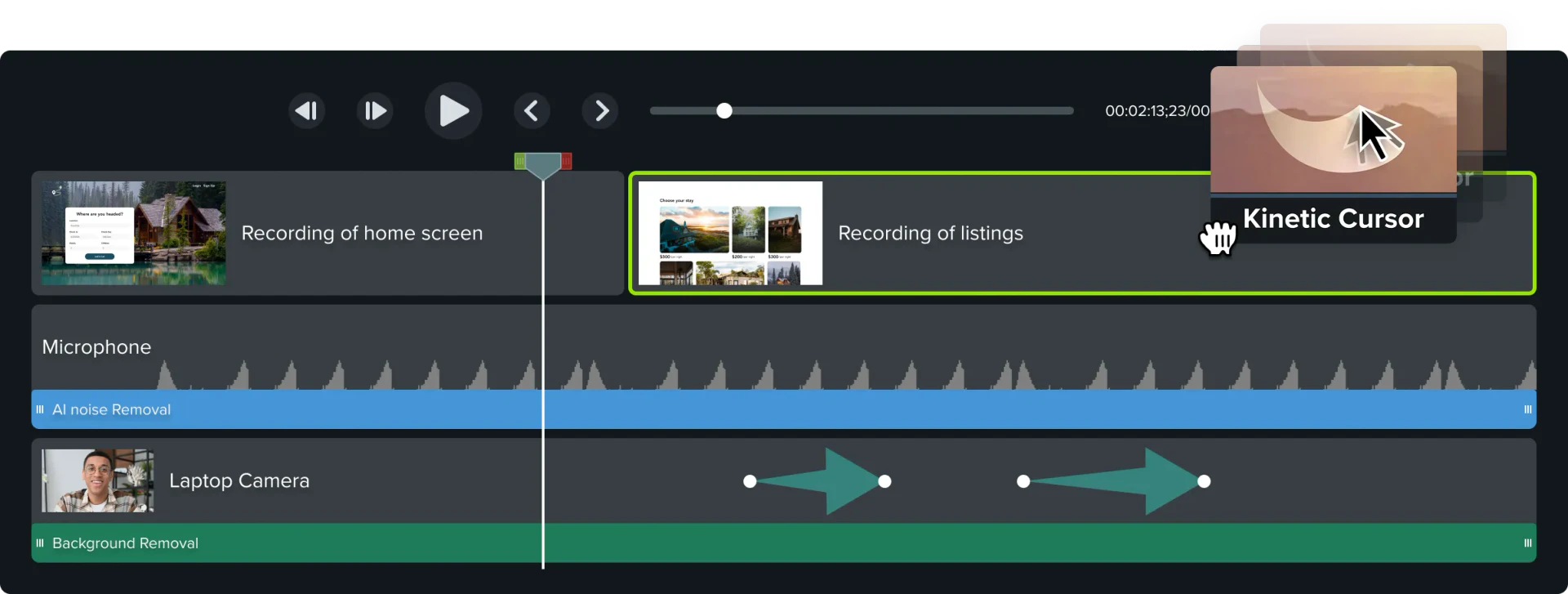
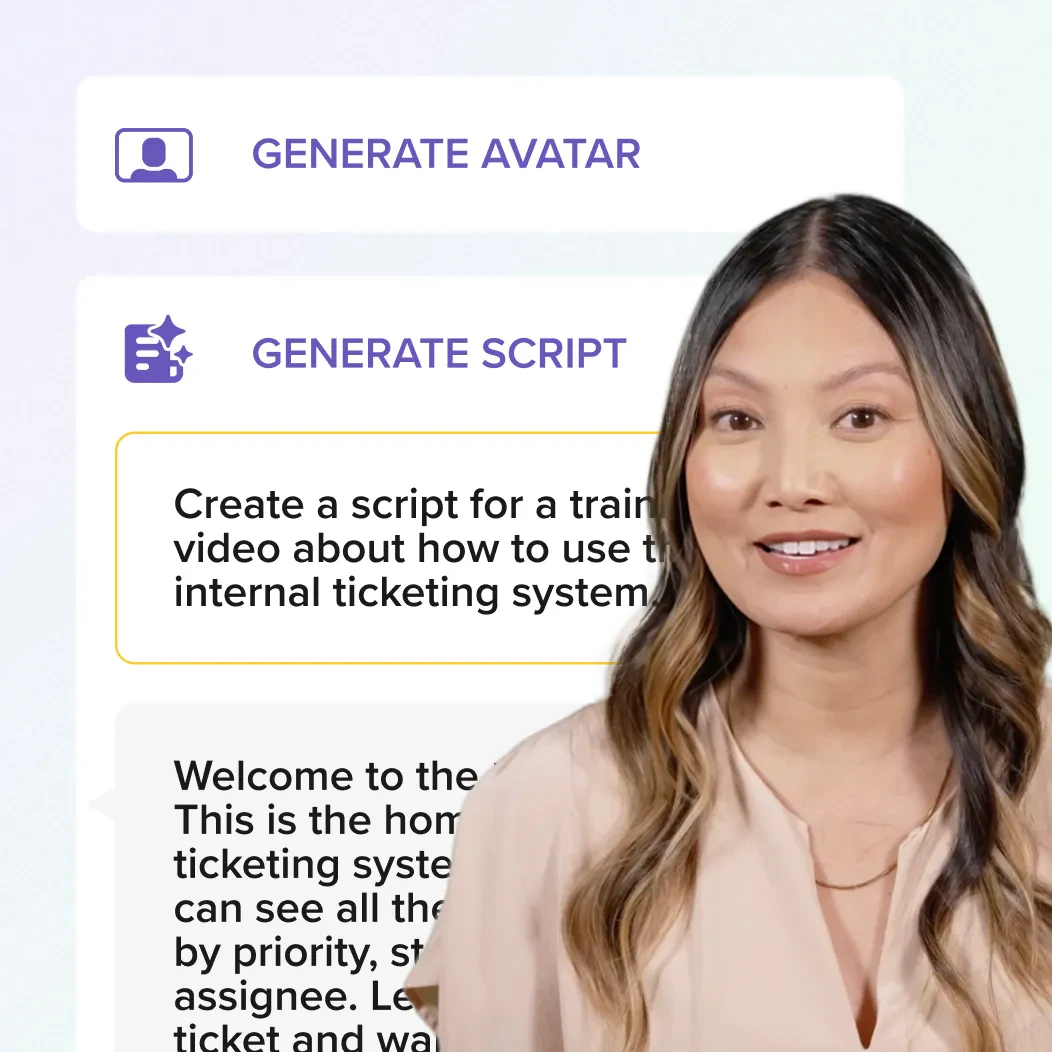
- AI Features[4]: AI-driven tools for voice generation, script creation, and background noise removal.
- Customizable Themes: Use themes and templates to maintain brand consistency.
- Multitrack Editing[5]: Edit multiple audio and video tracks for greater flexibility.
- Accessibility Tools: Automatically generate captions and translations for broader reach.
Who is Techsmith for?
Techsmith is designed for a wide range of users including educators, corporate trainers, marketers, and content creators. It's particularly useful for those who need to produce engaging video tutorials, training materials, and software demos. The tool caters to both beginners and experienced video producers, making it an ideal solution for anyone looking to enhance their video creation skills.
What are the use cases of Techsmith?
- Corporate Training: Create onboarding and training videos to help employees learn new skills.
- Educational Content: Educators can develop video lessons that enhance student engagement and understanding.
- Software Marketing: Produce software demos and promotional videos that showcase product features and benefits.
- Customer Support: Generate how-to videos that assist customers in navigating products and services.
- Team Communication: Use video to improve collaboration and communication within teams.
Product Images


Techsmith Pros and Cons
Pros
- AI-Powered Features: Camtasia offers advanced AI features such as AI avatar generation, script generation, and voice generation, enhancing the video creation process.
- User-Friendly Editing: The drag-and-drop editing interface simplifies complex edits, making it accessible for users of all skill levels.
- Multitrack Recording: Record screen, webcam, and audio on separate tracks, allowing for detailed editing and flexibility in post-production.
Cons
No cons data detected for this tool
Techsmith Pricing
Free Trial
Download and use the full Camtasia Editor for free. Access all editing features, but exported videos will include a watermark until you upgrade.
Essentials Plan
The Essentials Plan includes all the basic features of Camtasia for creating and editing videos.
Create Plan
The Create Plan offers advanced features for video creation, including additional assets and templates.
Pro Plan
The Pro Plan includes all features of Camtasia, plus premium support and additional resources.
For the latest pricing, please visit this link: https://www.techsmith.com/camtasia/
Prices are subject to change. Please visit the official website for the most up-to-date pricing information.
Analytics of Techsmith
Techsmith Website Traffic Analysis
Visits Over Time
Traffic Sources
Nov 2025 - Jan 2026 Worldwide Desktop Only
- Direct: 49.05%
- Search: 42.99%
- Referrals: 5.51%
- Social: 1.45%
- Paid Referrals: 0.79%
- Mail: 0.22%
Top Keywords
| Keyword | Volume | CPC | Estimated Value |
|---|---|---|---|
| camtasia | 91.56K | $1.61 | $54980.00 |
| snagit | 57.89K | $2.05 | $36800.00 |
| techsmith | 13.89K | $4.26 | $10400.00 |
| camtasia studio | 11.07K | $1.16 | $4710.00 |
| snagit download | 6.24K | $2.36 | $4910.00 |
Techsmith Reviews
There’s an art to video where you need to be technical and also simple. Camtasia delivers both.
For more reviews, visit this link: https://www.techsmith.com/camtasia/#reviews





Techsmith Social Listening
What is Camtasia? Screen Recor...
Camtasia is a screen recorder ...
How to Make a Tutorial Video
(UPDATED VIDEO w/FREE download...
翻墙后十大必装App,你绝对不能错过的10个神级APP,第一...
🔥 2个永久免费VPN:https://youtu.be/...
Unlock to view 78 social media results.