
Supercut


What is Supercut?
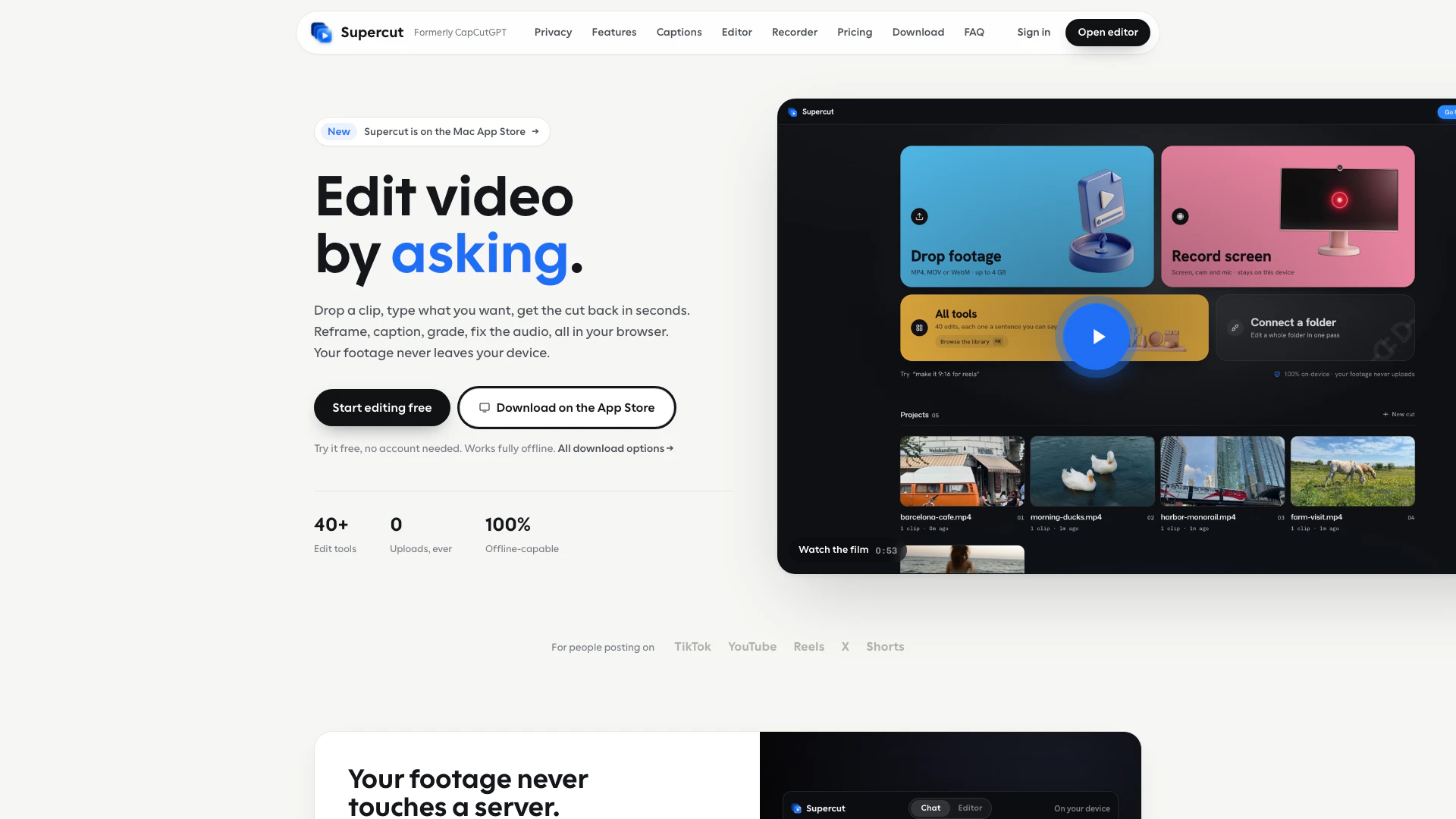
Supercut is an innovative video editing tool that allows users to edit videos by simply typing commands or using a multitrack timeline. Designed for both casual users and professionals, Supercut offers over 40 editing tools that operate directly in your browser without the need for uploads, ensuring privacy and security. With features like on-device auto-captions, smart reframing, and audio cleanup, it streamlines the video editing process, making it accessible and efficient for a variety of users.
How to use Supercut?
- Open Supercut in your browser or download the desktop app for Mac or Windows.
- Start by typing your editing commands into the prompt bar or use the multitrack timeline for more advanced editing.
- Use the auto-caption feature to add captions to your video; it works on-device and supports 19 languages.
- Utilize the smart reframe tool to adjust the aspect ratio and keep your subject centered.
- Apply audio cleanup to enhance voice clarity and reduce background noise.
- Select from various color grades to set the mood of your video, choosing from cinematic, warm, cool, and more.
- Export your final video in the desired format with one tap, choosing from presets for platforms like TikTok, Reels, and Shorts.
What are the main features of Supercut?
- On-device auto-captions: Generate word-perfect captions without uploading any data.
- Smart reframe: Automatically adjust the framing of your video to keep the subject centered in any aspect ratio.
- Audio cleanup: Enhance audio quality by muting background noise and amplifying voice clarity.
- Color grading options: Choose from various cinematic styles to enhance the visual appeal of your videos.
- Multitrack timeline: A comprehensive editing suite that allows for precise edits with drag-and-drop functionality.
- Speed control: Adjust playback speed from slow motion (0.25x) to fast motion (4x).
- Face blur: Automatically detect and blur faces to maintain privacy.
- Export presets: Quickly export videos optimized for different social media platforms.
Who is Supercut for?
Supercut is ideal for content creators, marketers, educators, and anyone looking to produce high-quality videos without extensive editing experience. Its user-friendly interface and powerful features make it suitable for both beginners who want to create engaging social media content and professionals who need a robust editing solution for video projects. Whether you're editing vlogs, tutorials, or promotional videos, Supercut provides the tools necessary for effective video production.
What are the use cases of Supercut?
- Creating engaging social media content for platforms like TikTok and Instagram by utilizing quick export presets and trendy editing styles.
- Producing professional-quality video presentations or tutorials that require clean audio and precise editing with the multitrack timeline.
- Editing interviews or vlogs where on-device auto-captions enhance accessibility and viewer engagement.
Supercut Pros and Cons
Pros
- Extensive Editing Tools: Offers over 40 editing tools that can be accessed through simple prompts, eliminating the need for complex menus.
- On-Device Auto-Captions: Provides on-device auto-captions with accurate timing and supports 19 languages, ensuring privacy as nothing is uploaded.
- Multitrack Timeline: Includes a multitrack timeline for precise editing, allowing users to cut, trim, and manage video, audio, and text seamlessly.
Cons
- Desktop App Requirement: Requires a desktop app for some features like auto-zoom and system audio recording, which may limit accessibility for some users.
- Limited Platform Support: Currently available only for Mac and Windows, which may exclude users on other operating systems.
- Learning Curve for New Users: Users may need to familiarize themselves with the prompt-based editing system, which could have a learning curve.
Supercut Pricing
Pro
Everything, for as long as you subscribe. Includes: Unlimited watermark-free exports, Auto-captions, reframe and face blur, Screen recorder with auto-zoom, Batch a whole folder in one pass, 40+ tools, every preset, Cancel anytime, keep your exports.
Lifetime
Pay once. Yours for good. Includes: Unlimited watermark-free exports, Auto-captions, reframe and face blur, Screen recorder with auto-zoom, Batch a whole folder in one pass, 40+ tools, every preset, No subscription to remember.
For the latest pricing, please visit this link: https://www.supercut.cc/#pricing
Prices are subject to change. Please visit the official website for the most up-to-date pricing information.
Analytics of Supercut
Supercut Website Traffic Analysis
Visits Over Time
Top Keywords
| Keyword | Volume | CPC | Estimated Value |
|---|---|---|---|
| supercut | 9.32K | $0.51 | $0.00 |
| supercut ai | 750 | $0.00 | $10.00 |
| what's the best audio format that should accompany ig videos? | 370 | $0.00 | $0.00 |
| what is the ideal video fomat for publishing on instagram and tiktok | 350 | $0.00 | $0.00 |
| supercutsnsfw | 310 | $0.00 | $0.00 |