

Supashot




What is Supashot?
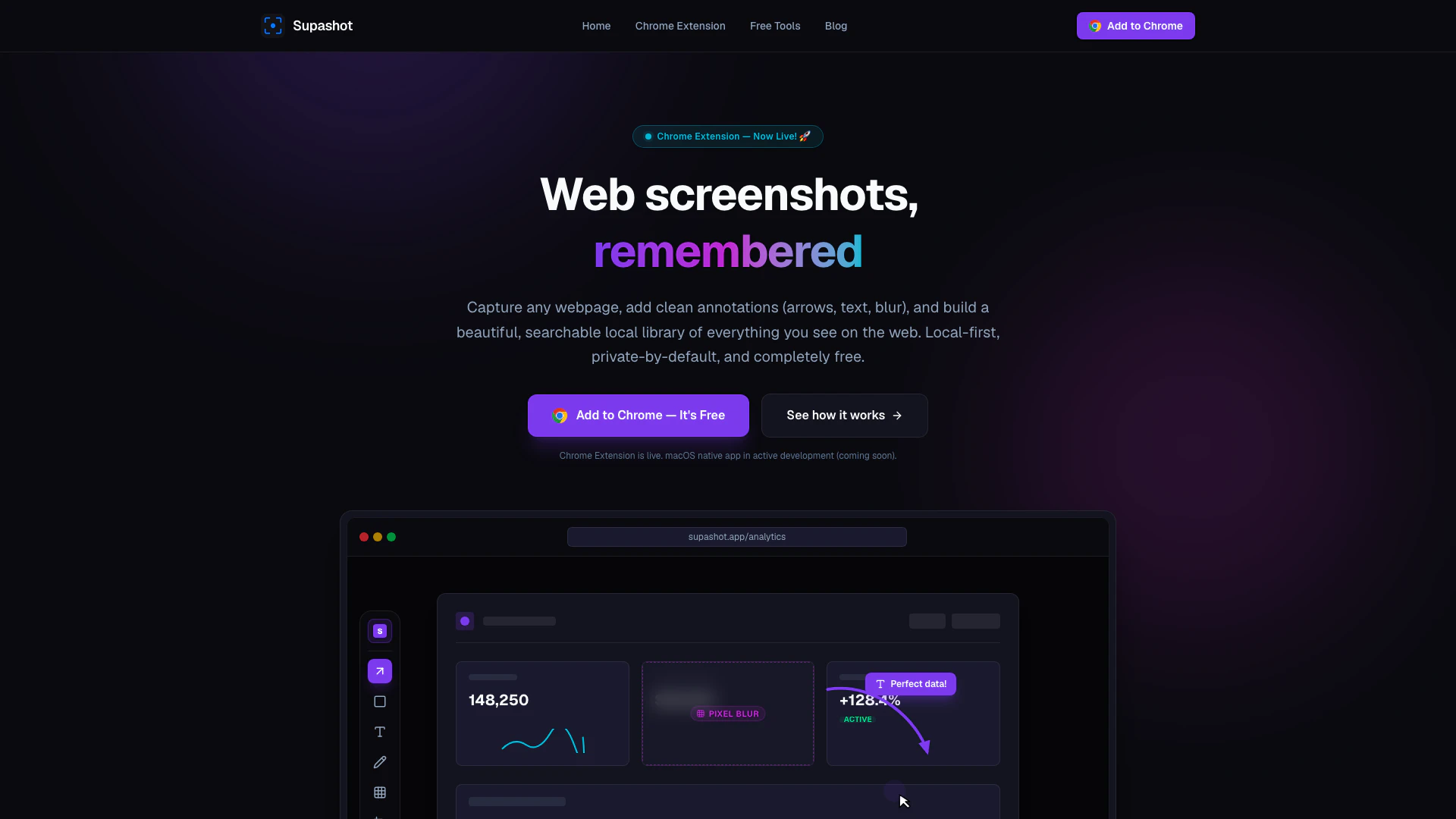
Supashot is a free screenshot tool available as a Chrome extension, designed to capture, annotate, and organize browser screenshots securely without the need for cloud uploads. This local-first application allows users to create a private library of their screenshots, ensuring that all data remains on their device. With its minimalistic approach, Supashot focuses on providing essential features for efficient screenshot management, making it ideal for anyone needing quick and organized access to visual information.
How to use Supashot?
- Install the Supashot Chrome extension from the Chrome Web Store.
- Use the designated hotkey to capture a screenshot instantly, without navigating through any dialogs.
- Annotate your screenshot using tools such as arrows, text, and blurs to highlight important details.
- Save your annotated screenshot to the local library, where it will be securely stored without any cloud upload.
- Utilize the OCR-powered search feature to find specific screenshots by typing in keywords related to the text contained within them.
What are the main features of Supashot?
- Instant screenshot capture with a customizable hotkey.
- Lightweight annotation tools for cropping, blurring, and adding text or arrows.
- OCR-powered search functionality to locate screenshots by text content.
- Automatic clipboard copying for quick sharing to platforms like Slack or Notion.
- A secure, local-first screenshot library that keeps all data on your device.
Who is Supashot for?
Supashot is designed for a wide range of users, including students, professionals, developers, and content creators who frequently need to capture and organize visual information from the web. Its user-friendly interface and powerful features make it suitable for anyone looking to enhance their productivity by managing screenshots effectively. Additionally, its local-first approach appeals to privacy-conscious users who prefer not to store their data in the cloud.
What are the use cases of Supashot?
- Capturing important information from online articles or research papers for later reference.
- Annotating screenshots for presentations or reports to clearly convey ideas.
- Organizing a visual library of design inspirations or web elements for developers and designers.
Supashot Pros and Cons
Pros
- Instant Screenshot Capture: Capture your screen in under a second using a hotkey, ensuring a quick and efficient workflow without any delays.
- Local-First and Secure: All screenshots and data are stored locally on your device, ensuring privacy and security without any cloud uploads.
- Powerful Annotation Tools: Easily annotate screenshots with arrows, text, and blurs, providing just enough tools to convey your message clearly.
Cons
No cons data detected for this tool
Supashot Pricing
Free
Perfect for occasional screenshots and sharing. Unlimited local captures, Basic annotations (arrows, text, shapes), Standard blurring tool, Copy to clipboard instantly.
Pro
For creators, developers, and power users. Video Screen Recording, Scrolling Full-Page Capture, Advanced Annotations & Gradients, Adjustable Padding & Rounded Corners, Everything in Free.
For the latest pricing, please visit this link: https://supashot.app/#pricing
Prices are subject to change. Please visit the official website for the most up-to-date pricing information.
Supashot Compare
| Tool Name | Introduction | Pricing | Type | Rating | Launch Date | Learn more |
|---|---|---|---|---|---|---|
Generate AI lesson plans, PowerPoints, and more with Copilot! Use Copilot to breeze through your unit planning and material creation! | Free | November 13, 2022 | Get deal | |||
Rewind | Free | February 2, 2018 | Get deal | |||
AI-Based Cloud Cost Reduction Platform | Profisea Labs | Free | May 1, 2020 | Get deal |



Info current as of post date. Offers and availability may vary by location and are subject to change.
Supashot Q&A
Supashot is a free screenshot tool available as a Chrome extension and a local screenshot library that allows users to capture, annotate, and organize browser screenshots securely without any cloud uploads.
Supashot Alternatives

Nextjobconnect helps contractors connect with local homeowners who need their services.
- Marketing & Advertising
- AI Lead Generation Tools
- Job Search Tools for Marketing and Sales
- Other
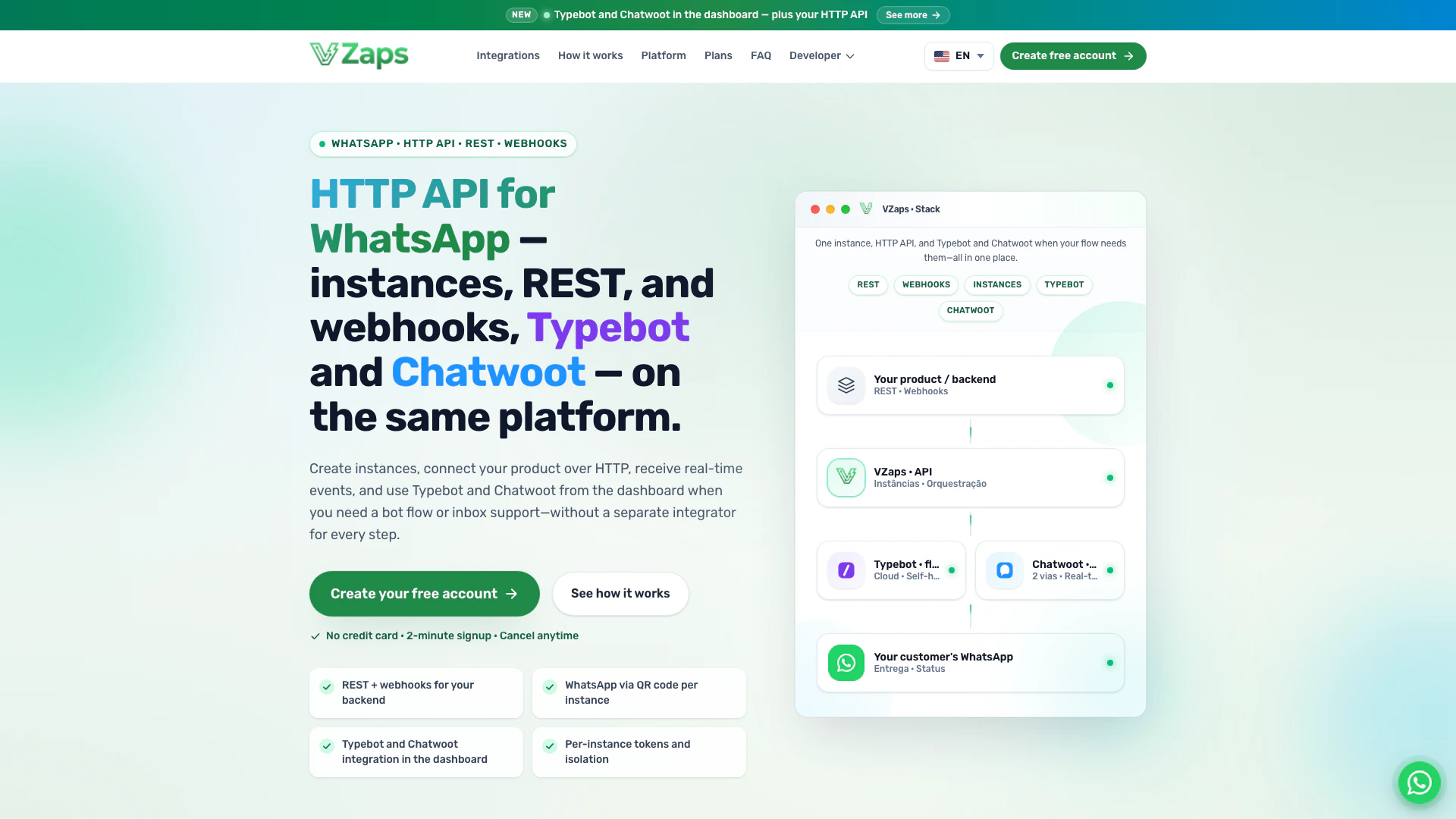
Vzaps provides a powerful WhatsApp API over HTTP, enabling seamless integration with isolated instances, REST, and real-time webhooks.
- Chatbots & AI Companions
- AI Chatbot
- Website Integration Chatbot
- Other
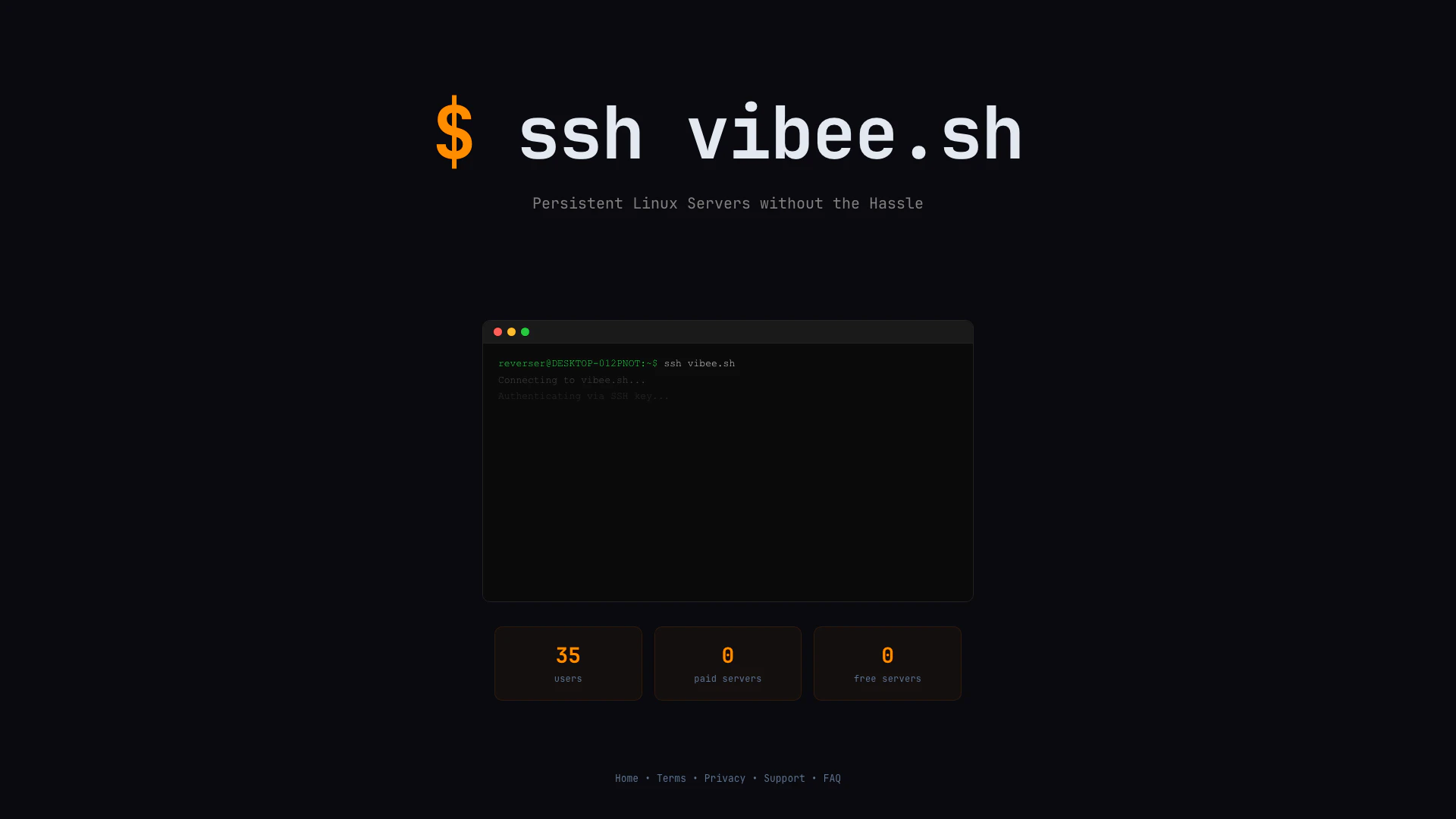
Vibee provides persistent Linux servers with ease, requiring only a Public Key for access.
- Other
- Other AI Tools
- Uncategorized AI Tools
- Other