
Vibee
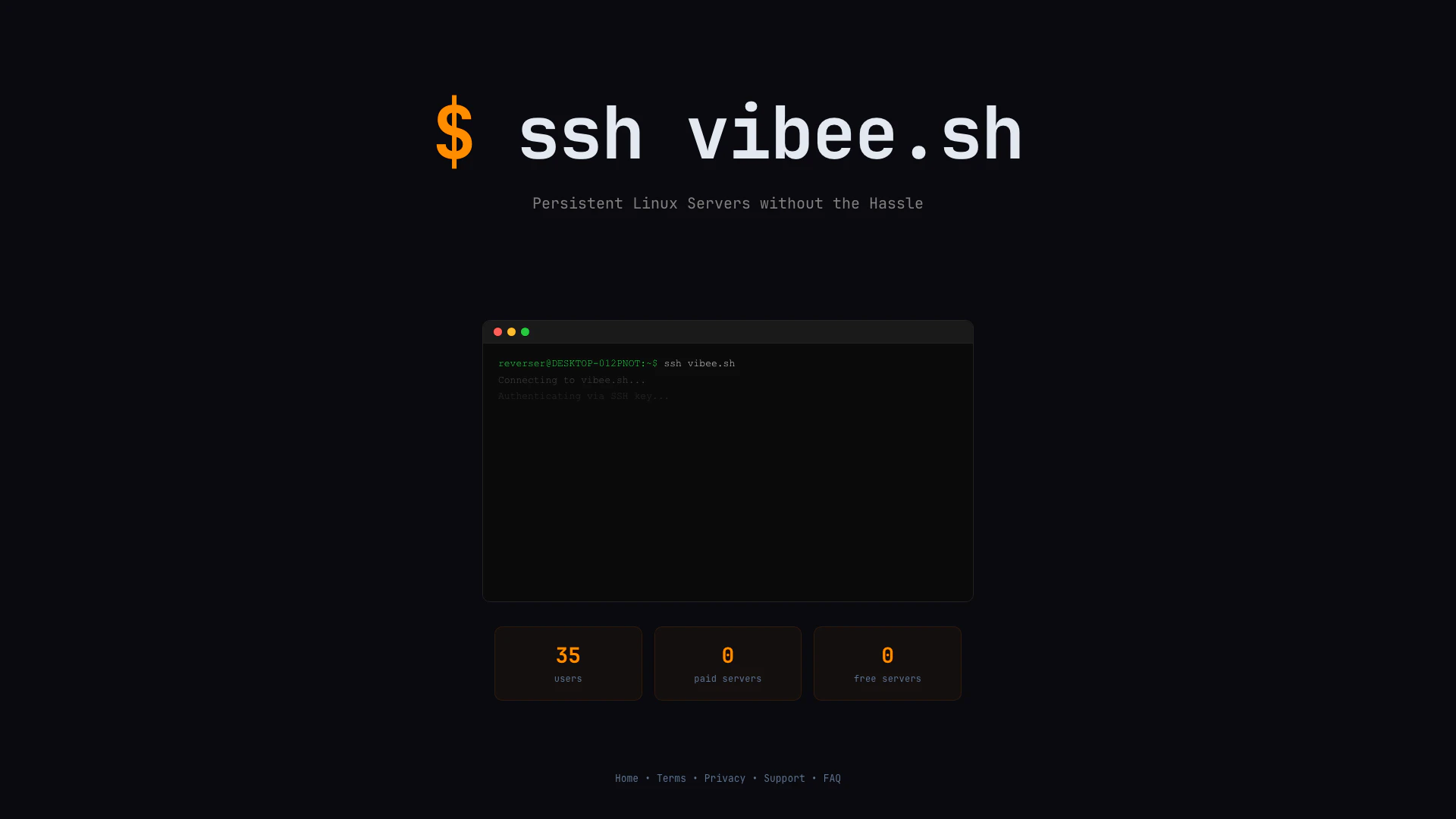





What is Vibee?
Vibee is a cutting-edge platform that provides users with persistent Linux servers without the hassle of traditional server management. With a simple requirement of a public key, Vibee allows users to connect seamlessly and utilize Linux servers for various applications. It simplifies the process of accessing and managing servers, making it ideal for developers, system administrators, and tech enthusiasts looking for reliable server solutions.
How to use Vibee?
- Generate a public key if you don't have one already.
- Open your terminal or command prompt.
- Use the SSH command to connect to Vibee by entering 'ssh vibee.sh'.
- Once connected, you can manage your persistent Linux server as needed.
What are the main features of Vibee?
- Persistent Linux servers available on demand.
- Simple access using just a public key.
- User-friendly interface for easy management.
- No need for paid servers; free server options available.
- Support for multiple users without additional costs.
Who is Vibee for?
Vibee is designed for developers, system administrators, and tech enthusiasts who require easy access to Linux servers without the complexities of traditional server setups. It caters to users who value efficiency and simplicity in server management, whether for development, testing, or deployment purposes.
What are the use cases of Vibee?
- Developing and testing applications in a persistent Linux environment.
- Running server-side scripts or applications without the need for physical hardware.
- Learning and practicing Linux commands and server management for educational purposes.
Vibee Pros and Cons
Pros
- Easy Setup with Public Key: Vibee allows users to quickly set up persistent Linux servers using just a Public Key, simplifying the initial configuration process.
- No Cost for Basic Usage: Vibee offers free servers, enabling users to access basic functionalities without any financial commitment.
- User-Friendly SSH Access: The tool provides straightforward SSH access, making it easy for users to connect and manage their servers.
Cons
No cons data detected for this tool