Suna





What is suna?
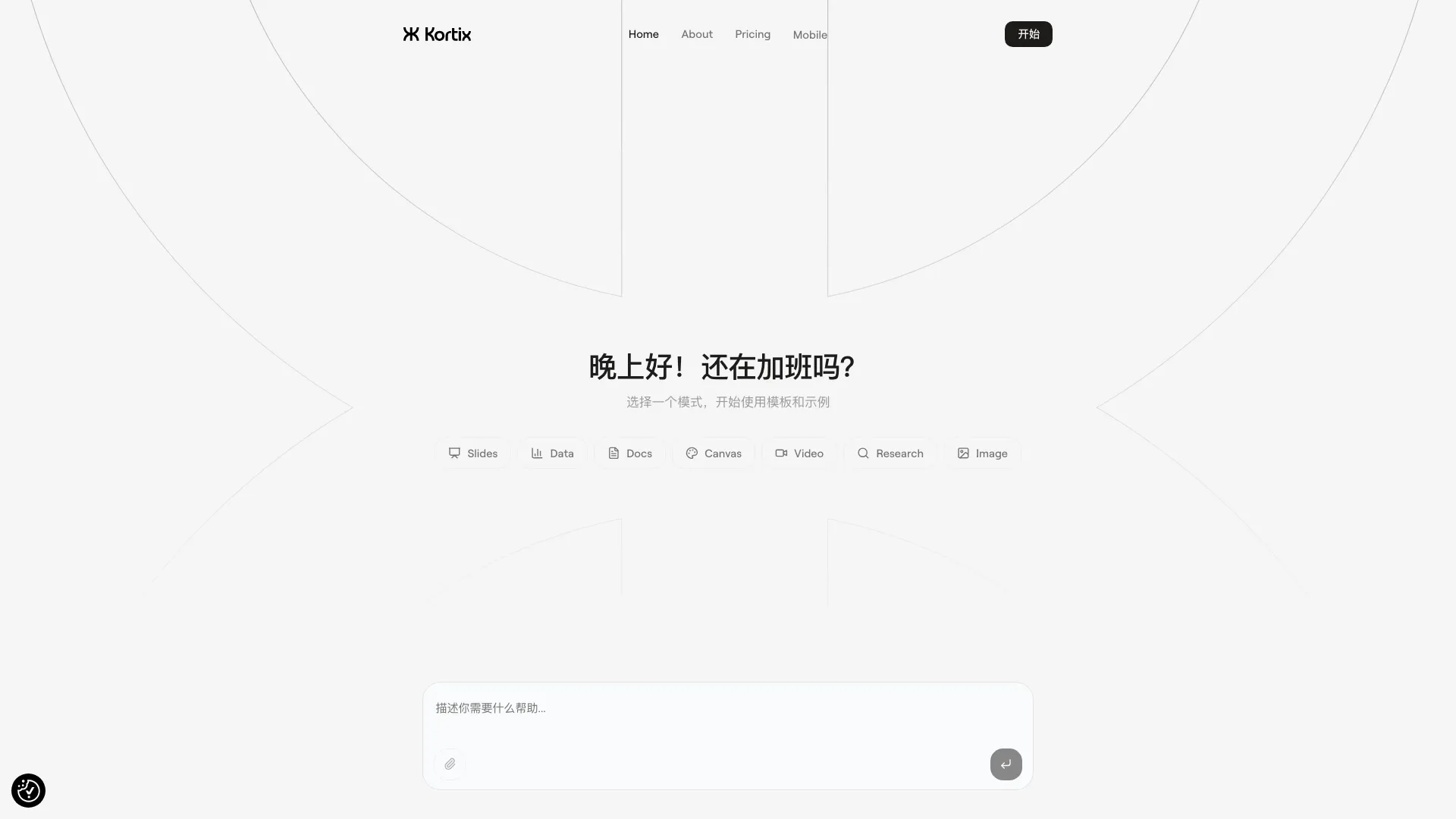
Suna is an advanced AI assistant[1] designed to tackle a wide range of tasks, from simple requests to highly complex projects[4]. Its versatility makes it suitable for various applications, enabling users to streamline their workflows and enhance productivity. With its intuitive interface[2] and powerful capabilities, suna is built to handle everything, making it an ultimate tool for individuals and teams alike.
How to use suna?
- Visit the suna website at https://www.suna.so/ and create an account or log in.
- Choose a mode or template that fits your task, such as creating documents, presentations, or managing projects.
- Input your requests or project details into the interface, and let suna process the information.
- Review the generated outputs and make any necessary adjustments to suit your needs.
- Utilize additional features for collaboration or further customization as required.
What are the main features of suna?
- Handles a wide range of tasks from simple requests to complex projects.
- Offers various templates for different types of work, including documents, presentations, and research.
- Intuitive user interface designed for ease of use.
- Supports collaboration for team projects, enhancing productivity.
- Capable of integrating with other tools and platforms for seamless workflow.
Who is suna for?
Suna is designed for a diverse audience, including professionals, teams, and individuals who require assistance with both simple and complex tasks. It is ideal for project managers, content creators, researchers, and anyone looking to enhance their productivity through an AI-powered assistant. Whether you are managing a team or working independently, suna provides the tools needed to streamline your processes.
What are the use cases of suna?
- Creating professional presentations and reports using customizable templates[3].
- Managing complex projects by breaking them down into manageable tasks and timelines.
- Conducting research and compiling data efficiently with AI assistance.
- Collaborating with team members on shared projects to enhance communication and productivity.
- Automating routine tasks to save time and focus on more strategic activities.
Product Images

Suna Pros and Cons
Pros
- Versatile AI Assistant: Suna is designed to handle a wide range of tasks, from simple requests to complex projects, making it a versatile AI assistant.
- User-Friendly Interface: The tool is built with a user-friendly interface that simplifies interaction, allowing users to easily navigate through its features.
- Comprehensive Task Management: Suna supports comprehensive task management, enabling users to manage multiple projects and requests efficiently.
Cons
No cons data detected for this tool
Suna Pricing
Basic
300 weekly credits, 1 concurrent run, 1 Chat, Basic Mode Core Kortix experience with basic autonomy. No custom AI Workers, No scheduled triggers, No app-based triggers, No integrations.
Plus
5,000 Monthly Credits, Unlimited Chats, 5 concurrent runs, 20 custom AI Workers, 10 scheduled triggers, 50 app triggers, 100+ Integrations.
Pro
10,000 Monthly Credits, Unlimited Chats, 5 concurrent runs, 20 custom AI Workers, 10 scheduled triggers, 50 app triggers, 100+ Integrations.
Ultra
Higher limits, custom integrations, or dedicated support.
For the latest pricing, please visit this link: https://www.kortix.com/pricing
Prices are subject to change. Please visit the official website for the most up-to-date pricing information.
Analytics of Suna
Suna Website Traffic Analysis
Visits Over Time
Traffic Sources
Oct 2025 - Dec 2025 Worldwide Desktop Only
- Search: 45.77%
- Direct: 33.07%
- Referrals: 12.97%
- Social: 5.20%
- Paid Referrals: 1.51%
- Mail: 0.21%
Top Keywords
| Keyword | Volume | CPC | Estimated Value |
|---|---|---|---|
| suno ai | 1.93M | $0.21 | $0.00 |
| suna | 32.21K | $1.27 | $30.00 |
| kortix | 24.49K | $0.00 | $60.00 |
| suna ai | 18.53K | $0.72 | $2160.00 |
| kortix ai | 9.14K | $3.70 | $10.00 |