Squidoai




What is Squidoai?
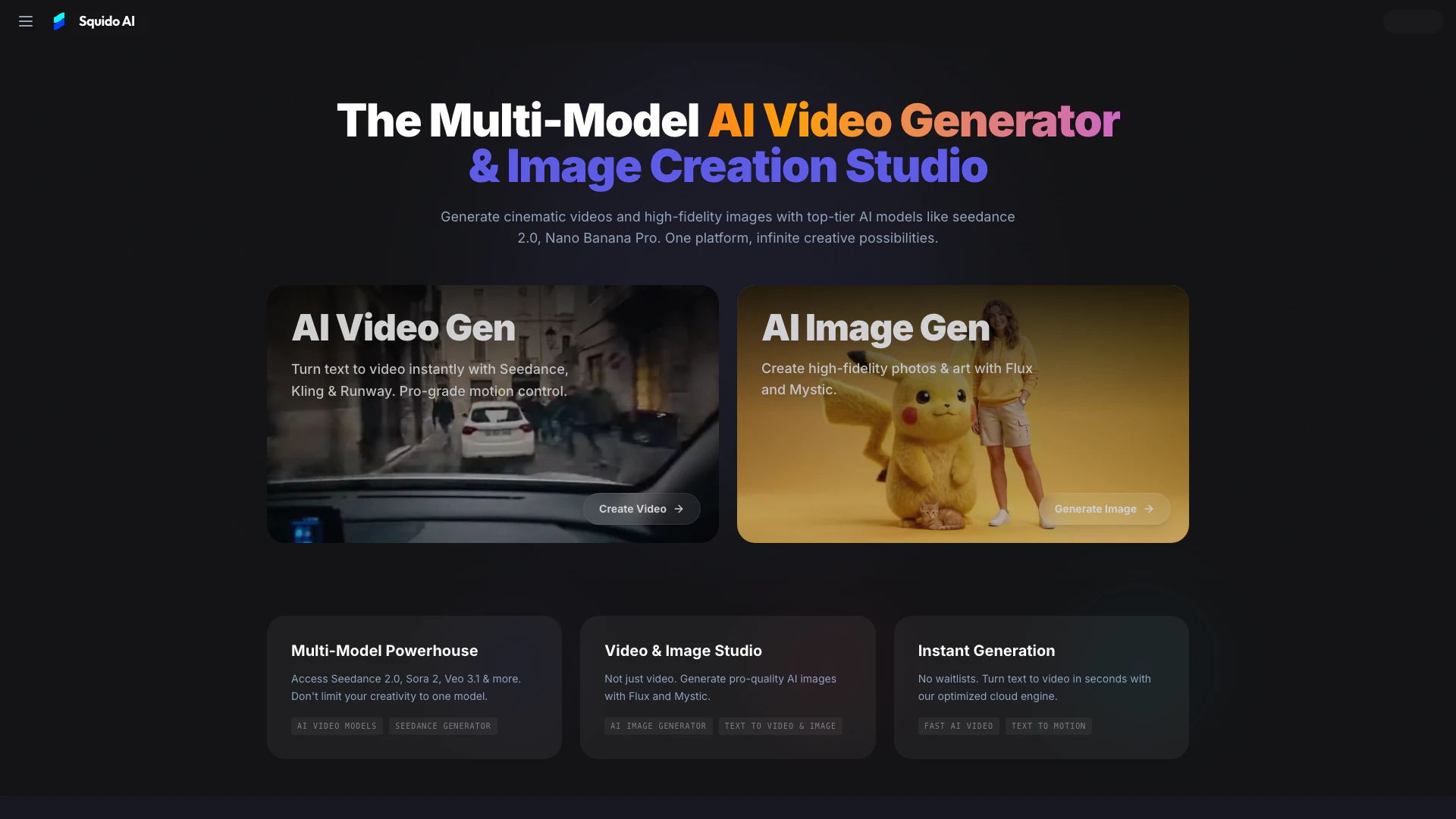
Squidoai is a cutting-edge AI video and image generator[1] that allows users to create cinematic videos and high-fidelity images with ease. Leveraging advanced AI models such as Seedance 2.0[2] and Nano Banana Pro[3], Squidoai serves as a comprehensive studio for visual creation. It is designed to provide infinite creative possibilities by enabling users to generate professional-quality videos and images in a user-friendly interface, making it accessible for both beginners and professionals.
How to use Squidoai?
- Input Description: Type a text prompt into the Squidoai interface describing your vision, such as "A cyberpunk city in rain, cinematic lighting."
- Configure Parameters: Set your preferences for aspect ratio (16:9 or 9:16), duration, and resolution. Advanced options allow for camera movement control.
- Generate Instantly: Click the generate button to render your clip in approximately 60 seconds. You can download and share your creation immediately.
What are the main features of Squidoai?
- Multi-Model Support[4]: Access a variety of top-tier AI models like Seedance 2.0, Sora 2, and Veo 3.1 for diverse creative outputs.
- Instant Generation[5]: Generate videos and images quickly without waiting, thanks to an optimized cloud engine.
- High-Fidelity Outputs: Produce professional-grade videos in 4K resolution and high-quality images with exceptional detail.
- User-Friendly Interface: A simple chat-based interface that makes it easy for users to create without extensive technical knowledge.
- Privacy and Security: All data is encrypted, ensuring that user-generated content remains secure.
Who is Squidoai for?
Squidoai is designed for a wide range of users, including content creators, marketers, filmmakers, and artists. It caters to professionals looking for high-quality video production as well as beginners seeking a straightforward tool to bring their creative visions to life. Whether you want to generate engaging social media content, commercial marketing materials, or personal artistic projects, Squidoai provides the necessary tools and flexibility to meet diverse creative needs.
What are the use cases of Squidoai?
- Social Media Content Creation: Generate captivating videos and images for platforms like TikTok, Instagram, and YouTube to engage audiences.
- Marketing and Advertising: Create professional product demos and promotional content quickly, enhancing marketing campaigns without high production costs.
- Personal Artistic Projects: Use Squidoai to visualize unique concepts, stories, or artistic expressions that were previously challenging to produce.
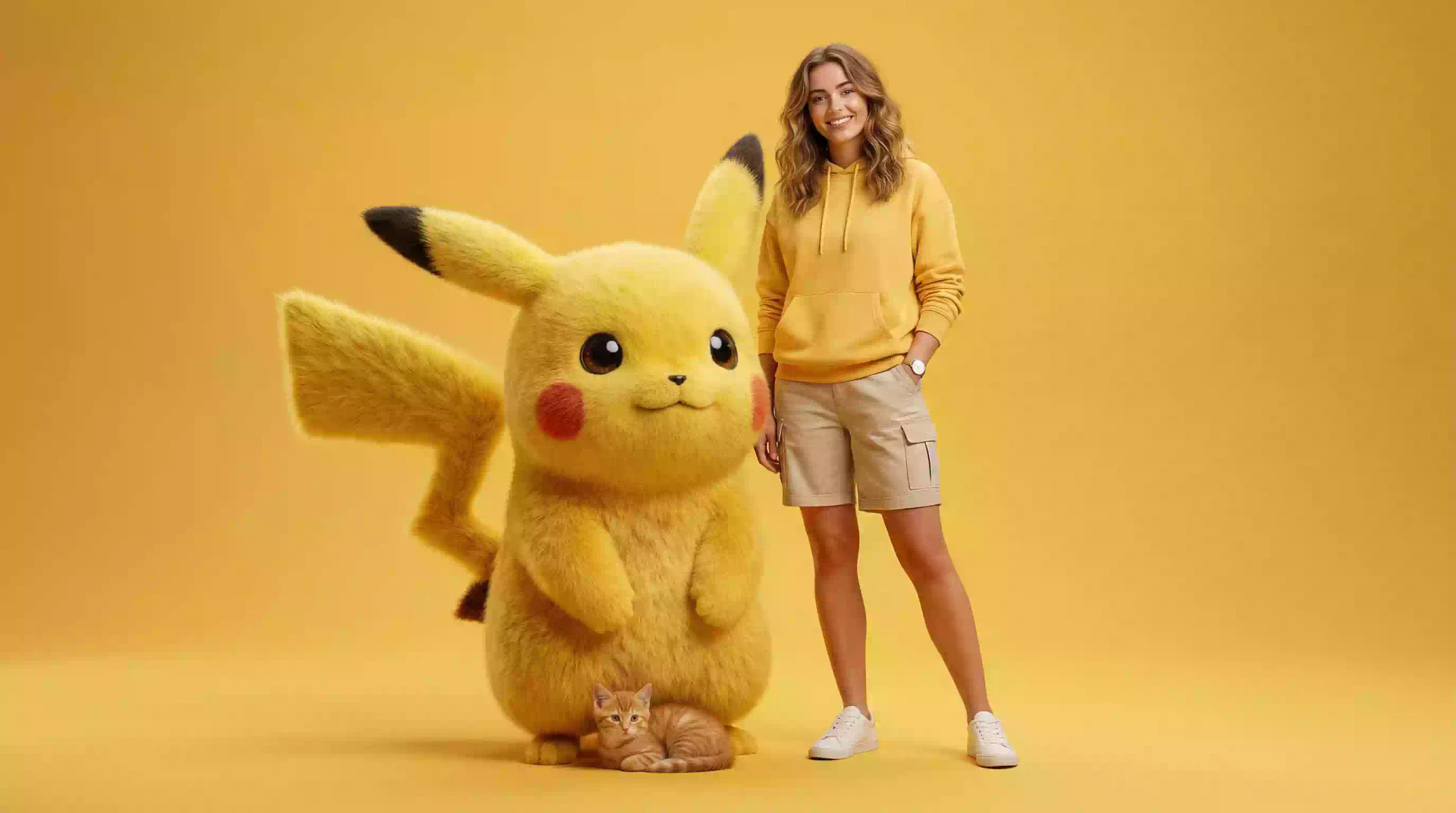
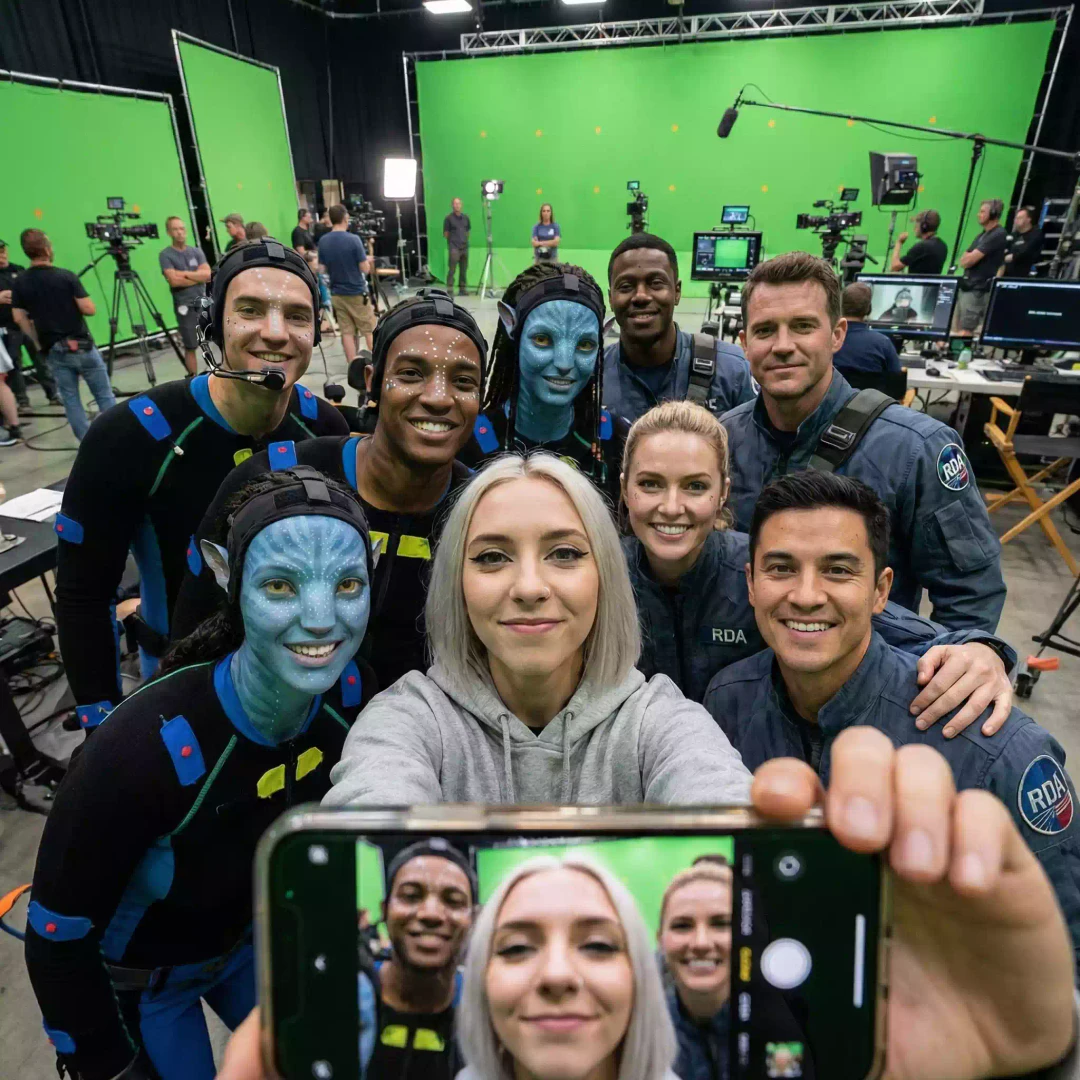
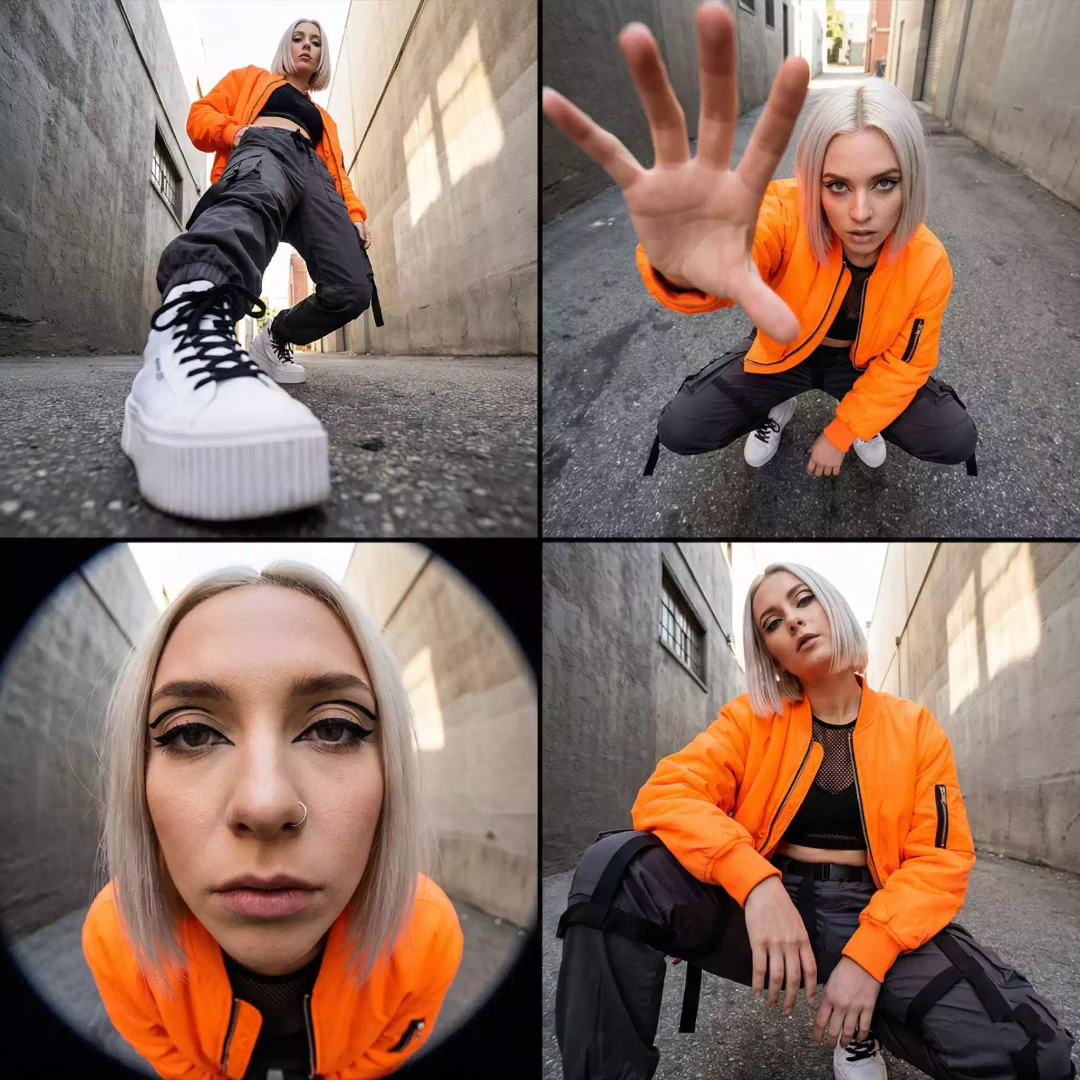
Product Images


Squidoai Pros and Cons
Pros
- Multi-Model Access: Squido AI allows users to access multiple advanced AI models like Seedance 2.0 and Veo 3.1, enhancing creative possibilities.
- Instant Video Generation: The platform enables quick text-to-video creation, generating clips in approximately 60 seconds without waitlists.
- High Fidelity Output: Squido supports 4K resolution video generation, ensuring high-quality visuals for professional use.
Cons
No cons data detected for this tool