Sievin





What is Sievin?
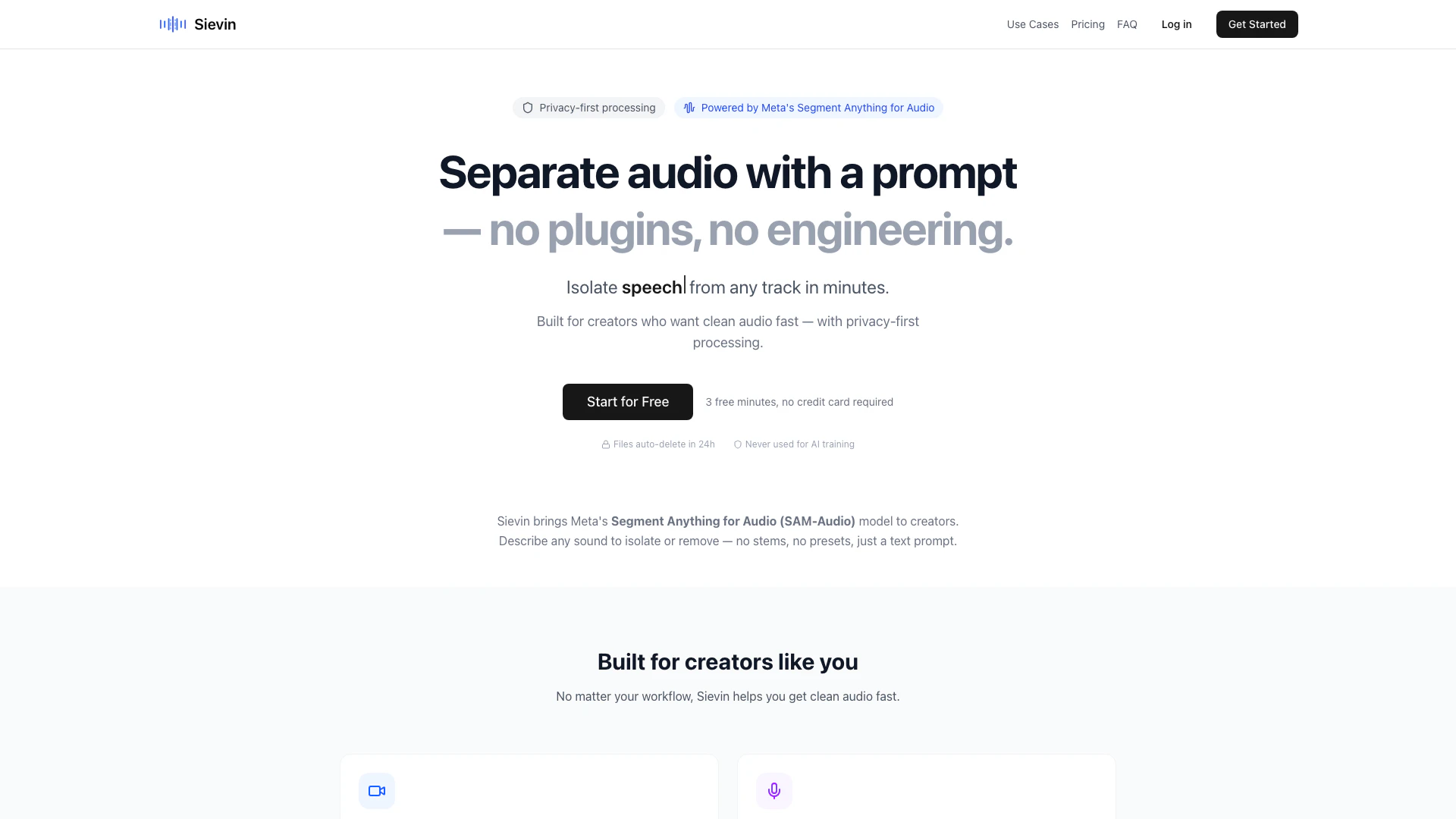
Sievin is an innovative audio processing tool designed to simplify audio separation for creators. Utilizing Meta's Segment Anything Model for Audio (SAM-Audio), Sievin allows users to isolate or remove specific sounds from audio tracks using simple text prompts. This privacy-first solution empowers users to clean up their audio without the need for complex plugins or engineering skills, making it accessible for everyone from video creators to educators.
How to use Sievin?
To use Sievin, follow these three simple steps: 1. Upload your audio: Drag and drop any audio file up to 10 minutes long. Supported formats include MP3, WAV, FLAC, and M4A. 2. Describe the sound: Input a clear text prompt specifying what you want to isolate or remove, such as "vocals", "background noise", or "drums". 3. Download the result: After processing, download your cleaned audio file in minutes, ready for use.
What are the main features of Sievin?
Sievin offers several key features that enhance audio processing: - Prompt-Based Audio Separation: Isolate or remove sounds based on descriptive text prompts, allowing for flexibility in audio editing. - Privacy-First Processing: Ensures audio files are processed securely on isolated GPU instances, with automatic deletion after 24 hours. - User-Friendly Interface: No engineering skills are required; the tool is designed for creators of all levels. - Support for Multiple Formats: Compatible with various audio formats including MP3, WAV, FLAC, and M4A. - Fast Processing: Get results in minutes, streamlining the audio editing workflow.
Who is Sievin for?
Sievin is tailored for a diverse range of users, including: - Video Creators & Editors: Ideal for cleaning up audio for YouTube videos, reels, and advertisements by isolating voices and removing background noise. - Podcasters: Helps in separating speech from background audio, enhancing the clarity of podcast episodes. - Educators & Presenters: Useful for extracting voice from recordings and minimizing distractions in educational materials. - Musicians: Assists in isolating vocals or instruments for practice, cover learning, or creating references.
What are the use cases of Sievin?
Sievin can be effectively utilized in various scenarios, including: 1. Cleaning Up YouTube Audio: Isolating vocals and removing background music for clearer video soundtracks. 2. Enhancing Podcast Quality: Separating speech from noise to produce cleaner audio clips for sharing on social media. 3. Creating Educational Content: Extracting and reusing voice recordings for course materials and presentations.
Sievin Pros and Cons
Pros
- Easy Audio Separation: Sievin allows users to easily separate audio using a simple text prompt, making it accessible for non-engineers.
- Privacy-First Processing: The tool ensures privacy by processing audio on isolated GPU instances and automatically deleting files after 24 hours.
- Multiple Use Cases: Designed for various creators, Sievin supports video editors, podcasters, educators, and musicians, providing tailored audio solutions.
Cons
No cons data detected for this tool
Sievin Pricing
Starter
60 minutes/month
Creator
200 minutes/month
For the latest pricing, please visit this link: https://sievin.com/#pricing
Prices are subject to change. Please visit the official website for the most up-to-date pricing information.