Dryvocal


What is Dryvocal?
Dryvocal is a professional-grade audio processing[5] tool designed for Windows that specializes in vocal extraction[1], dialogue cleanup[2], speaker separation[3], and intelligent noise reduction[4]. It is engineered to enhance audio clarity[6] by efficiently isolating vocals from background noise, making it an essential tool for audio engineers, content creators, and anyone working with spoken audio. With Dryvocal, users can achieve high-quality audio outputs, whether for music production, film post-production, or podcasting.
How to use Dryvocal?
- Download and install the Dryvocal software on your Windows device.
- Launch Dryvocal and import the audio file that you wish to process.
- Select the desired function: choose between vocal extraction, dialogue cleanup, or speaker separation based on your needs.
- Adjust any settings as necessary, such as noise reduction levels for optimal results.
- Once you are satisfied with the settings, click on the 'Process' button to begin the audio enhancement.
- After processing, export the final audio file to your desired format.
What are the main features of Dryvocal?
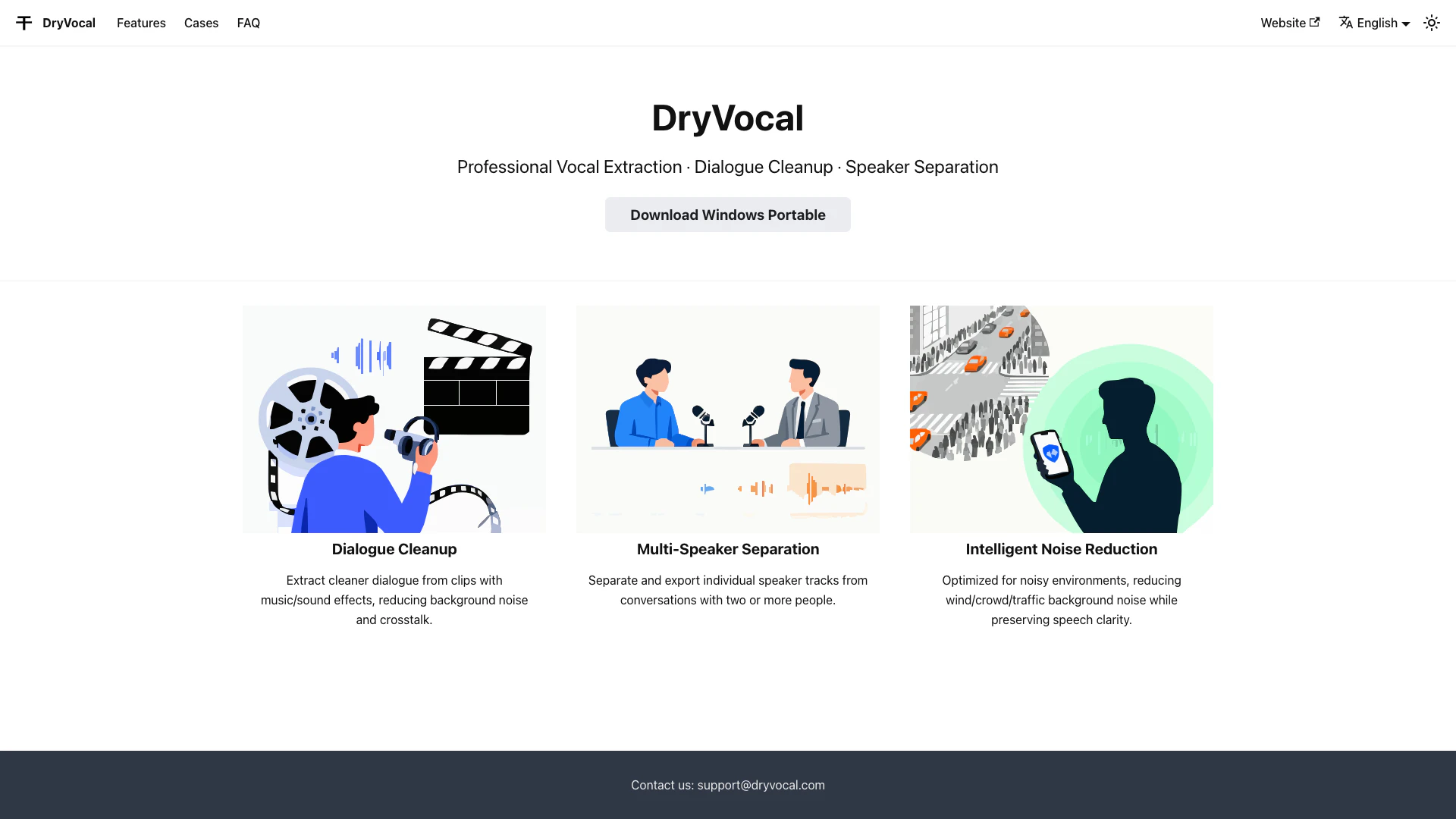
- Professional Vocal Extraction: Isolate vocals from music and other background sounds with precision.
- Dialogue Cleanup: Clean up dialogue tracks by reducing background noise and crosstalk for clearer audio.
- Multi-Speaker Separation: Effectively separate individual speaker tracks from multi-person conversations, allowing for easy editing.
- Intelligent Noise Reduction: Optimize audio quality in noisy environments by minimizing unwanted background sounds while maintaining speech clarity.
Who is Dryvocal for?
Dryvocal is ideal for audio engineers, musicians, filmmakers, podcasters, and content creators who require high-quality audio processing capabilities. It caters to those who work with spoken audio, including voiceovers, interviews, and dialogues in multimedia projects, making it an essential tool for enhancing audio clarity and quality.
What are the use cases of Dryvocal?
- Podcast Production: Clean up interviews and dialogue for professional-sounding podcasts.
- Film and Video Editing: Extract clear dialogue from scenes with background music or noise for post-production.
- Music Production: Isolate vocal tracks from music for remixing or editing purposes.
Product Images

Dryvocal Pros and Cons
Pros
- Professional Vocal Extraction: DryVocal offers pro-grade vocal extraction, ensuring high-quality audio separation for various applications.
- Dialogue Cleanup: The tool effectively cleans up dialogue from audio clips, minimizing background noise and enhancing clarity.
- Multi-Speaker Separation: Allows users to separate and export individual speaker tracks, making it ideal for conversations with multiple participants.
Cons
No cons data detected for this tool