
Screenix





What is Screenix?
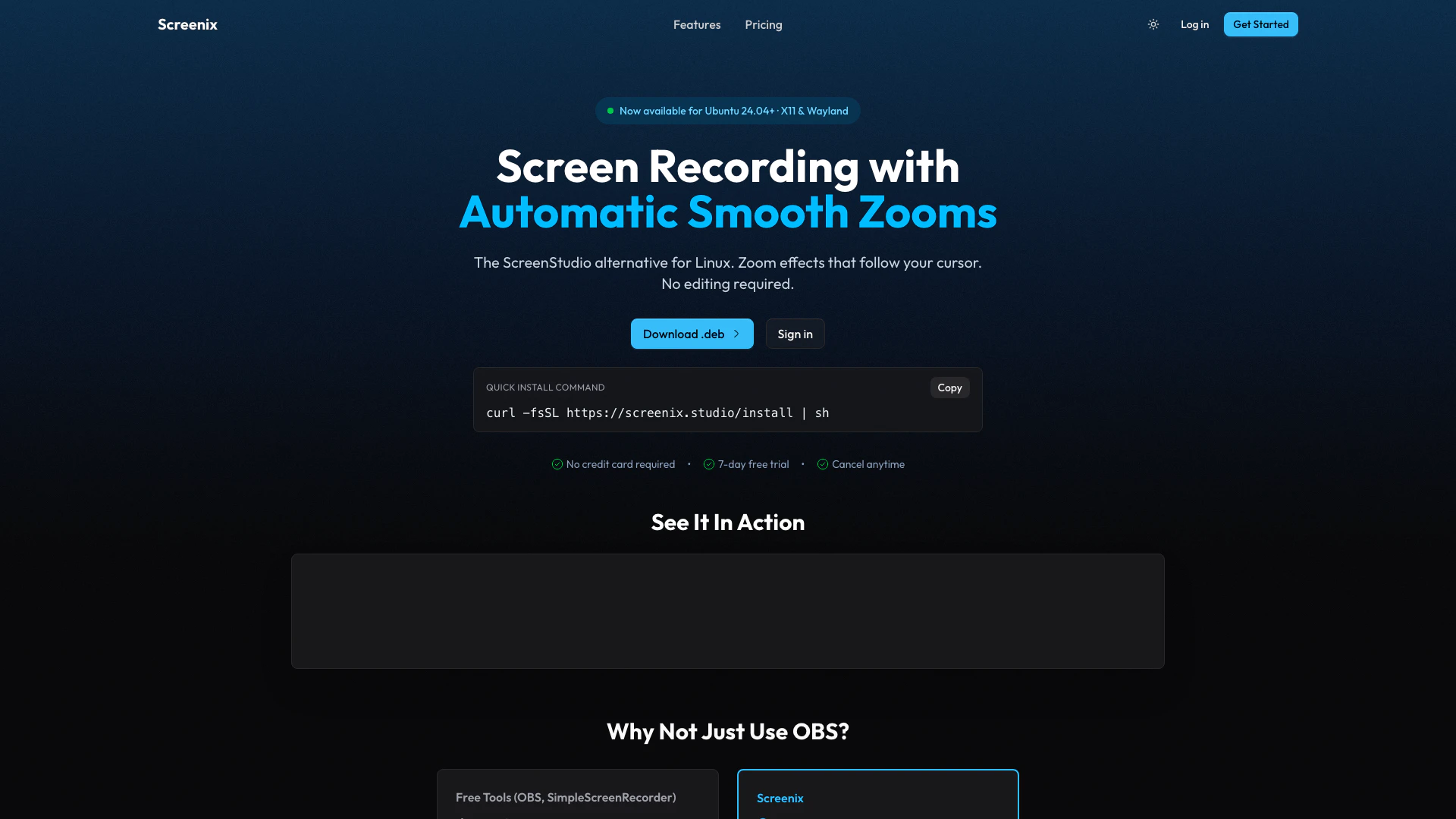
Screenix is a professional screen recording tool designed specifically for Linux users, particularly those utilizing Ubuntu. As an alternative to ScreenStudio, Screenix offers a seamless experience for capturing high-quality screen recordings. It features automatic smooth zoom and pan effects, allowing users to create polished tutorials and demos effortlessly. With just one click, Screenix simplifies the process of producing engaging video content, making it an ideal solution for educators, content creators, and professionals looking to showcase their work.
How to use Screenix?
- Download and install Screenix from the official website.
- Launch the application and select the area of the screen you wish to record.
- Adjust the settings for zoom and pan effects as needed.
- Click the 'Record' button to start capturing your screen.
- Once finished, click 'Stop' to end the recording and save your video.
What are the main features of Screenix?
- Professional screen recording capabilities tailored for Linux.
- Automatic smooth zoom and pan effects for enhanced visual appeal.
- One-click functionality to create polished tutorials and demos.
- User-friendly interface designed for ease of use on Ubuntu.
- High-quality output suitable for various applications.
Who is Screenix for?
Screenix is designed for Linux users, particularly those on Ubuntu, who require a reliable tool for screen recording. It is ideal for educators creating instructional videos, content creators producing engaging tutorials, and professionals needing to demonstrate software or workflows. Anyone looking to enhance their video content with smooth effects will find Screenix a valuable asset.
What are the use cases of Screenix?
- Creating educational tutorials for online courses.
- Demonstrating software features and functionalities in product videos.
- Recording gameplay sessions for streaming or sharing.
- Producing promotional videos showcasing applications or services.
- Capturing presentations or webinars for later distribution.
Screenix Pros and Cons
Pros
- Professional Screen Recording: Screenix offers high-quality screen recording capabilities, making it ideal for creating polished tutorials and demos.
- Automatic Zoom and Pan Effects: The tool features automatic smooth zoom and pan effects, enhancing the visual appeal of recorded content.
- Linux Compatibility: Designed specifically for Ubuntu, Screenix provides a seamless experience for Linux users.
Cons
No cons data detected for this tool
Screenix Pricing
Free Trial
Try everything for 7 days. No credit card required. All features included, 10 recordings, small watermark.
Monthly
Cancel anytime. Unlimited recordings, no watermark, priority support.
Yearly
Billed once a year. Just $2.42 / month. Unlimited recordings, no watermark, priority support.
Lifetime
Pay once, own forever. Best long-term value. Unlimited recordings, no watermark, all future updates, priority support.
For the latest pricing, please visit this link: https://screenix.studio/
Prices are subject to change. Please visit the official website for the most up-to-date pricing information.



