

Screencharm




What is Screen Charm?
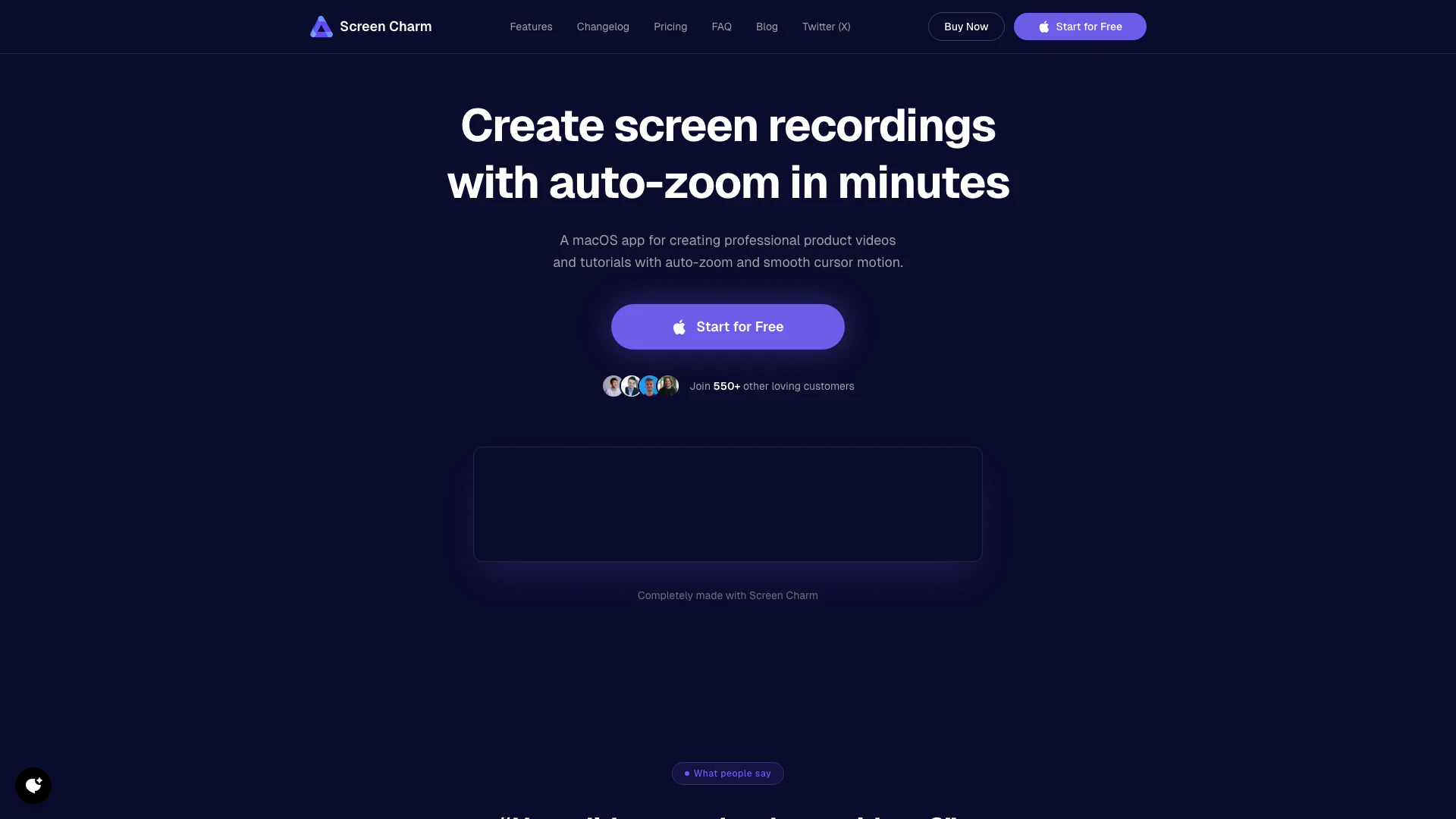
Screen Charm is a powerful macOS application designed for creating high-quality screen recordings. It features smart zoom effects, smooth cursor tracking, and built-in audio and webcam support, making it ideal for producing tutorials, product demos, and presentations. With its user-friendly interface, Screen Charm allows creators to capture their screens effortlessly while enhancing the viewing experience with customizable backgrounds and intuitive editing tools. Whether you are a professional or a hobbyist, Screen Charm empowers you to produce engaging videos that effectively showcase your content.
How to use Screen Charm?
- Record your screen: Launch Screen Charm and choose to record your entire display, a specific window, or a selected area of your screen. You can also enable webcam, microphone, and system audio recording for a comprehensive video experience.
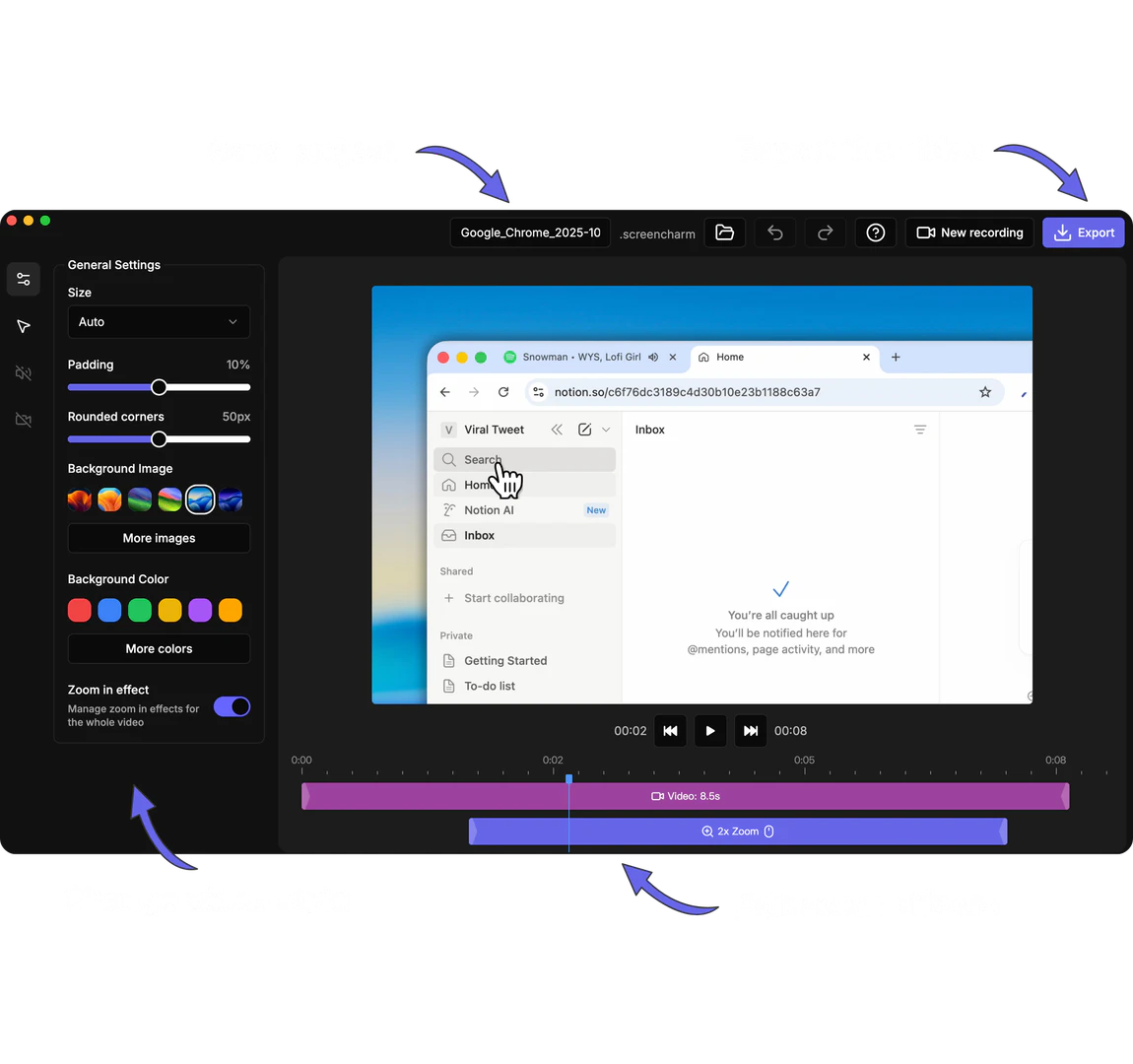
- Edit the video: After recording, utilize the built-in editor to apply automatic zoom effects, customize the zoom levels, adjust cursor size and speed, and select a background that fits your video style.
- Export your video: Once editing is complete, export your final video in MP4 format. You can choose to save it in stunning 4K UHD quality or any lower resolution that suits your needs.
What are the main features of Screen Charm?
- Smart Auto Zoom: Automatically tracks cursor movements and applies zoom effects to enhance interactivity in your videos.
- Customizable Cursor: Adjust the size and speed of the cursor to ensure clear visibility during recordings.
- Camera & Audio Recording: Record webcam footage and system audio alongside your screen capture for a more immersive experience.
- Customizable Background: Select from various backgrounds or use your own color to personalize your videos.
- Built-In Video Editor: Edit your videos directly within the app, allowing you to trim clips, adjust playback speed, and manage zoom effects without needing external software.
Who is Screen Charm for?
Screen Charm is designed for anyone who needs to create professional-quality screen recordings on macOS. This includes educators looking to produce engaging tutorials, marketers needing to showcase products, and content creators who want to share software demonstrations. Its intuitive features cater to both beginners and experienced users, making it a versatile tool for a wide range of applications in various industries.
What are the use cases of Screen Charm?
- Creating Online Courses: Educators can use Screen Charm to record lessons and tutorials, enhancing their teaching materials with interactive elements.
- Product Demonstrations: Marketers can produce high-quality videos that showcase product features and benefits, helping to attract potential customers.
- Software Reviews: Content creators can capture their screen while providing commentary on software applications, making it easier for viewers to understand functionality and usability.
Product Images
Screencharm Pros and Cons
Pros
- High-Quality Screen Recording: Screencharm allows users to record high-quality screen videos in stunning 4K UHD quality, making it ideal for professional tutorials and presentations.
- Smart Auto Zoom Feature: The smart auto zoom feature tracks cursor actions and applies zoom effects automatically, enhancing viewer engagement during recordings.
- Built-In Video Editing Tools: Screencharm includes a built-in video editor that allows users to trim clips, adjust playback speed, and manage zoom effects without needing external software.
Cons
No cons data detected for this tool
Screencharm Pricing
Lifetime Access
One-time purchase. Lifetime access. No subscriptions. Unlimited 4K exports. Free lifetime updates. All features included. Use on up to 3 devices. 14-Day Money-Back Guarantee.
For the latest pricing, please visit this link: https://www.screencharm.com/#pricing-1
Prices are subject to change. Please visit the official website for the most up-to-date pricing information.
Analytics of Screencharm
Screencharm Website Traffic Analysis
Visits Over Time
Traffic Sources
Nov 2025 - Jan 2026 Worldwide Desktop Only
- Direct: 37.75%
- Search: 29.71%
- Social: 25.83%
- Referrals: 5.47%
- Paid Referrals: 0.98%
- Mail: 0.10%
Top Keywords
| Keyword | Volume | CPC | Estimated Value |
|---|---|---|---|
| mac change mouse graphic | 0 | $0.00 | $220.00 |
| how to zoom into videos to see detial osx | 0 | $0.00 | $180.00 |
| screencharm | 1.04K | $0.00 | $720.00 |
| screen charm | 550 | $0.00 | $360.00 |
| mac screen recording (shift cmd 5) not capturing audio | 120 | $0.00 | $110.00 |
Screencharm Reviews
Happy to be the first customer! Love supporting fellow makers 🦾🧑💻
Congratulations from the happy user. I also think that the market is huge for this app and still plenty of improvements could be made. Great app.
happy for you dude! i'm using @ScreenCharm on a daily basis!
For more reviews, visit this link: https://screencharm.com/#happy-users



Screencharm Social Listening
I tried every screen recorder ...
Cleanshot — https://cleanshot....
Screen Studio Review - Best Sc...
🌟Get Screen Studio Today: htt...
Transform Screen Recordings wi...
Check this deal out: https://s...
Unlock to view 21 social media results.