Scanlist
What is Scanlist?
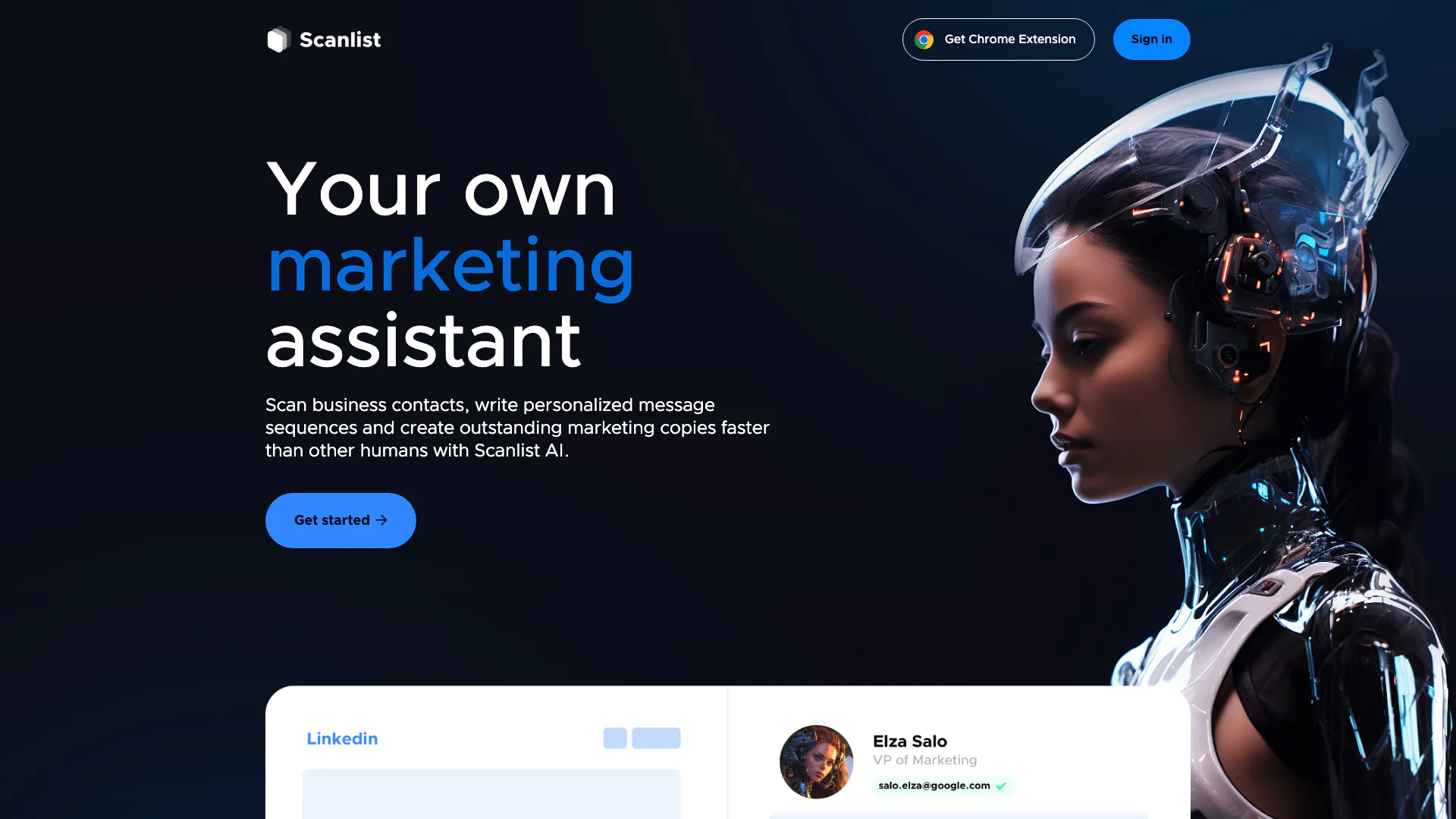
Scanlist is an innovative AI-powered marketing assistant designed to streamline the process of scraping business contacts, crafting personalized message sequences, and generating high-quality marketing copies. This tool enables users to perform these tasks faster and more efficiently than traditional methods, making it an essential asset for sales, marketing, and recruiting teams. With Scanlist, users can access real-time data, ensuring that they work with up-to-date and verified information, thereby enhancing their outreach and engagement efforts.
How to use Scanlist?
- Sign up for an account on the Scanlist website or log in if you already have one.
- Utilize the Chrome extension to scrape business contacts directly from LinkedIn or other platforms.
- Use the AI Assistant to generate personalized message sequences or marketing copies by selecting the type of content you need.
- Verify email addresses and check the deliverability of your cold email templates using the Email Analyzer.
- Export your leads and marketing content for use in your campaigns.
What are the main features of Scanlist?
- Real-time data access to ensure up-to-date contact information.
- Ability to scrape leads from LinkedIn Sales Navigator and other platforms.
- Enrichment of extracted lists with verified business and personal emails, achieving a 97% accuracy rate.
- Creation of over 70 types of marketing copies, including cold emails, social media ads, and landing page CTAs.
- Automated generation of personalized messages at scale, tailored for various outreach scenarios.
Who is Scanlist for?
Scanlist is designed for a diverse range of users, including sales teams looking to optimize their lead generation efforts, marketing teams aiming to produce high-quality content efficiently, and recruiting teams focused on building robust talent pipelines. Its capabilities make it suitable for businesses of all sizes that require effective communication strategies and accurate contact data to enhance their outreach.
What are the use cases of Scanlist?
- Sales teams can utilize Scanlist to quickly gather and verify leads from LinkedIn, allowing them to focus on closing deals rather than manual data collection.
- Marketing teams can generate compelling blog articles, ad texts, and social media content, saving time and costs associated with traditional copywriting.
- Recruiting teams can automate their outreach efforts, ensuring they have accurate candidate information and can engage potential hires more effectively.
Scanlist Pros and Cons
Pros
- Real-time Data Access: Provides access to high-quality data that is refreshed regularly, ensuring users have up-to-date information.
- Email Verification: Emails are automatically verified with a 97% accuracy rate, enhancing the reliability of contact information.
- Variety of Marketing Copy Types: Users can create high-quality marketing copies across 70+ types, including articles and ad texts.
- Cost-Effectiveness: Offers different pricing tiers which provide various levels of credits for scanning and writing, catering to different budget sizes.
Cons
- Limited Use without LinkedIn Sales Navigator: While Scanlist can be used with a regular LinkedIn account, search capabilities are limited, which could restrict its effectiveness.
- Pricing Structure Complexity: The pricing structure may be perceived as complex, as it varies based on credits used for different functionalities.