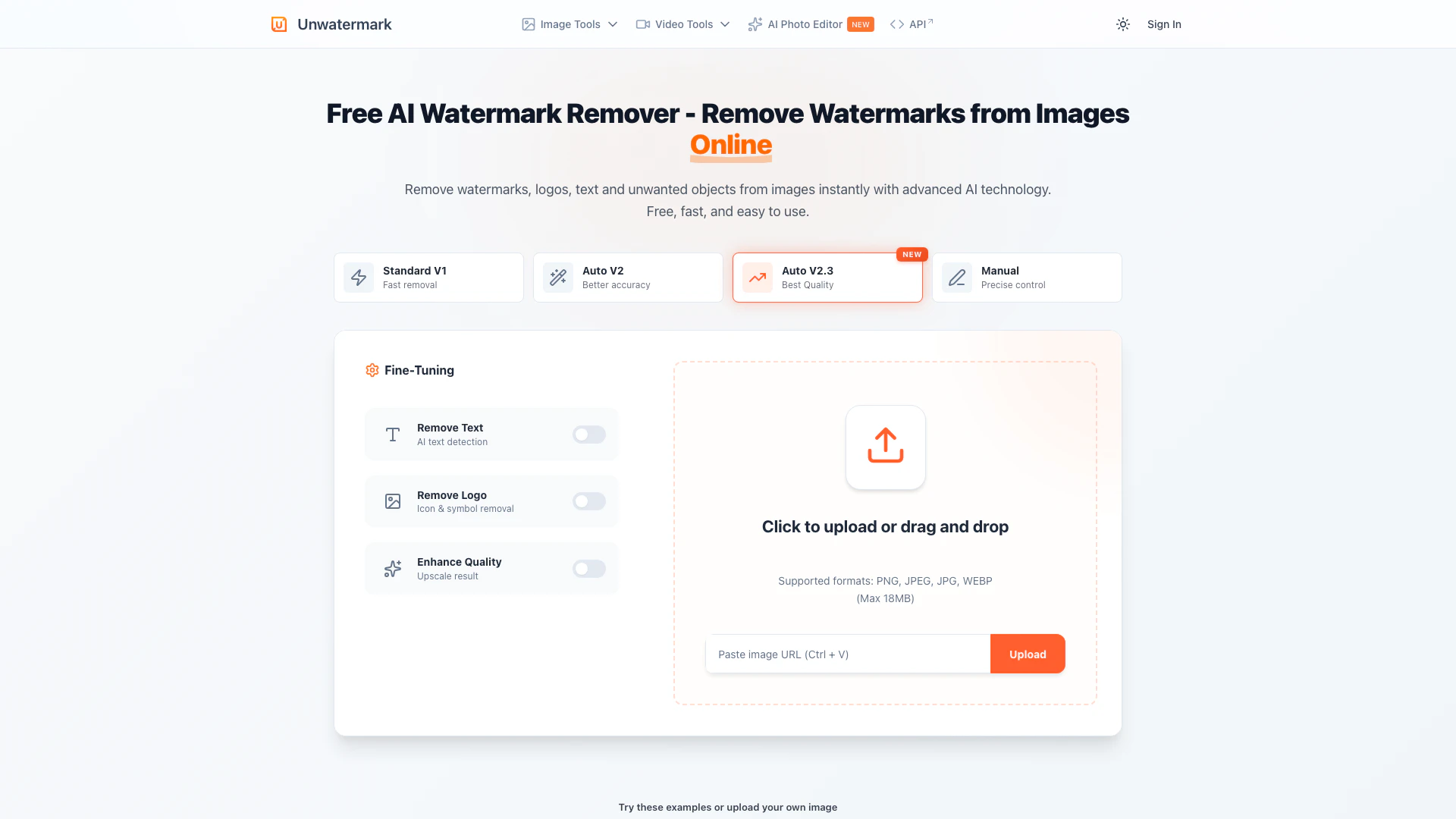
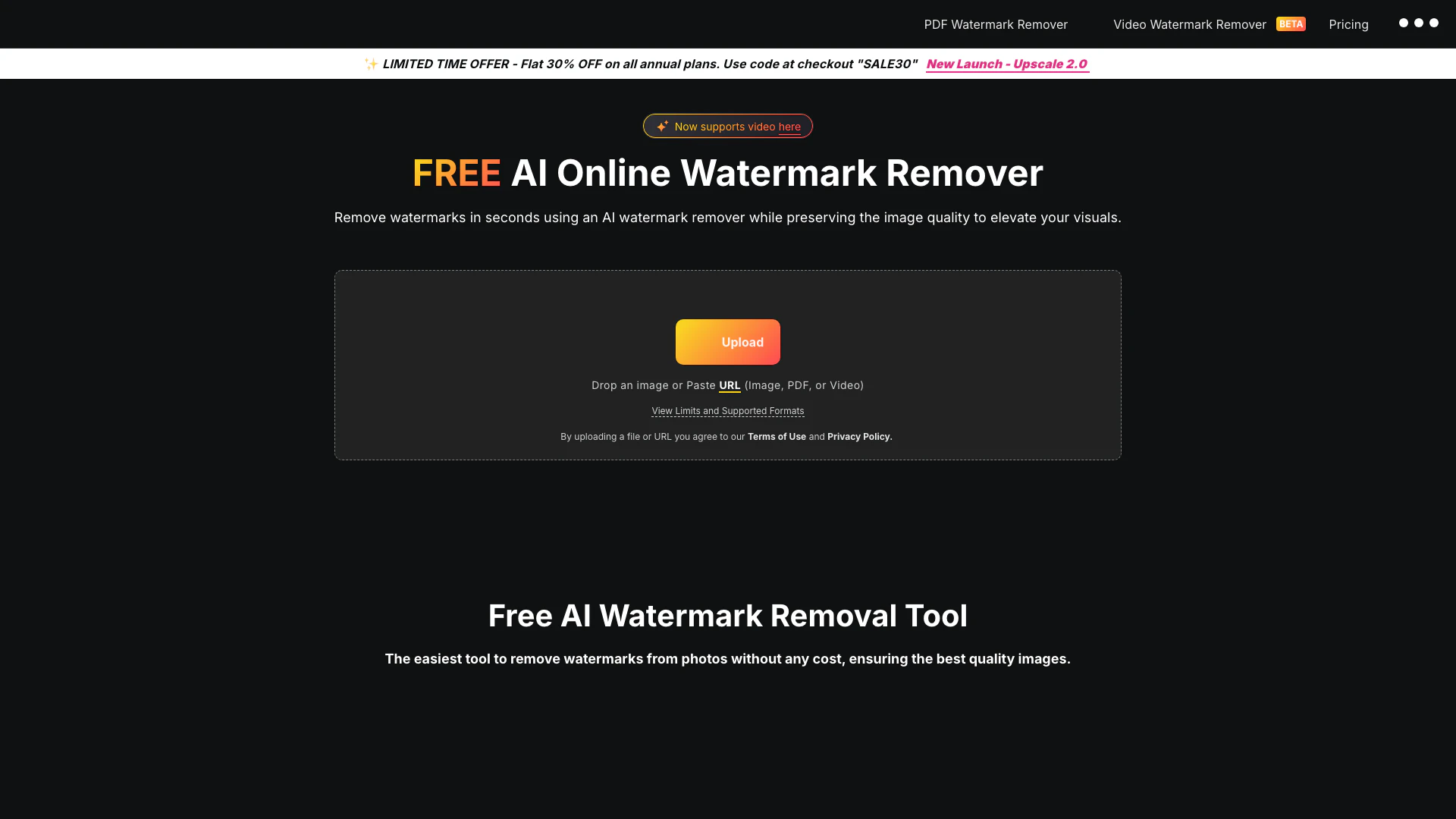
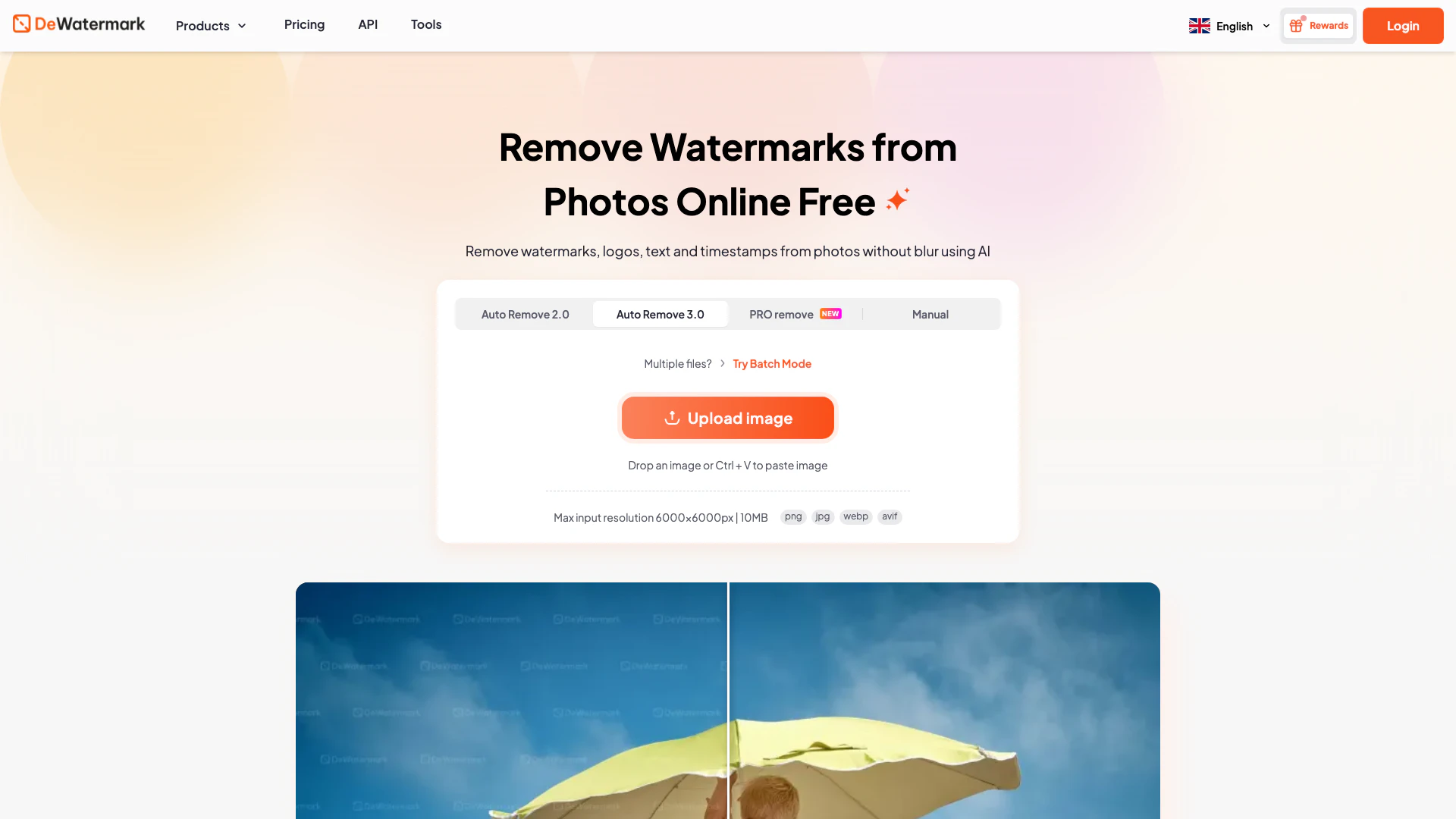
Removewatermarks





What is Removewatermarks?
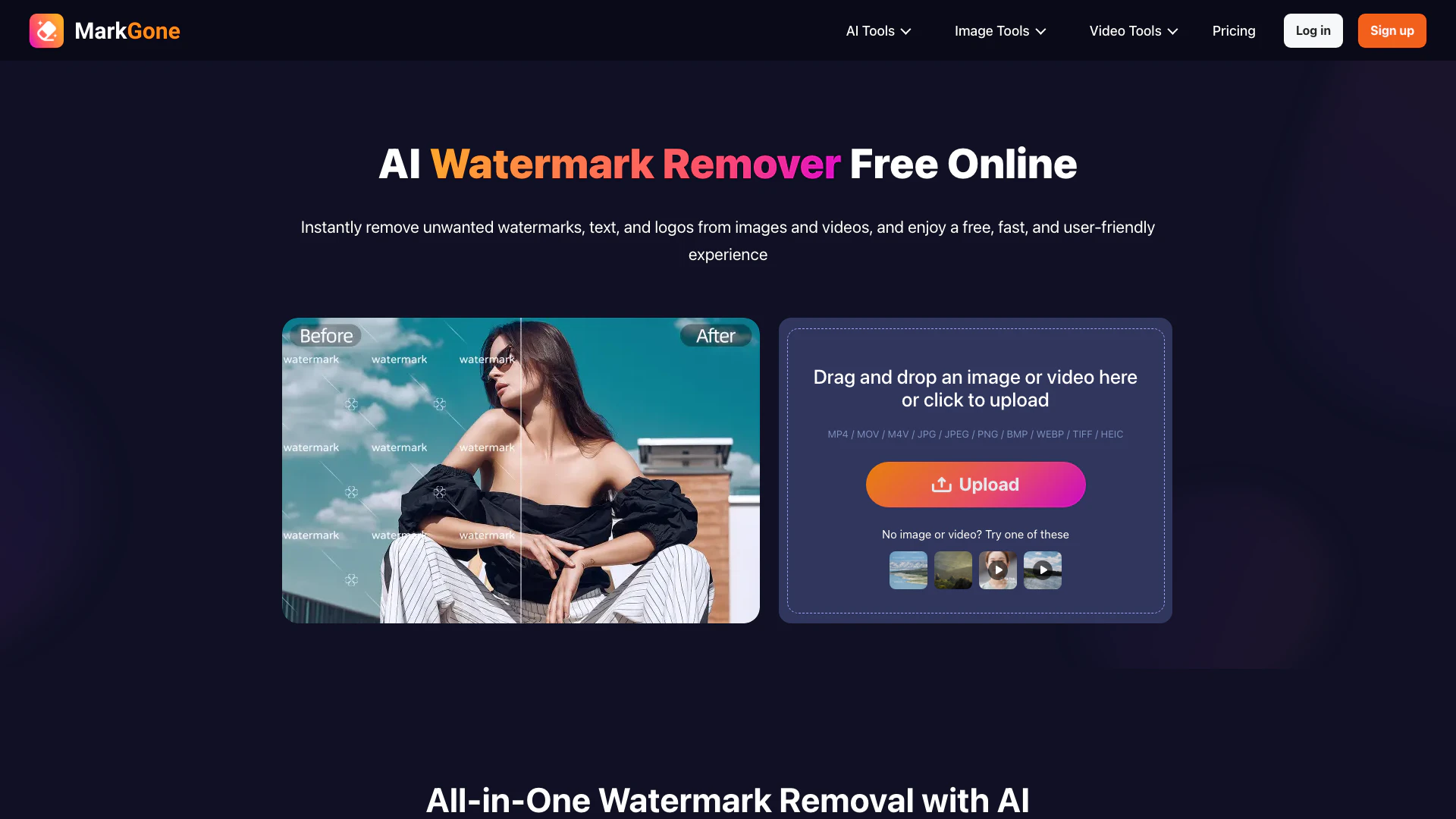
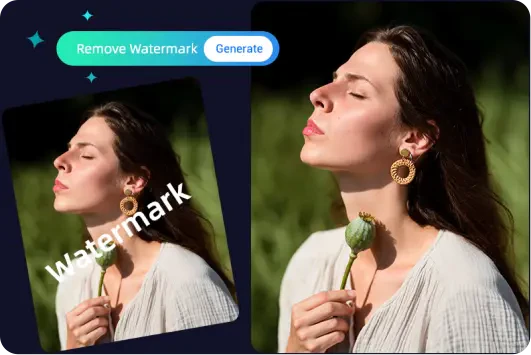
Removewatermarks is an advanced online tool designed to remove watermarks from photos and videos with pixel-perfect[2] precision. Utilizing cutting-edge AI technology[3], this tool allows users to effortlessly clean their content in just one click, ensuring that the original quality[5] of images and videos is preserved. Whether you need to eliminate watermarks from personal images, restore old photographs, or prepare professional visuals, Removewatermarks provides a fast, user-friendly solution for all your watermark removal[1] needs.
How to use Removewatermarks?
- Visit the Removewatermarks website and select the type of content you wish to clean (image or video).
- Upload your file by dragging and dropping it into the designated area or by clicking to browse your device.
- Click on the 'Remove' button and let the AI process your content to eliminate the watermark automatically.
- Once the process is complete, download the cleaned image or video, now free from any unwanted watermarks.
What are the main features of Removewatermarks?
- Pixel-Perfect Watermark Removal: Effortlessly remove watermarks from both images and videos without compromising quality.
- One-Click Processing[4]: Simplifies the removal process, eliminating the need for manual edits, cropping, or masking.
- Preservation of Original Quality: Maintains the natural colors, edges, and details of the original content, ensuring a seamless finish.
- Data Security: Guarantees that all uploaded files are processed with strict security measures to protect user information.
Who is Removewatermarks for?
Removewatermarks is ideal for content creators, photographers, videographers, social media managers, and anyone who frequently uses images and videos for personal or professional purposes. It is particularly useful for individuals looking to enhance their visual content by removing distracting watermarks, logos, or text, thereby ensuring a polished and professional presentation.
What are the use cases of Removewatermarks?
- Social Media Content: Clean up images and videos for a cohesive and professional social media feed.
- Restoring Old Photos: Remove watermarks from scanned images to restore and preserve family memories.
- Creating Marketing Materials: Prepare visuals for advertisements and promotional content by eliminating unwanted branding.
Product Images


Removewatermarks Pros and Cons
Pros
- Pixel-Perfect Watermark Removal: The tool offers pixel-perfect precision for removing watermarks from photos, ensuring high-quality results.
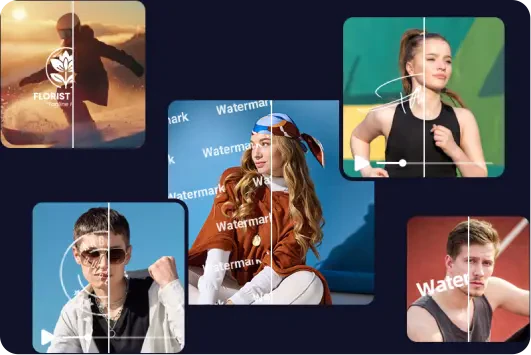
- Efficient Video Watermark Removal: Removes watermarks from videos without affecting quality, maintaining visual clarity and detail.
- User-Friendly Experience: The one-click processing feature allows users to remove watermarks easily without manual edits, making it accessible for everyone.
Cons
No cons data detected for this tool
Removewatermarks Pricing
Free Plan
Get a limited number of free uses each day to remove watermarks from images and videos.
PRO Plan
Subscription plan that provides credits valid during the subscription period for high-quality image and video generation.
Pay-as-you-go Plan
Credits that never expire, allowing users to pay for only what they use.
For the latest pricing, please visit this link: https://www.removewatermarks.com/pricing
Prices are subject to change. Please visit the official website for the most up-to-date pricing information.
Analytics of Removewatermarks
Removewatermarks Website Traffic Analysis
Visits Over Time
Traffic Sources
Dec 2025 - Jan 2026 Worldwide Desktop Only
- Direct: 90.45%
- Search: 4.79%
- Referrals: 4.42%
- Social: 0.25%
- Paid Referrals: 0.05%
- Mail: 0.01%
Top Keywords
| Keyword | Volume | CPC | Estimated Value |
|---|---|---|---|
| watermark remover | 665.71K | $0.28 | $0.00 |
| remoe wtaermark from a picture | 340 | $0.00 | $10.00 |
| removewatermarks | 160 | $0.00 | $130.00 |
| remove watermark .com | 160 | $0.00 | $100.00 |
| removewatermarks.com | 70 | $0.00 | $70.00 |
Removewatermarks Reviews
This AI Watermark Remover makes my content look polished. I can clean images and videos before posting, which keeps our brand feed professional.
For more reviews, visit this link: https://www.removewatermarks.com/#reviews