Gpt-watermark-remover





What is Gpt-watermark-remover?
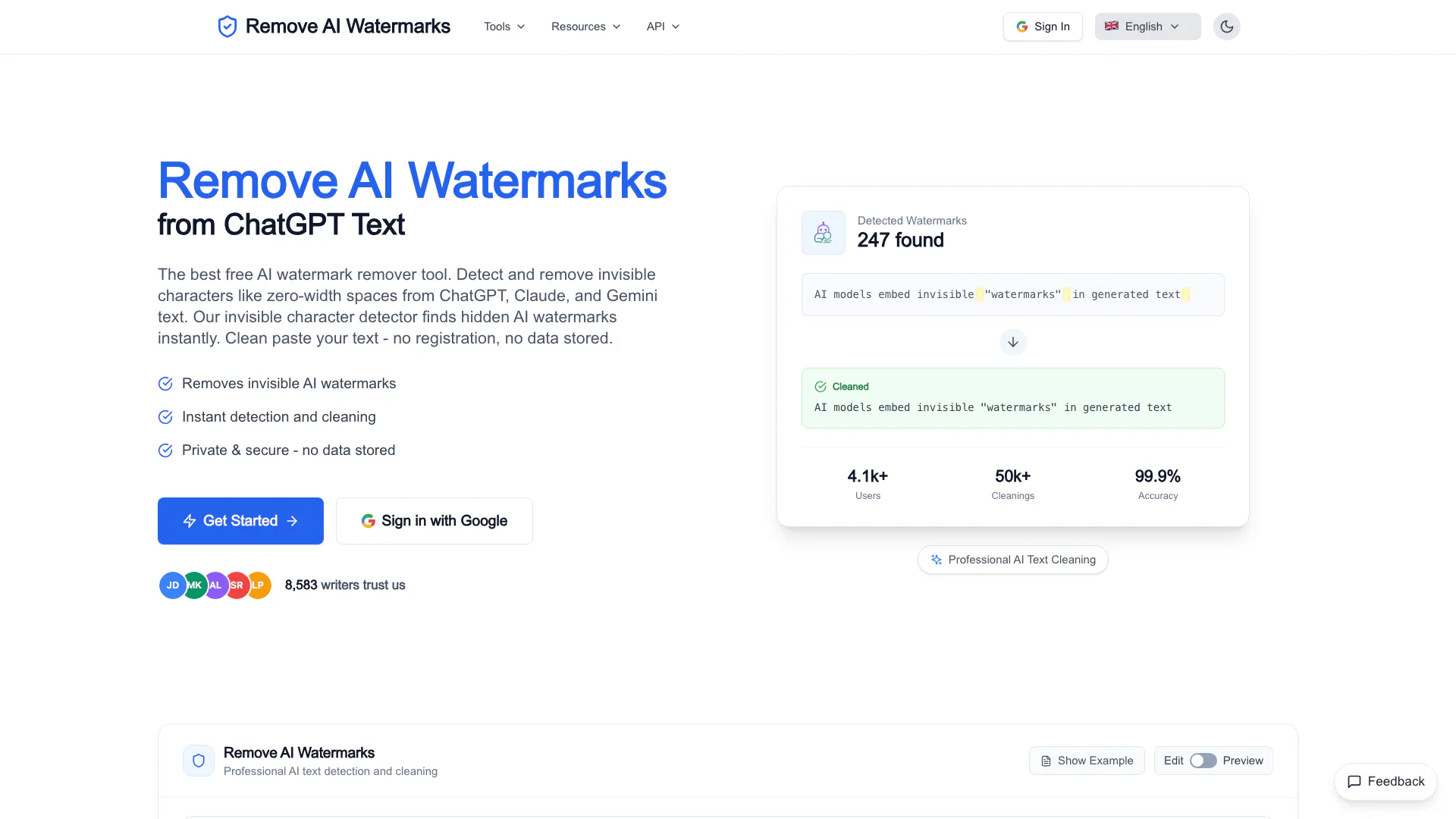
Gpt-watermark-remover is a free AI watermark removal tool designed to detect and eliminate invisible characters embedded in text generated by AI models such as ChatGPT, Claude, and Gemini. This innovative tool specializes in removing zero-width spaces and other hidden markers that can compromise the integrity and readability of AI-generated content. With a focus on privacy, Gpt-watermark-remover ensures that no data is stored or logged during the process, providing users with a secure and efficient solution for cleaning their text.
How to use Gpt-watermark-remover?
- Visit the Gpt-watermark-remover website at https://gpt-watermark-remover.com/.
- Copy the text you want to clean from ChatGPT, Claude, or Gemini.
- Paste the copied text into the provided text box on the website.
- Click on the 'Remove Watermarks' button to initiate the cleaning process.
- Review the cleaned text, which will be free from invisible characters, and copy it for your use.
What are the main features of Gpt-watermark-remover?
- Invisible Character Detection: Quickly identifies hidden characters like zero-width spaces that may be present in AI-generated text.
- Instant Cleaning: Removes detected watermarks with a single click, ensuring your text is clean and ready for use.
- Privacy Focused: All processing occurs locally in your browser, meaning no data is stored or transmitted, ensuring complete user privacy.
- Document Cleaning: Supports the cleaning of Word (.docx) and Apple Pages (.pages) documents while preserving formatting.
- User-Friendly Interface: Simple and intuitive design that allows users to clean text easily without any registration or setup.
Who is Gpt-watermark-remover for?
Gpt-watermark-remover is ideal for individuals and professionals who frequently use AI-generated content, such as students, writers, researchers, and content creators. It caters to users who wish to ensure their text is free from AI watermarks that may hinder readability or trigger detection by AI detection tools. Additionally, educators and academic professionals can benefit from this tool to help students understand the importance of clean text in academic submissions.
What are the use cases of Gpt-watermark-remover?
- Academic Writing: Students can use the tool to clean AI-generated essays and reports to avoid detection by plagiarism software.
- Content Creation: Bloggers and marketers can ensure their AI-generated articles are free from watermarks, enhancing the quality of their published content.
- Professional Documentation: Businesses can utilize the tool to clean internal documents created using AI, ensuring clear communication without hidden markers.
Product Images



Gpt-watermark-remover Pros and Cons
Pros
- Effective Watermark Removal: The tool effectively detects and removes invisible AI watermarks such as zero-width spaces from text generated by models like ChatGPT, Claude, and Gemini.
- Privacy and Security: All processing is done locally in the user's browser, ensuring that no data is stored or transmitted, which guarantees user privacy.
- User-Friendly Interface: The tool offers a clean and straightforward interface that allows users to easily paste text and remove watermarks without any registration.
Cons
No cons data detected for this tool